

What Is Smart Digital Signage? How Intelligent Screens Use Data, Software And Automation
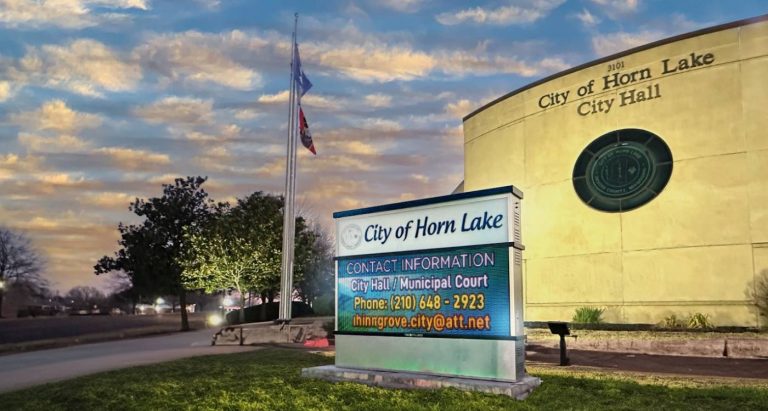

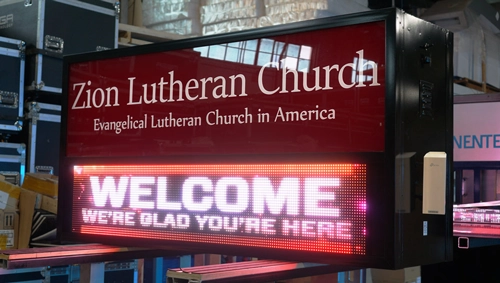
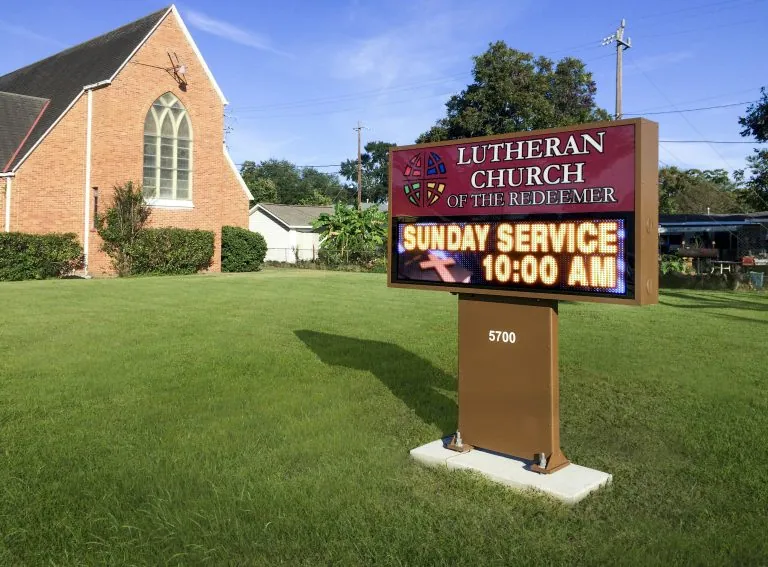
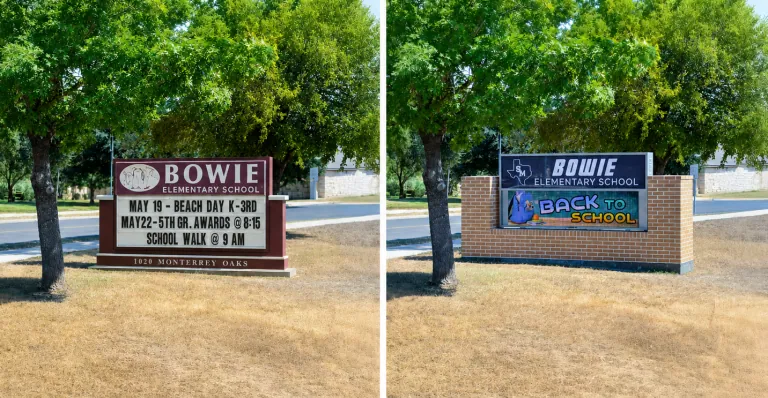
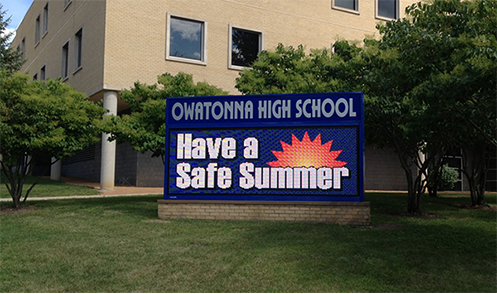
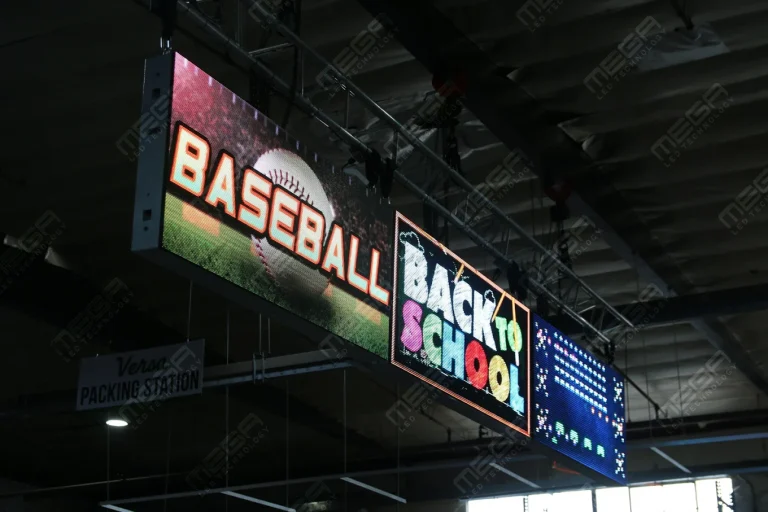
Alpha LED sign boards are great for anything from churches, to schools, to business. They tend to do great in large open spaces, where they are clearly visible.

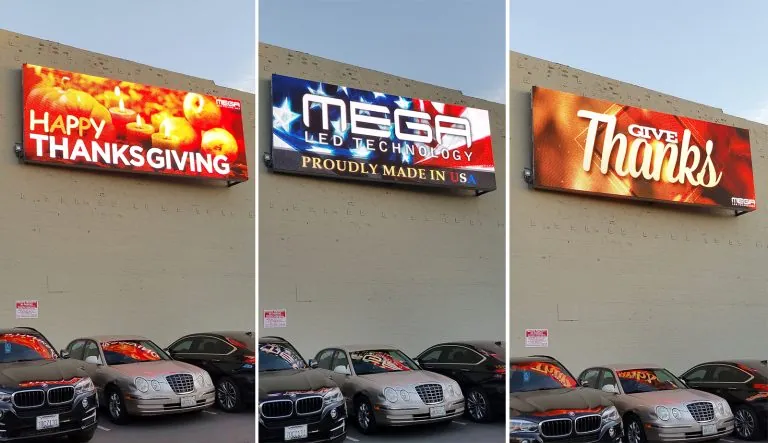
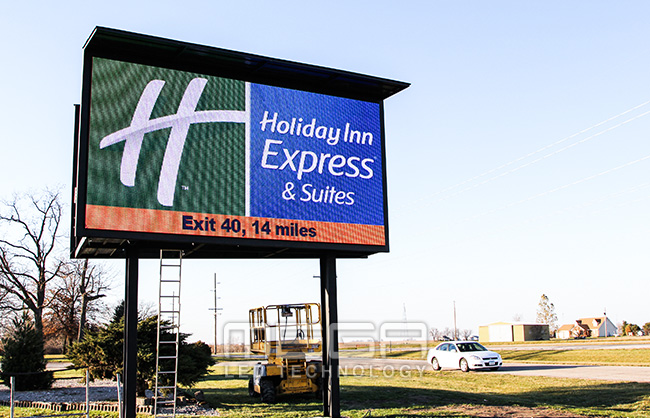
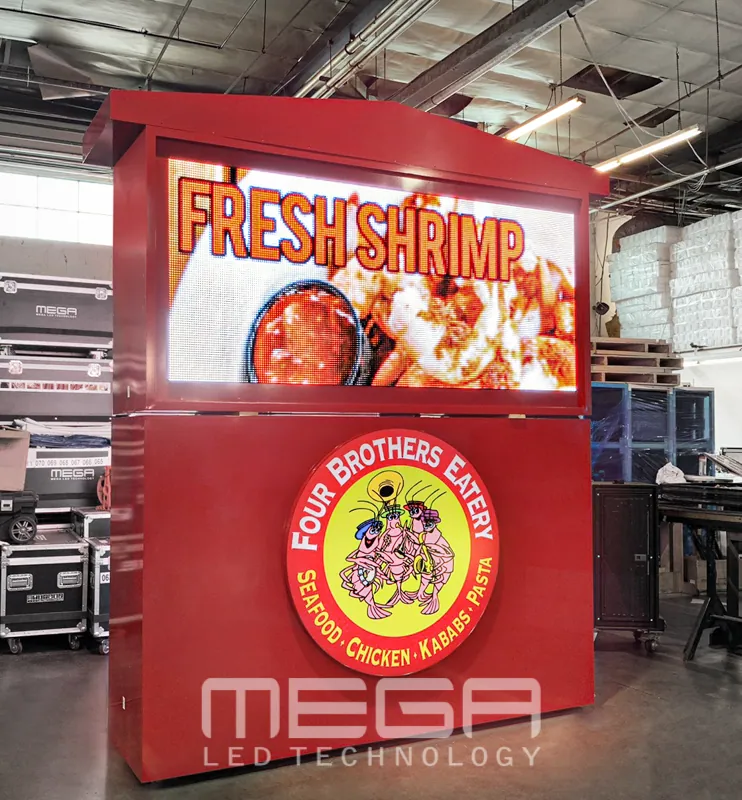
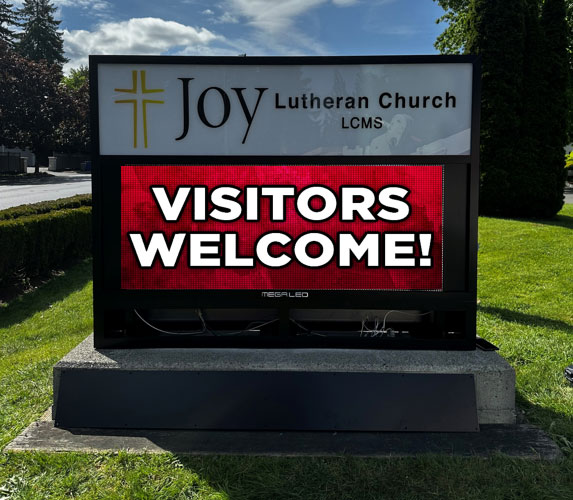
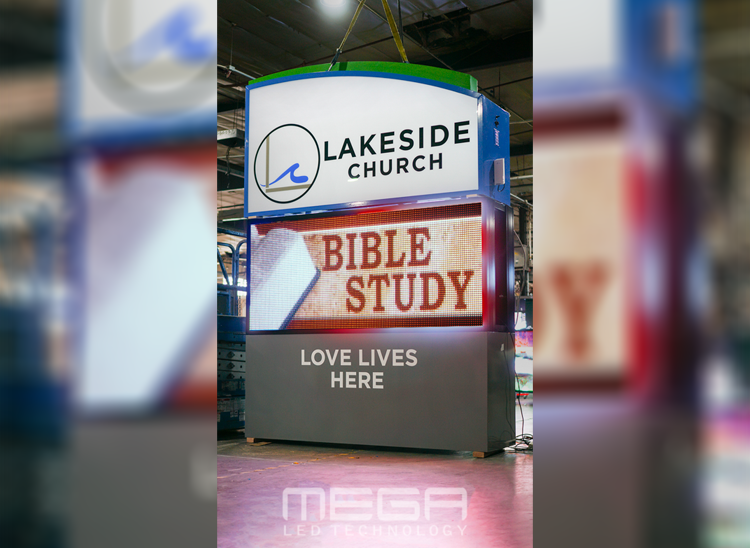
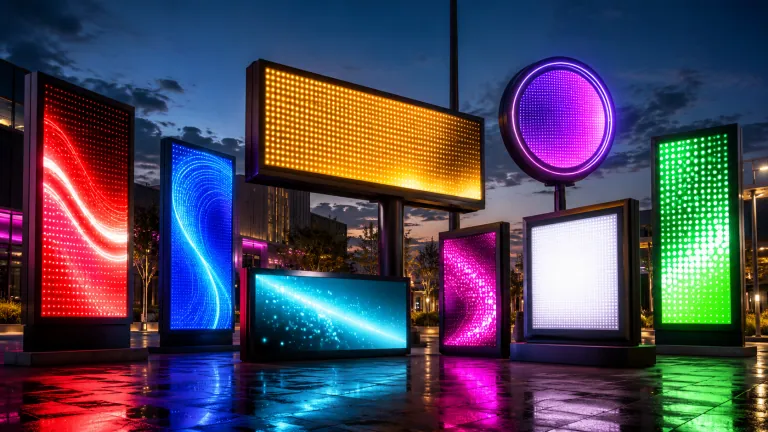
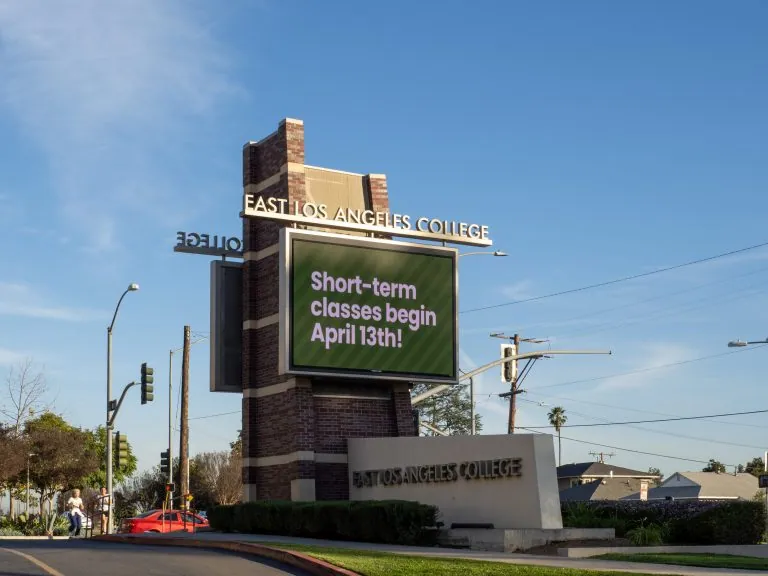
Omega is our newest line of outdoor digital signs. Running the full gambit from cabinet, to LED sign, to logo on top, or any configuration of your choice!

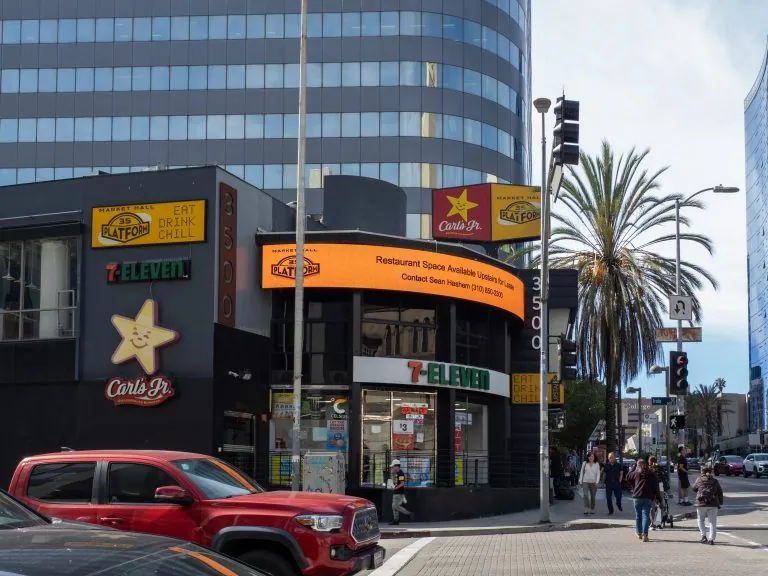
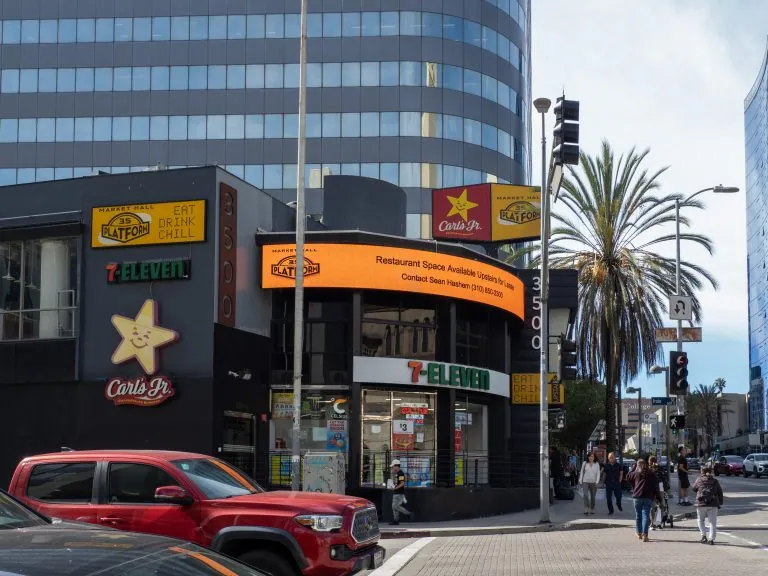
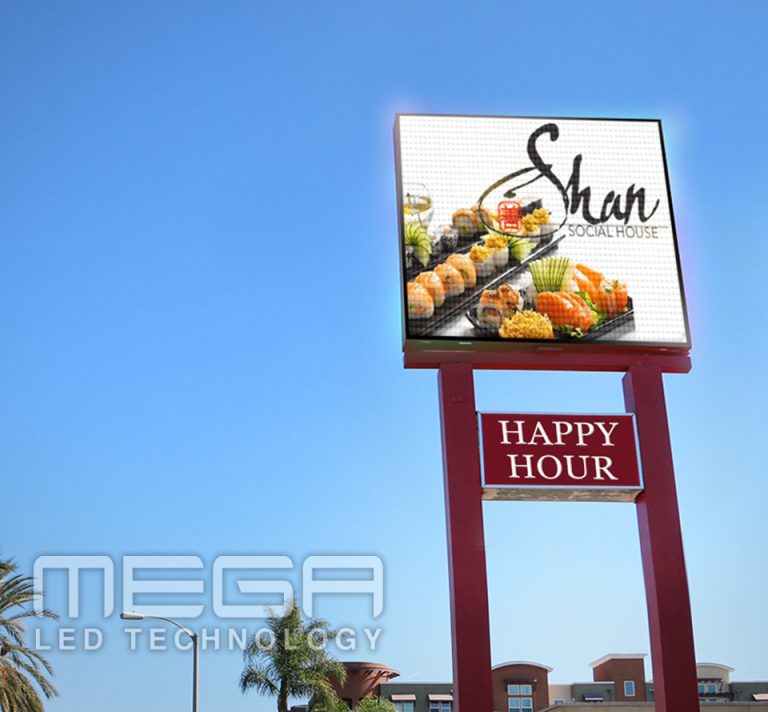
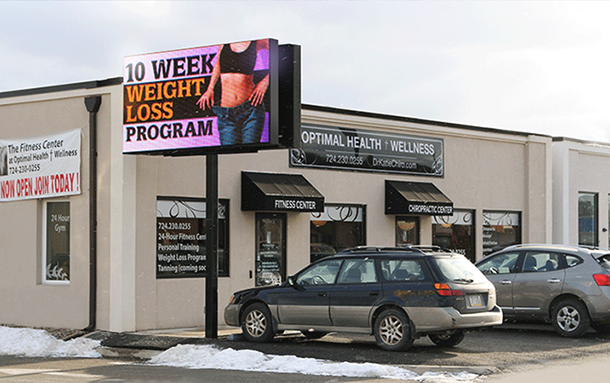
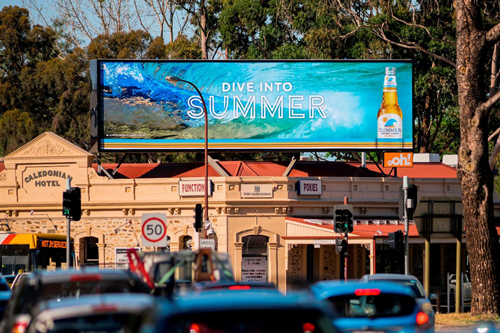
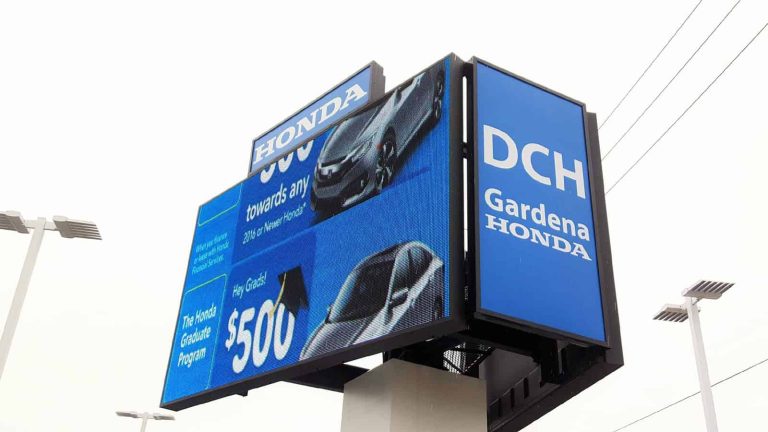
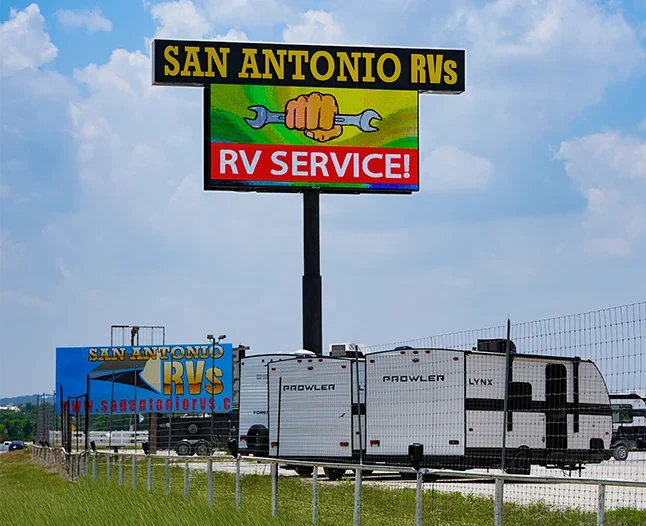
Premier is a customizable Outdoor LED sign, perfect for the Entrepreneur who knows that large custom sized signs cultivated for their specific business is the way to go.

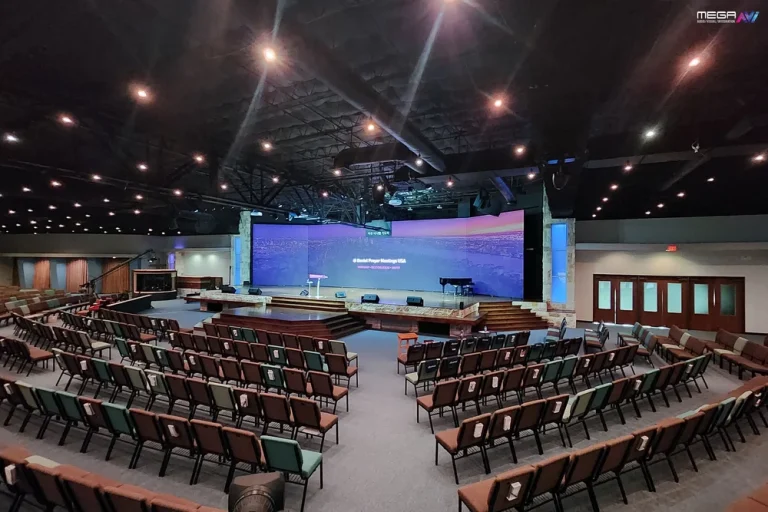
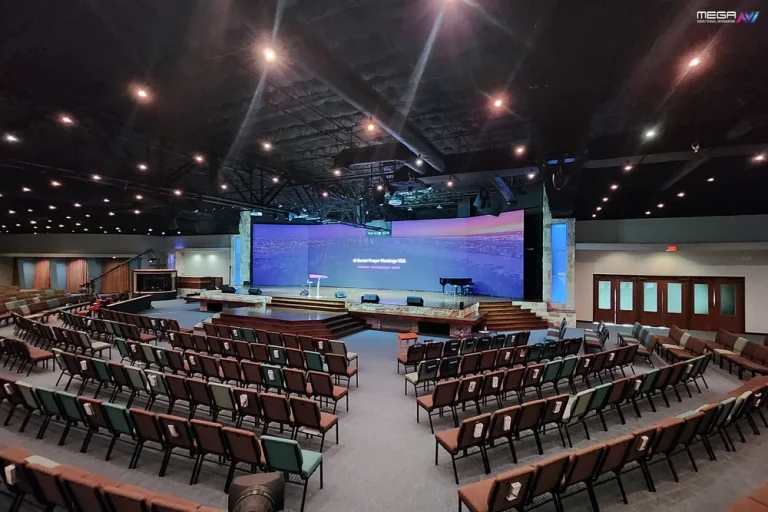
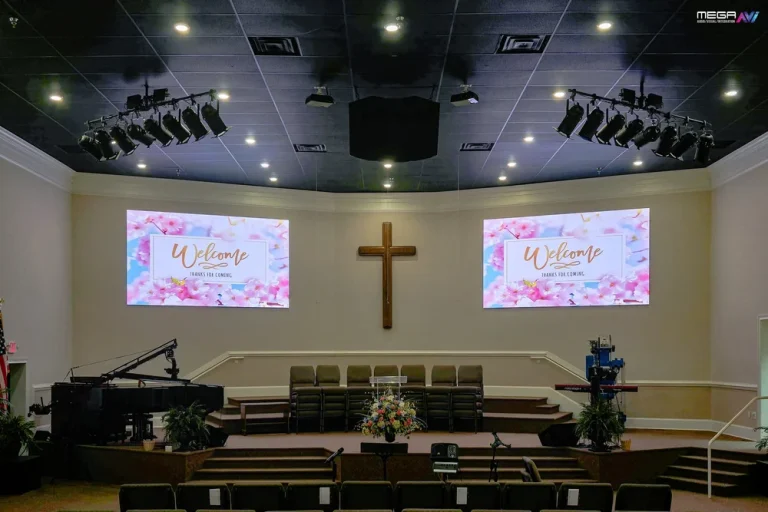
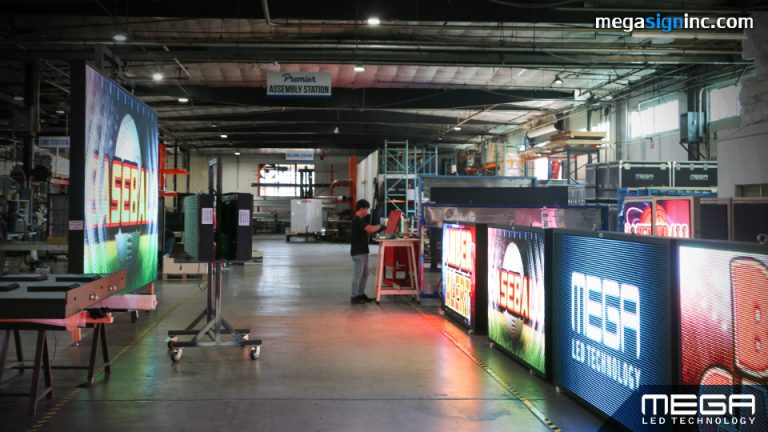
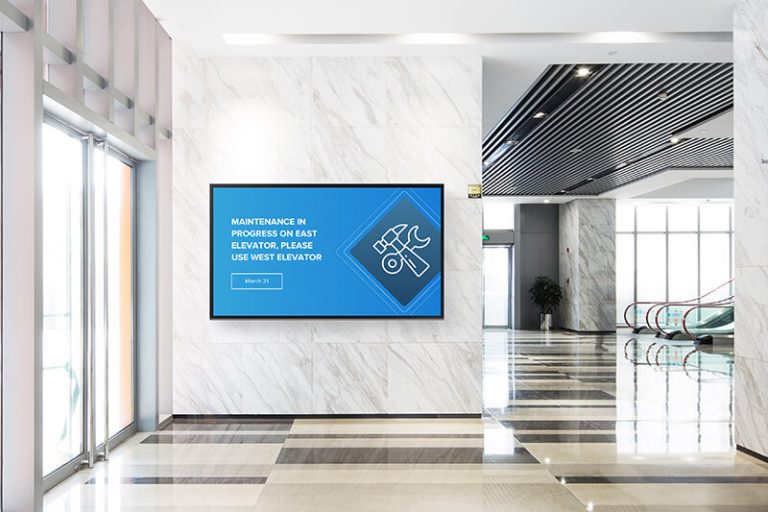
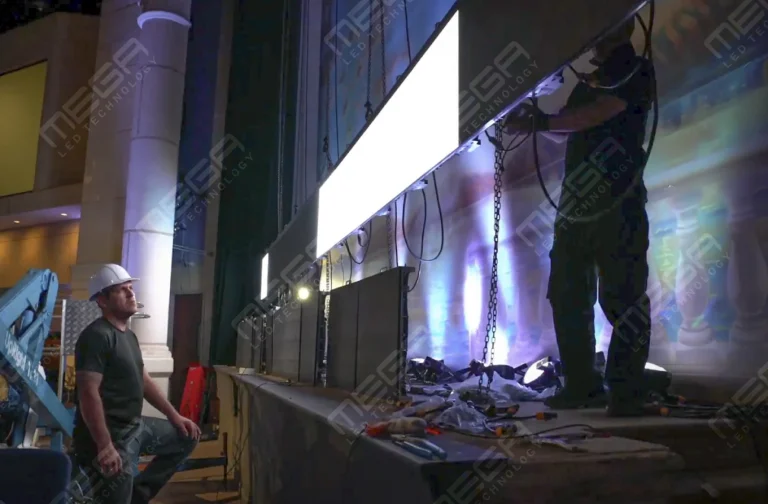
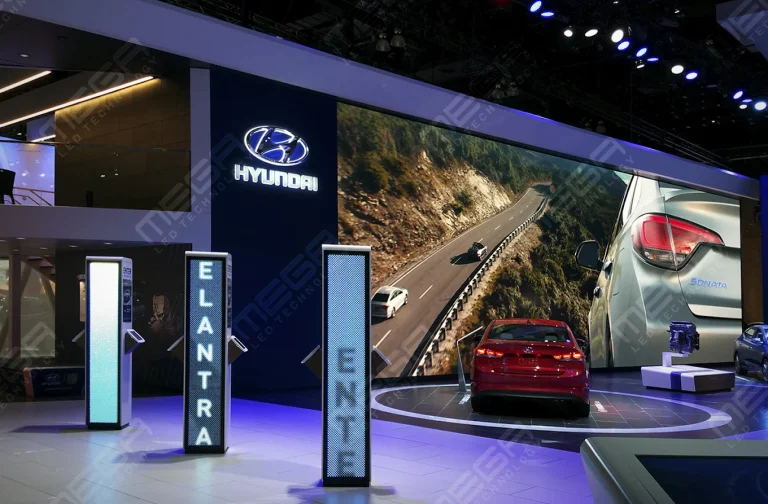
Programmable Stage LED signs, great for indoor assemblies, congregations, and presentations! Blow your competitors out of the water, or keep your congregation and audience glued to your message.

Alpha LED sign boards are great for anything from churches, to schools, to business. They tend to do great in large open spaces, where they are clearly visible.
Omega is our newest line of outdoor digital signs. Running the full gambit from cabinet, to LED sign, to logo on top, or any configuration of your choice!
Premier is a customizable Outdoor LED sign, perfect for the Entrepreneur who knows that large custom sized signs cultivated for their specific business is the way to go.
Programmable Stage LED signs, great for indoor assemblies, congregations, and presentations! Blow your competitors out of the water, or keep your congregation and audience glued to your message.
Alpha LED sign boards are great for anything from churches, to schools, to business. They tend to do great in large open spaces, where they are clearly visible.
Omega is our newest line of outdoor digital signs. Running the full gambit from cabinet, to LED sign, to logo on top, or any configuration of your choice!
Premier is a customizable Outdoor LED sign, perfect for the Entrepreneur who knows that large custom sized signs cultivated for their specific business is the way to go.
Programmable Stage LED signs, great for indoor assemblies, congregations, and presentations! Blow your competitors out of the water, or keep your congregation and audience glued to your message.
You have seen digital signage everywhere and still cannot picture what sits behind the screen. That gap makes quotes impossible to compare and easy to overpay on. Here is the whole chain, from your laptop to the pixels people read.

.
Digital signage works by sending a file from a computer to a screen over a network, then telling that screen when to show it.
That local copy is the part people miss. Many signage players cache downloaded media locally, allowing your screen to keep playing supported content during an internet outage.
Put simply, digital signage is any electronic display showing information you can change without touching the sign.
A printed banner is finished the day it ships. Swap in a digital screen and a new message goes up ten minutes later at no reprint cost. It can carry images, video, menu boards, dashboards, alerts and live data feeds.
Grand View Research’s digital signage market report puts the global market at USD 31.1 billion in 2025, heading toward USD 58.4 billion by 2033. Growth is concentrated in ordinary places: retail, restaurants, offices, schools, churches and clinics.

Every digital signage system needs five things: a display, something to play the content, software to manage it, a network connection, and content.
Everything else is optional. Touch technology, sensors and device-management tools are add-ons worth paying for when the screen does more than broadcast.
Which one you need comes down to four questions: where the screen lives, its daily hours, how complex the content is, and what the weather and light do to it.
Tell us where the display goes, how far away people stand, and what you need it to say. We come back with a free quote and a design preview.
The display type follows the room and the light in it.
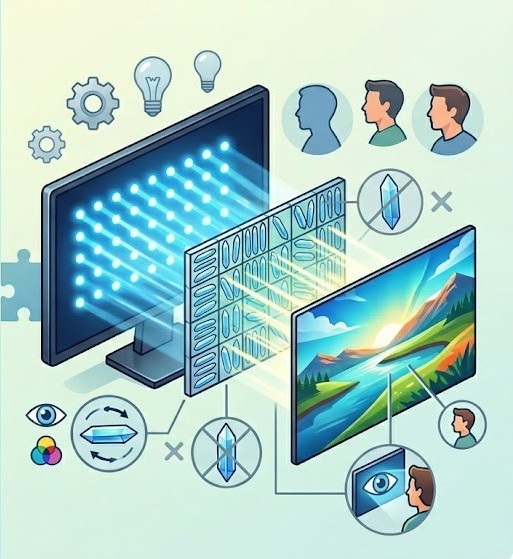
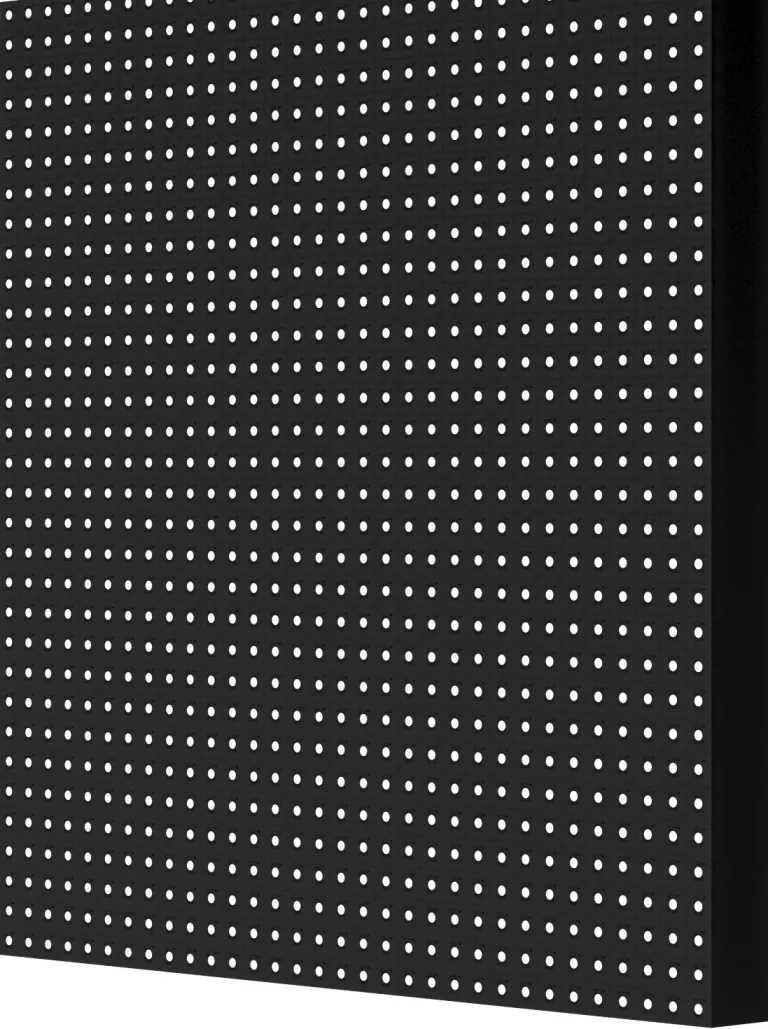
An “LED TV” is an LCD panel lit from behind by LEDs. An LED sign is a matrix of modules that make their own light, with no backlight or glass in front.
That is why LED handles full sun and thirty-foot walls, while LCD suits indoor viewing. Touchscreens are LCDs with a touch layer, so they share its limits.
Hours are the other split. ENERGY STAR’s signage displays guidance puts consumer panels near 50,000 hours against up to 100,000 hours for commercial units rated for around-the-clock duty. Outdoor adds a sealed enclosure and brightness that beats sunlight.
We cover that whole range, from indoor video walls for lobbies to Premier outdoor LED signs for the roadside, at competitive prices because we are a veteran-owned USA manufacturer selling directly.
| Selection factor | Consumer TV | Commercial LCD display | Direct-view LED sign |
|---|---|---|---|
| Rated daily runtime | Evening viewing | Up to 24 hours | Continuous, outdoor-rated |
| Direct sunlight | Washes out | Marginal near windows | Built for full sun |
| Commercial-use warranty | Commonly excluded | Covered | Covered |
A media player is the small computer that stores your content and pushes it to the screen.
An external player is a separate box or stick that plugs into an HDMI port and joins your network. A system-on-chip player is built into the display, so the screen is its own computer with nothing extra to fail.
Three things decide whether a player keeps up: processing power, storage for your playlist, and whether its operating system, usually Android or Windows, suits your software. Our LED signs skip this part: the controller lives inside the sign.

Content follows the job the screen was bought for.
A menu board carries prices and photos, a lobby screen carries welcome messages and a calendar, and a roadside sign one short line. Promotions, video, social feeds and live data all work, but only one suits a given screen.
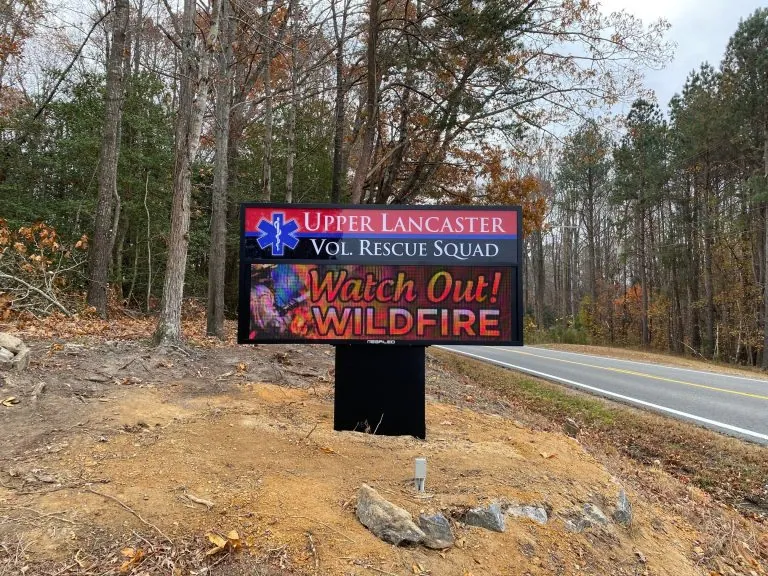
A message read from a moving car needs about six words, with letters sized for the traffic speed, while a lobby screen can carry thirty. In the installs we do, we’ve seen one mistake over and over: desktop-sized text on a sign meant for a road. Refresh on a rhythm, or the screen stops being looked at.
Core hardware is short: a screen, a player, a mount, cables and a network connection.
Mounts and cabling are where budgets get surprised. Brackets rated for the weight and power runs to the right spot cost real money, and neither shows in a screen’s price.
Optional hardware follows the job: touch overlays, cameras, sensors, speakers and enclosures. Anything wireless is a radio, and the Federal Communications Commission requires an approved radio frequency device authorization before it can be marketed or used in the United States. Outdoor sites add cooling, security and weather sealing, which on our signs means thermostat-controlled fans above 104°F inside the cabinet.
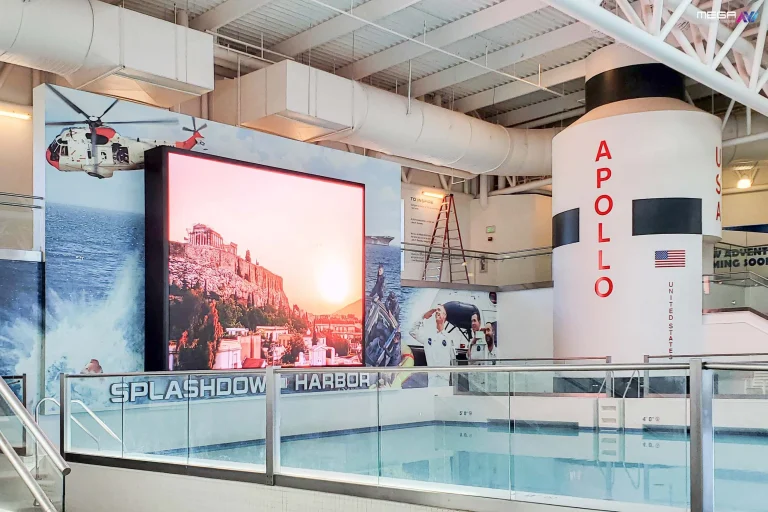
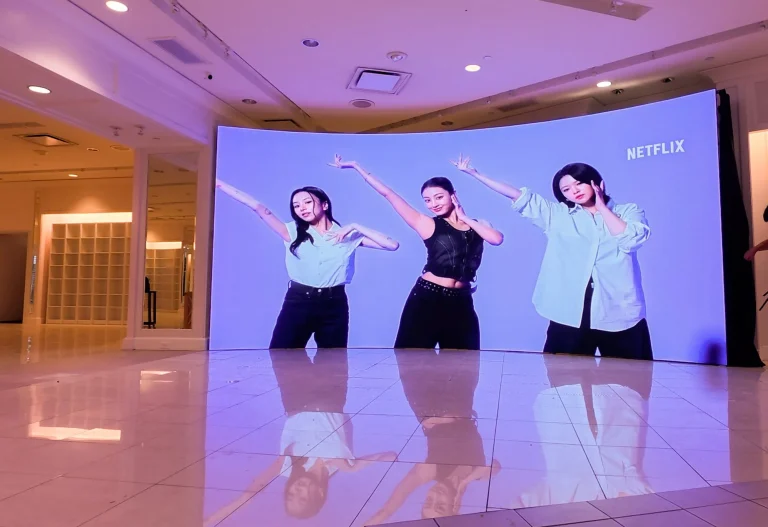
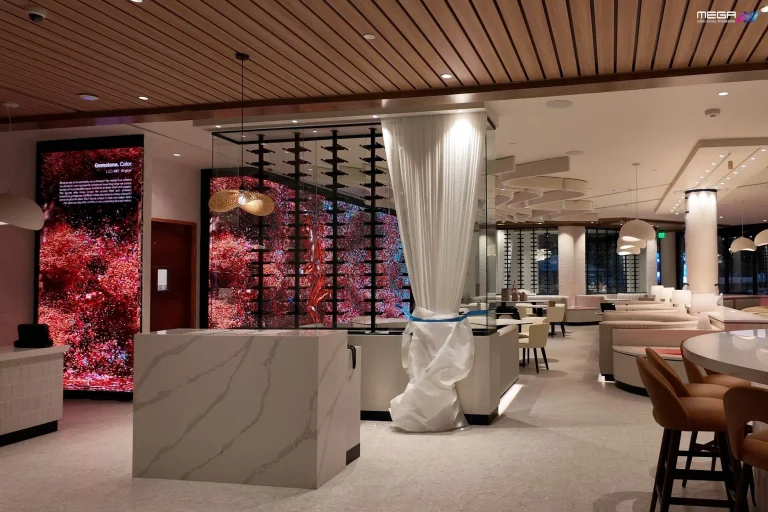
Our large indoor LED video walls put a single unbroken image on a lobby or sanctuary wall. Built in the USA and sized to your room.
Signage software gives you one dashboard that reaches every connected screen.
You do not visit the screen to change it. Your dashboard sends the update, each player checks in and swaps the file. That is how a district pushes one closure notice to forty campuses from a phone.
Permissions are the second half. Platforms typically let a campus or department edit their own screens while central staff controls branding and alerts.
We run our signs on MEGA Cloud, and what customers tell us matters is not the feature list. It is that a volunteer can learn it in an afternoon on a phone, tablet or desktop, with lifetime training when staff turns over. Signs connect by Wi-Fi, LTE Modem or CAT5.
You update content by uploading a file, dropping it into a playlist, and telling the system when to show it.
Publishing is either now or later. Hit publish, and the change lands in seconds, or set a start date, an end date and a daily window.
Point an update at a group instead of one screen and every display changes together, which is how a chain swaps a breakfast menu at 10:30 across thirty stores. Recurring schedules automate a weekly service time or a seasonal promotion.
Churches we work with tend to stay happiest when they build the whole year’s schedule in one sitting.
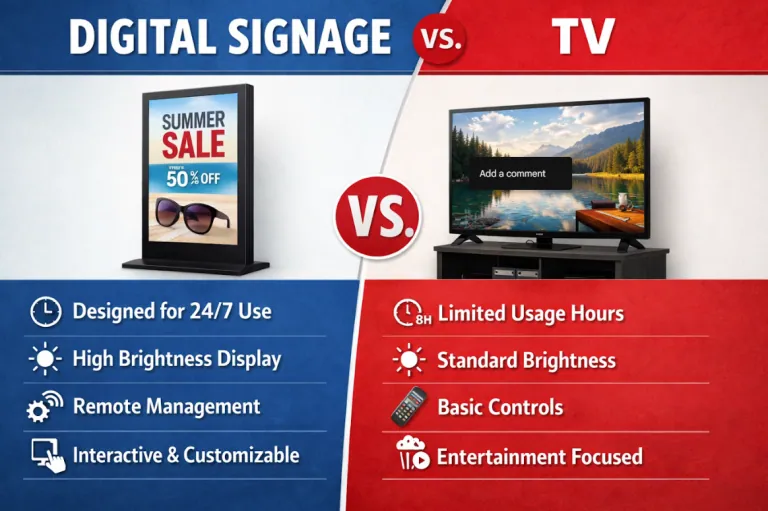
Yes, a regular television works for digital signage, and for some sites it is the right call.
Plug a media player into an HDMI port and a consumer TV becomes a signage screen. For a break room or a fellowship hall running a few hours on a Sunday, that is a cheap and good answer.
Consumer sets are built for an evening of viewing, not a fourteen-hour day, with less ventilation behind the panel. Static layouts risk image retention, where a logo leaves a ghost behind. Brightness struggles near a sunlit window, portrait mounting is often unsupported, and consumer warranties commonly exclude commercial use.
Short hours, controlled light, a moving layout. Push past any of those and a commercial display earns its price.
Turning a TV into a signage screen takes five steps and about an hour.
Step five is the one people skip, and it is why a screen that worked in testing shows “No Signal” on Monday.
Do-it-yourself means a TV you already own, an inexpensive player and a signage subscription.
Buy a small Android or Raspberry Pi player, put it on the network and pair it with a hosted platform. One playlist and one schedule gets a working screen for a few hundred dollars plus a monthly fee.
Know what you are giving up. Nobody is watching the device, so a screen that goes dark on a Saturday stays dark. Security is yours: default passwords, unpatched firmware and an open network port are live risks in a public space.
DIY suits one or two low-stakes screens. It stops scaling around five.
Our Premier outdoor LED signs are sealed, cooled, and built for full sun and weather. Backed by a 5-year limited warranty.
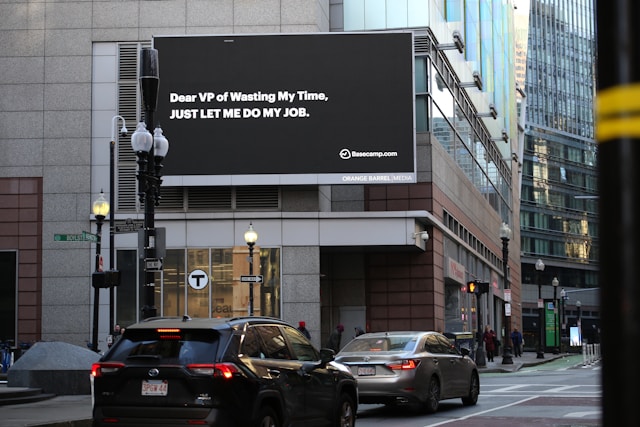
Advertising on digital signage sells time on a screen where a specific audience already passes.
Advertisers buy a slot, not a poster. One loop might run eight ten-second spots, so eight advertisers share one screen, each paying for part of the rotation. Schedules get cut by time of day or location.
Price changes go live the same hour, no press run. In a 2024 digital OOH study run by The Harris Poll, the Out of Home Advertising Association of America found 76% of recent digital out-of-home viewers took action after seeing an ad. Proof-of-play reports close the loop, logging when and where each spot played, which is what advertisers buy on digital billboard options.
Integration means the screen reads from a system you already run instead of someone retyping it.
Connections usually run through an API, a defined channel one program uses to request data from another, or a ready-made app in your platform. Point-of-sale systems feed live menu prices, calendars feed meeting-room displays, and weather, transit and emergency alerts push themselves.
Sell out of an item and the menu board drops it, with nobody touching the sign.
One honest limit: integrations only exist between systems that both support them. Check that your vendor publishes one before promising a live feed; retrofitting later costs more than picking a platform that already has it.
Mobile device management, usually shortened to MDM, is software that controls the players and screens rather than the content.
Content software decides what plays. MDM decides what the device may do. From one console an administrator can push firmware updates, lock a player to one app, set password rules and wipe a stolen device across Android or Windows fleets.
That saves site visits. In its IoT device cybersecurity core baseline, the National Institute of Standards and Technology lists what a connected device should support, including software updates and data protection. Signage players are exactly that kind of device.
Monitoring watches the screens so you do not have to; reporting proves what they did.
Monitoring tools ping every player on a schedule. When one stops answering, fills its storage or fails to play a file, an alert goes out by email or text.
Reporting is the other half. Dashboards show uptime by device and playback counts by file, plus proof-of-play logs that timestamp every spot.
Blank screens usually get found by customers first. We’ve seen signs sit dark for a week before a regular walked in and mentioned it.
A high-brightness digital billboard sized for long reads at 16mm DIP. Start here: https://www.megasigninc.com/digital-billboards/
A Premier outdoor LED sign in 6mm or 8mm SMD, sharp up close and along the roadside: https://www.megasigninc.com/premier-outdoor-led-signs/
A large indoor LED video wall at a fine pitch such as 2.9mm or 2.6mm: https://www.megasigninc.com/large-indoor-led-video-wall/
A VERSA scrolling LED sign, programmed from the wireless keyboard remote: https://www.megasigninc.com/versa-scrolling-led-sign/
Digital signage works by sending content from software to a screen over a network. You build an image, video or layout, upload it to a content management system, assign it to a screen or group, and set it when it plays. Whatever player sits behind or inside the screen pulls the file down, saves a local copy and loops it.
Because the copy is local, the screen keeps running if the connection drops. Direct-view LED signs carry the controller inside the sign, so nothing plugs in behind it.
Yes, with a media player, and it is a fair choice for short-hours indoor screens. Connect a signage player or compatible streaming device to an HDMI input, put it on the network, pair it with your software, then set the TV to power on to that input.
Trade-offs are real. Consumer sets are rated for fewer daily hours than commercial displays, static layouts can leave image retention, brightness struggles near windows, and consumer warranties commonly exclude commercial use.
Digital signage works by sending content from software to a screen over a network. You build an image, video or layout, upload it to a content management system, assign it to a screen or group, and set it when it plays. Whatever player sits behind or inside the screen pulls the file down, saves a local copy and loops it.
Because the copy is local, the screen keeps running if the connection drops. Direct-view LED signs carry the controller inside the sign, so nothing plugs in behind it.
Yes, with a media player, and it is a fair choice for short-hours indoor screens. Connect a signage player or compatible streaming device to an HDMI input, put it on the network, pair it with your software, then set the TV to power on to that input.
Trade-offs are real. Consumer sets are rated for fewer daily hours than commercial displays, static layouts can leave image retention, brightness struggles near windows, and consumer warranties commonly exclude commercial use.













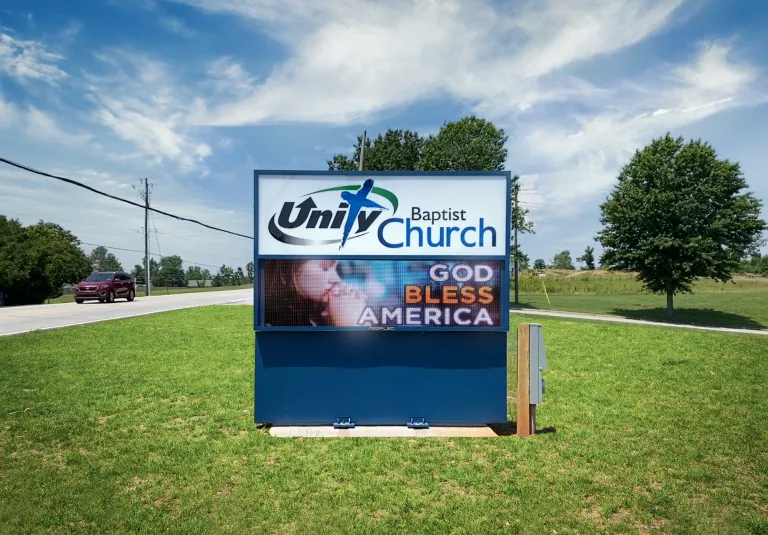

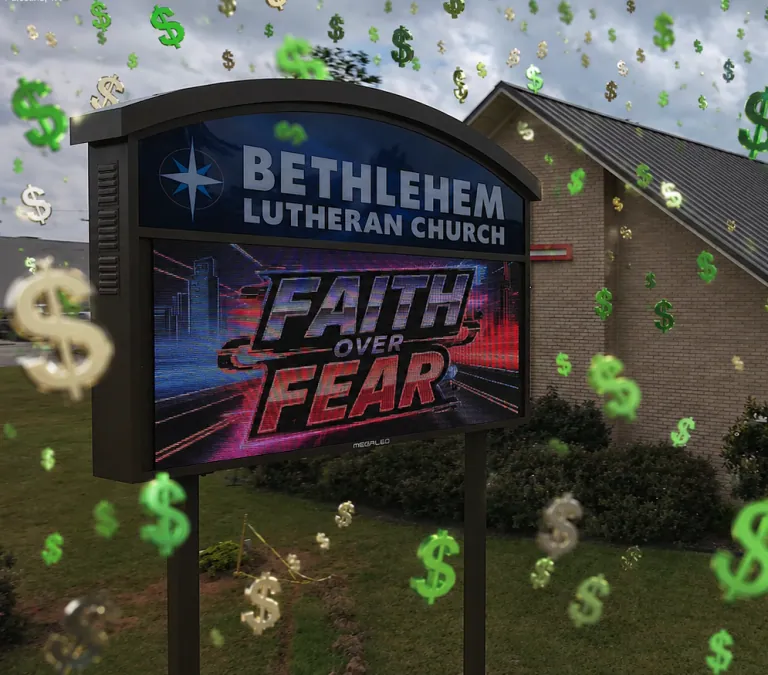





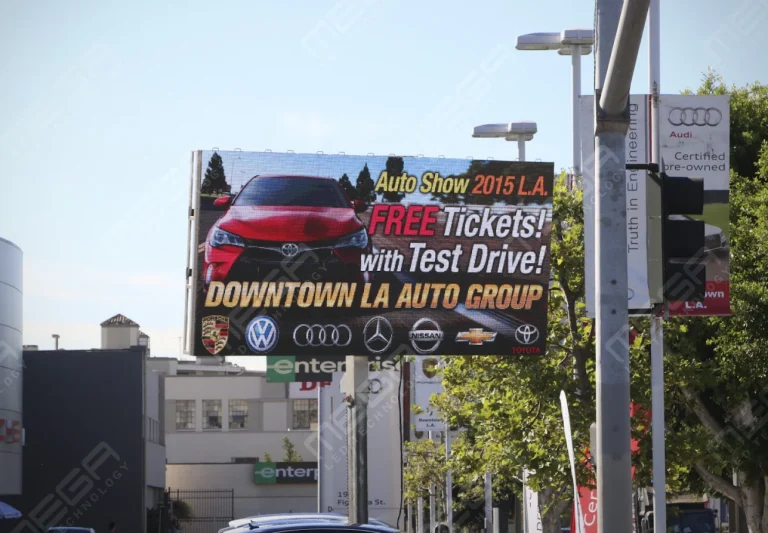


Alpha LED sign boards are great for anything from churches, to schools, to business. They tend to do great in large open spaces, where they are clearly visible.
Omega is our newest line of outdoor digital signs. Running the full gambit from cabinet, to LED sign, to logo on top, or any configuration of your choice!
Premier is a customizable Outdoor LED sign, perfect for the Entrepreneur who knows that large custom sized signs cultivated for their specific business is the way to go.
Programmable Stage LED signs, great for indoor assemblies, congregations, and presentations! Blow your competitors out of the water, or keep your congregation and audience glued to your message.