

What Is Smart Digital Signage? How Intelligent Screens Use Data, Software And Automation
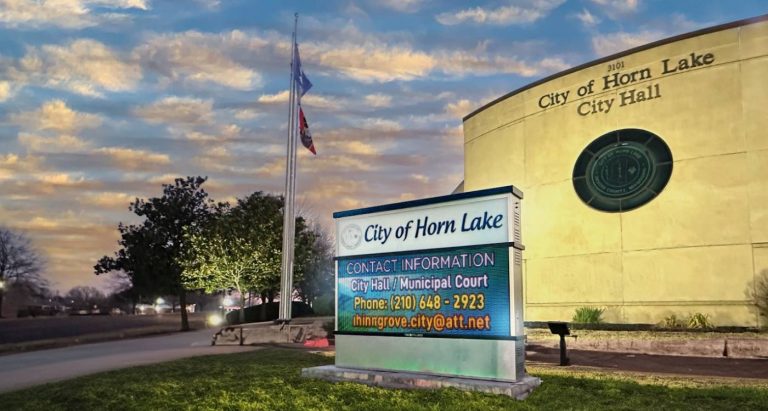

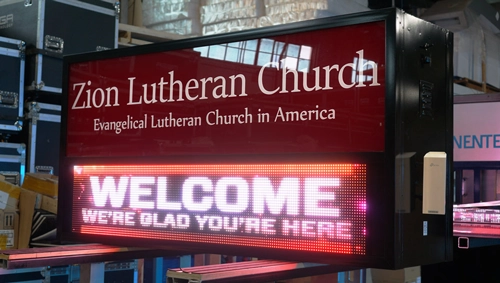
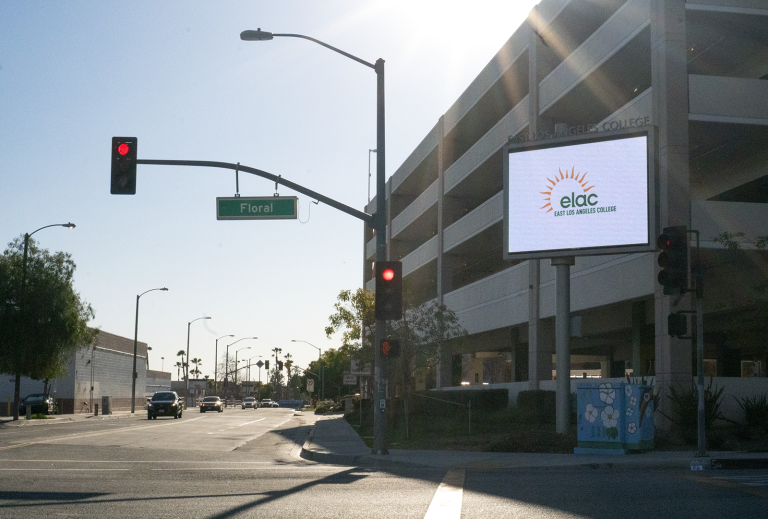
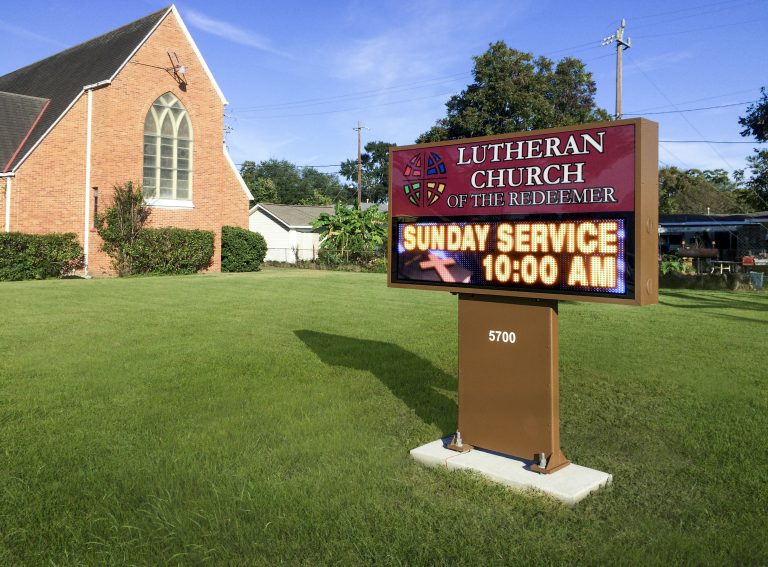
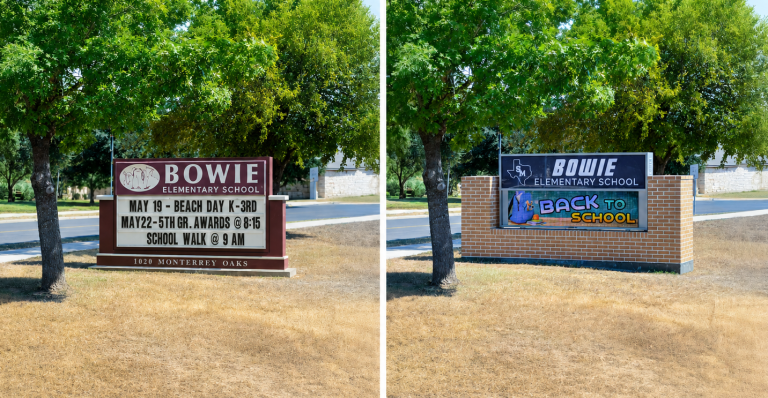
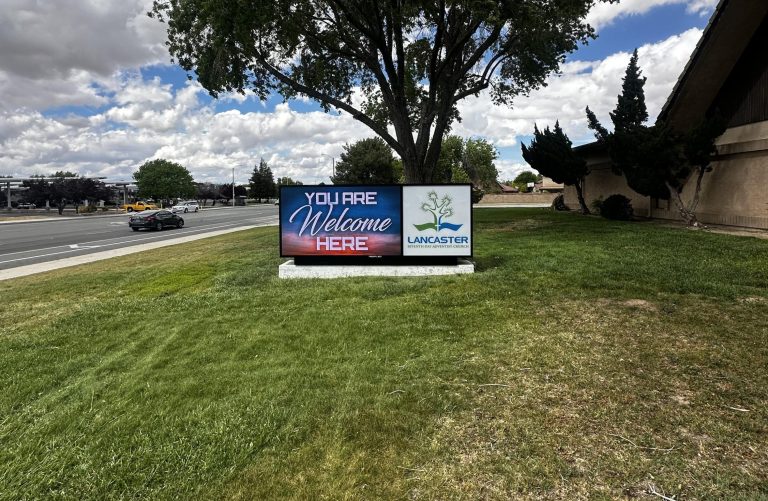
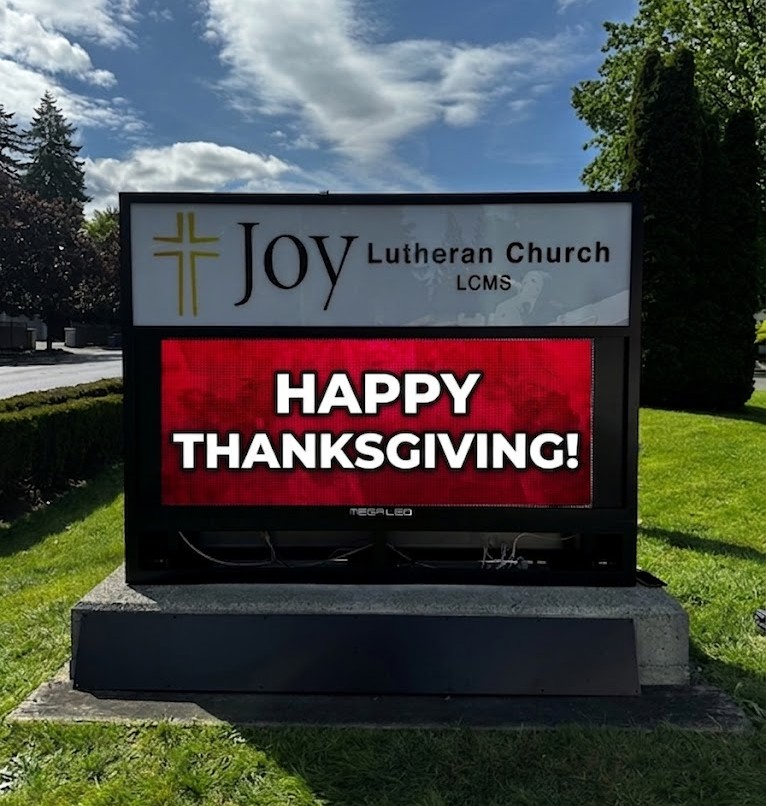
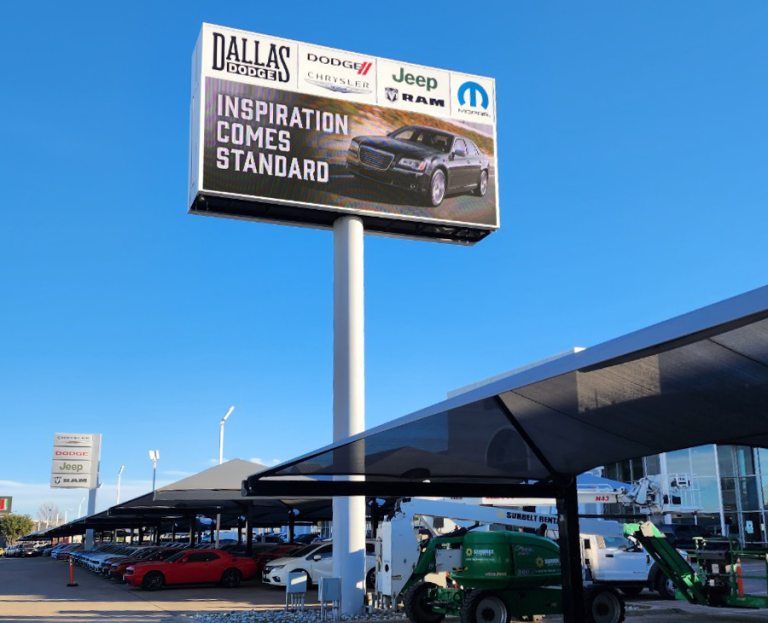
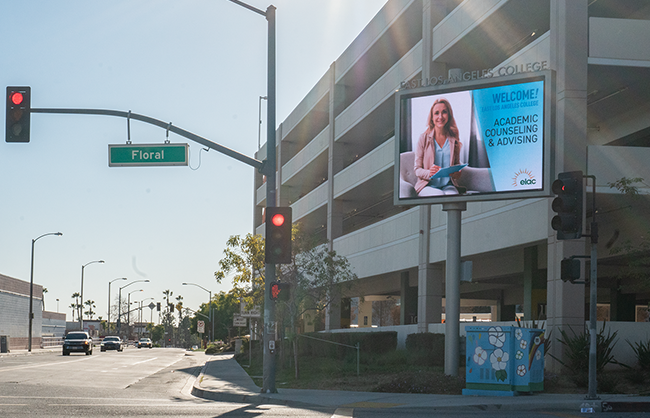
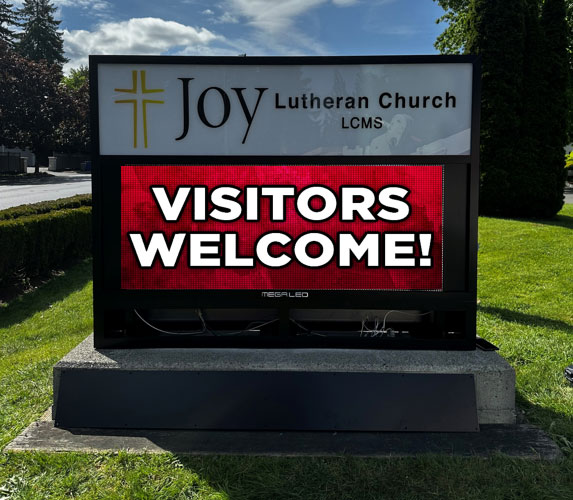
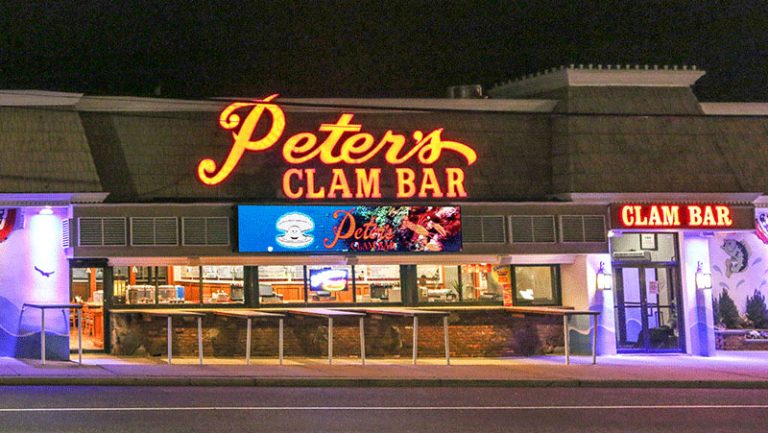
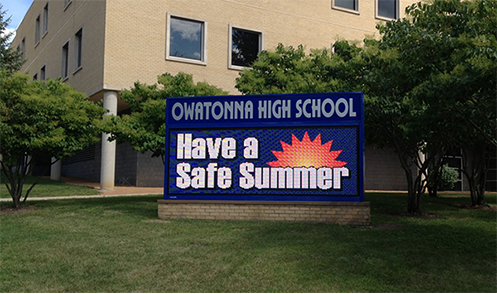
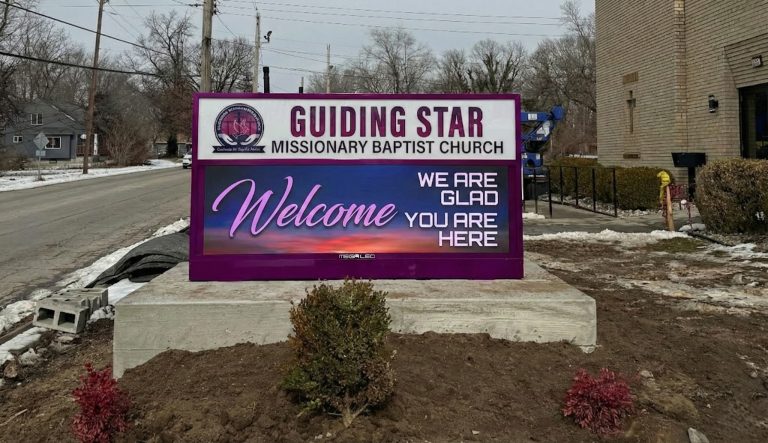
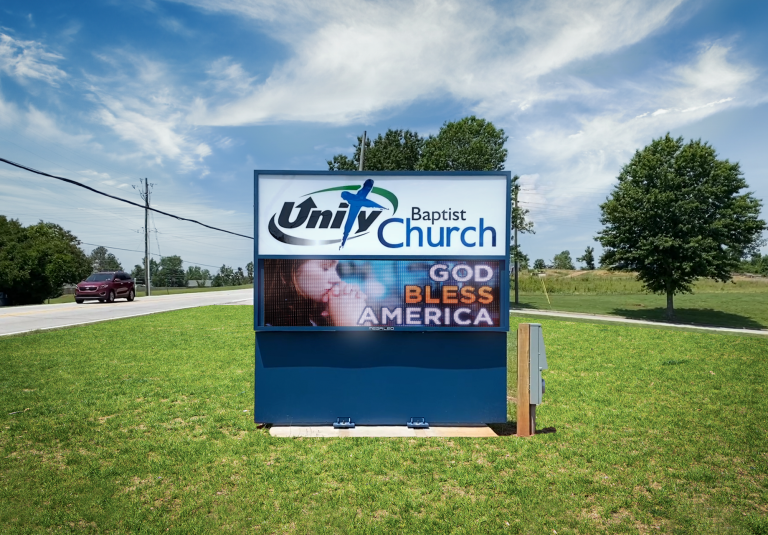
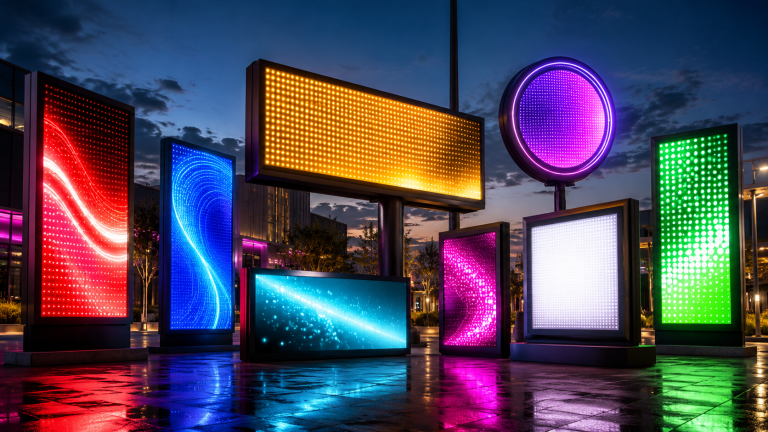
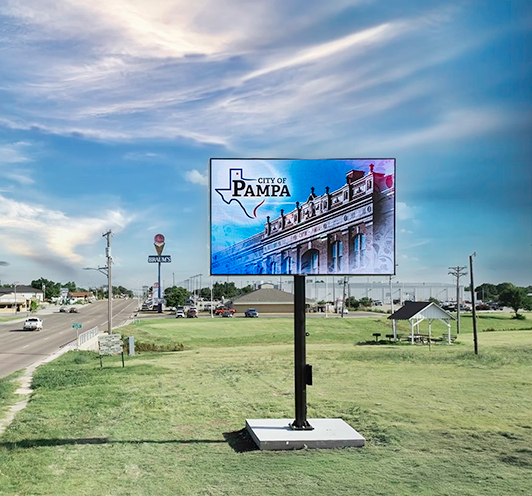
Alpha LED sign boards are great for anything from churches, to schools, to business. They tend to do great in large open spaces, where they are clearly visible.

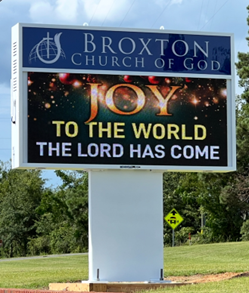
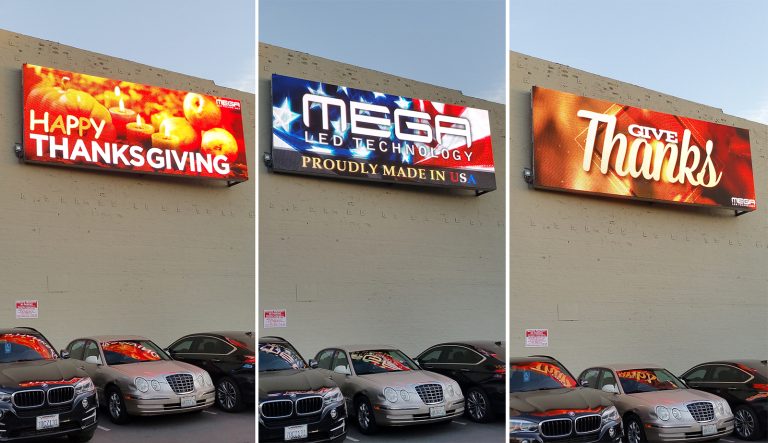
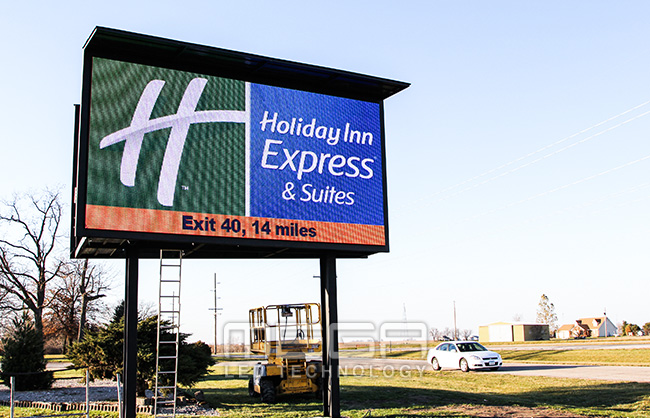
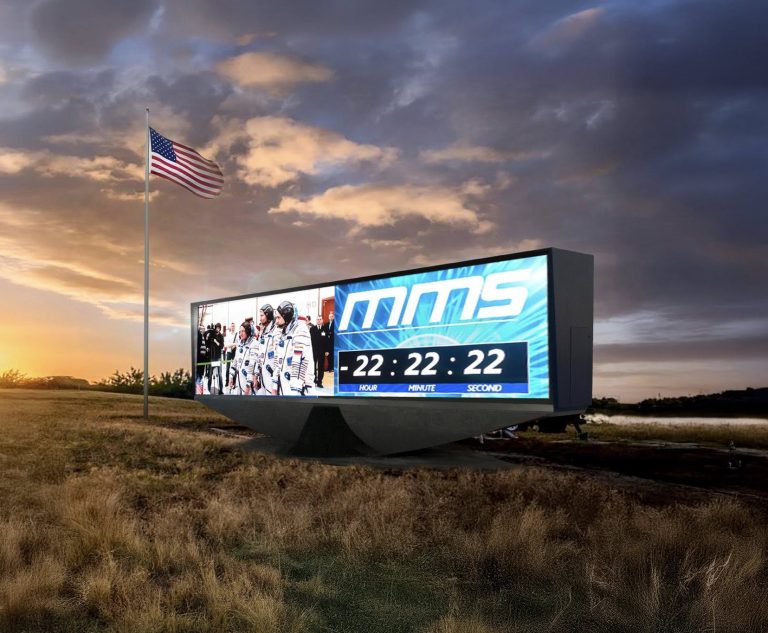
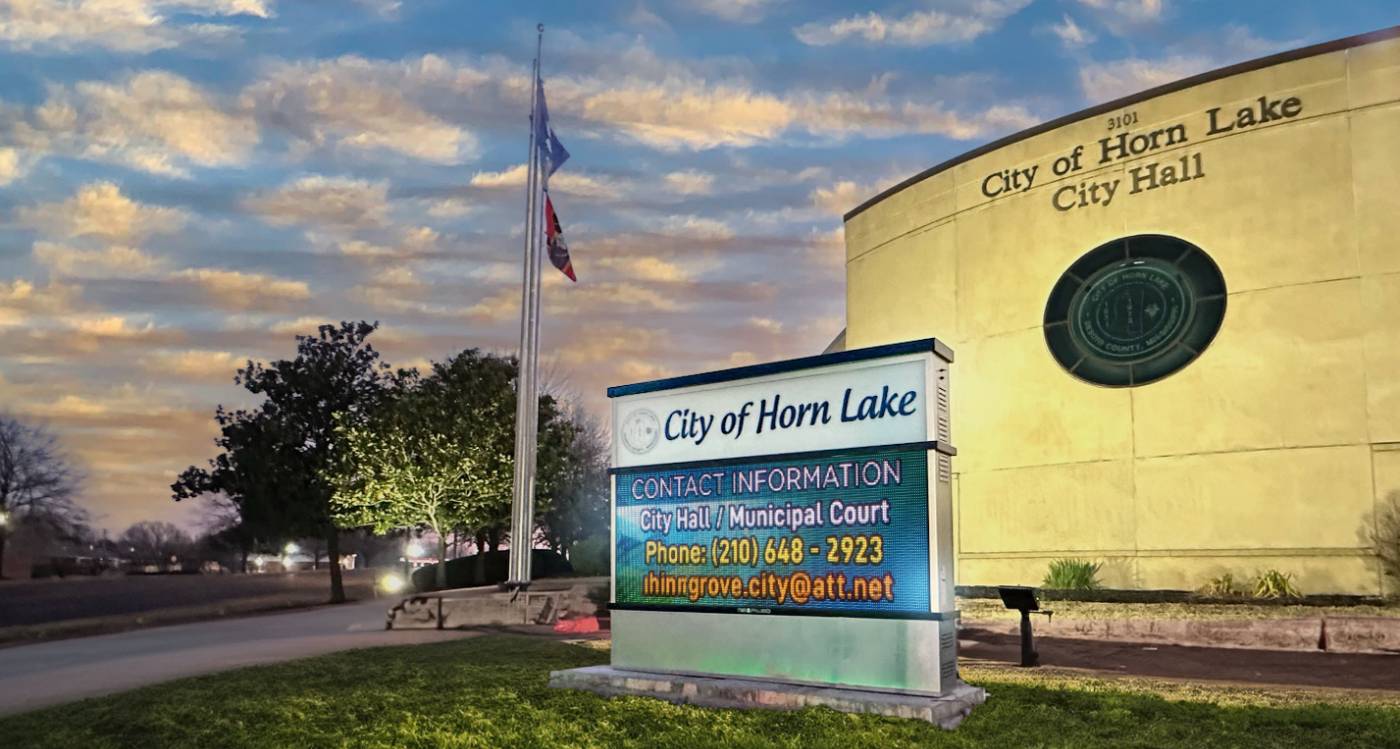
Omega is our newest line of outdoor digital signs. Running the full gambit from cabinet, to LED sign, to logo on top, or any configuration of your choice!

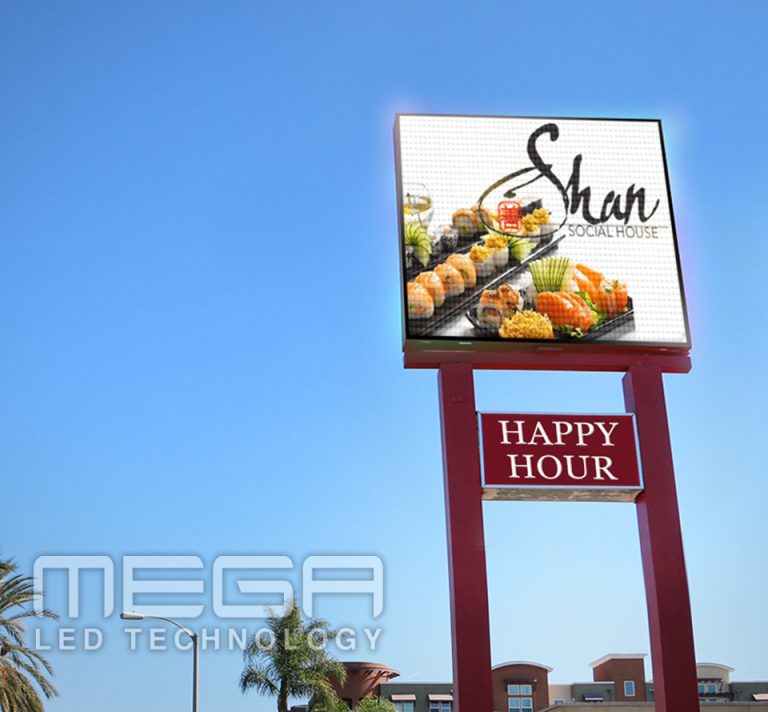
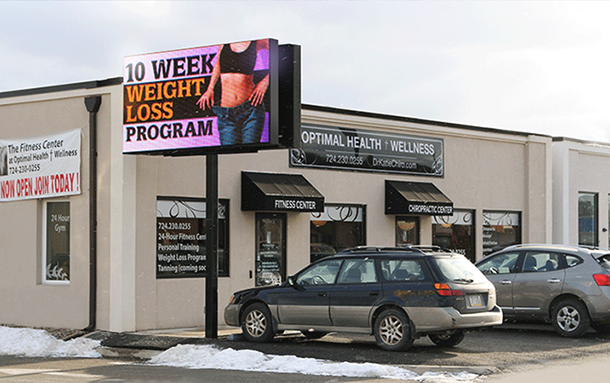
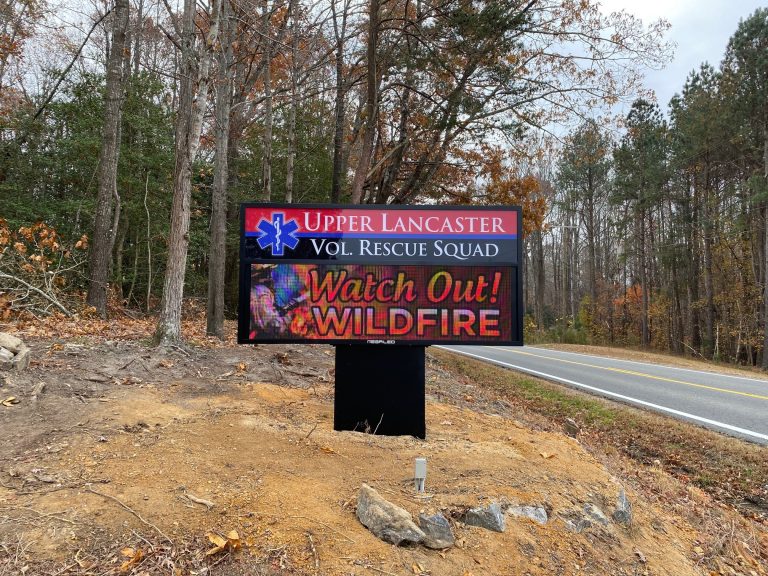
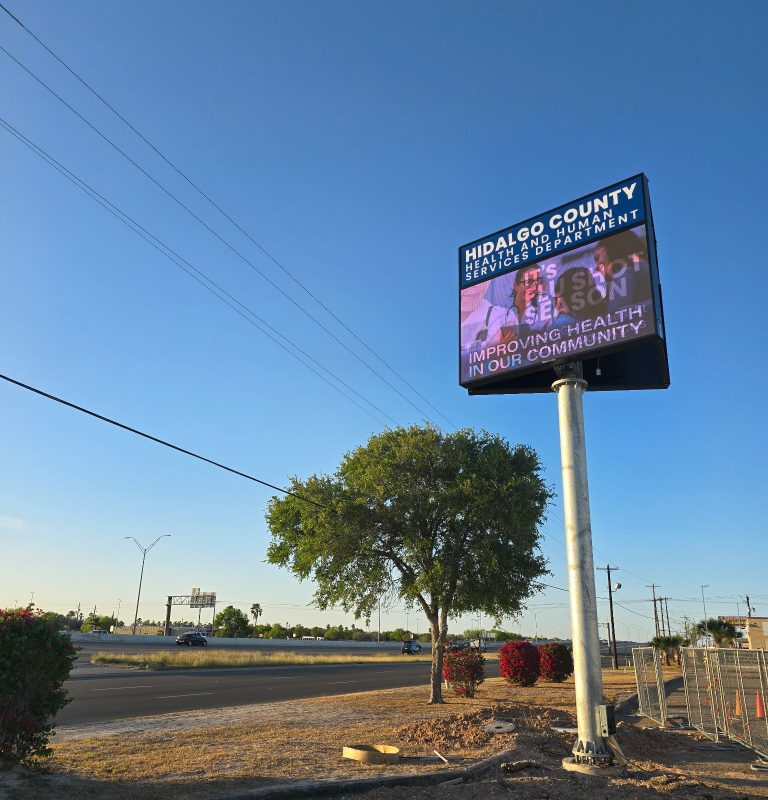
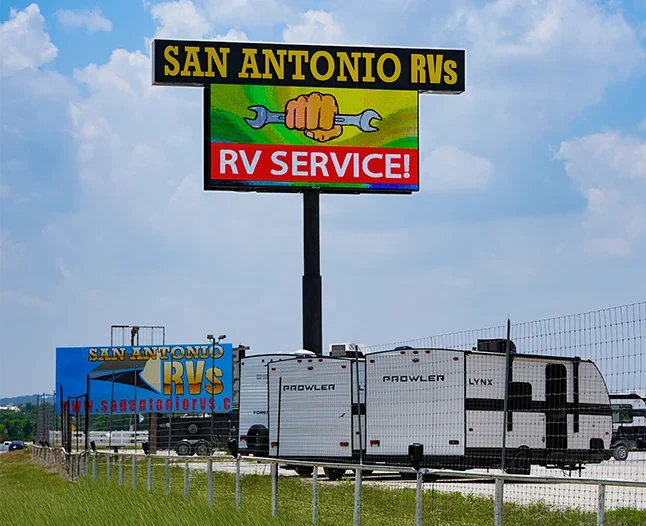
Premier is a customizable Outdoor LED sign, perfect for the Entrepreneur who knows that large custom sized signs cultivated for their specific business is the way to go.

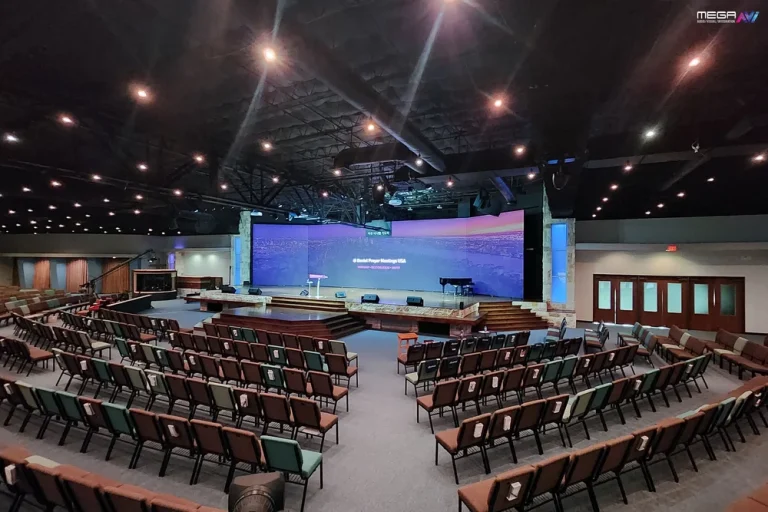
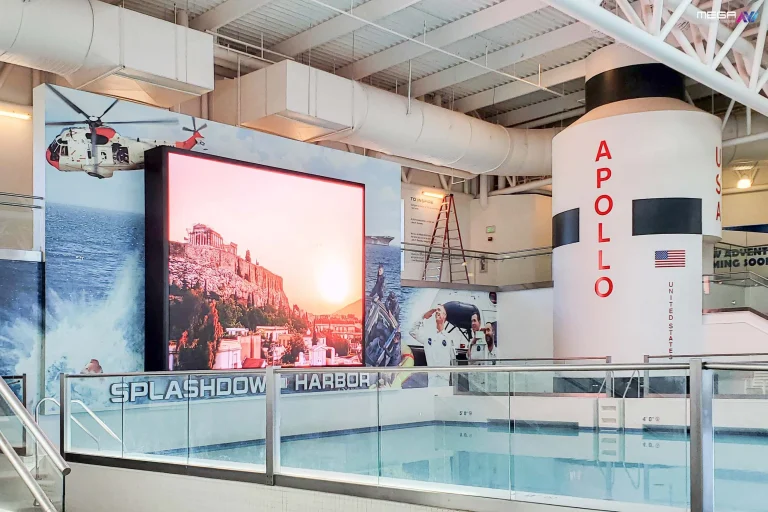
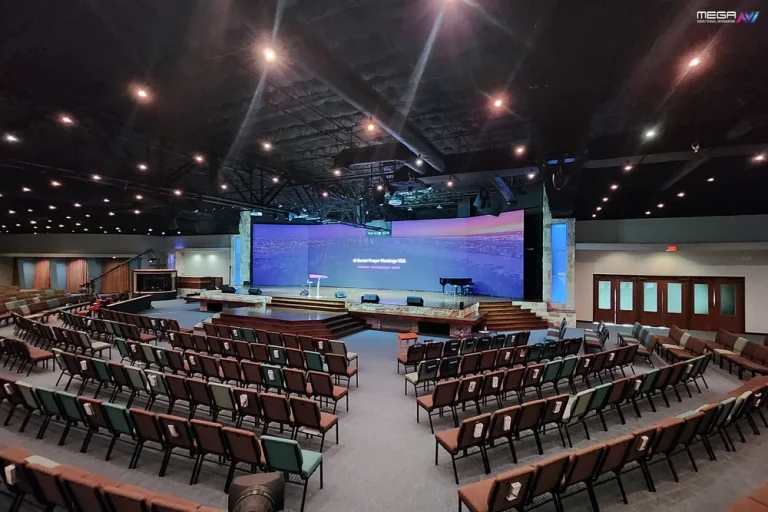
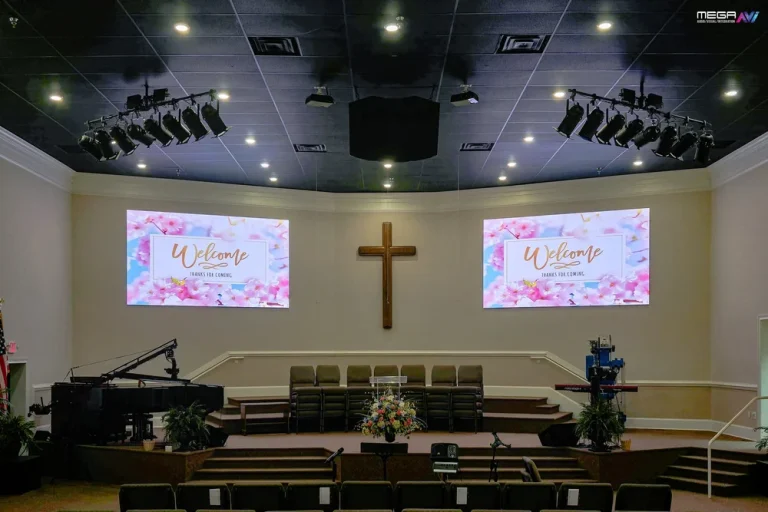
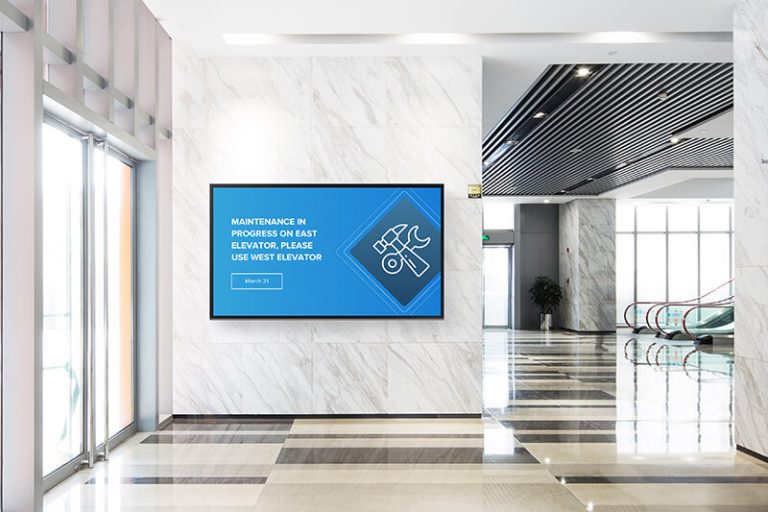
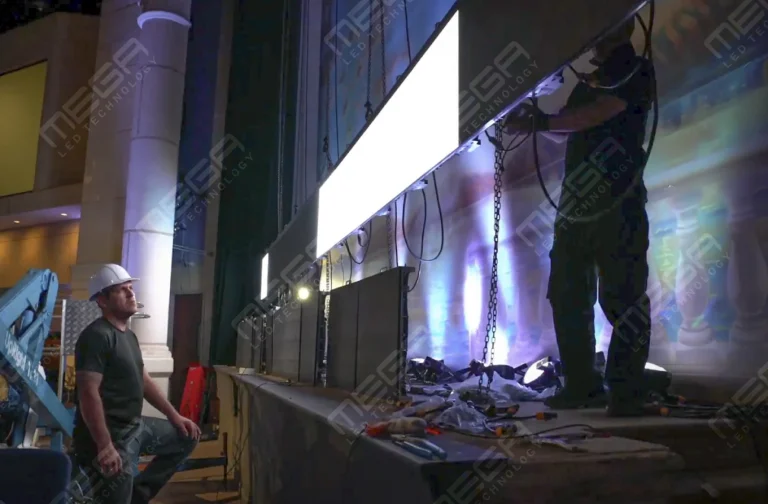
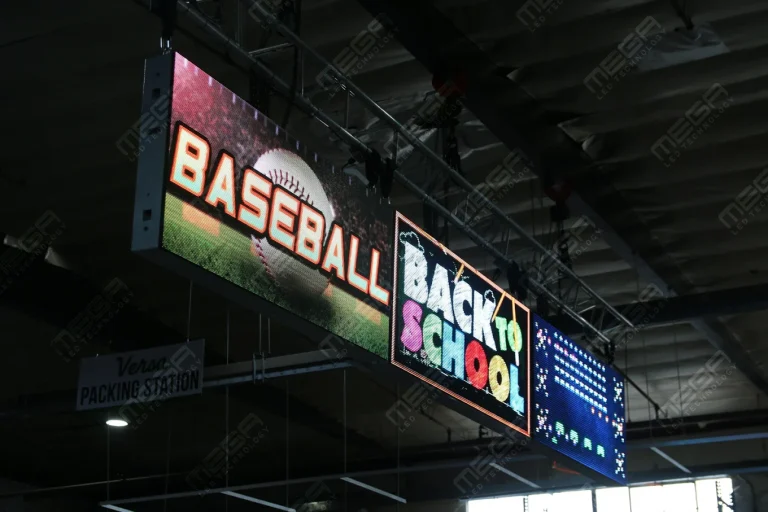
Programmable Stage LED signs, great for indoor assemblies, congregations, and presentations! Blow your competitors out of the water, or keep your congregation and audience glued to your message.

Alpha LED sign boards are great for anything from churches, to schools, to business. They tend to do great in large open spaces, where they are clearly visible.
Omega is our newest line of outdoor digital signs. Running the full gambit from cabinet, to LED sign, to logo on top, or any configuration of your choice!
Premier is a customizable Outdoor LED sign, perfect for the Entrepreneur who knows that large custom sized signs cultivated for their specific business is the way to go.
Programmable Stage LED signs, great for indoor assemblies, congregations, and presentations! Blow your competitors out of the water, or keep your congregation and audience glued to your message.
Alpha LED sign boards are great for anything from churches, to schools, to business. They tend to do great in large open spaces, where they are clearly visible.
Omega is our newest line of outdoor digital signs. Running the full gambit from cabinet, to LED sign, to logo on top, or any configuration of your choice!
Premier is a customizable Outdoor LED sign, perfect for the Entrepreneur who knows that large custom sized signs cultivated for their specific business is the way to go.
Programmable Stage LED signs, great for indoor assemblies, congregations, and presentations! Blow your competitors out of the water, or keep your congregation and audience glued to your message.
A digital signage installation goes wrong in the planning, not on the ladder. Pick the wrong wall or circuit, skip a permit, and a two-day job runs into a second month. Here is the sequence, in the order it has to happen.

Installing digital signage stacks four jobs into one: structural work, electrical work, network work, and content work.
How hard each gets depends on four answers. How many screens, indoors or outdoors, how high up, and how far power and data reach.
One screen in a lobby is an afternoon. A double-sided LED sign at the street is a permitted construction project with drawings, a foundation and an inspection.
The eight stages below run in order for both.
In order: decide, survey, clear the code, mount, power, connect, commission, hand over.
One indoor screen collapses steps 3 and 5. A multi-site network expands them: every location gets its own survey, permit and network answer. We’ve seen rollouts stall on one assumed landlord approval.

Every survey answers one question: what does this location force us to do?
Start with the reader: who sees the screen, from how far, at what speed, and what should they do next? That sets size and pitch before any product is picked. Then photograph every measurement.
| Survey item | Record | Why it decides the build |
|---|---|---|
| Read distance | Furthest viewing point, traffic speed | Sets pixel pitch and character height |
| Mounting surface | Construction type and stud spacing | Decides anchors, blocking, and engineer sign-off |
| Power | Nearest circuit, spare amperage, distance | Decides on a new circuit, conduit, and disconnect |
| Network | Signal strength, nearest Ethernet drop | Decides Wi-Fi, LTE modem, or CAT5 |
| Sun exposure | Direction it faces, afternoon shade | Decides tilt, shading, and brightness schedule |
| Service access | Ladder or lift room, working area | Decides mount type and service cost |
Permits are the step first-time buyers underestimate, and the one we take off your desk.
Municipal code and zoning review is step two of our process; permitting is step four. We research your local sign ordinance, then handle the site survey, site map, certified engineering drawings and municipal forms.
What gets checked varies by city: size, height, setback, night brightness, message frequency, and whether zoning allows an electronic message center. Leased sites and historic districts add a review.
The City of Grand Prairie, where we build, quotes roughly 5 to 10 business days on its sign permit page. Treat that as the review window, not the timeline.
Send us the address, the read distance, and where you want the screen. We come back with a free quotation and a plan that already accounts for code.
Mounting starts with the structure behind the wall, not the bracket on it.
A mount is only as strong as what it is anchored into. Locate studs, blocking, masonry, or steel, and add backing where there is none. Anything overhead or outdoors needs engineer sign-off.
Height and projection are code. Per the United States Access Board’s protruding objects guidance, ADA Standards section 307.2 caps a wall-mounted object at 4 inches of projection when its leading edge sits between 27 and 80 inches above the floor.
Leave ventilation and service clearance behind the screen, then level twice. We’ve found half an inch out of level reads as crooked across a room.
Cable work is where a clean install and a callback separate.
Power and data run on separate paths. Respect each cable’s bend radius, leave a service loop with strain relief, and label both ends as you pull.
Electric signs have a dedicated article in the National Electrical Code, and OSHA’s standard on specific purpose equipment requires the disconnecting switch or breaker to sit within sight of the sign or be lockable open. Settle that before the conduit is set.
Outdoors, everything goes in conduit or a weatherproof enclosure with drip loops and sealed entries.
Unbox and inspect before anything goes on the wall.
Check for shipping damage and dead pixels while a return is easy. Our Premier 5-year limited warranty counts under 2% dead lamps as acceptable rather than a defect, which is worth knowing before you sign for delivery.
Then set what people notice: brightness for the light in that space, orientation, input, resolution, time zone and an on/off schedule. Switch on auto-restart and screen lock so a power blip doesn’t cost you a weekend.
Read your own content from the furthest viewing point before you leave.
Integration is finished when the management platform can see and control every endpoint.
Connect the display to its player, then the network, then the platform. Ours is MEGA Cloud, and it runs from a phone, tablet or desktop over Wi-Fi, an LTE modem, or a hardwired CAT5.
Test the chain, not the screen. Schedule a message five minutes out, push an alert, change brightness remotely, reboot from the dashboard, and check touch where fitted.
Failures here are dull: a blocked port, a resolution mismatch, and a player that lost pairing. Write down each fix.
We research your municipal sign code, then file the site survey, engineering drawings, and city forms for you. Our Premier outdoor signs are quoted that way as standard.
Your handover packet keeps the system running after the installer drives away.
It holds an equipment list with serial numbers, a network and cable diagram, warranty start dates, named-user logins rather than one shared password, and photos of what sits behind the wall.
Train by role. Whoever posts content needs 20 minutes on scheduling; the facilities lead needs the reboot sequence and disconnect location.
Our training is for life and repeats free whenever staff turns over, with remote diagnosis when something acts up. We’ve seen more screens go dark from a forgotten login than a failed part.
Five parts make a signage system: the display, the device driving it, software, the network, and the mounting and power behind it. The display is the one you cannot upgrade later: a commercial panel or LED wall indoors or a sealed cabinet outdoors.
We are the go-to source for the hardware half of that list, at the best prices in the industry, with a free quotation on every project. We’re a veteran-owned USA manufacturer in Grand Prairie, Texas, so our Premier outdoor LED cabinets carry 4-layer copper PCBs and gold-wire bonded LEDs with no reseller markup. Ask for a free sign quote.
Players and content software are a separate market with good options that are not ours. Check compatibility and mounting standards first.
Your tool list scales with height and weight, plus whether you are cutting into anything.
One indoor screen needs the first two lines. An outdoor sign needs a lift, a spotter and a licensed electrician. Check tools the day before: we’ve had a morning lose two hours to a dead drill battery.
Weight and viewing angle choose the mount, along with how you will service it later.
Portrait screens, menu boards and kiosks need a mount rated for that orientation.
Multi-display arrangements change the rule. A video wall needs a rail system with micro-adjustment on three axes, because a millimeter of misalignment reads as a seam. Our indoor video walls ship on that frame.
Outdoor sites add sealed enclosures and vandal protection.
Our large indoor LED video walls mount on a micro-adjustable rail system and give you one unbroken picture. Built in the USA and sized to your room.
Cable management is a maintenance decision that looks like a cosmetic one.
In-wall routing is cleanest for a permanent install; surface raceway is the honest answer in a leased or masonry space. A lockable cabinet protects players.
Label both ends of every cable and keep one connection diagram that gets updated.
Tension is the quiet killer. A cable pulled tight strains its port, and power beside data invites interference. We’ve found reliable systems are the ones you can trace fast.
Bring in digital signage installation services once the job leaves the ground or leaves low voltage behind.
Height is the clearest line. OSHA’s rule on fall protection duty requires protection for work 6 feet or more above a lower level, using guardrails, nets or a personal fall arrest system. Outdoor sign work is usually past that line before the first bracket.
New circuits, conduit and disconnects belong to a licensed electrician. Structure and foundations need a contractor with an engineer behind them.
An install quote is a known number. A dropped panel, a failed inspection or a re-pulled cable is not, and improper installation is excluded from our warranty. Managed digital signage installation puts one party on the hook for all of it: our installs use local technicians, with your IT team owning the network.
Ask for credentials that match the risk, not a wall of logos.
Electrical work needs a state or municipal license. Structure needs a contractor’s license and a stamped engineering drawing. Cabling needs a structured-cabling credential; height needs documented training.
Aerial work has its own rules. OSHA’s standard on aerial lift safety allows only authorized persons to operate a lift. It also requires a lanyard attached to the boom or basket and bars sitting on the basket edge.
Then ask for paperwork: current licenses, insurance certificates, and crew safety records. Our Premier signs are MET Lab Certified, with UL 48, UL 8750, and UL 1433 compliant electronics and FCC Part 15 Certified wireless modules, which is what an inspector asks for.
Where the screen hangs decides the route.
DIY suits indoor screens within easy reach. A stud finder, a drill and a rated mount handle a wall screen on an existing outlet. Our VERSA scrolling signs are made for DIY: they hang in a window and plug into a standard 110-volt outlet.
No-hardware options skip the separate media player. Signage software runs as an app on a compatible smart display you already own, suited to a pilot or one indoor screen.
Professionals fit outdoor signs, high mounts and new circuits. Digital signage installation companies quote mounting and wiring as one job; our local technicians install the outdoor LED signs we build.
Growing? Mix the routes: DIY the lobby screen, then hand multi-site rollouts to one installer so every location matches
Start with a manufacturer that files the permit package for you, engineering drawings included. Our Premier line is quoted that way: https://www.megasigninc.com/premier-outdoor-led-signs/
Size the cabinet and pixel pitch to the read distance first, then hand the drawings to your contractor. Ask us for a quote: https://www.megasigninc.com/contact/
A rated fixed mount and a commercial panel cover this, and a compact outdoor-grade board suits an entrance or window: https://www.megasigninc.com/alpha-led-sign-boards/
An LED video wall on a micro-adjustable rail gives you one unbroken canvas instead of a grid of bezels: https://www.megasigninc.com/large-indoor-led-video-wall/
Work in one order: decide, survey, approve, mount, power, connect, configure, and hand over. Pick the display for the furthest read and the light in that space. Survey the site, then clear zoning and landlord approval before you order.
Mount to structure, run power and data on separate paths, and put the disconnect where code requires. Configure brightness, orientation and schedules, then test every endpoint from the platform. Finish with a documented handover and training for two people.
Use professionals once the work goes above reach, touches line voltage, or needs a permit. That covers nearly every outdoor sign, any ceiling or high-wall mount, any new circuit, and any multi-screen rollout.
Internal teams still have a role. Facilities can prepare the site and IT can own the network while licensed trades handle structure and power. An install quote is a known number; a dropped panel or a failed inspection is not.
Work in one order: decide, survey, approve, mount, power, connect, configure, and hand over. Pick the display for the furthest read and the light in that space. Survey the site, then clear zoning and landlord approval before you order.
Mount to structure, run power and data on separate paths, and put the disconnect where code requires. Configure brightness, orientation and schedules, then test every endpoint from the platform. Finish with a documented handover and training for two people.
Use professionals once the work goes above reach, touches line voltage, or needs a permit. That covers nearly every outdoor sign, any ceiling or high-wall mount, any new circuit, and any multi-screen rollout.
Internal teams still have a role. Facilities can prepare the site and IT can own the network while licensed trades handle structure and power. An install quote is a known number; a dropped panel or a failed inspection is not.











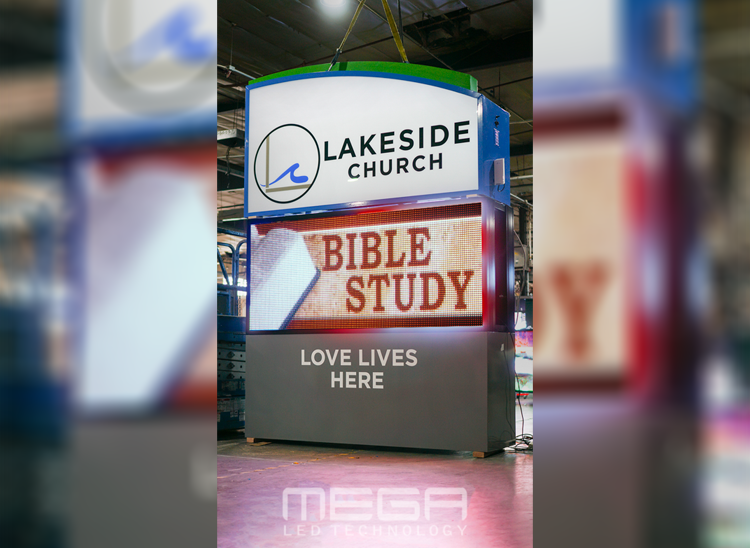

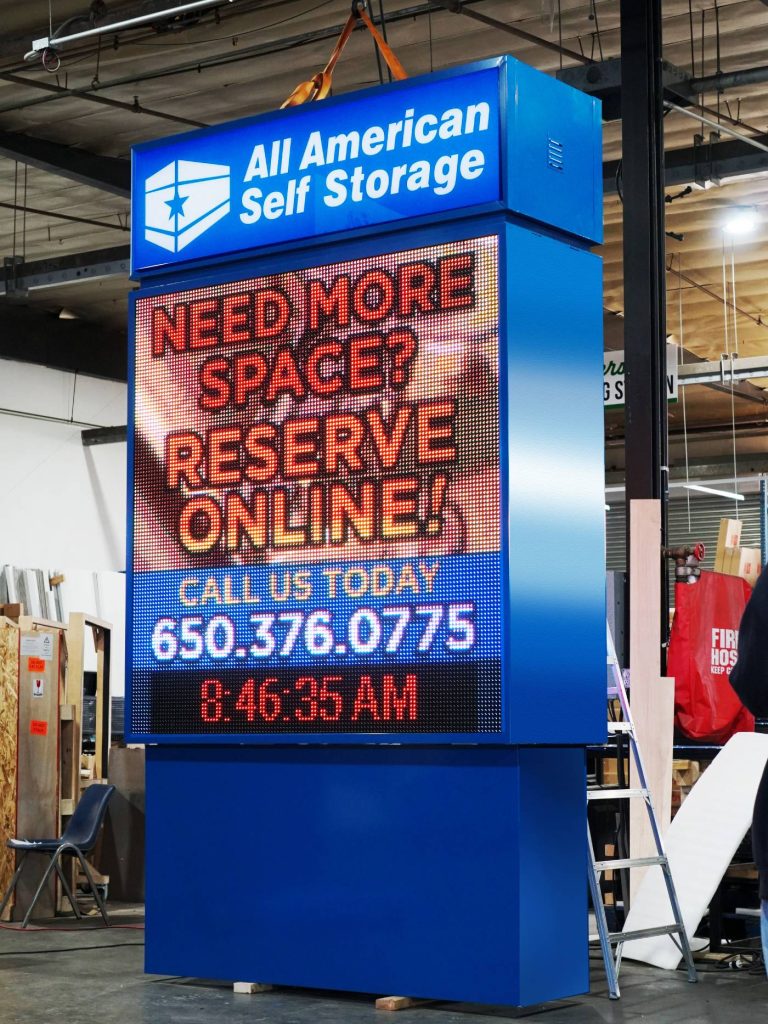
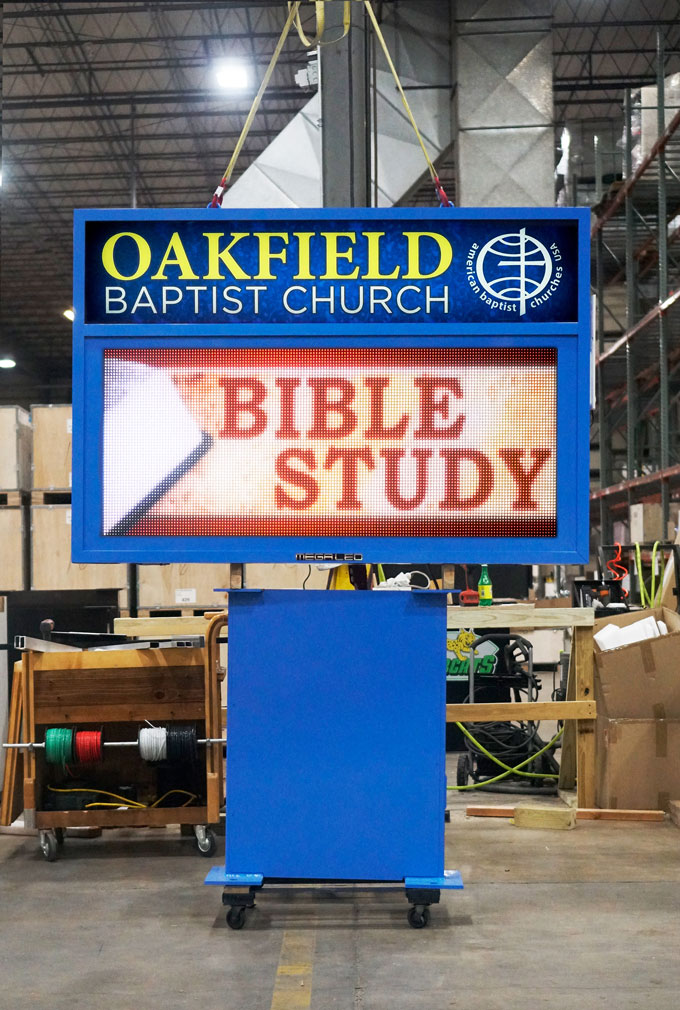







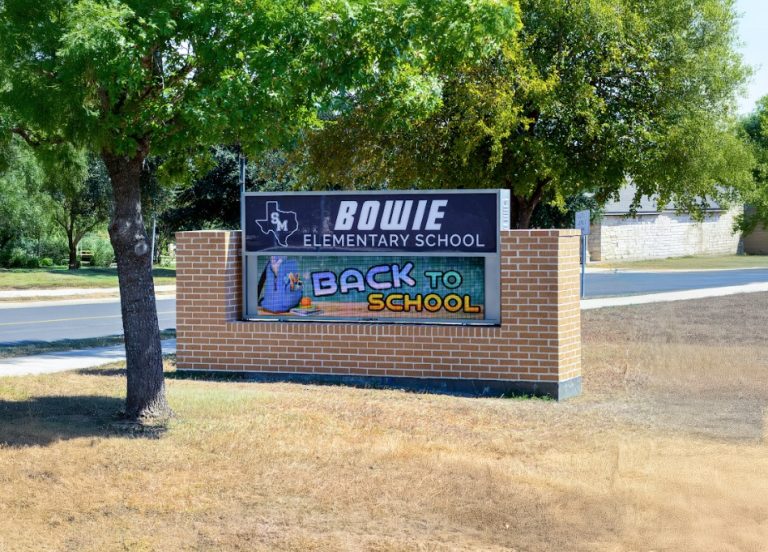




Alpha LED sign boards are great for anything from churches, to schools, to business. They tend to do great in large open spaces, where they are clearly visible.
Omega is our newest line of outdoor digital signs. Running the full gambit from cabinet, to LED sign, to logo on top, or any configuration of your choice!
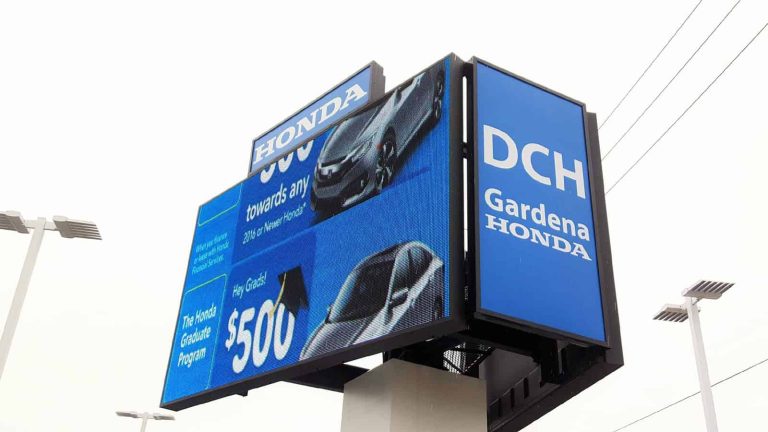
Premier is a customizable Outdoor LED sign, perfect for the Entrepreneur who knows that large custom sized signs cultivated for their specific business is the way to go.
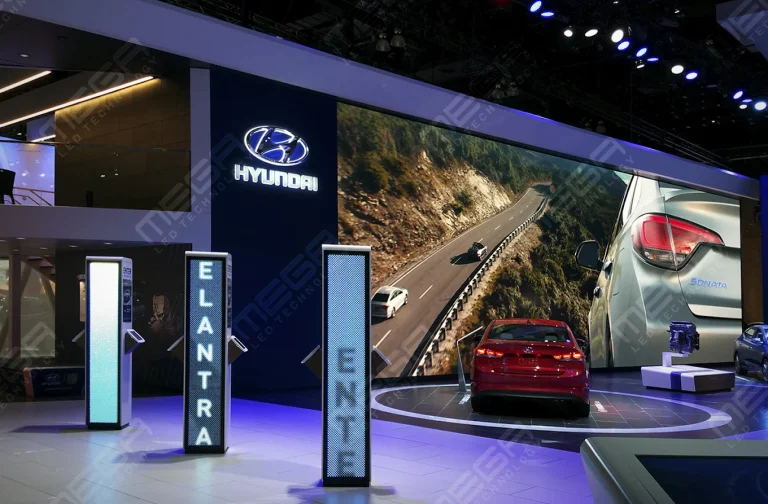
Programmable Stage LED signs, great for indoor assemblies, congregations, and presentations! Blow your competitors out of the water, or keep your congregation and audience glued to your message.