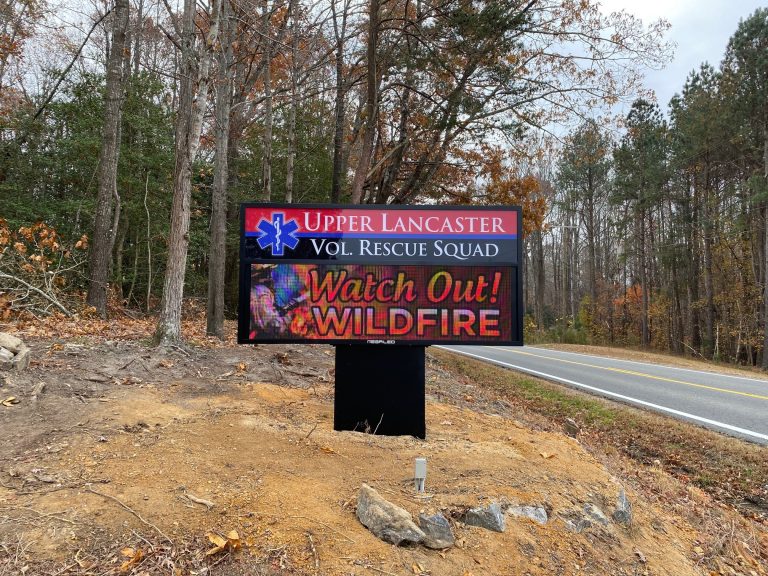


What Is Smart Digital Signage? How Intelligent Screens Use Data, Software And Automation
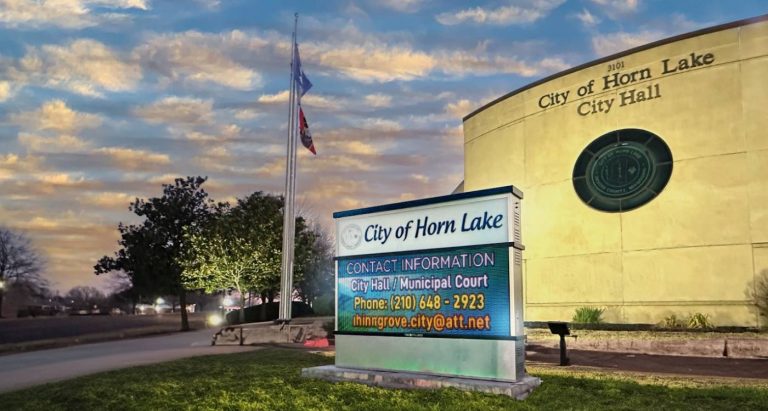

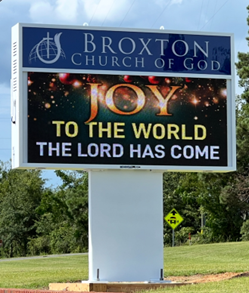
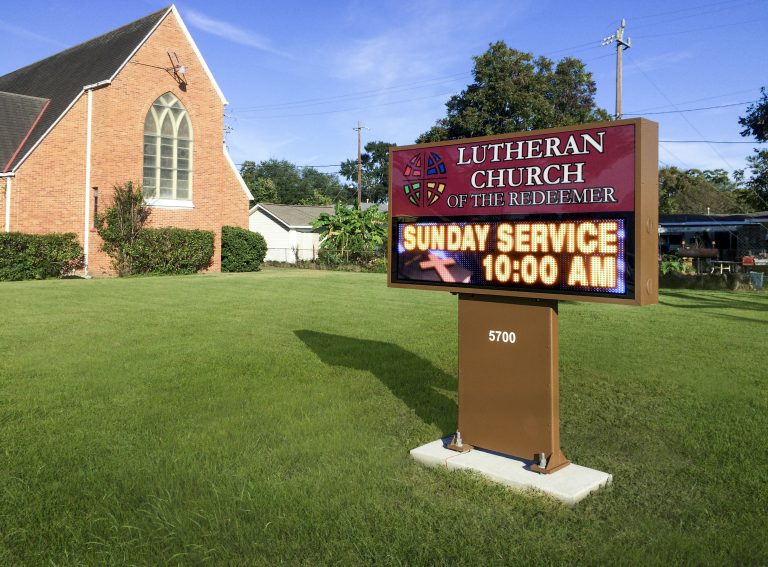
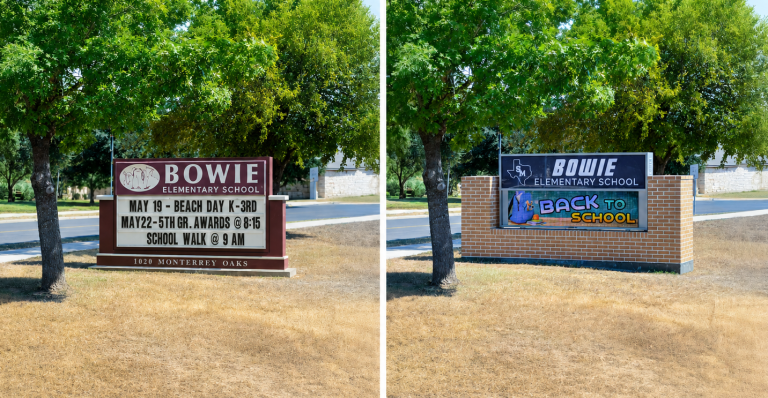
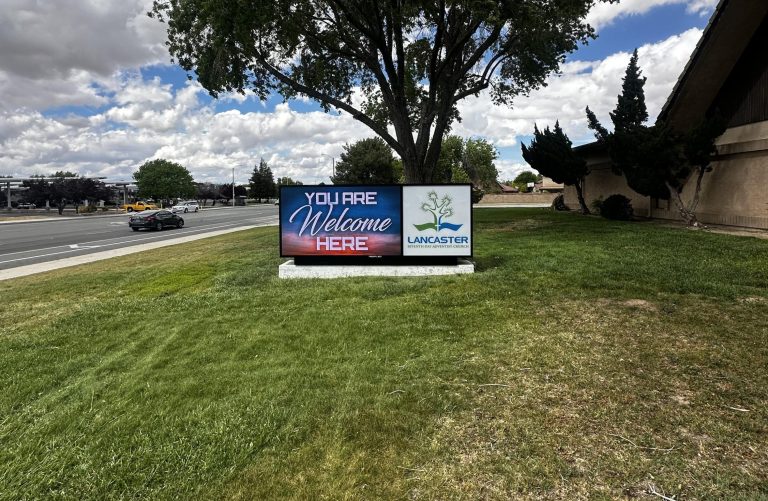
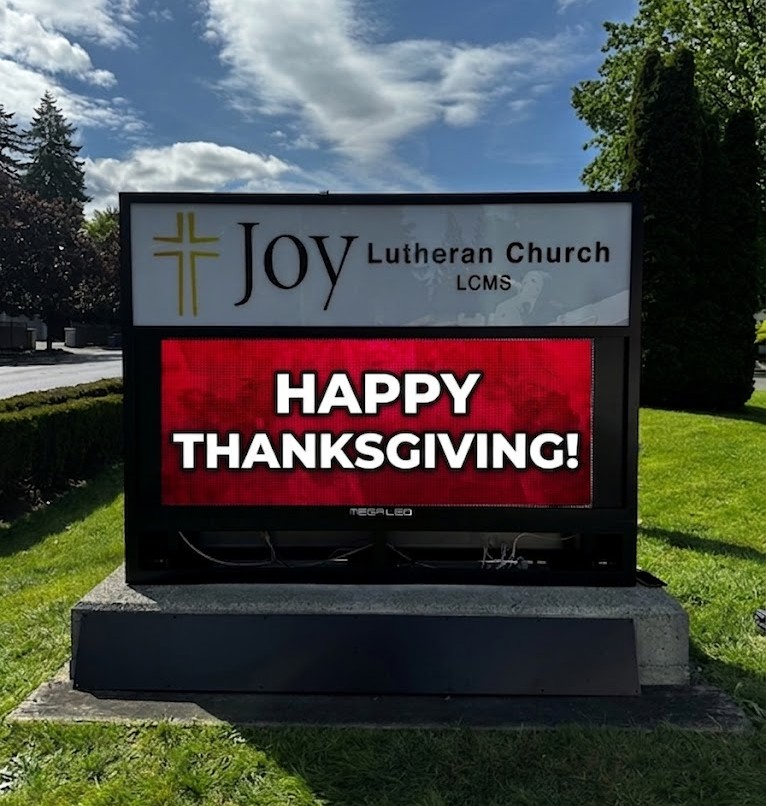
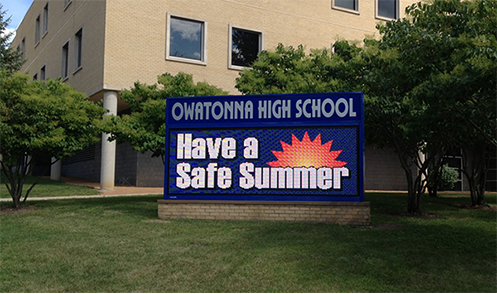
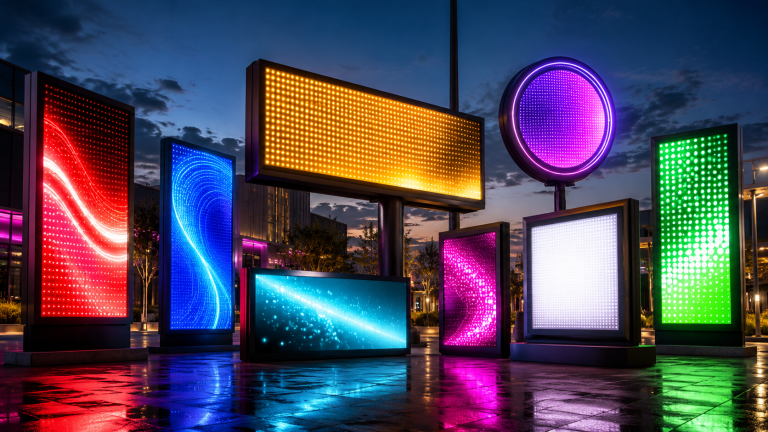
Alpha LED sign boards are great for anything from churches, to schools, to business. They tend to do great in large open spaces, where they are clearly visible.

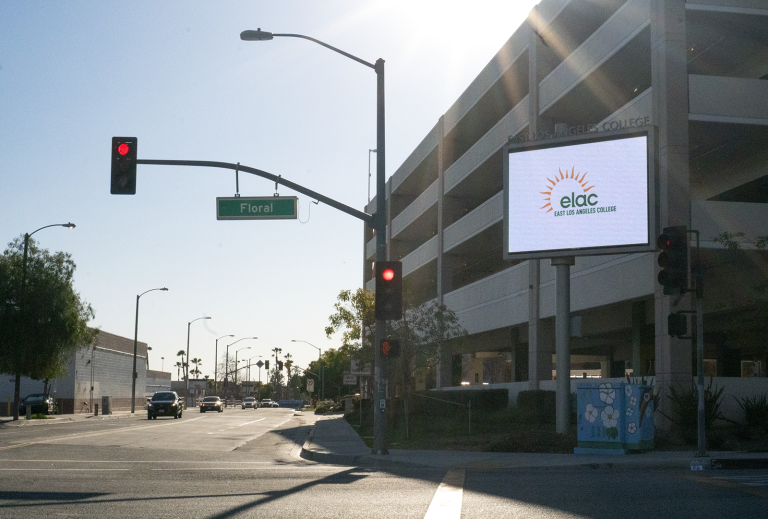
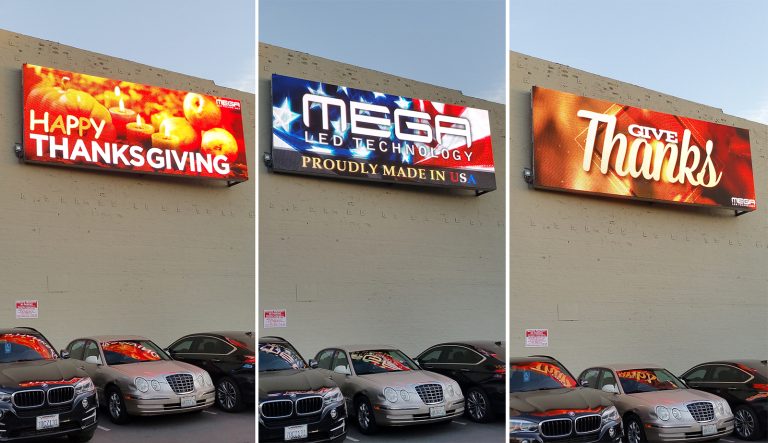
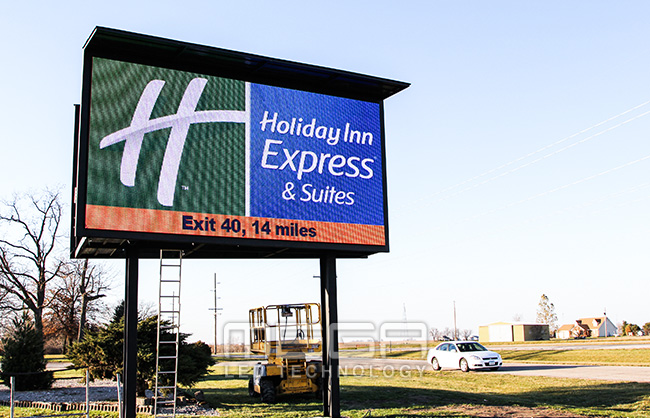
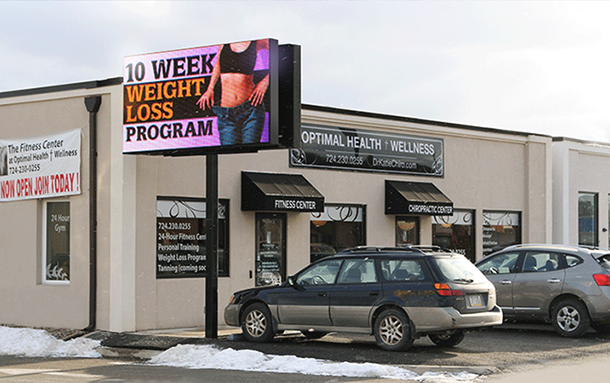
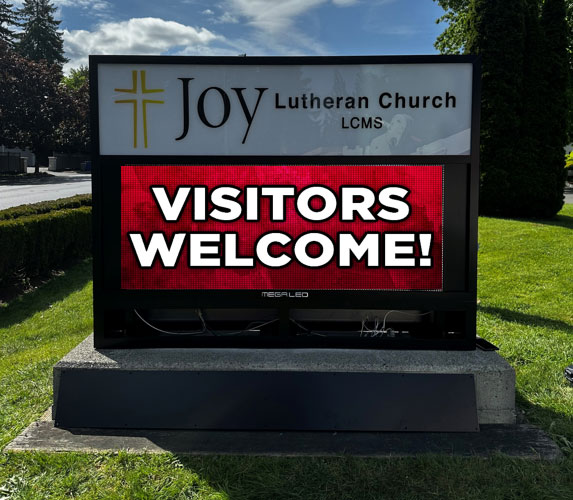
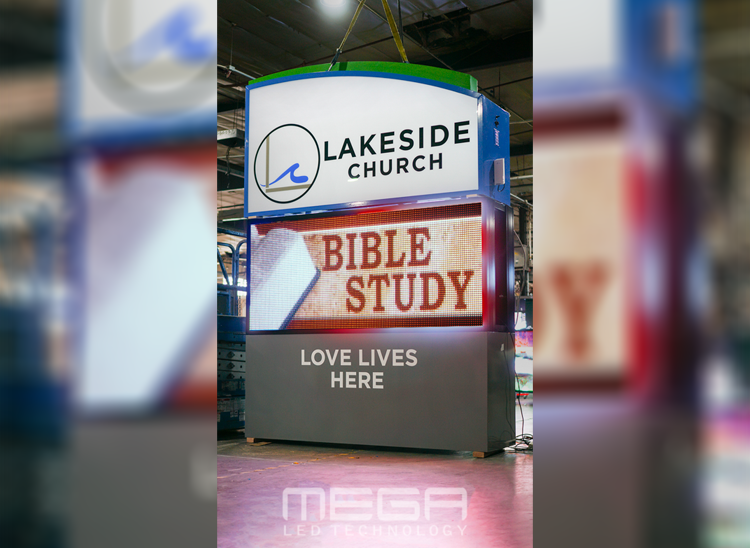
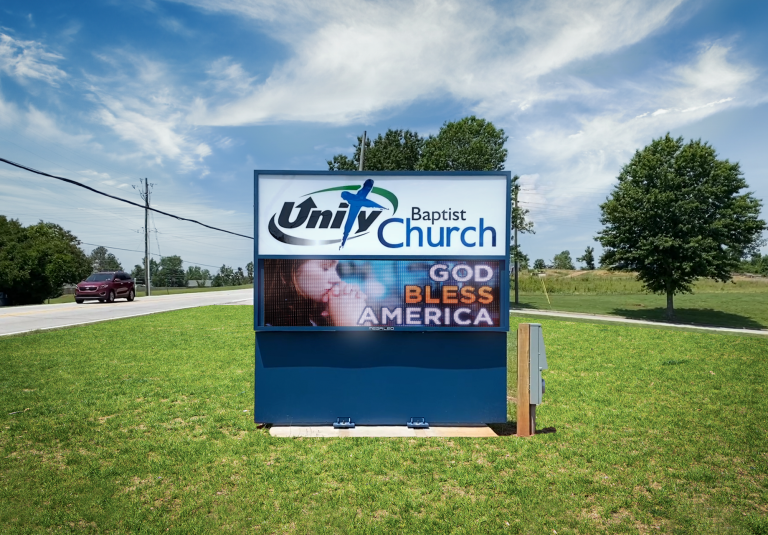
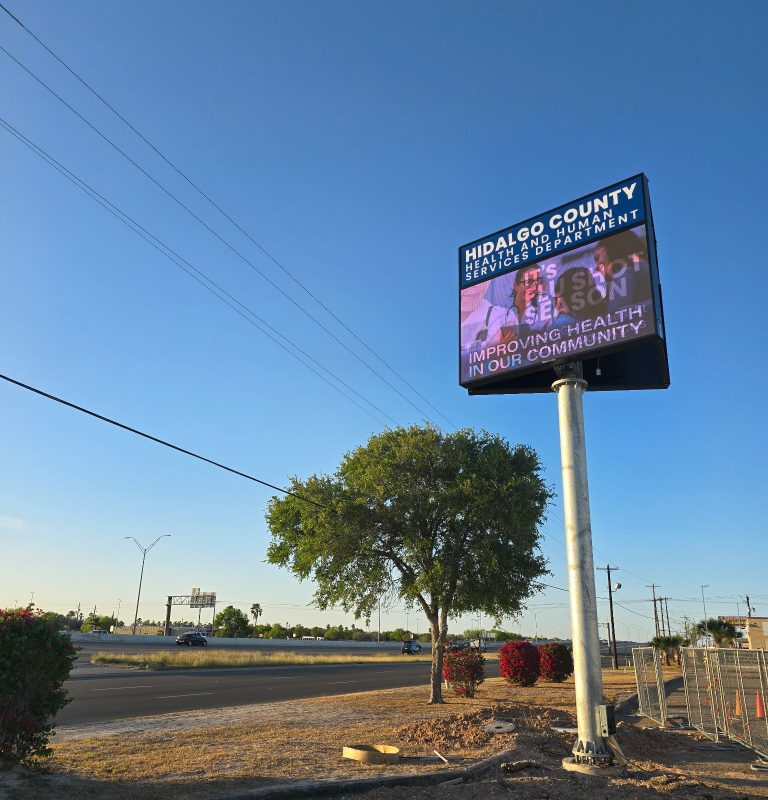
Omega is our newest line of outdoor digital signs. Running the full gambit from cabinet, to LED sign, to logo on top, or any configuration of your choice!

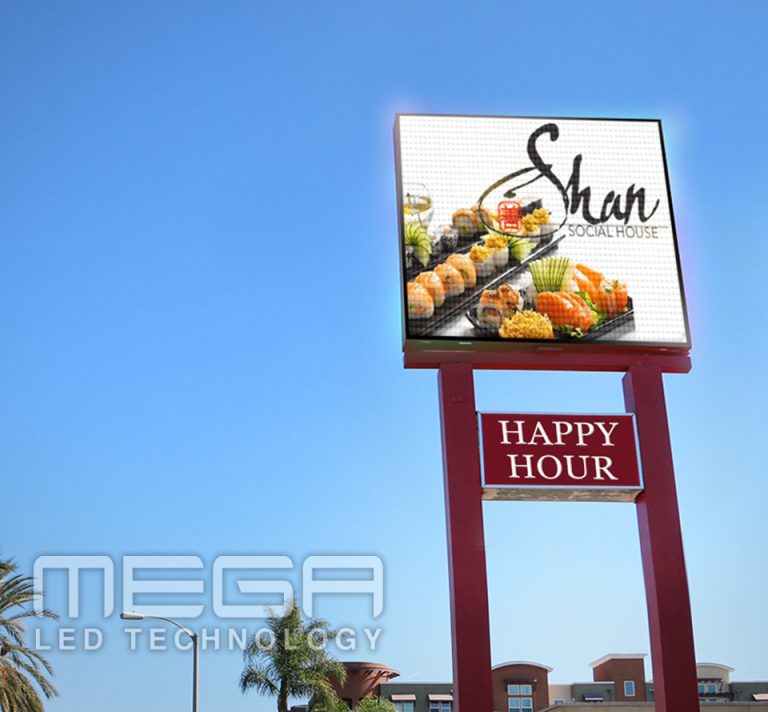
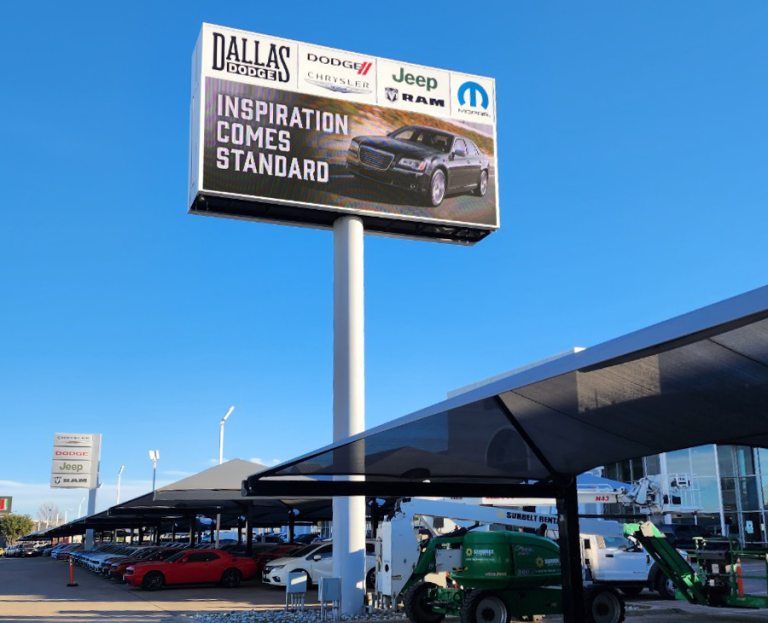
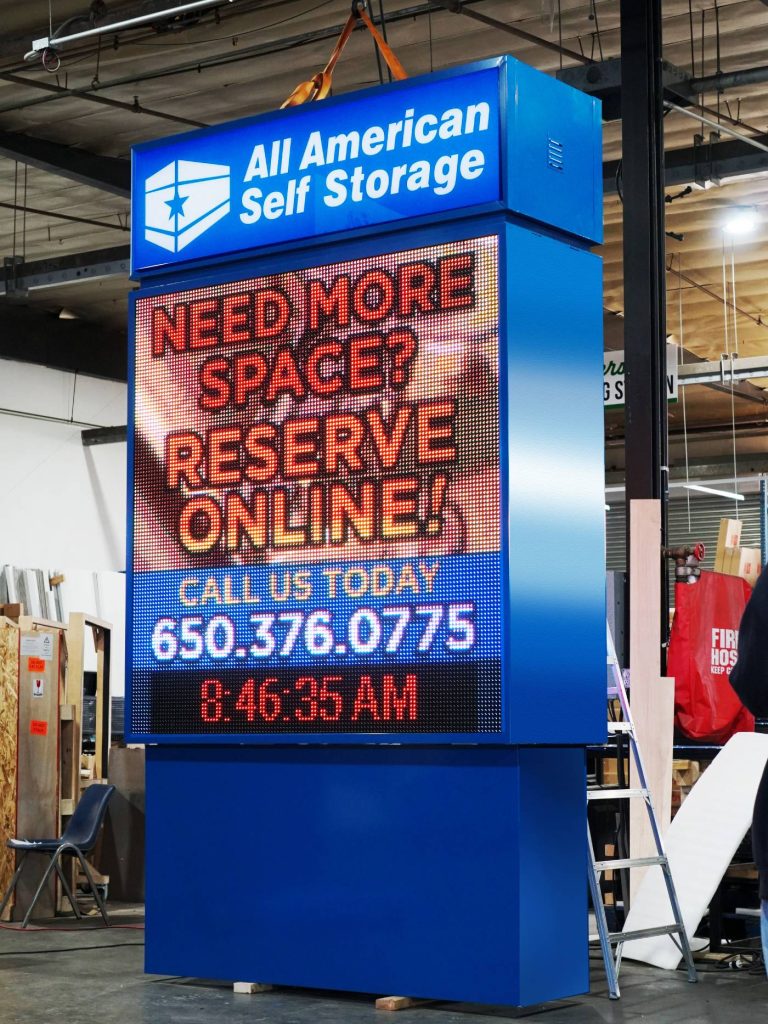
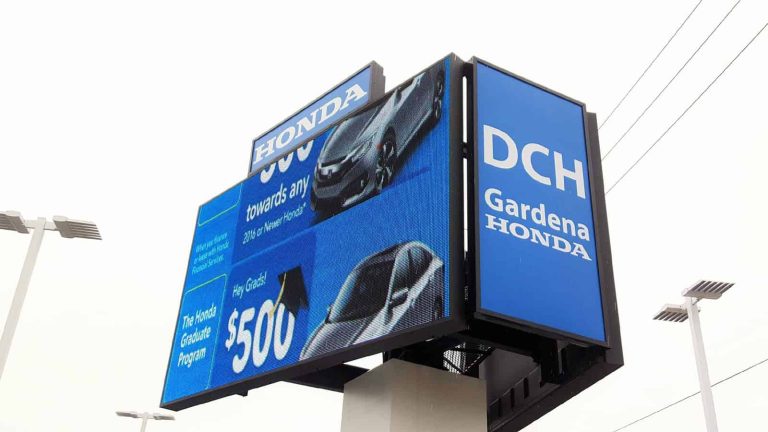
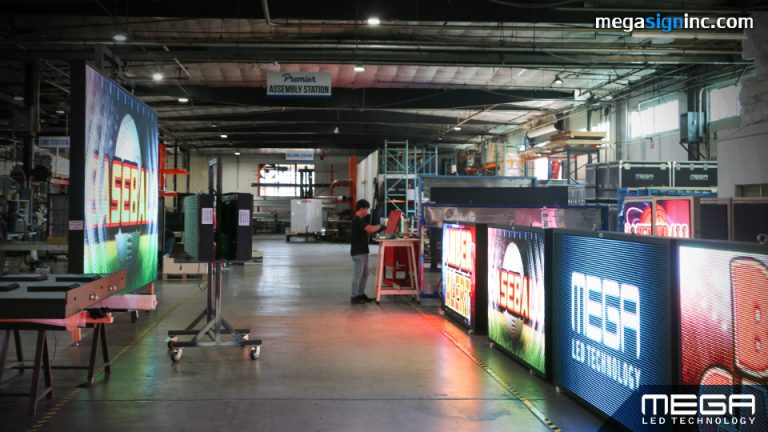
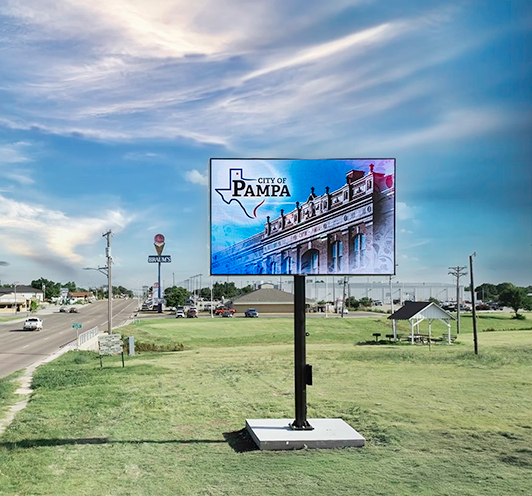
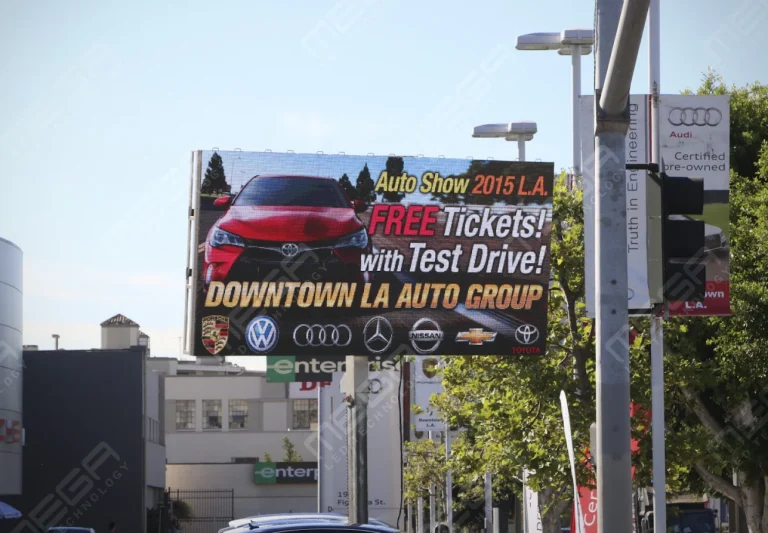
Premier is a customizable Outdoor LED sign, perfect for the Entrepreneur who knows that large custom sized signs cultivated for their specific business is the way to go.

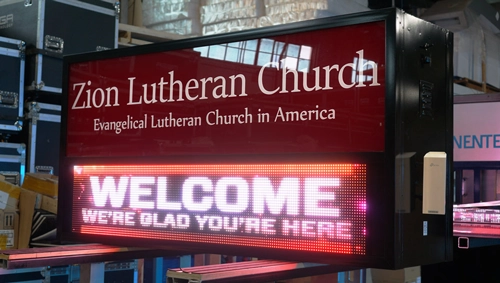
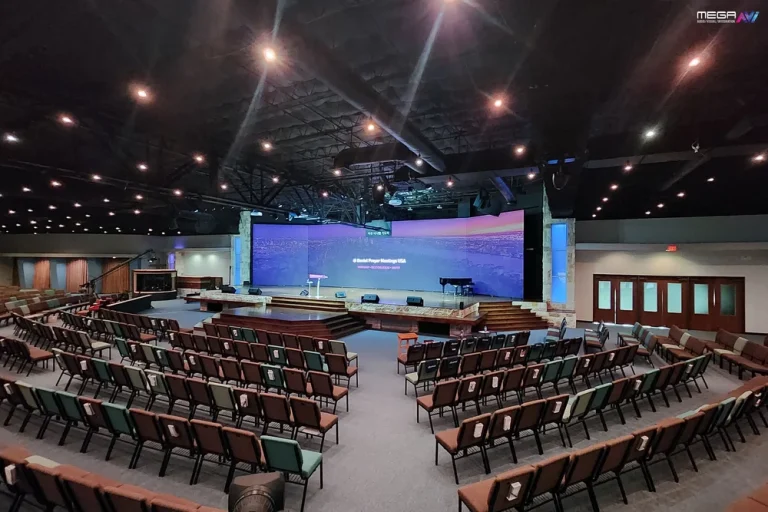
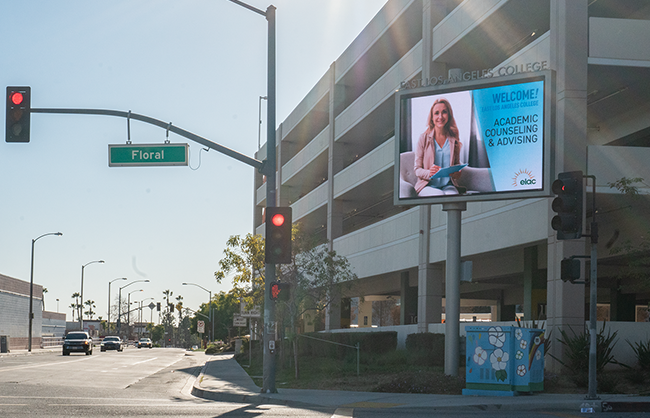
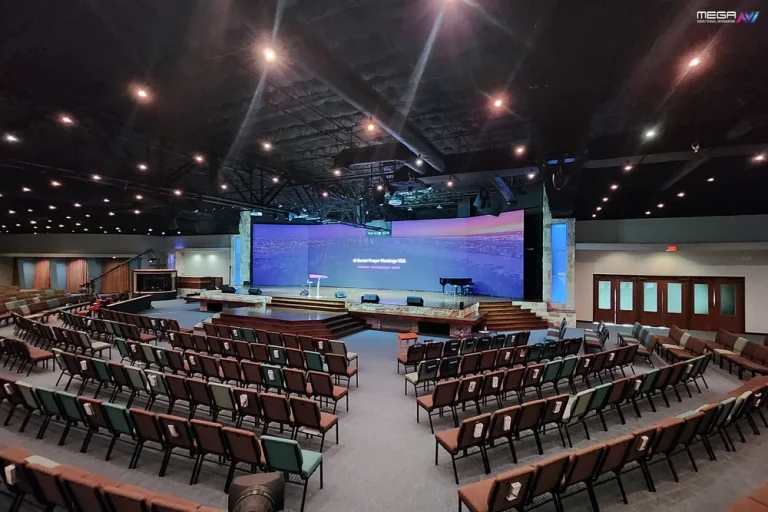
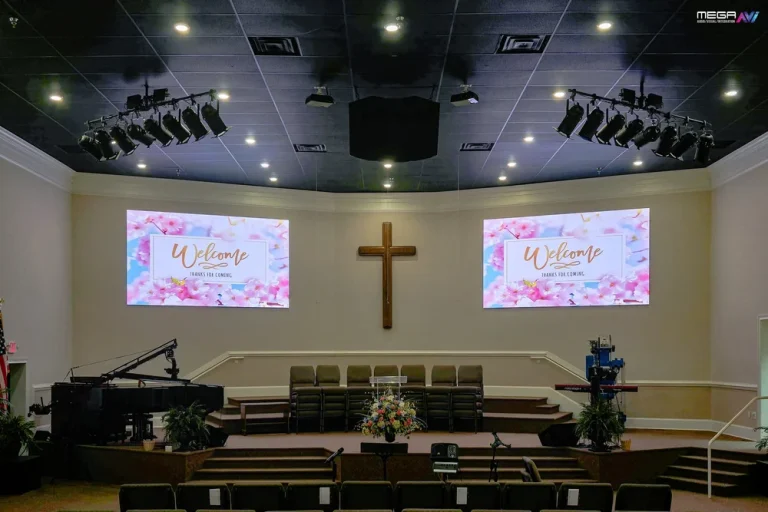
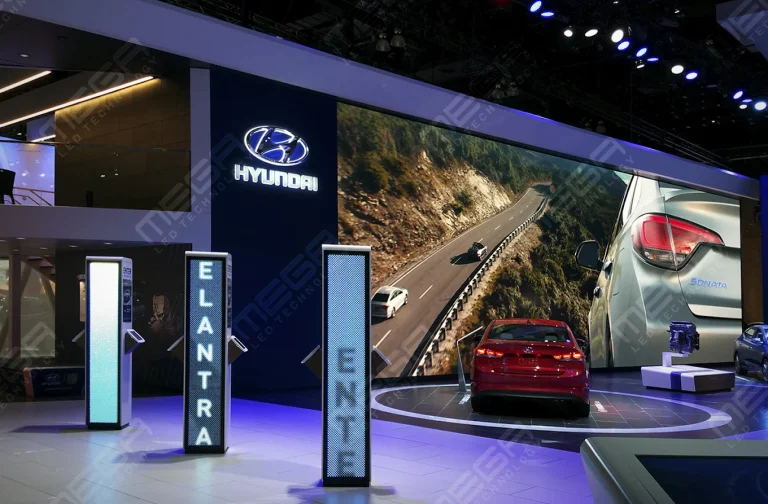
Programmable Stage LED signs, great for indoor assemblies, congregations, and presentations! Blow your competitors out of the water, or keep your congregation and audience glued to your message.

Alpha LED sign boards are great for anything from churches, to schools, to business. They tend to do great in large open spaces, where they are clearly visible.
Omega is our newest line of outdoor digital signs. Running the full gambit from cabinet, to LED sign, to logo on top, or any configuration of your choice!
Premier is a customizable Outdoor LED sign, perfect for the Entrepreneur who knows that large custom sized signs cultivated for their specific business is the way to go.
Programmable Stage LED signs, great for indoor assemblies, congregations, and presentations! Blow your competitors out of the water, or keep your congregation and audience glued to your message.
Alpha LED sign boards are great for anything from churches, to schools, to business. They tend to do great in large open spaces, where they are clearly visible.
Omega is our newest line of outdoor digital signs. Running the full gambit from cabinet, to LED sign, to logo on top, or any configuration of your choice!
Premier is a customizable Outdoor LED sign, perfect for the Entrepreneur who knows that large custom sized signs cultivated for their specific business is the way to go.
Programmable Stage LED signs, great for indoor assemblies, congregations, and presentations! Blow your competitors out of the water, or keep your congregation and audience glued to your message.
Transportation digital signage fails quietly. A screen dies at the far end of a platform, a departure board freezes on yesterday’s data, and riders start asking staff instead. Here is how the system fits together and which parts decide whether it holds up.

Transportation digital signage is a network of connected screens across vehicles, stops, stations, terminals, and roads between them, all updated from one place.
It carries five jobs at once:
Two things made it standard. Schedules now move in real time, and a rider whose screen says nothing pulls out a phone and stops trusting the operator.
This guide is for transit operators, agencies, and infrastructure managers. We make the large-format LED layer, not the on-board screens or the data middleware, and we will say so as we go.
Six pieces: displays, a media player or built-in controller, mounting hardware, connectivity, content software, and a live data source.
The environment splits hardware into three families. Indoor screens can be ordinary commercial panels.
Outdoor screens need weather sealing, sunlight-readable brightness, and thermal management. On-board screens add vibration, power swings, and a moving cellular link.
Software does the unglamorous half: scheduling by time and day, permissions so one station manager cannot overwrite a network alert, and monitoring that flags a dark screen before a passenger does.
Specify the worst conditions the screen will see. Many transit displays run close to twenty hours a day, and the hours nobody watches kill hardware.
Tell us where the display sits, how far people read it from, and how fast they are moving. We come back with a free quotation and a layout.
An information board answers the one question riders have on arrival: is my service running, and when?
Static timetable displays show a fixed schedule. They are cheap, they never break, and they are wrong the moment anything changes. Data-connected boards pull from the operator’s scheduling and vehicle-location systems and update themselves.
Station formats settle into a few shapes: full-color LED matrix boards over concourses and platforms, LCD departure panels at eye level in ticketing halls, and stretched bar screens above gates where the space is wide and short.
Five types cover nearly every transit deployment: LCD screens, LED displays, stretched bar screens, interactive kiosks, and large-format video walls.
Pick by read distance, ambient light, viewing angle, and exposure. Touch earns its place only where a rider inputs something, and it adds cleaning and vandalism costs.
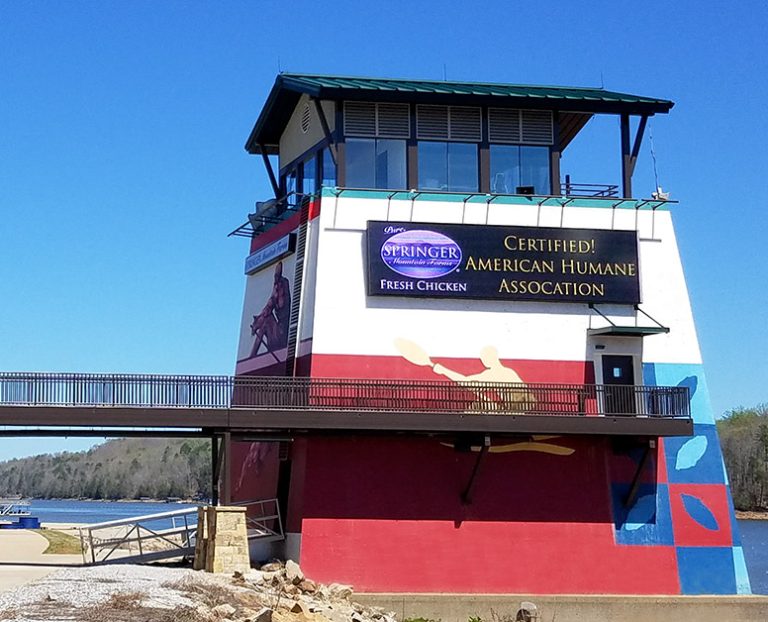
We build the LED layer of that list. Our Premier outdoor LED signs go where a network meets the road: transit center entrances, park-and-ride approaches, and station frontage. Inside, our indoor video walls cover concourses and ticketing halls on a separate, finer pitch ladder.
| Where it sits | The read must win. | What we specify | The spec that decides |
|---|---|---|---|
| Station frontage, transit center entrance | 100 to 300 feet at 25 to 45 mph | 6mm or 8mm SMD outdoor cabinet | Sharp up close and along the roadside |
| Highway-adjacent corridor or approach road | 400 feet plus at 55 to 70 mph | 16mm DIP outdoor cabinet | Legibility at distance and speed |
| Open platform or unheated shelter | 10 to 40 feet, sun to dark | Outdoor-rated LED, optional auto-dimming sensor | Sealed modules, fans above 104°F |

Transit signage does two jobs: it tells riders what is happening and tells staff what to do.
Every mode uses it differently. Airports lean on flight information and gate changes, rail and metro on platform countdowns, bus networks on stop arrivals and on-board next-stop displays, and highway agencies on message signs that reroute traffic before it reaches the problem.
Scale changes the build more than mode does. A three-stop shuttle needs one reliable board. A regional network needs redundant feeds, content governance, and someone who owns the screens.
Why it matters is practical. Information that arrives late gets delivered by staff instead, and staff time is an expensive way to answer what a screen could have handled.
Clear, timely information removes the specific anxiety of not knowing whether to wait or leave.
Confidence comes from consistency, not volume. A board right nine times out of ten trains riders to check it. A board right six times out of ten trains them to ignore it and ask a driver.
The real test is disruption. Anyone can display a schedule on a normal Tuesday. We work with facilities that treat the bad day as the design case, and that is right: the screen earns its budget during a closure, not a smooth commute.
Signage improves a journey by answering each question at the point where the rider actually has it.
The questions change as riders move:
Put content where the question lives. A fare table on a platform screen is wasted space, and a countdown clock at the ticket window is answering a question nobody asked yet.
Our Premier signs are sealed to IP67 at the front and IP65 at the rear, and are backed by a 5-year limited warranty. Engineered and built in the USA.
Real-time displays show live arrivals, departures, delays, cancellations, and gate or platform reassignments as they happen.
The value is concentrated in a few seconds. A rider deciding whether to run for a platform, wait for the next service, or leave is making that call in the time it takes to read one line.
Accuracy compounds in both directions. Correct updates cut missed connections and staff inquiries. One wrong platform number sends a hundred people to the wrong end of a station, and they remember that longer than ninety-nine correct updates.
Visual information gives riders who cannot hear an announcement the same content everyone else receives.
The legal floor is real. Under the U.S. Department of Transportation’s ADA rules, transit service requirements at 49 CFR 37.167 direct operators to announce stops and transfer points, provide a way to identify the right vehicle where routes share a stop, and make service information available in accessible formats.
Legibility is where screens quietly fail. The U.S. Access Board’s ADA guide chapter on signs sets the yardstick for visual character requirements: non-glare finish, light-on-dark or dark-on-light contrast, and character height scaled to viewing distance, starting at 3 inches for signs above 10 feet read from 21 feet, plus 1/8 inch per extra foot.
Multilingual content and simple pictograms widen the reach. Screens should sit alongside audio announcements, tactile signage, and staff assistance; never replace them.
Wayfinding screens guide people through buildings they have never been inside before and will not visit again.
They cover the whole route: gates, platforms, exits, ticketing, restrooms, baggage, and the connecting bus, rail, or taxi rank outside. The advantage over printed signage is reassignment. When a gate moves, every screen on the path moves with it in one push.
Fewer wrong turns means less congestion at pinch points and fewer people stopping staff to ask. In our experience the payback shows up in staff hours first.

Screens carry urgent security, safety, and severe-weather messages to everyone in a facility at once.
Emergency content starts upstream. The Federal Emergency Management Agency’s Integrated Public Alert and Warning System carries authenticated alerts from more than 1,800 alerting authorities through the Emergency Alert System, Wireless Emergency Alerts, NOAA Weather Radio, and state and local systems, and it names digital road signs among them.
An emergency message has to interrupt everything else. Schedules, advertising, and promotions yield, and the override has to be reachable from one place by people who are not on site.
MEGA Cloud can push an emergency message to our signs in real time from a phone, tablet, or desktop. It is a control layer for our displays, not a certified alerting system, and the alert originates with the agency.
The benefits split three ways: riders get faster answers, staff get fewer interruptions, and operators gain an asset that carries paid content.
Grand View Research’s Digital Signage Market Size And Share Report values the global digital signage market at USD 31.1 billion in 2025, projects USD 58.4 billion by 2033 at an 8.2% CAGR, and tracks transportation as one of its application segments.
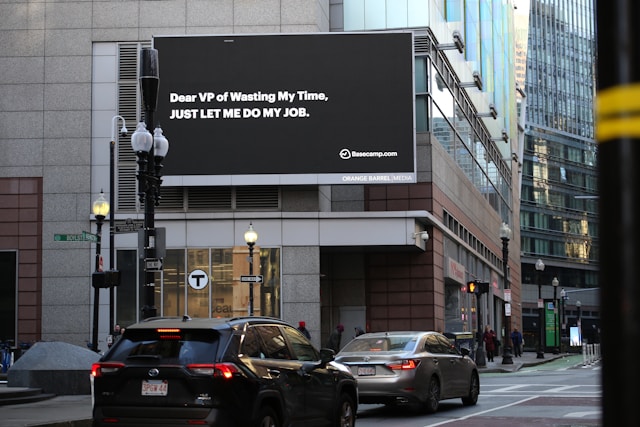
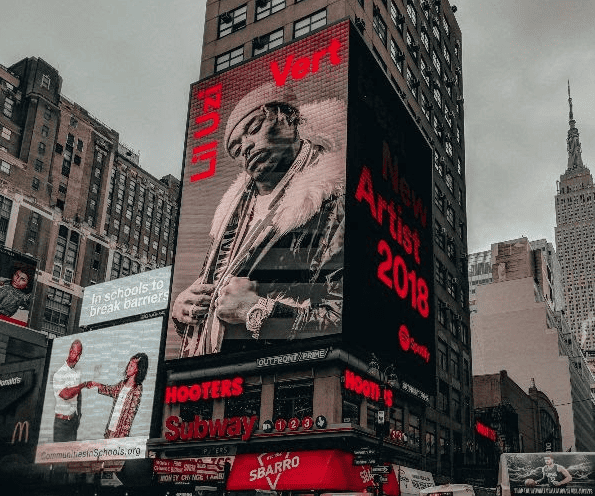
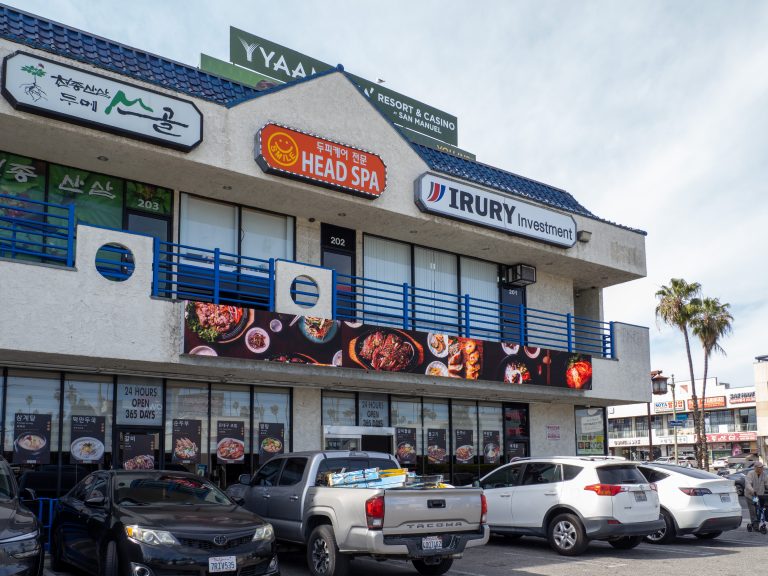
Advertising is the benefit operators underrate. Frontage that already faces traffic can carry third-party content, which is why digital billboard options sit beside passenger information on many transit center site plans.
Speed is the operational win. One update reaches every screen in a network, a different thing from printing and driving replacement posters to forty stops.
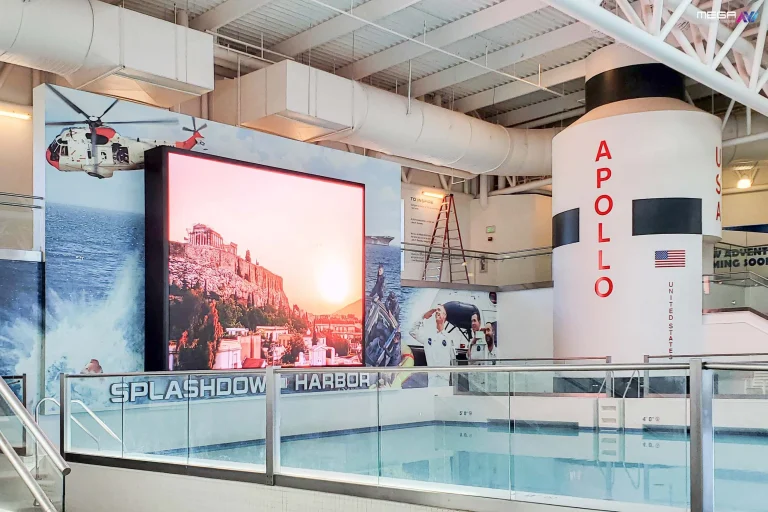
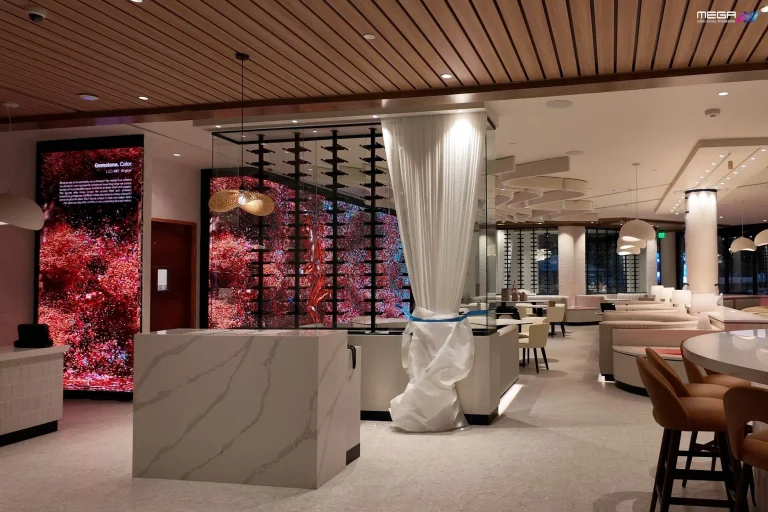
A large indoor LED video wall puts one unbroken image where a grid of small monitors used to sit. We size the pitch to your reading distance.
Yes. Cloud content management is the normal way distributed transit screens are run, and it makes a network of sites behave like one system.
Platforms of this kind handle scheduling, screen grouping by site or region, user permissions, and remote health monitoring. ScreenCloud and Yodeck are common examples in the category, and operators usually pick one based on how well it takes their data feeds.
Grouping is where the time savings sit. Change the message once for “all northbound platforms” instead of touching sixty screens individually.
Our own MEGA Cloud does this for our signs: scheduling, brightness, synchronized content, and remote diagnostics from a phone, tablet, or desktop, with lifetime training included. It manages our hardware, not a third party’s.
Yes. Vehicle GPS, scheduling systems, traffic feeds, and ticketing data can all drive screen content automatically.
The mechanism is simple. A vehicle reports its position, the system compares it against the timetable, and the arrival board writes itself. Nobody types an arrival time, which is the point.
Data mapping is where these projects go wrong. Stop identifiers, route codes, and platform numbers must match exactly across systems, and one mismatched code sends the right bus to the wrong board.
Plan the failure state before launch. When a feed drops, the screen should say so and fall back to the published timetable. A frozen arrivals board that still looks live is worse than a blank one.
The trouble concentrates in four places: connectivity, stale data, harsh environments, and integration complexity.
The physical layer gets underestimated. Open platforms have no climate control, sunlight washes out an underpowered display, and moisture finds any seal meant for indoor use. We’ve found outdoor-rated construction is where budget substitutions do real damage, because the failure shows up two winters later.
Large networks add governance problems: too many editors, no message standards, and content drifting out of date station by station. Cybersecurity belongs in the same conversation, because a networked screen is a networked device.
Every fix happens early. Set content ownership before launch, budget for maintenance access, and specify hardware for the site conditions. We build in Grand Prairie, Texas, as a veteran-owned manufacturer, and we would rather argue a buyer into the right sealing and pitch than replace a sign specified for the wrong place.
Specify 6 mm or 8 mm SMD, which stays sharp up close and along the roadside, and size the cabinet to your setback: https://www.megasigninc.com/premier-outdoor-led-signs/
Go 16mm DIP and larger, because highway distance and speed need a coarser pitch and a bigger canvas: https://www.megasigninc.com/digital-billboards/
One unbroken canvas beats a grid of monitors. Match pitch to sightline: 6.6mm for long views and 2.6 mm or 2.9 mm up close. https://www.megasigninc.com/large-indoor-led-video-wall/
A monument-style cabinet carries the facility name and live messaging at driver eye level: https://www.megasigninc.com/omega-monument-signs/
Digital signage for transport is a managed network of electronic screens used across vehicles, stops, stations, terminals, and transport corridors to deliver passenger and operational information. It covers arrival and departure boards, wayfinding displays, on-board next-stop screens, interactive kiosks, and road-facing message signs. The screens are connected to content software and usually to live scheduling or vehicle-location data, so they update themselves instead of waiting for someone to retype a timetable.
It is used for real-time service information, wayfinding, accessibility, safety messaging, and advertising. Airports run flight and gate information, rail and metro run platform countdowns, bus networks run stop arrivals and on-board next-stop displays, and highway agencies run corridor message signs. Operators also use it internally for staff instructions and depot notices, and the screens facing public traffic usually carry paid third-party content that offsets part of the running cost.
Digital signage for transport is a managed network of electronic screens used across vehicles, stops, stations, terminals, and transport corridors to deliver passenger and operational information. It covers arrival and departure boards, wayfinding displays, on-board next-stop screens, interactive kiosks, and road-facing message signs. The screens are connected to content software and usually to live scheduling or vehicle-location data, so they update themselves instead of waiting for someone to retype a timetable.
It is used for real-time service information, wayfinding, accessibility, safety messaging, and advertising. Airports run flight and gate information, rail and metro run platform countdowns, bus networks run stop arrivals and on-board next-stop displays, and highway agencies run corridor message signs. Operators also use it internally for staff instructions and depot notices, and the screens facing public traffic usually carry paid third-party content that offsets part of the running cost.

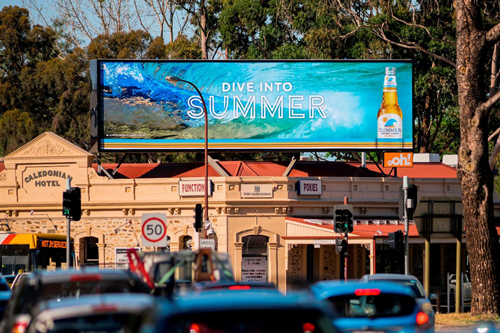

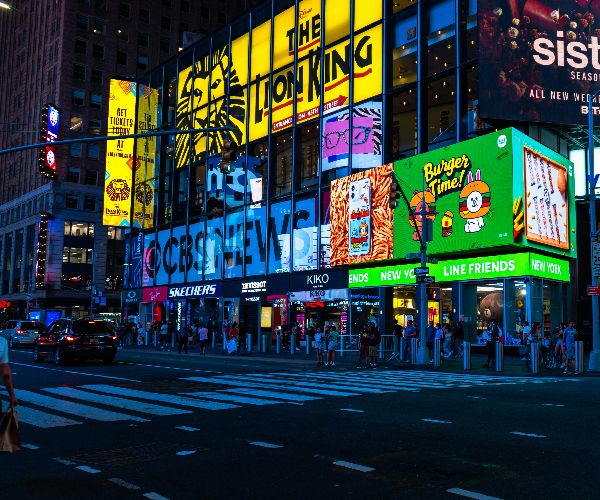


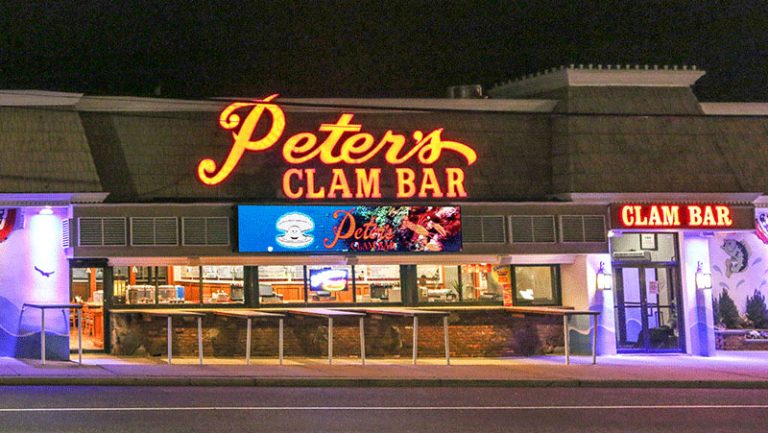




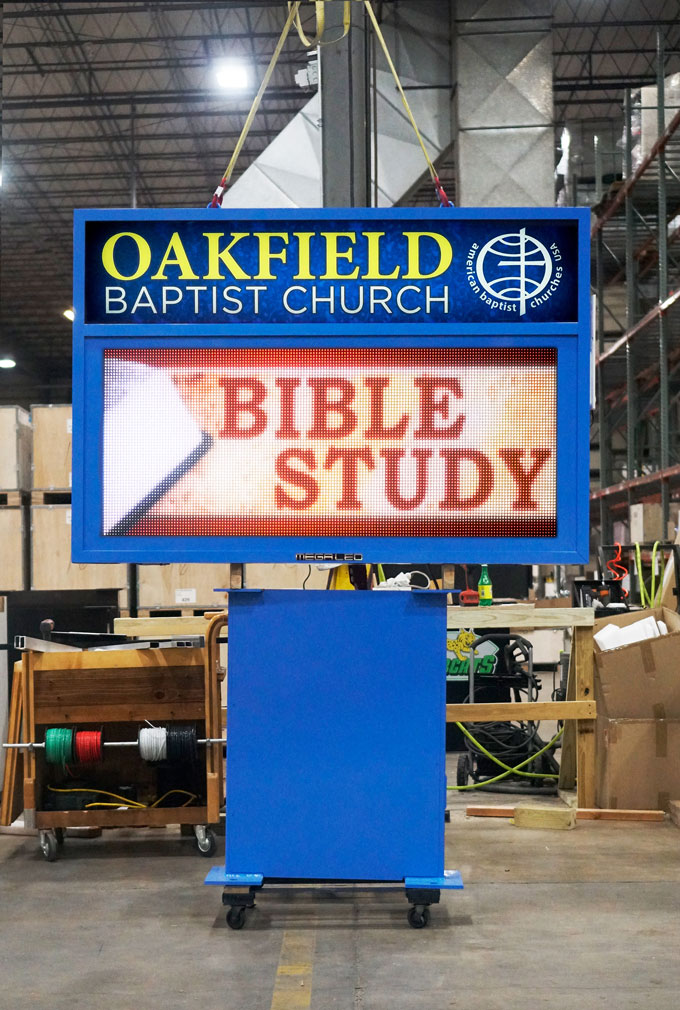

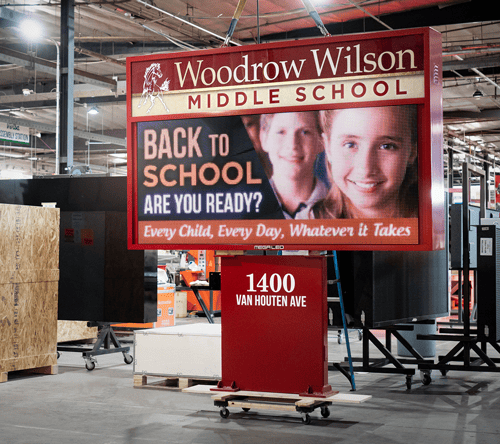
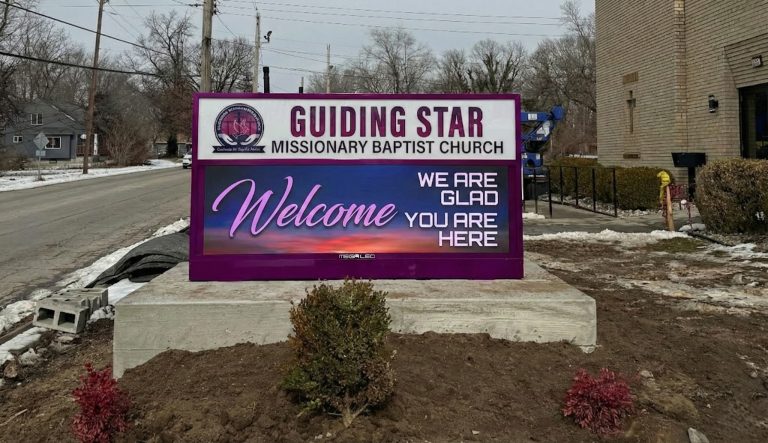



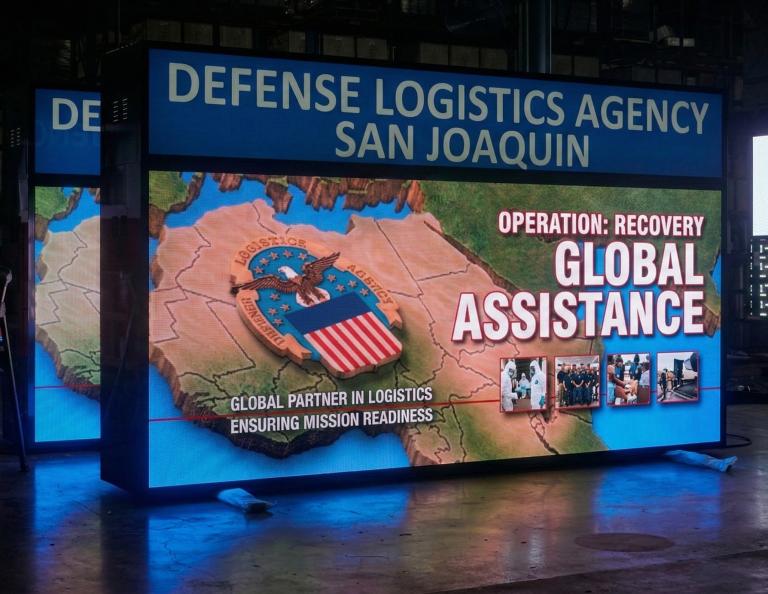
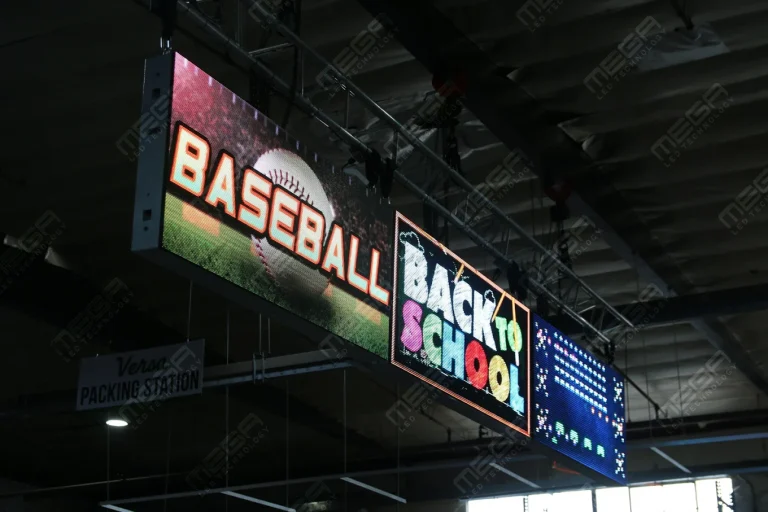
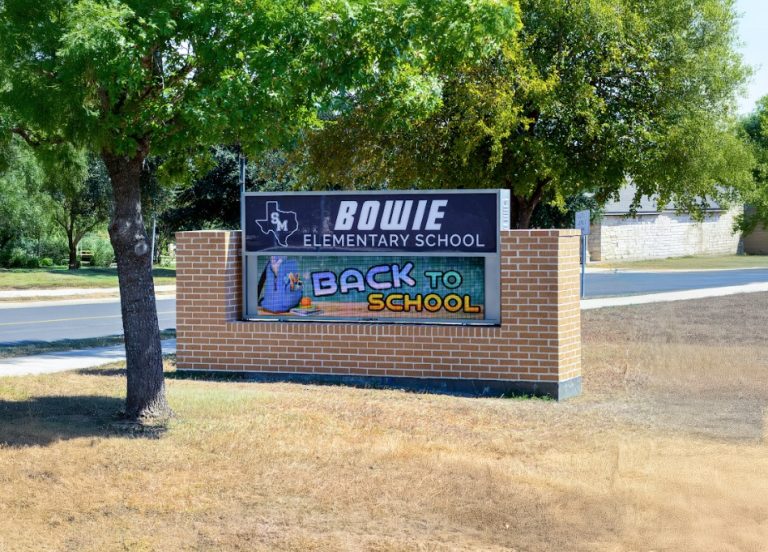



Alpha LED sign boards are great for anything from churches, to schools, to business. They tend to do great in large open spaces, where they are clearly visible.
Omega is our newest line of outdoor digital signs. Running the full gambit from cabinet, to LED sign, to logo on top, or any configuration of your choice!
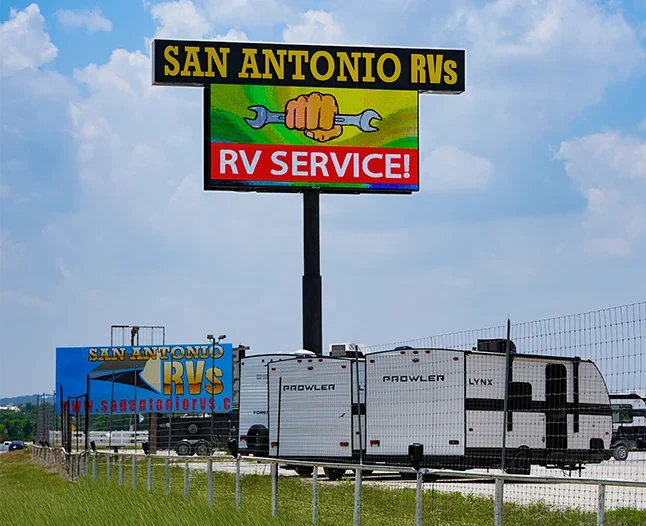
Premier is a customizable Outdoor LED sign, perfect for the Entrepreneur who knows that large custom sized signs cultivated for their specific business is the way to go.
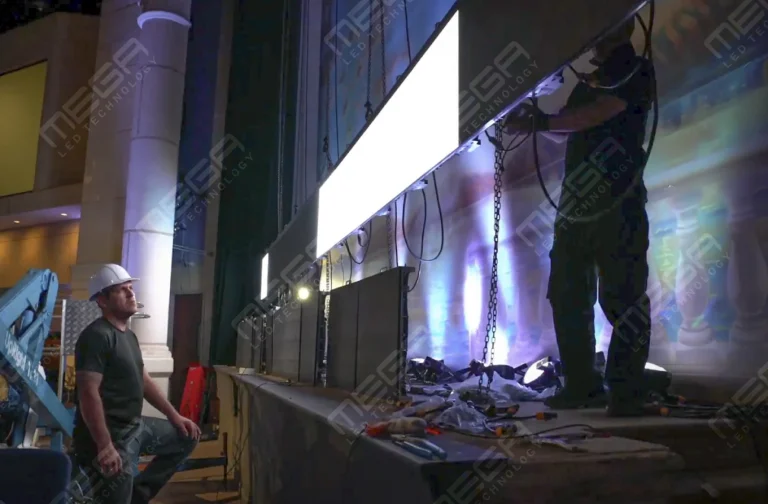
Programmable Stage LED signs, great for indoor assemblies, congregations, and presentations! Blow your competitors out of the water, or keep your congregation and audience glued to your message.