

What Is Smart Digital Signage? How Intelligent Screens Use Data, Software And Automation
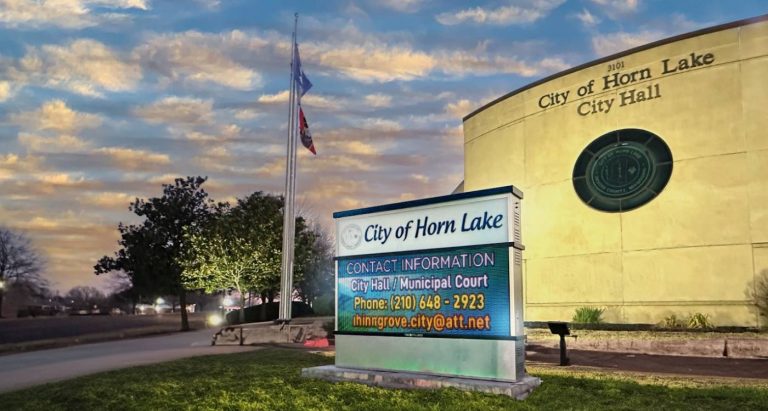

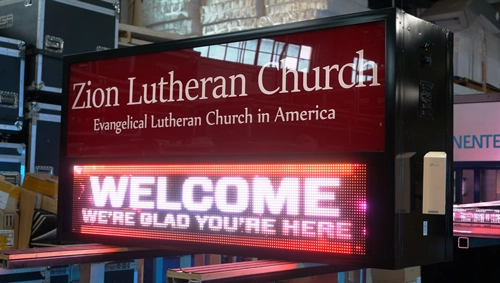
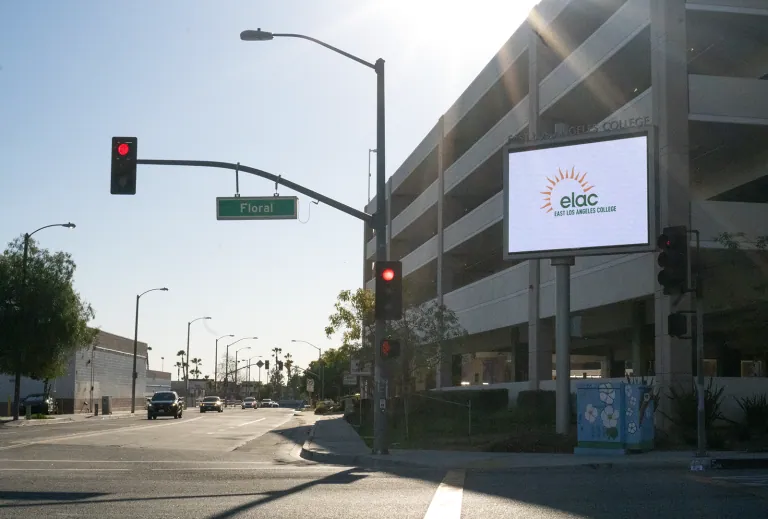
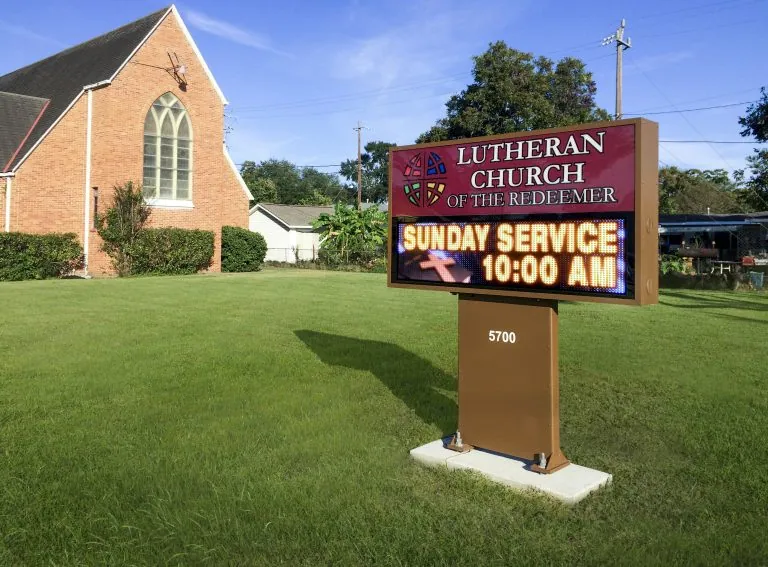
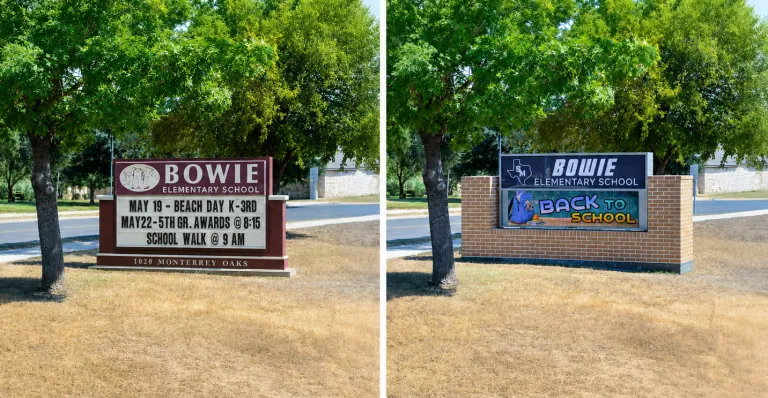
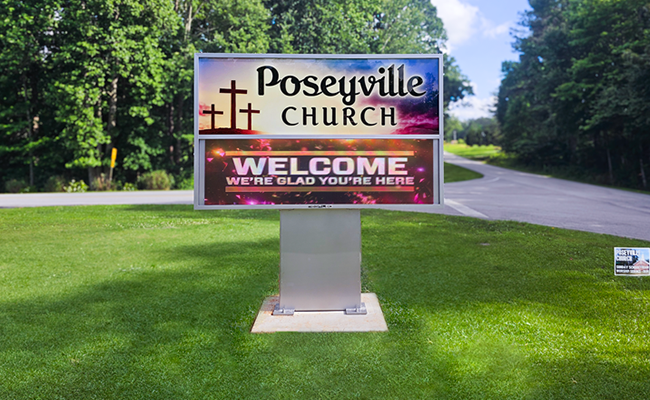
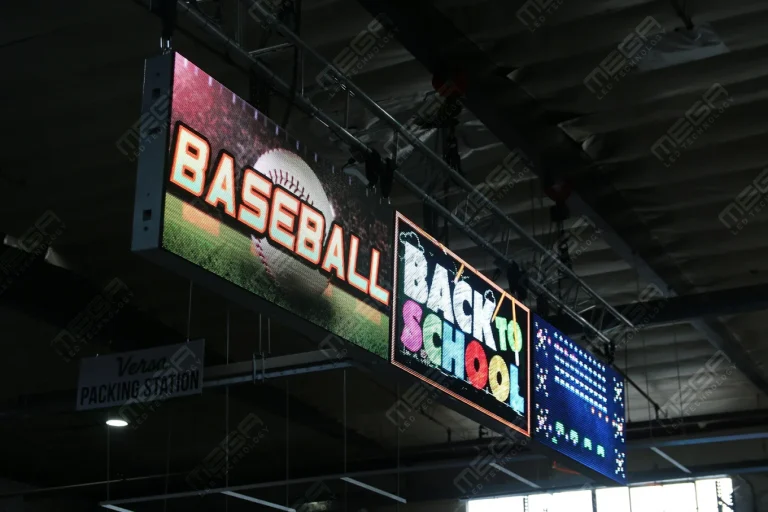
Alpha LED sign boards are great for anything from churches, to schools, to business. They tend to do great in large open spaces, where they are clearly visible.

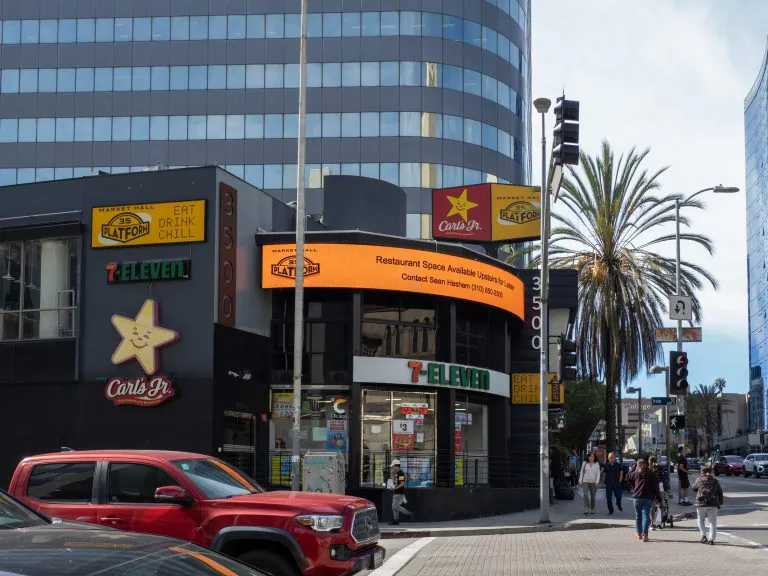
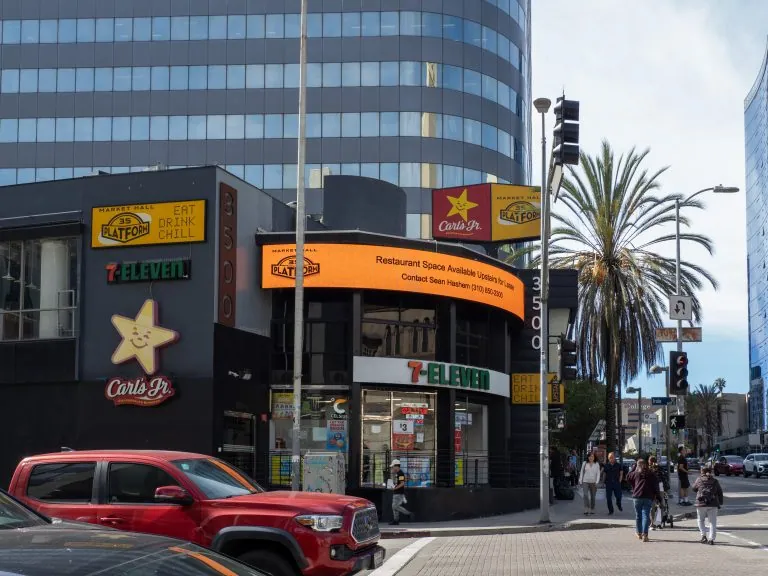
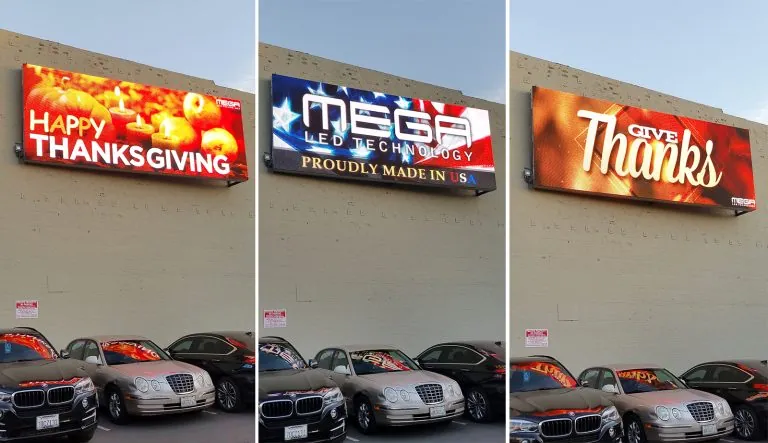
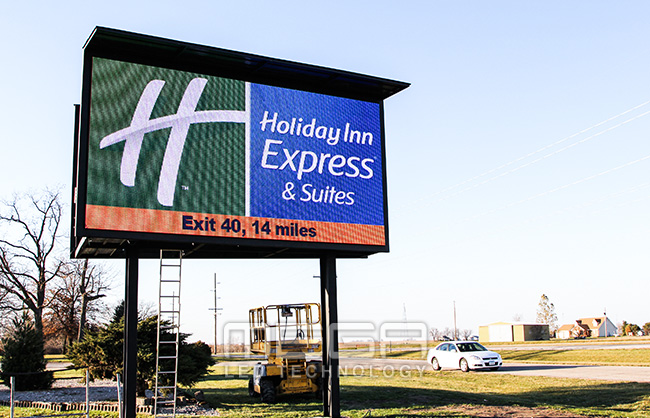
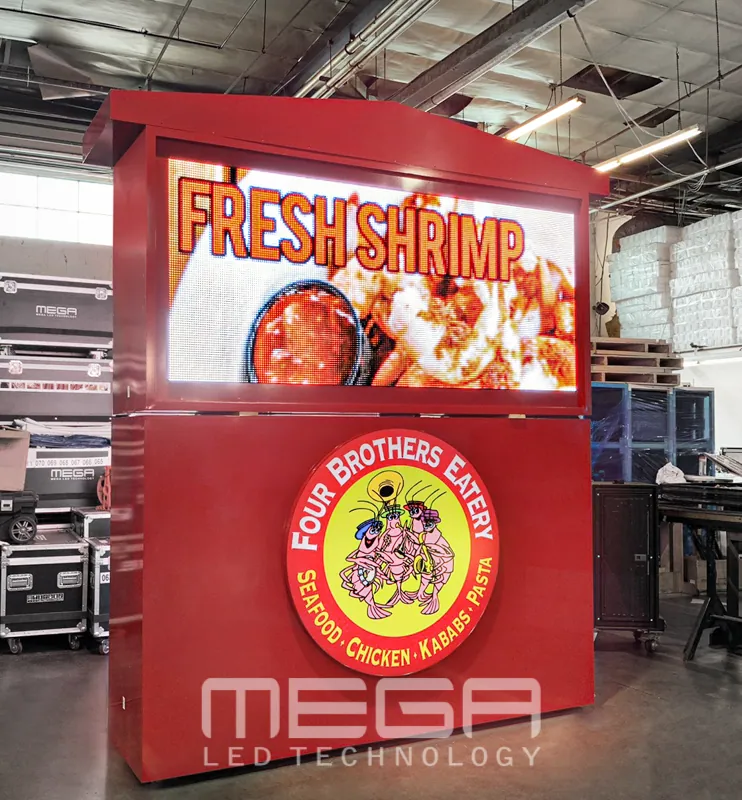
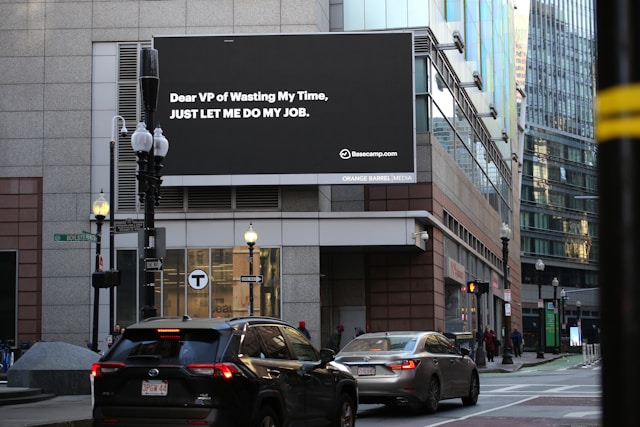
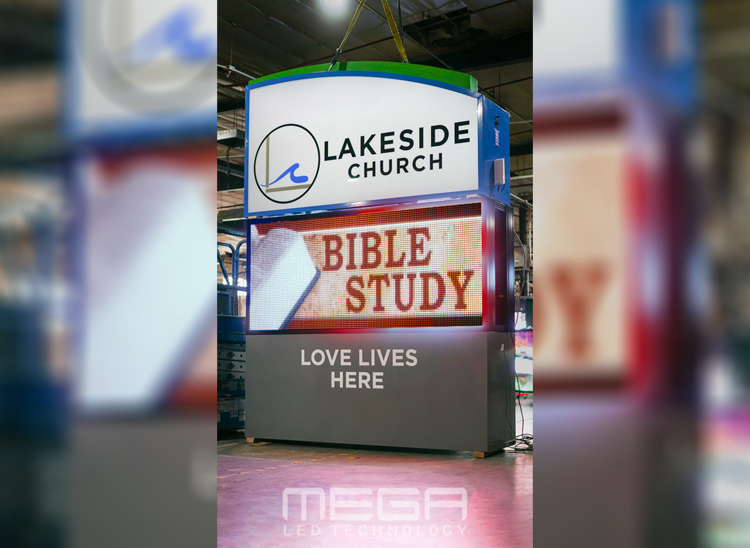
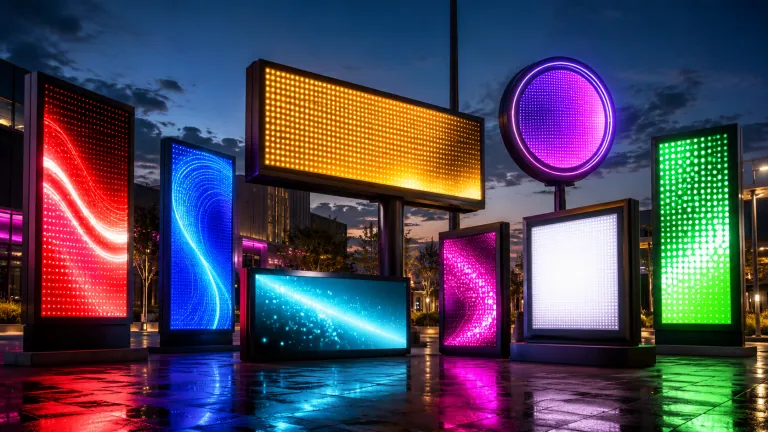
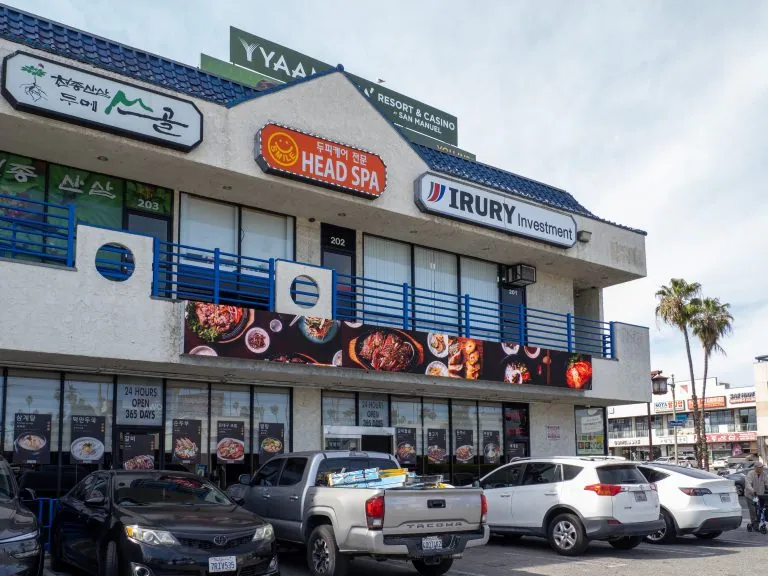
Omega is our newest line of outdoor digital signs. Running the full gambit from cabinet, to LED sign, to logo on top, or any configuration of your choice!

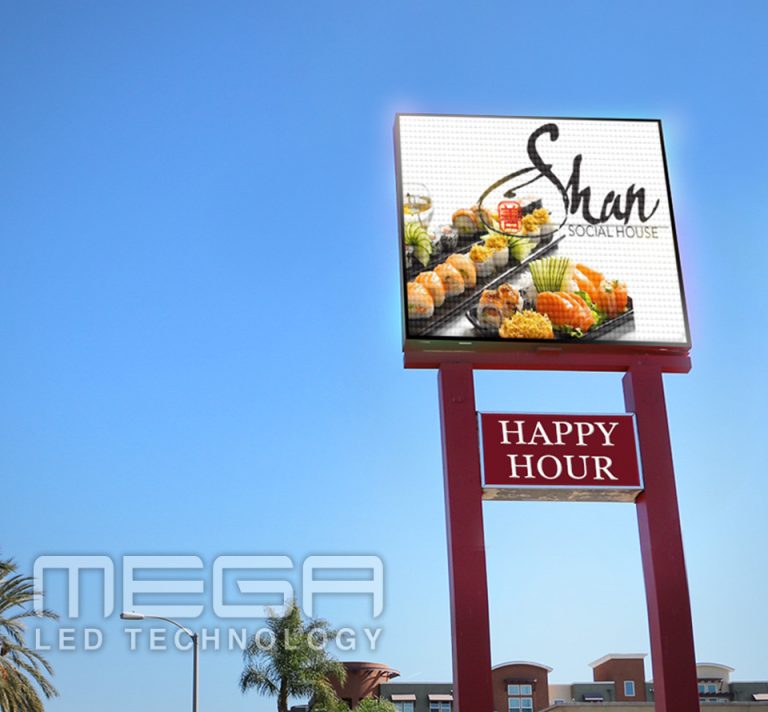
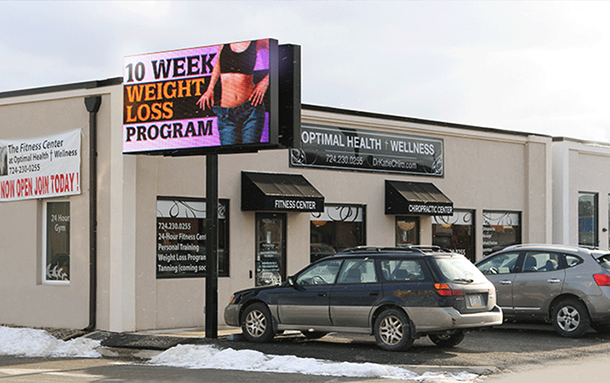
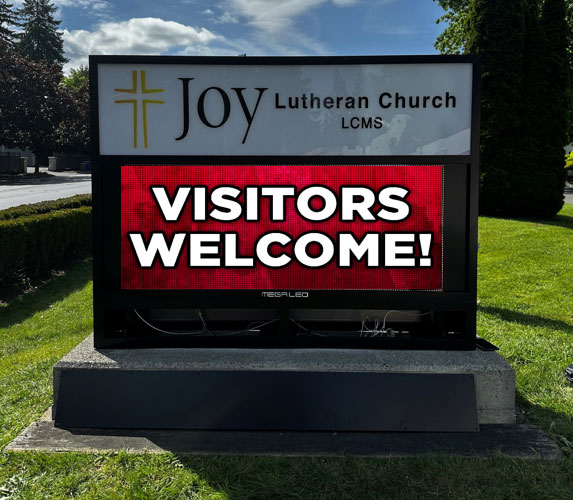
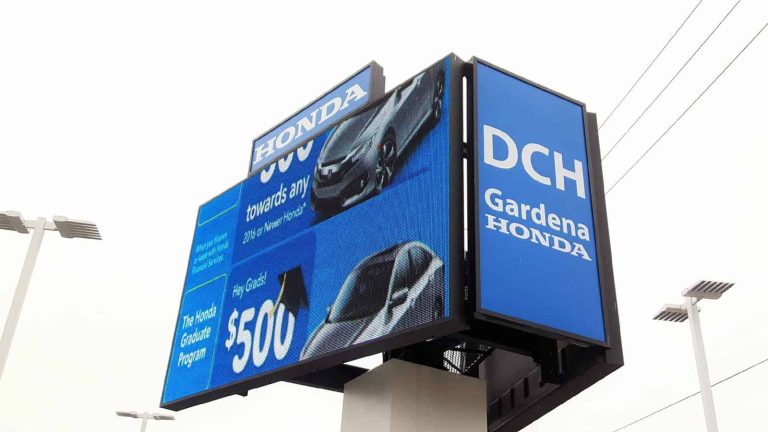
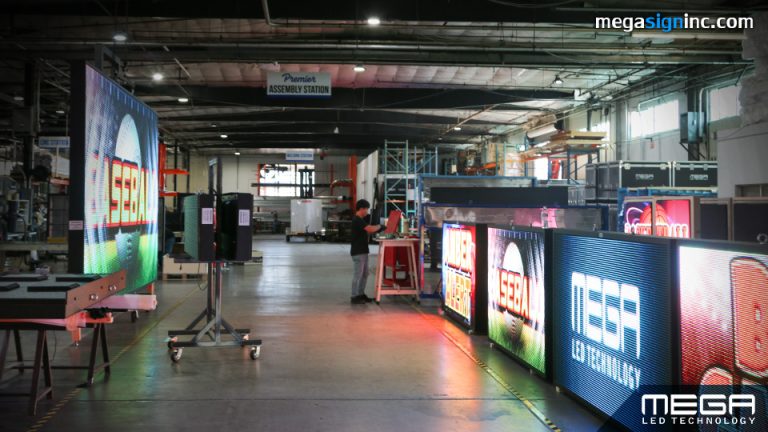
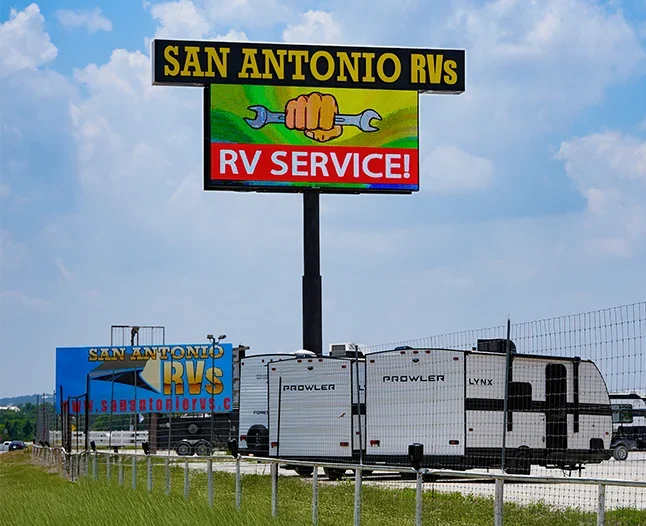
Premier is a customizable Outdoor LED sign, perfect for the Entrepreneur who knows that large custom sized signs cultivated for their specific business is the way to go.

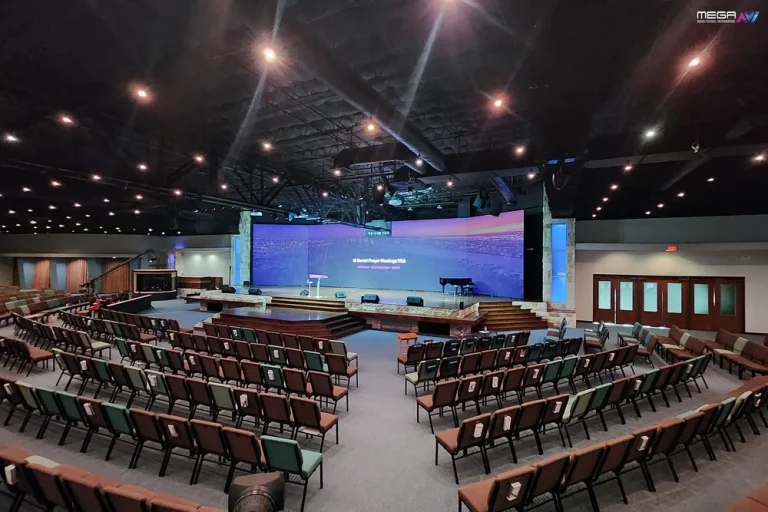
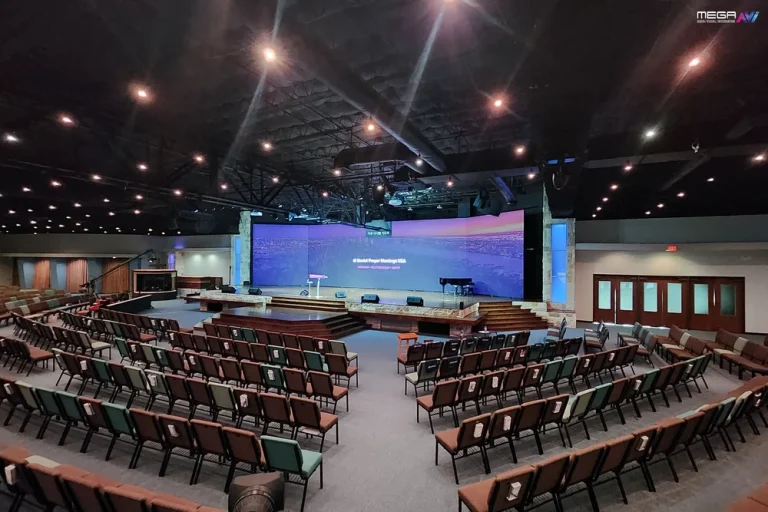
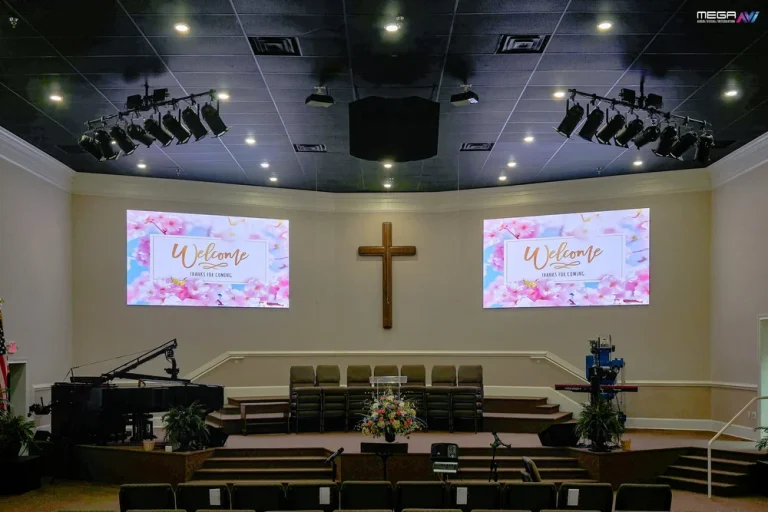
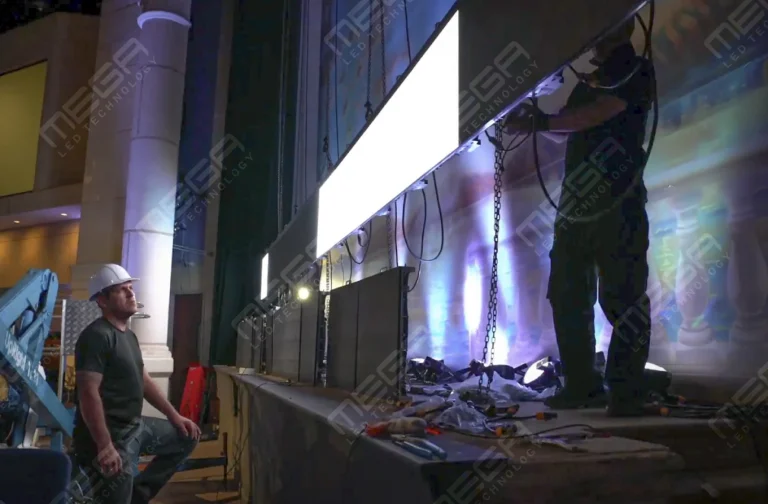
Programmable Stage LED signs, great for indoor assemblies, congregations, and presentations! Blow your competitors out of the water, or keep your congregation and audience glued to your message.

Alpha LED sign boards are great for anything from churches, to schools, to business. They tend to do great in large open spaces, where they are clearly visible.
Omega is our newest line of outdoor digital signs. Running the full gambit from cabinet, to LED sign, to logo on top, or any configuration of your choice!
Premier is a customizable Outdoor LED sign, perfect for the Entrepreneur who knows that large custom sized signs cultivated for their specific business is the way to go.
Programmable Stage LED signs, great for indoor assemblies, congregations, and presentations! Blow your competitors out of the water, or keep your congregation and audience glued to your message.
Alpha LED sign boards are great for anything from churches, to schools, to business. They tend to do great in large open spaces, where they are clearly visible.
Omega is our newest line of outdoor digital signs. Running the full gambit from cabinet, to LED sign, to logo on top, or any configuration of your choice!
Premier is a customizable Outdoor LED sign, perfect for the Entrepreneur who knows that large custom sized signs cultivated for their specific business is the way to go.
Programmable Stage LED signs, great for indoor assemblies, congregations, and presentations! Blow your competitors out of the water, or keep your congregation and audience glued to your message.
Important company news still dies in crowded inboxes while employees pass the wall where it could have been seen. Digital signage for corporate communications closes that gap by putting updates where people already look. This guide explains what to show, where to place it, and how to manage it.

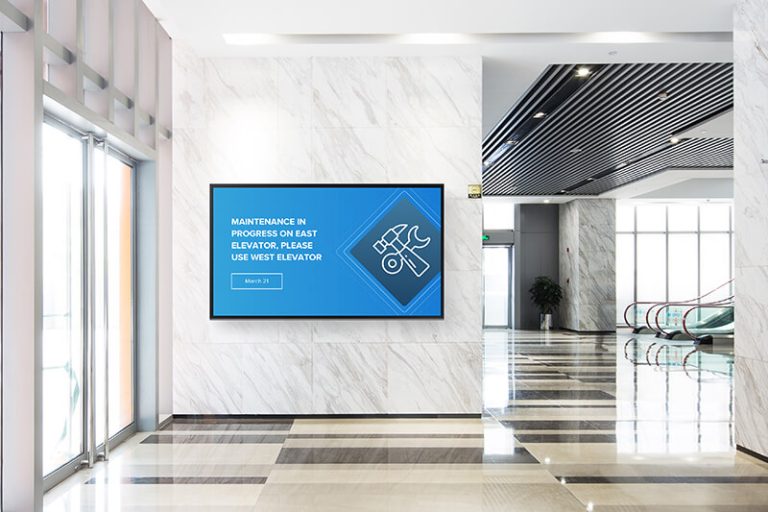
Workplace digital signage is a managed network of screens carrying internal messages through offices, facilities, and campuses. Lobbies, break rooms, hallways, production entrances, auditoriums, and meeting spaces become visible points in one communication system.
A screen complements email, chat, an intranet, and manager briefings by reaching people while they move. The harder a group is to reach at a desk, the more useful deliberate screen placement becomes.
The main benefit is visibility without another notification. Employees pass the same screens during arrival, breaks, shift changes, and meetings, giving important messages repeated exposure without adding to inbox pressure.
A central platform keeps locations aligned while allowing approved local updates. The global digital signage market was estimated at USD 31.09 billion in 2025, reflecting wider adoption of cloud-managed displays.
Consistency is another practical gain. When headquarters and local teams work from approved templates, employees receive the same core message without every location rebuilding it from scratch. Local publishers can still add site-specific details, but the brand, timing, and main instructions stay aligned across the company.
Show information that is timely, useful, and safe for public view. Strong rotations include company news, policy reminders, cafeteria menus, benefits deadlines, town halls, volunteer opportunities, and approved employee recognition.
Keep each slide short enough to understand while passing. One screen should communicate one idea, supported by a headline, a date or action, and only the visual detail needed.
Repeat the date without repeating the same design. Move an event from early announcement to one-week reminder, two-day countdown, and same-day room notice.
The approach works for training, enrollment windows, wellness events, and maintenance interruptions. Scheduled content reduces manual chasing because each message can publish and expire automatically.
Give every promotion a clear action. Pair the event name and date with one next step, such as scanning a code, visiting the intranet, or speaking with a manager. Remove the slide as soon as registration closes so employees learn that the screens are current and worth checking.
Tell us about your lobbies, floors, and meeting spaces, and we will help you pick displays that fit each one. Get a free quote with no pressure.
A public dashboard should explain performance at a glance, not expose the entire reporting system. Sales progress, production output, response times, project milestones, safety days, and customer satisfaction can connect daily work to a shared target.
Microsoft describes Power BI dashboards as single-page canvases built around the most important visuals. Workplace screens need the same discipline: one clear target, a few supporting metrics, and labels readable from the expected distance.
Automation can update visuals without manual edits, but an owner must still verify the source, refresh timing, units, and meaning. A live number is useful only when employees understand what it measures.
Give every metric context with a target, time period, and short label. A number without context creates speculation, while a clear threshold lets employees see whether the team is ahead, behind, or holding steady. Rotate metrics slowly enough for a viewer to understand the relationship between them.
Keep confidential data off open walls. Use role-based access and a separate public view that shows only the approved level of detail.
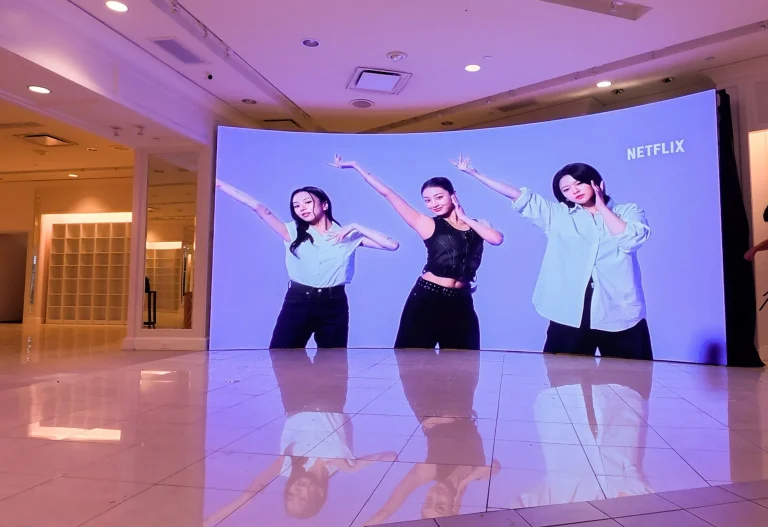
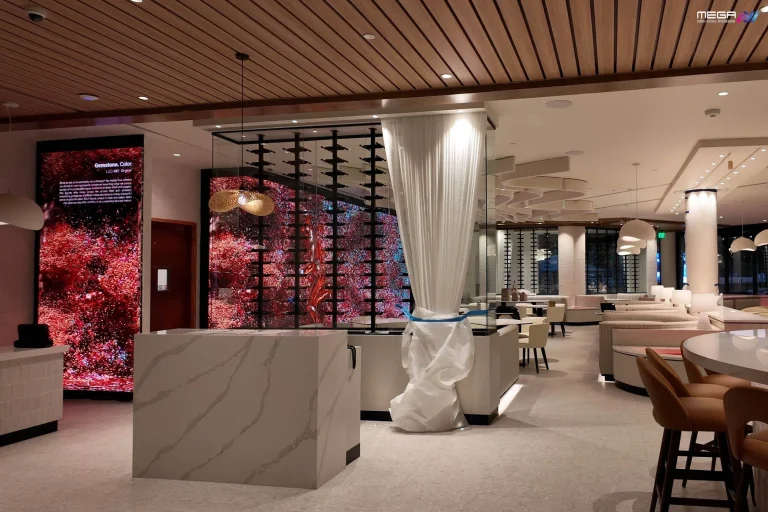
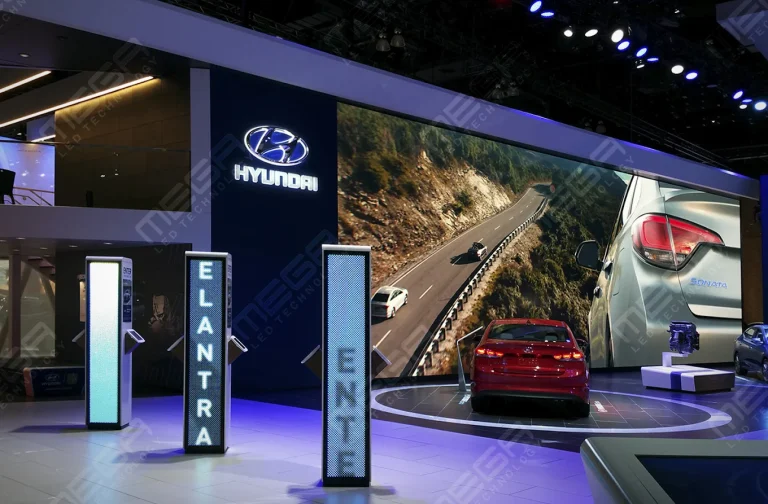
Our indoor video walls can make a shared dashboard visible across a sales floor, operations room, or auditorium.
| Metric type | Useful screen content | Update rhythm | Main guardrail |
|---|---|---|---|
| Sales | Team target, progress, wins | Daily or live | Avoid individual compensation data |
| Production | Output, quality, downtime | Live or per shift | Explain units and targets |
| Service | Queue, response time, resolution | Live | Remove customer identifiers |
| Culture | Recognition, milestones, participation | Weekly | Use approved names and photos |
| Safety | Incident-free days, reminders | Daily | Never replace formal safety systems |
Urgent content must interrupt normal programming. Weather warnings, evacuation instructions, security updates, facility hazards, and medical directions should replace routine slides rather than wait for a playlist.
OSHA requires alarms to be recognizable and perceptible above surrounding noise or light. Its OSHA employee alarms standard recognizes audible, visual, and tactile methods, so signage should support an emergency plan, not serve as the only alert channel.
Build preapproved templates and test the workflow. A successful drill confirms that authorized senders, screens, remote sites, and all-clear procedures work together.
Keep a second communication path ready for network or power failure. Emergency signage works best as one layer in a wider system that can include alarms, mobile alerts, public-address announcements, manager instructions, and posted evacuation routes.
Real-time alerts create one visible instruction across many spaces. A single action can update lobby, hallway, break-room, floor, and campus displays, reducing conflicting messages.
The U.S. Access Board’s Access Board guidance offers a framework for accessible electronic communication. Use captions, strong contrast, plain language, and alternatives to visual-only notices.
Our large indoor LED video walls turn reception areas and auditoriums into a single bright canvas for company messaging. See the panels.
Design alerts for stressful conditions, not normal viewing. Use a short instruction, large type, high contrast, and a location-specific direction such as which exit or assembly point to use. The alert should also name the hazard when safe to do so, helping employees understand both the action and the reason.
Signage reinforces learning between formal sessions. Screens can promote required courses, show one safety step, explain a policy change, or point employees toward a deeper resource.
For new hires, welcome slides and practical tips make the workplace easier to read. Use one concept at a time, plain language, captions for video, and enough display time for the viewing distance.
Use repetition without replaying the whole lesson. A screen can reinforce one procedure, definition, or deadline several times during a shift, then direct employees to the full training resource. This works best as reinforcement after formal instruction, not as a substitute for hands-on teaching, questions, or documented completion.
Put operational information where each shift begins. Screens near time clocks, entrances, lockers, dispatch points, and break rooms can show assignments, schedule changes, maintenance windows, and handoff reminders.
Accuracy comes first. Use digital signage for team-level updates, while individual schedules and private HR details remain inside authenticated systems.
A screen network needs an editor, a calendar, and an expiry rule. Assign one program owner, approved publishers, and clear boundaries between companywide and local content.
Use a simple rhythm: monthly campaign planning, weekly schedule and dashboard checks, and daily review of urgent changes, expired slides, and device status.
Choose software around the publishing workflow, not the longest feature list. Compare templates, scheduling, live data, permissions, approvals, emergency overrides, device monitoring, security, offline behavior, and support.
Test routine tasks with the people who will own them. On the display side, our Premier outdoor LED line extends communication to campuses and parking areas.
Our Premier outdoor LED signs carry messages across parking lots and campuses in any weather. Explore the sealed, USA-built line.
The system should make correct publishing easier than incorrect publishing. Useful controls include templates, scheduling, expiry dates, role-based permissions, approval steps, emergency priority, audit history, and remote device checks.
For multi-site companies, publishers should be able to target every office, one region, one building, or one screen. Plan what appears during a network outage and who receives a device alert. A blank screen is still a message, and usually the wrong one.
Make content expiry required. Event notices, temporary policies, and schedule changes should leave the rotation automatically, while evergreen culture or safety content receives a planned review date.
Before requesting quotes, define what each screen must accomplish:
Use this worksheet for every proposed display so locations are compared by function rather than screen size alone.
| Planning question | What to document |
|---|---|
| Who must the screen reach? | Employees, visitors, specific departments, shifts, or the entire workplace |
| What job must it perform? | Routine updates, KPIs, schedules, training, emergency alerts, wayfinding, or visitor messaging |
| How will people view it? | Typical viewing distance, pass-through traffic, dwell time, mounting height, and sightlines |
| What conditions affect visibility? | Sunlight, glare, dust, moisture, heat, noise, and indoor or outdoor exposure |
| What content must it support? | Slides, video, dashboards, live data, emergency overrides, or scheduled local updates |
| What infrastructure is available? | Power, network access, mounting surfaces, cabling routes, and installation access |
| Who controls the content? | Creator, approver, emergency publisher, review schedule, and required expiry date |
| What risks must be addressed? | Accessibility, privacy, security, offline operation, and confidential information |
| How will performance be measured? | Recall, attendance, registrations, compliance, response time, or another defined outcome |
| What display type fits the job? | Commercial screen, indoor LED wall, rugged high-brightness display, or sealed outdoor LED sign |
Complete one worksheet per location before requesting quotes. A break room, factory entrance, auditorium, and outdoor campus may share one content platform, but they require different brightness, durability, viewing-distance, installation, and support decisions.
There is no useful single per-screen price for every workplace. The total depends on display type and size, mounting, controllers, cabling, electrical work, network access, software, content, installation, integrations, security, and support.
A hallway screen and a seamless lobby LED wall are different projects. Start with the job each location must perform, then choose the least complicated display that can do it reliably.
Budget beyond the purchase date. Installation access, replacement parts, software renewals, content labor, training, connectivity, and technical support shape the long-term cost more than a low hardware quote alone
| Workplace space | Recommended display | Why it fits |
|---|---|---|
| Break room, hallway | Basic commercial screen | Short-range, glanceable updates |
| Reception, lobby | Indoor LED video wall | High visibility and a strong first impression |
| Auditorium, town hall | Large LED video wall | Large audience and longer viewing distance |
| Factory floor, dock | Rugged high-brightness display | Distance, noise, dust, and operational use |
| Campus, parking lot | Sealed outdoor LED sign | Weather exposure and long-range reading |
Price each site separately, then compare shared software, templates, and support. A detailed scope keeps vendor quotes focused on the same operational brief.
Measure the behavior the message was meant to change. Judge a town-hall campaign by attendance, a benefits reminder by completed enrollment, and a safety campaign by recall or compliance.
Track what ran, where, when, and what action followed. Each campaign needs one primary outcome, supported by QR scans, surveys, registrations, help-desk volume, or operational results.

Reporting turns a playlist into an improvement loop. Playback records show whether content ran, while campaign results show whether employees noticed, understood, or acted.
Review the network monthly. Remove stale slides, move misplaced messages, reuse strong formats, and check offline screens or failed data feeds.
Digital signage should carry messages best suited to a glance. Email holds detail, the intranet stores resources, chat handles conversation, managers provide context, and screens keep the main point visible.
Start with communication priorities, then assign audiences, locations, and channels. A standard screen may suit a break room, while a lobby or operations floor may need a purpose-built LED wall. We can turn that plan into a free sign quote.
An indoor LED video wall commands the room. https://www.megasigninc.com/large-indoor-led-video-wall/
Talk through a multi-screen layout with our team. https://www.megasigninc.com/contact/
A sealed Premier outdoor LED sign handles the elements. https://www.megasigninc.com/premier-outdoor-led-signs/
Get a tailored recommendation from our team. https://www.megasigninc.com/contact/
It is a centrally managed network of workplace screens. Companies use displays in lobbies, break rooms, hallways, meeting areas, production spaces, and campuses to share news, reminders, KPIs, recognition, schedules, and emergency instructions. The network complements email and other internal channels by reaching people while they move through the workplace. Strong systems match each display to its room, protect confidential information, assign clear publishing permissions, and remove content automatically when it expires.
Cost depends on the job assigned to each location. A hallway screen has different hardware, mounting, brightness, installation, and support needs from a large lobby video wall or an outdoor campus display. Software licenses, media control, cabling, network access, content production, integrations, and ongoing maintenance also affect the budget. Define the audience, viewing distance, content, environment, and publishing workflow for every screen before comparing quotes. That produces a more realistic total than multiplying one generic per-screen price across the building.
It is a centrally managed network of workplace screens. Companies use displays in lobbies, break rooms, hallways, meeting areas, production spaces, and campuses to share news, reminders, KPIs, recognition, schedules, and emergency instructions. The network complements email and other internal channels by reaching people while they move through the workplace. Strong systems match each display to its room, protect confidential information, assign clear publishing permissions, and remove content automatically when it expires.
Cost depends on the job assigned to each location. A hallway screen has different hardware, mounting, brightness, installation, and support needs from a large lobby video wall or an outdoor campus display. Software licenses, media control, cabling, network access, content production, integrations, and ongoing maintenance also affect the budget. Define the audience, viewing distance, content, environment, and publishing workflow for every screen before comparing quotes. That produces a more realistic total than multiplying one generic per-screen price across the building.







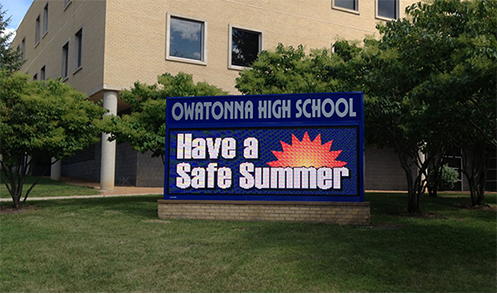







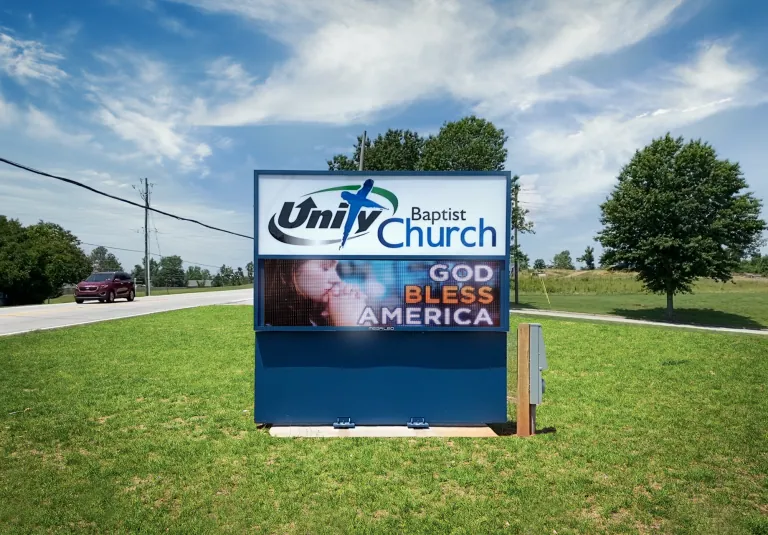












Alpha LED sign boards are great for anything from churches, to schools, to business. They tend to do great in large open spaces, where they are clearly visible.
Omega is our newest line of outdoor digital signs. Running the full gambit from cabinet, to LED sign, to logo on top, or any configuration of your choice!
Premier is a customizable Outdoor LED sign, perfect for the Entrepreneur who knows that large custom sized signs cultivated for their specific business is the way to go.
Programmable Stage LED signs, great for indoor assemblies, congregations, and presentations! Blow your competitors out of the water, or keep your congregation and audience glued to your message.