

What Is Smart Digital Signage? How Intelligent Screens Use Data, Software And Automation


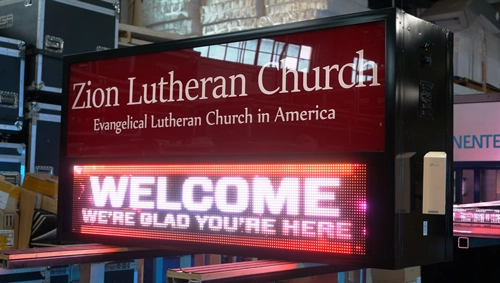
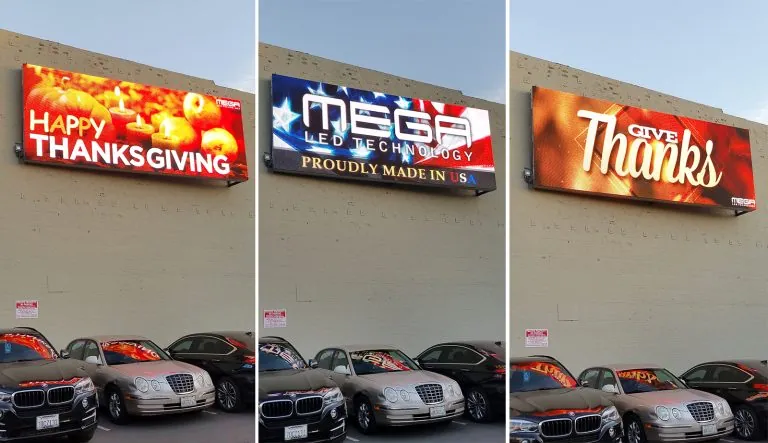
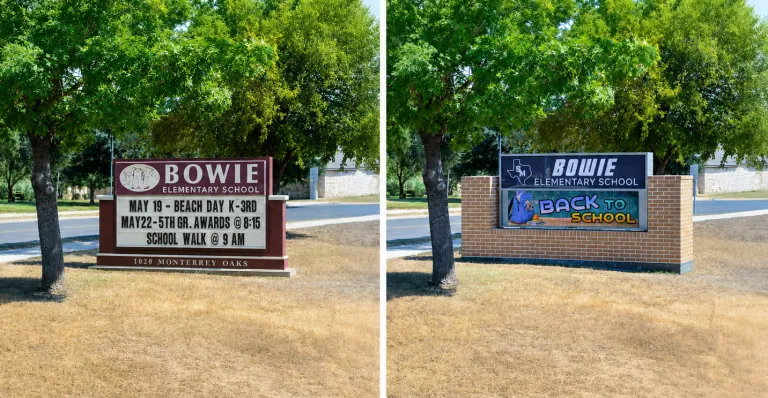
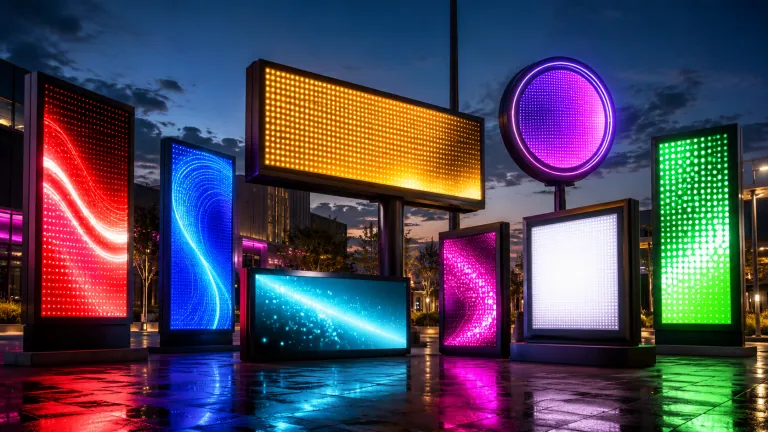
Alpha LED sign boards are great for anything from churches, to schools, to business. They tend to do great in large open spaces, where they are clearly visible.

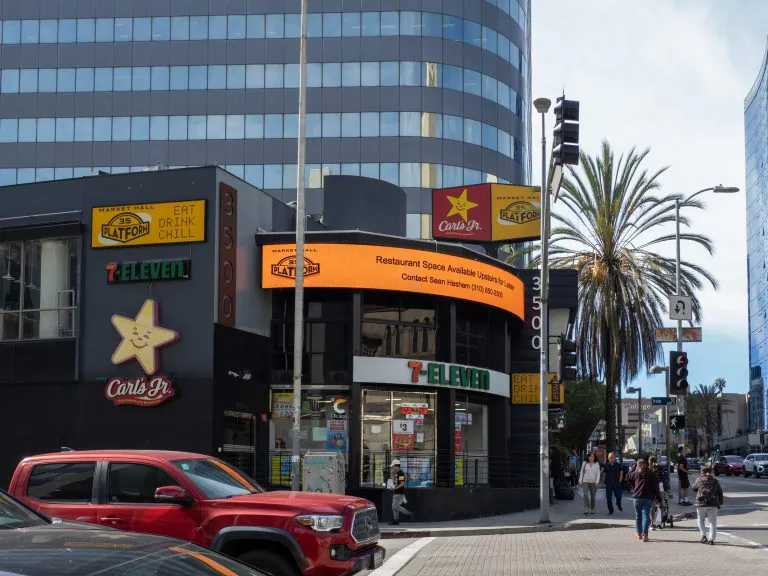
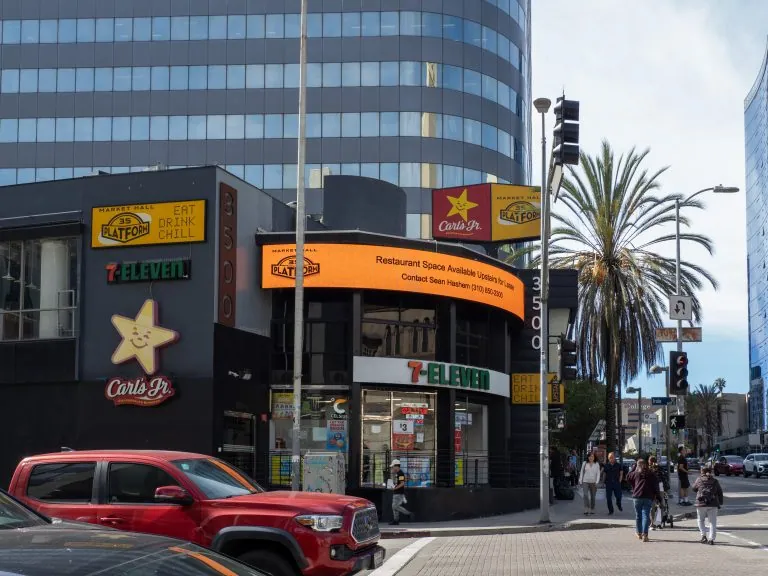
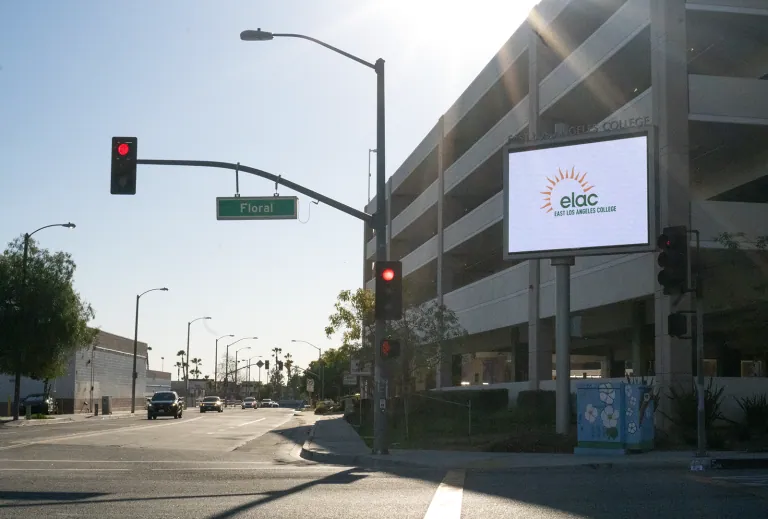
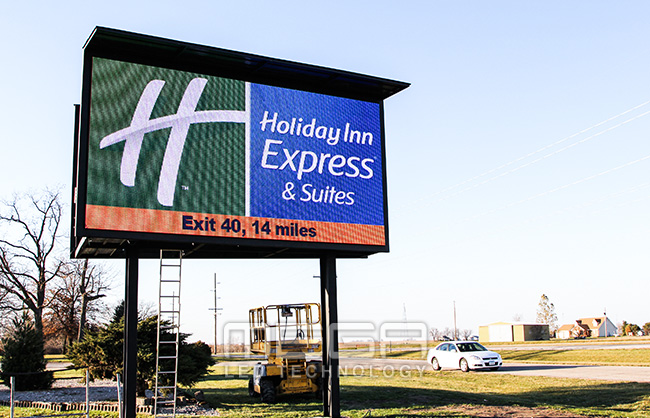
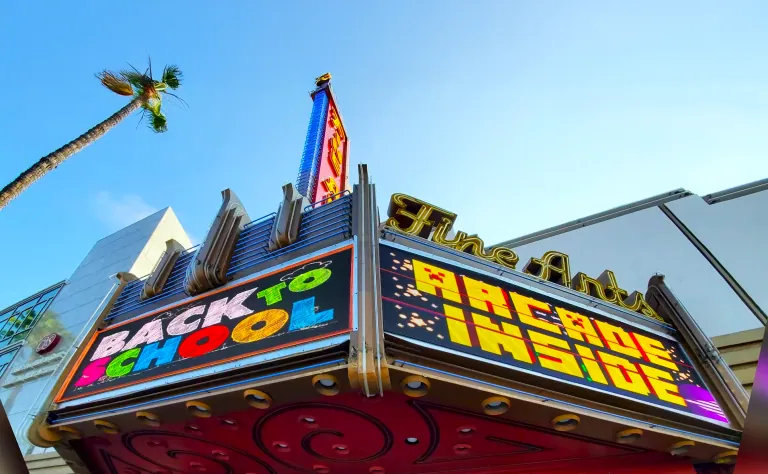
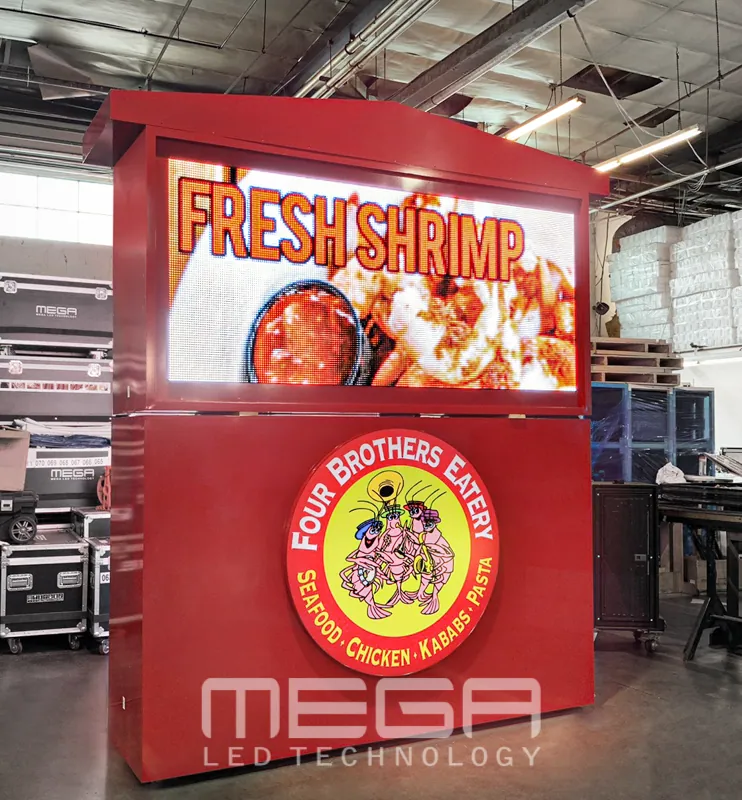
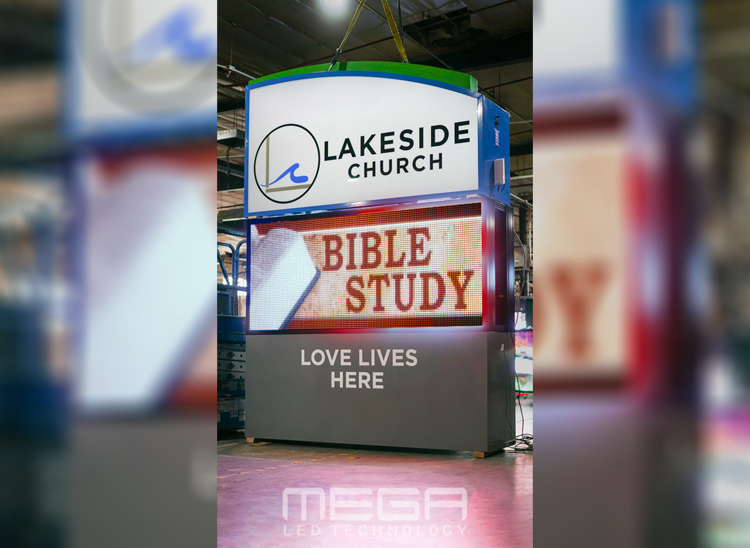
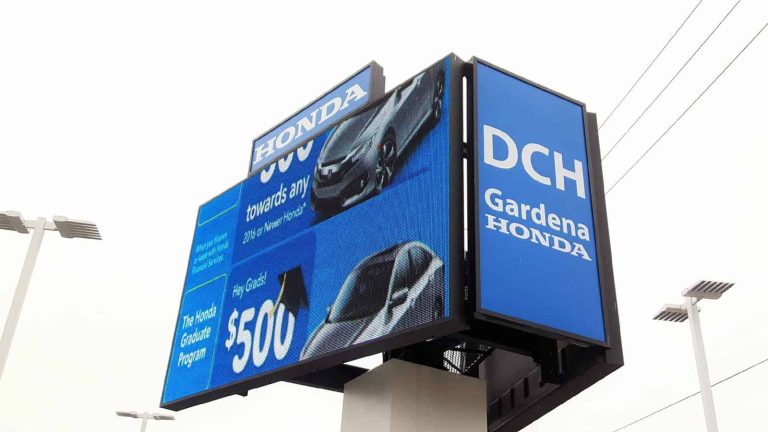
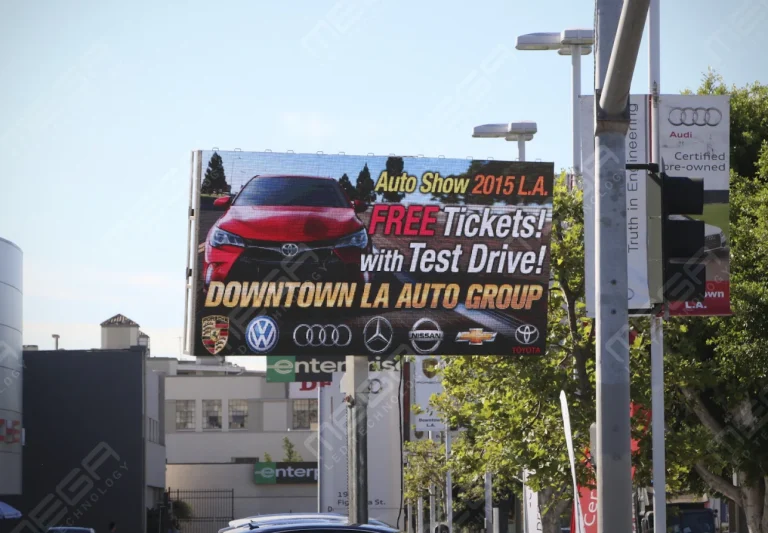
Omega is our newest line of outdoor digital signs. Running the full gambit from cabinet, to LED sign, to logo on top, or any configuration of your choice!

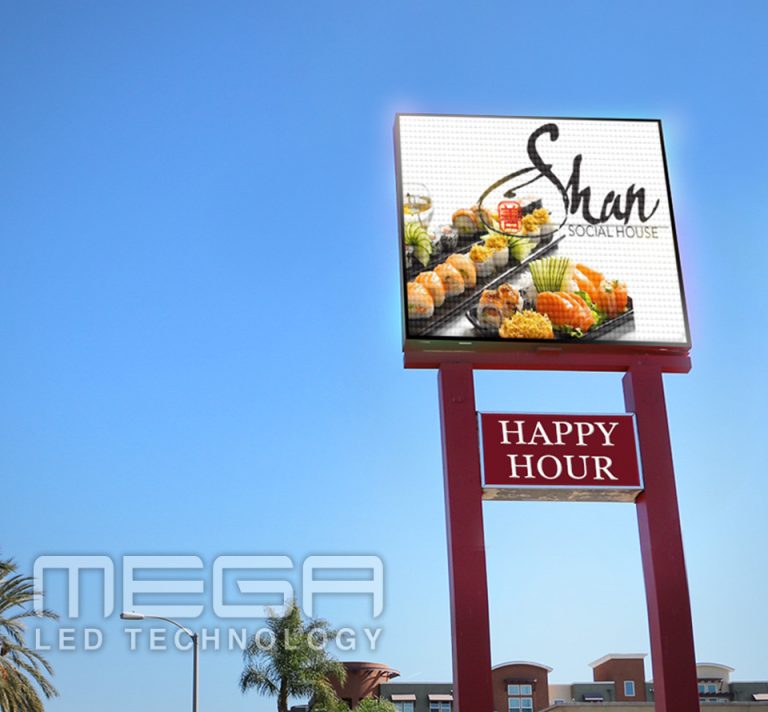
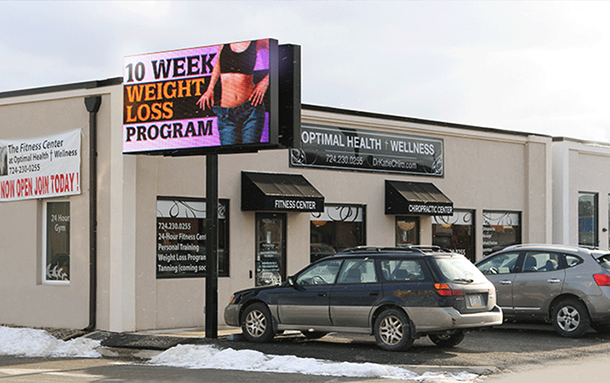
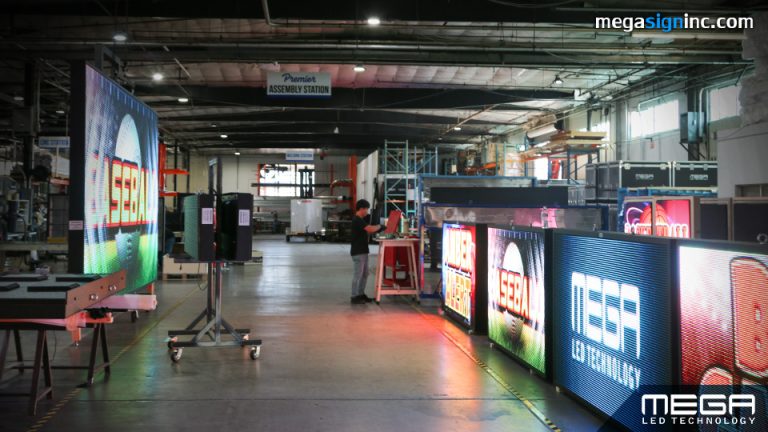
Premier is a customizable Outdoor LED sign, perfect for the Entrepreneur who knows that large custom sized signs cultivated for their specific business is the way to go.

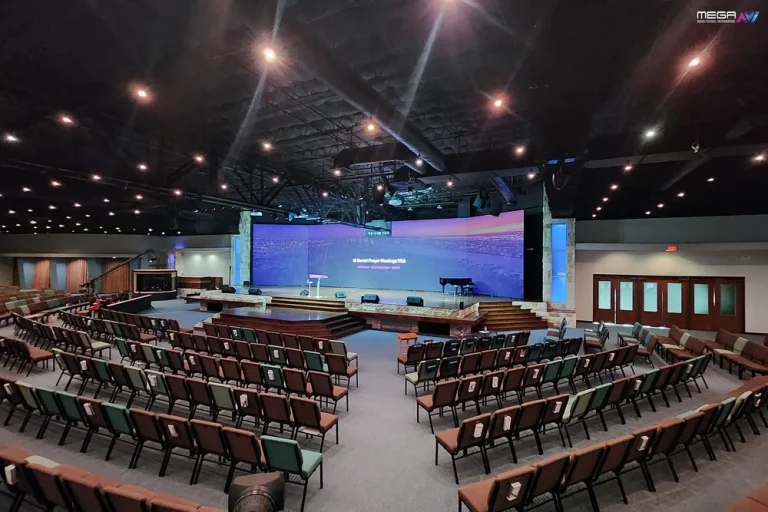
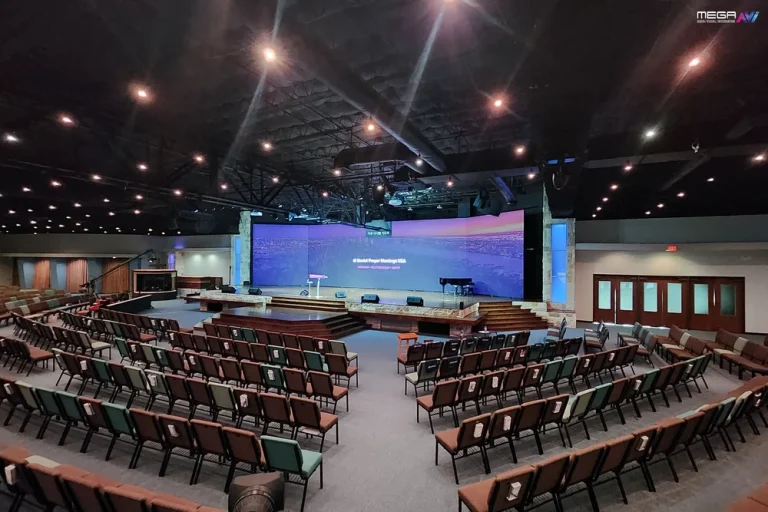
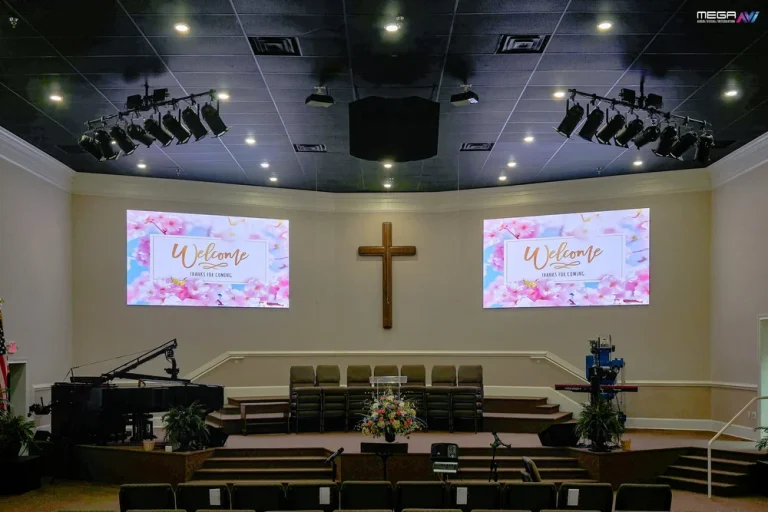
Programmable Stage LED signs, great for indoor assemblies, congregations, and presentations! Blow your competitors out of the water, or keep your congregation and audience glued to your message.

Alpha LED sign boards are great for anything from churches, to schools, to business. They tend to do great in large open spaces, where they are clearly visible.
Omega is our newest line of outdoor digital signs. Running the full gambit from cabinet, to LED sign, to logo on top, or any configuration of your choice!
Premier is a customizable Outdoor LED sign, perfect for the Entrepreneur who knows that large custom sized signs cultivated for their specific business is the way to go.
Programmable Stage LED signs, great for indoor assemblies, congregations, and presentations! Blow your competitors out of the water, or keep your congregation and audience glued to your message.
Alpha LED sign boards are great for anything from churches, to schools, to business. They tend to do great in large open spaces, where they are clearly visible.
Omega is our newest line of outdoor digital signs. Running the full gambit from cabinet, to LED sign, to logo on top, or any configuration of your choice!
Premier is a customizable Outdoor LED sign, perfect for the Entrepreneur who knows that large custom sized signs cultivated for their specific business is the way to go.
Programmable Stage LED signs, great for indoor assemblies, congregations, and presentations! Blow your competitors out of the water, or keep your congregation and audience glued to your message.
Static screens talk to people. Interactive digital signage lets people talk back. Touch, search, navigate, order, explore. When the viewer controls what they see, engagement jumps, and so does the value of every screen in the building.
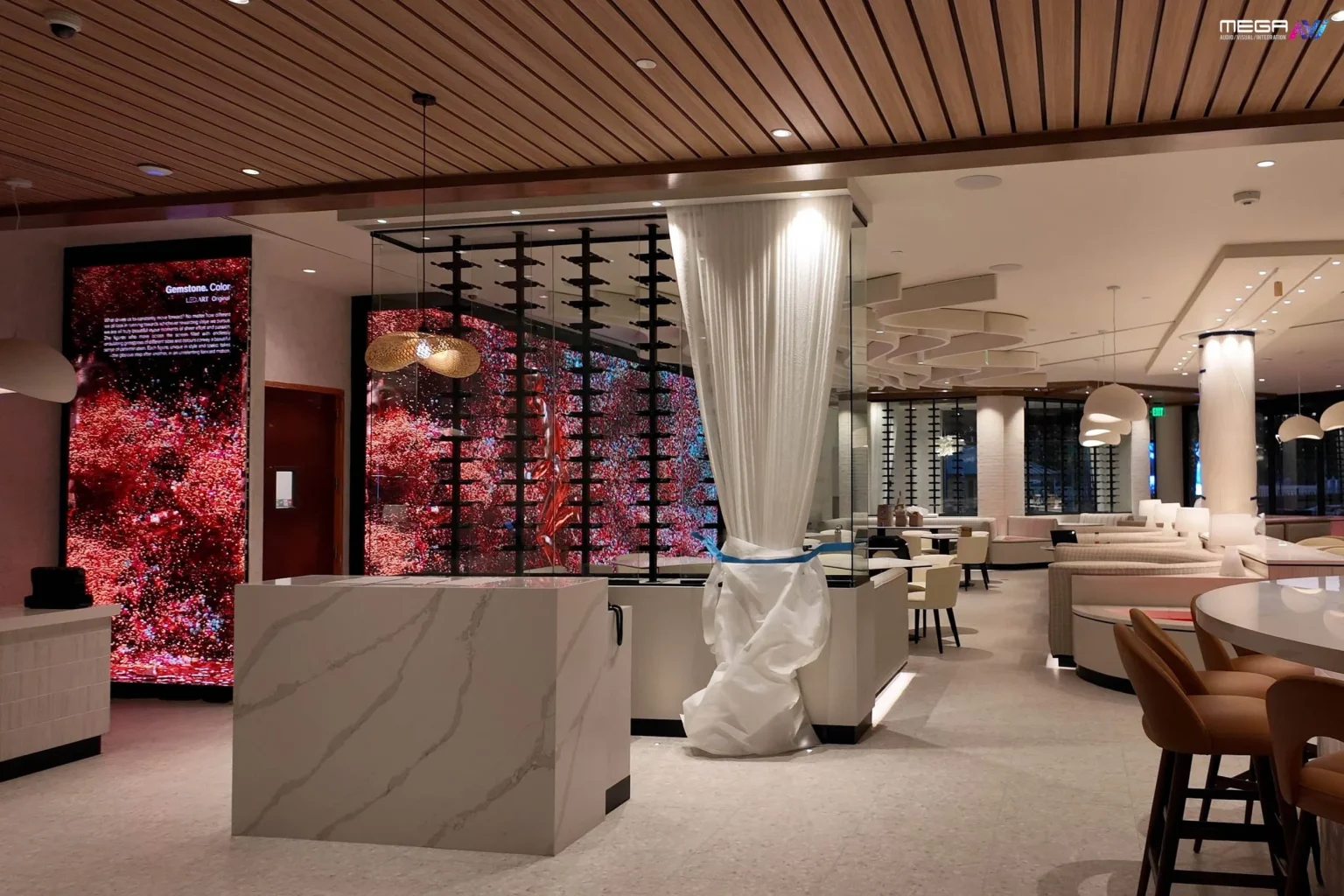
Interactive digital signage means screens that respond to user input. Instead of looping the same content for everyone, the display reacts to touches, taps, searches, gestures, or sensor triggers. The viewer gets what they need instead of waiting for it to scroll past.
This differs from traditional static screens or printed signs because the content changes based on who’s using it and what they’re looking for. A lobby visitor searching for a specific office, a shopper comparing product options, and a patient checking in for an appointment all see different content on the same screen.
Excellent interactive digital signage should feel useful, intuitive, and original. If the interaction adds friction or confusion, it’s worse than a simple static display.
Interactive digital signage solutions combine hardware, software, content, and integrations into a system that responds to user input. The right solution depends on the goals and environment. A retail product finder that helps shoppers compare three jacket options has different requirements than a hospital wayfinding kiosk that routes 500 patients a day to the right department.
An interactive digital signage system needs reliable displays, media players, content management software, and input technology (touch sensors, cameras, NFC readers, or motion detectors). The technology foundation is what makes the experience responsive. If any component lags or fails, the user walks away and asks a human instead.
The core components are the screen, touchscreen overlay (PCAP or infrared), media player, content management software, internet connection, and sensors. Software connects user inputs to content actions so a tap on a menu item displays the right information instantly.
Optional components include cameras for audience analytics, QR code scanners, voice interfaces, NFC and RFID readers, and data feeds from inventory or scheduling systems. The system must respond quickly. A delay of more than one second between tap and response frustrates users and reduces engagement.
Static displays are limited when users need specific answers or actions. Interactive content turns attention into participation by giving the viewer control over what they see and when they see it.
According to Grand View Research, the global interactive display market was valued at over $41 billion in 2022 and is projected to reach about $76 billion by 2030. That growth reflects a shift from passive screens to active tools. We offer a range of digital signage options from indoor video walls to outdoor LED displays that support interactive content when paired with the right software and input hardware.

Activation can include games, quizzes, check-ins, product demos, donation prompts, or guided navigation. Each activation should have a clear purpose, not just novelty. A retail game that collects email addresses has a measurable outcome. A spinning wheel with no follow-up is entertainment with no return.
Brands can connect interaction to measurable outcomes like lead capture, dwell time, conversion, or satisfaction scores. The activation should answer a question or solve a problem the viewer already has. We’ve found that the most effective activations are the ones that feel helpful rather than promotional, because users engage longer when they’re getting value instead of being sold to.
Interactive signs invite users to take action instead of passively watching. Buttons, maps, forms, filters, search tools, and touch gestures create interaction that makes the viewer feel in control of their experience.
Interactive digital signs can support both public-facing and internal communication. A lobby directory helps visitors find their way. An employee dashboard lets teams check project status. A retail display lets shoppers compare products side by side. The same underlying technology serves different audiences depending on how the content is configured.
An interactive digital sign reduces confusion by giving users control over what they see. Instead of waiting for the right slide to appear in a loop, the user taps and gets the answer immediately. That speed builds trust and reduces the load on staff who would otherwise answer the same questions dozens of times a day.
Get a free consultation from our team. We help you choose the right display type, size, and technology for your space and goals.
An interactive digital signage display gives users a direct way to explore content at their own pace. Interactive digital screens work well in lobbies, classrooms, stores, clinics, offices, and event spaces where information changes often or visitors have specific questions.
Digital signage interactive displays are effective when the content is dynamic and updated frequently. A static directory on a touchscreen is an improvement over paper, but a live directory connected to a scheduling system that shows real-time room availability is dramatically more useful and justifies the investment.
Interactive digital signage displays should be designed for clarity, speed, and accessibility. Large touch targets, readable fonts, high contrast, and fast load times make the difference between a screen people use and a screen people walk past without a second look.
Interface and navigation determine whether people actually use the display or walk past it. Good design reduces friction and guides users naturally from question to answer without requiring instructions or training.
Visual design principles matter for readability, accessibility, and trust. The U.S. Access Board’s accessibility design standards provide guidelines that apply to self-service kiosks and interactive displays in public spaces, including reach ranges, operable controls, and screen readability requirements. Following these standards is both a legal consideration and a user experience improvement.
The strongest touchscreen experience feels simple even when the system behind it is powerful. If a first-time user needs a tutorial to operate the screen, the design needs work. We’ve found that the most effective interactive displays use no more than three taps to reach any piece of content.

Interactive digital signage immersive experiences go beyond simple touch menus. Advanced features combine touch, voice, motion, sound, and environmental triggers to create layered experiences that respond to the viewer’s presence and behavior.
Interactive hot spots can expand functionality on a single screen by letting users tap specific areas to reveal deeper content without navigating away from the main layout. Motion-triggered content changes what the screen displays when someone approaches. Voice interfaces let users ask questions hands-free. Each layer adds depth without requiring the user to learn a new interface.
Advanced features should improve the experience rather than overwhelm users. A museum exhibit with motion-triggered audio adds depth. A retail screen with five simultaneous animations adds confusion. The rule is simple: if the technology makes the content harder to understand, remove it.
Hot spots let users tap specific areas to reveal more information. Product images, maps, timelines, exhibits, and training content all benefit from a hot spot approach that keeps the main layout clean while adding depth underneath.
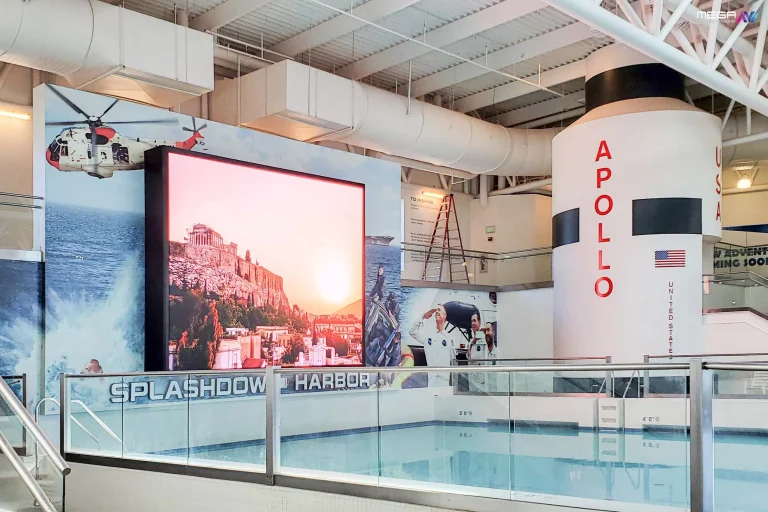
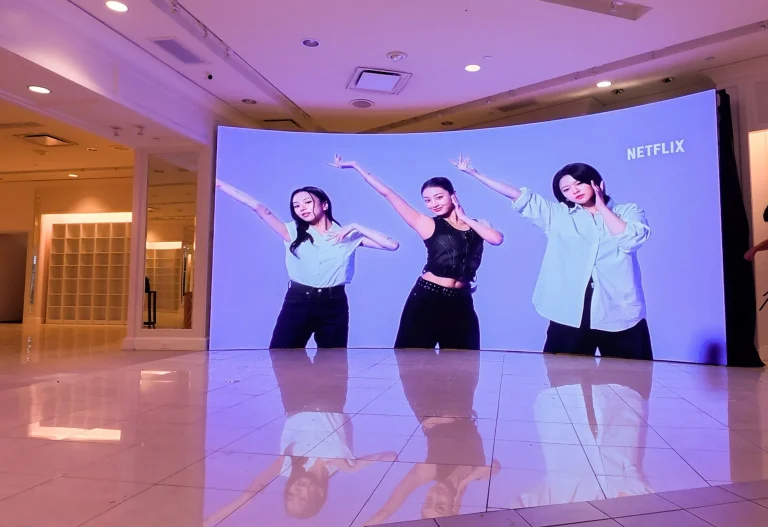
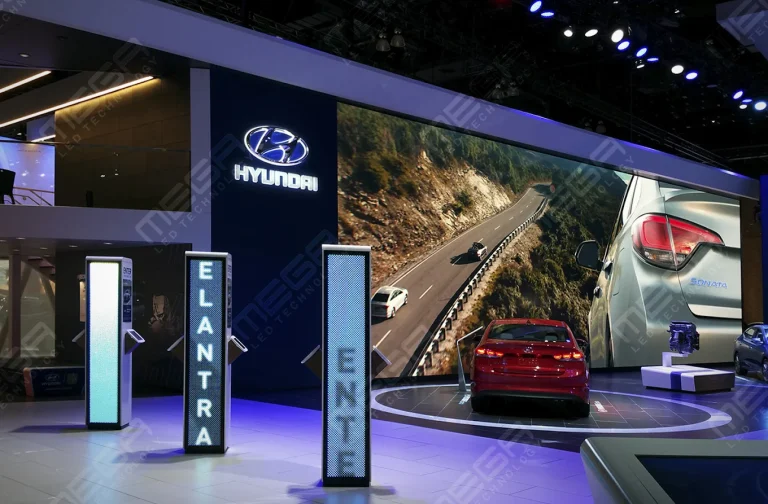
Our indoor video walls deliver bright, seamless visuals that can support interactive content, wayfinding, and immersive experiences.
Hot spots encourage exploration without forcing users through long menus or page sequences. A visitor at a donor wall taps a name and sees the story behind the donation. A student at a campus kiosk taps a building and sees today’s schedule. The interaction feels natural because it mirrors how people already use phones and tablets.
Interactive digital signage for enterprises can support communication, training, safety, and internal navigation. Corporate and manufacturing environments use screens to display production dashboards, safety protocols, wayfinding maps, and meeting room status.
The International Sign Association’s ISA industry resources page connects businesses to standards and guidance for deploying visual communications across industries. Office touchscreen displays can drive engagement and collaboration by giving teams shared visual tools for brainstorming, data review, and project tracking. A factory floor display that shows real-time production metrics and lets supervisors drill into specific line data is more useful than a printed report that’s already a day old.
Interactive displays serve emotional, informational, and navigational purposes across these sectors. Healthcare settings use screens to help patients check in, find departments, review wait times, and access educational content about procedures or medications.
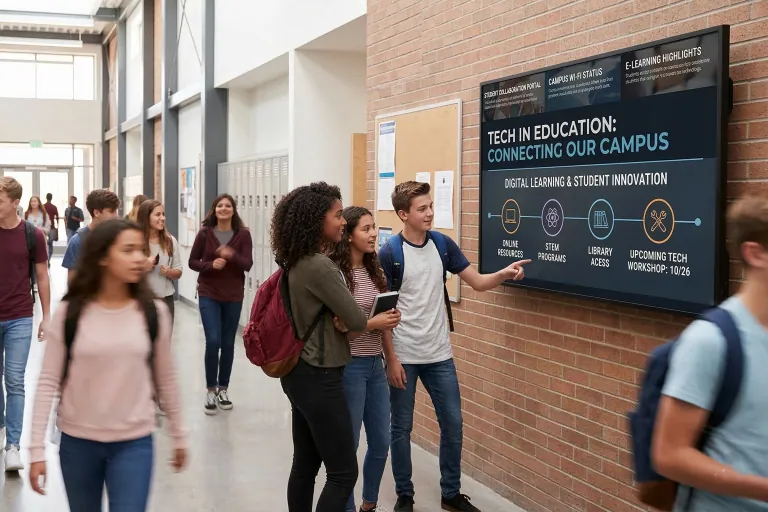
Nonprofits can honor donors and tell impact stories through interactive walls that let visitors explore the organization’s history, mission, and the real-world outcomes of their contributions. Schools can foster pride through digital halls of fame, history timelines, and achievement walls that update automatically as new records are set or awards are earned. Our LED school signs are designed for educational environments where durability, visibility, and easy content management matter.

Use cases vary by industry, audience, and goal. Planning should start with the audience journey. What does the user need to accomplish? Where are they standing when they need it? How quickly do they need the answer?
Interactive displays can support sales, service, navigation, education, recognition, and entertainment. The strongest use case depends on what users need to accomplish in that specific environment. A display in a doctor’s office lobby serves a completely different purpose than a display in a retail showroom, even if the hardware is identical. The content, the workflow, and the user’s emotional state are all different.
Our Premier outdoor signs are built in the USA with IP67-rated modules, LINE-X coated cabinets, and a 5-year warranty.
Product finders, store directories, promotional displays, loyalty signups, and event guides are all common retail applications. Users browse options at their own pace without waiting for a sales associate to become available.
Interactive signage can reduce waiting time and improve decision-making by putting information directly in the shopper’s hands. Retailers that connect displays to inventory, offers, or customer data create a shopping experience that static signs cannot match. A screen that shows “3 left in stock” or “on sale today only” creates urgency that drives conversion.
Interactive menu boards help customers browse items, prices, images, and dietary options on their own. Self-ordering kiosks reduce lines and improve order accuracy by letting customers build their order without miscommunication between the counter and the kitchen.
Upsells, modifiers, and dietary filters can be built directly into the experience. A customer selecting a burger can see suggested add-ons, calorie counts, and allergen warnings without asking a cashier. Restaurants that update menus quickly across locations save staff time and avoid the cost of reprinting static boards every time a price or item changes. In our deployments, we’ve seen quick-service restaurants reduce average order time by 30 seconds per customer after switching to self-ordering kiosks.
| Use Case | Industry | Key Benefit |
|---|---|---|
| Product finder | Retail | Shoppers compare options without waiting for staff |
| Wayfinding kiosk | Healthcare, campus | Visitors navigate to departments or rooms independently |
| Self-ordering kiosk | Restaurant, QSR | Faster ordering, fewer errors, built-in upsells |
| Donor wall | Nonprofit | Interactive storytelling that honors supporters |
| Meeting room display | Corporate | Live booking, reduced scheduling conflicts |
| Digital hall of fame | Education | Automatic updates, student and community pride |
Common Mistakes To Avoid With Interactive Signage
Most failures aren’t hardware problems. They’re planning problems.
| Mistake | What Goes Wrong |
|---|---|
| Wrong screen height or angle | Users can’t reach or read the display |
| Infrared touch in direct sunlight | False triggers and missed inputs |
| No content update plan | Screens go stale and get ignored within weeks |
| Placement in high-speed walkways | People pass without stopping |
| Skipping ADA reach-range specs | Legal liability and excluded users |
How To Measure ROI On Interactive Signage
Measure before you install so you have a baseline to prove results.
| Use Case | KPI | How To Measure |
|---|---|---|
| Wayfinding kiosk | Front-desk questions | Count staff inquiries before and after |
| Self-ordering kiosk | Average ticket size | Compare kiosk vs. counter orders |
| Retail product finder | Conversion rate | Track purchases from kiosk sessions |
| Lobby directory | Check-in time | TIme from arrival to destination |
Our indoor LED video walls deliver seamless, high-resolution visuals that support interactive content for lobbies, retail, and events. https://www.megasigninc.com/large-indoor-led-video-wall/
Our Alpha LED sign boards provide a clean, bright display in a compact format for announcements, wayfinding, and promotional content. https://www.megasigninc.com/alpha-led-sign-boards/
Our indoor LED video walls work well for dashboards, collaboration tools, and internal communications in corporate environments. https://www.megasigninc.com/large-indoor-led-video-wall/
Contact our team for a free consultation. We review your goals, space, and budget to recommend the right display. https://www.megasigninc.com/contact/
Interactive digital signage is a display that responds to user input through touch, gesture, voice, mobile devices, or sensors. Instead of looping the same content for everyone, the screen changes based on what the viewer does. Users can search directories, browse products, check in for appointments, explore maps, or control what information appears. It sits between traditional passive screens and full self-service kiosks, offering more engagement than a static display without the transactional complexity of a payment terminal.
The core components are a commercial display, a touchscreen overlay, a media player, content management software, and an internet connection. The touchscreen overlay (typically PCAP or infrared) registers user input. The media player processes the content. The CMS manages what appears and how the system responds to each interaction. Optional components include cameras for audience analytics, QR scanners, NFC readers, and data integrations with inventory, scheduling, or CRM systems. Fast response time is critical because any delay between tap and result frustrates users.
Interactive digital signage is a display that responds to user input through touch, gesture, voice, mobile devices, or sensors. Instead of looping the same content for everyone, the screen changes based on what the viewer does. Users can search directories, browse products, check in for appointments, explore maps, or control what information appears. It sits between traditional passive screens and full self-service kiosks, offering more engagement than a static display without the transactional complexity of a payment terminal.
The core components are a commercial display, a touchscreen overlay, a media player, content management software, and an internet connection. The touchscreen overlay (typically PCAP or infrared) registers user input. The media player processes the content. The CMS manages what appears and how the system responds to each interaction. Optional components include cameras for audience analytics, QR scanners, NFC readers, and data integrations with inventory, scheduling, or CRM systems. Fast response time is critical because any delay between tap and result frustrates users.

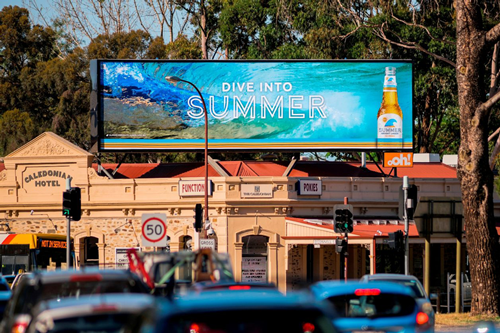





















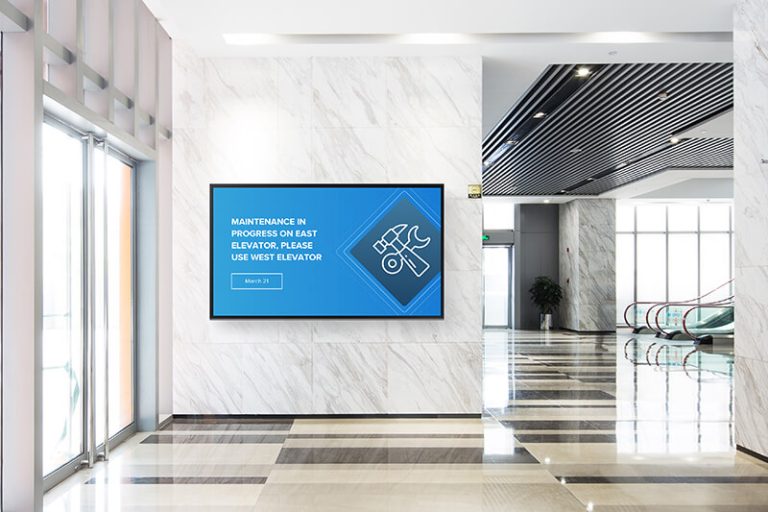


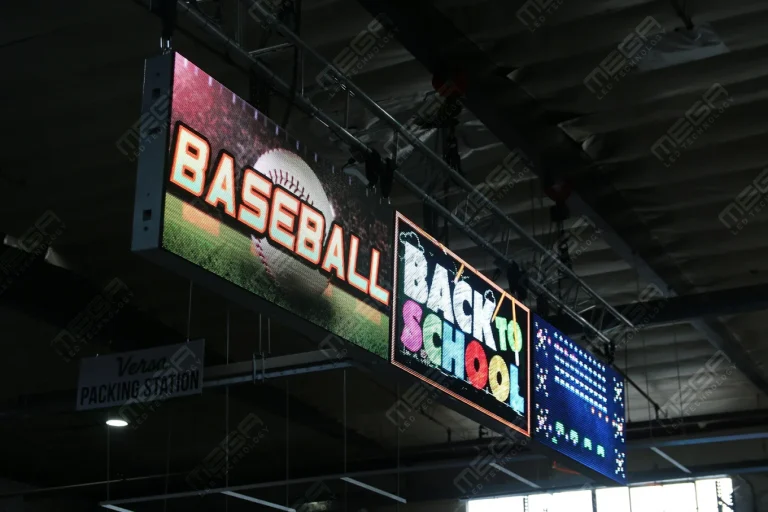




Alpha LED sign boards are great for anything from churches, to schools, to business. They tend to do great in large open spaces, where they are clearly visible.
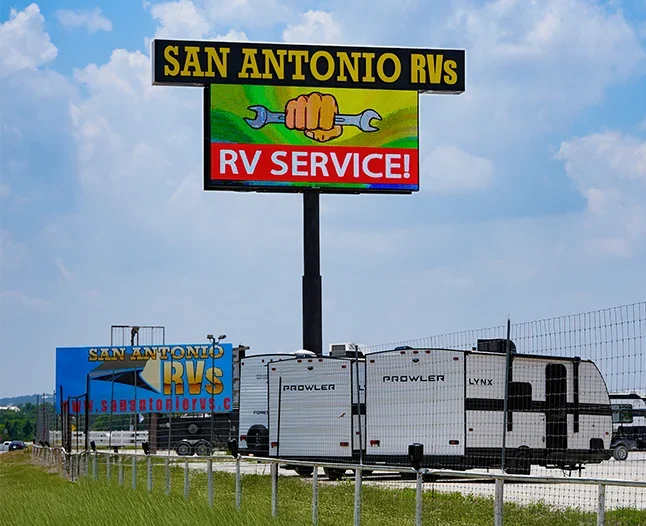
Omega is our newest line of outdoor digital signs. Running the full gambit from cabinet, to LED sign, to logo on top, or any configuration of your choice!
Premier is a customizable Outdoor LED sign, perfect for the Entrepreneur who knows that large custom sized signs cultivated for their specific business is the way to go.
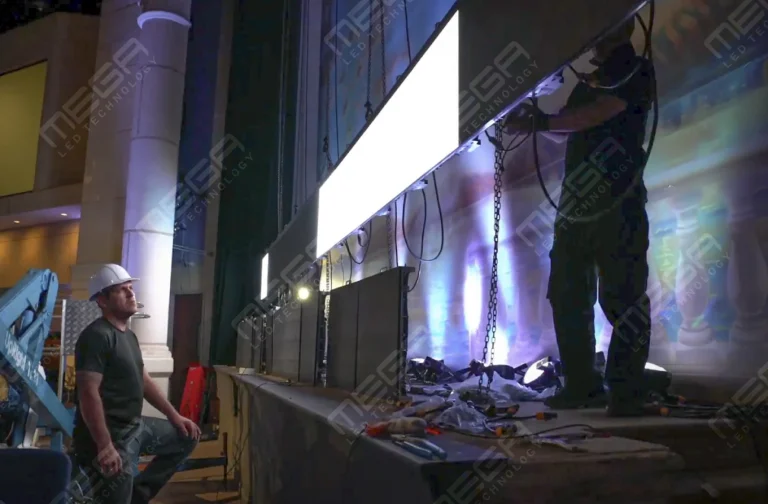
Programmable Stage LED signs, great for indoor assemblies, congregations, and presentations! Blow your competitors out of the water, or keep your congregation and audience glued to your message.