

What Is Smart Digital Signage? How Intelligent Screens Use Data, Software And Automation


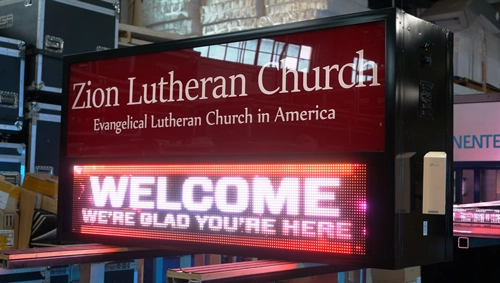
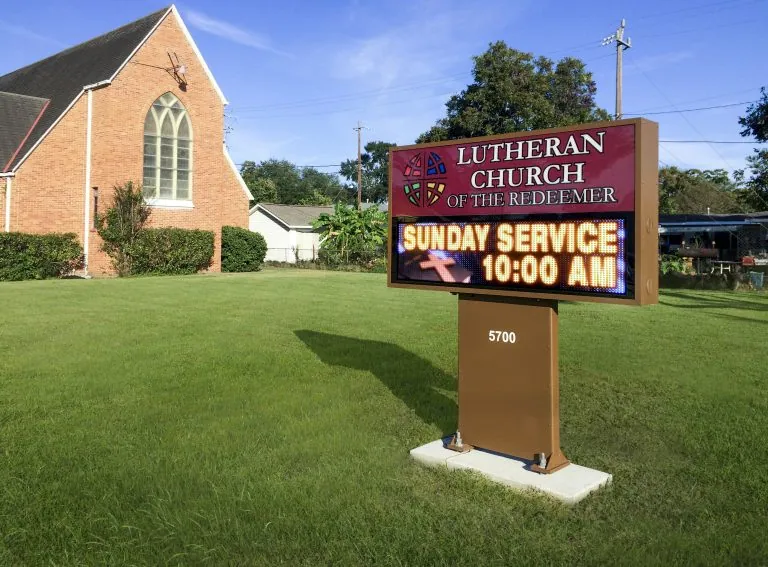
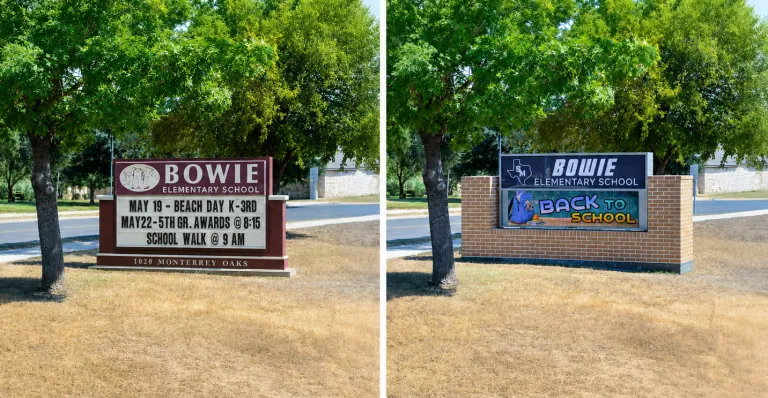
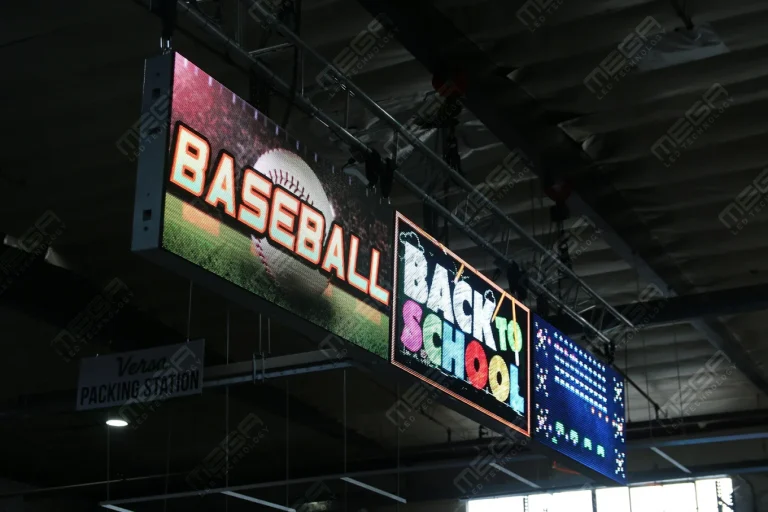
Alpha LED sign boards are great for anything from churches, to schools, to business. They tend to do great in large open spaces, where they are clearly visible.

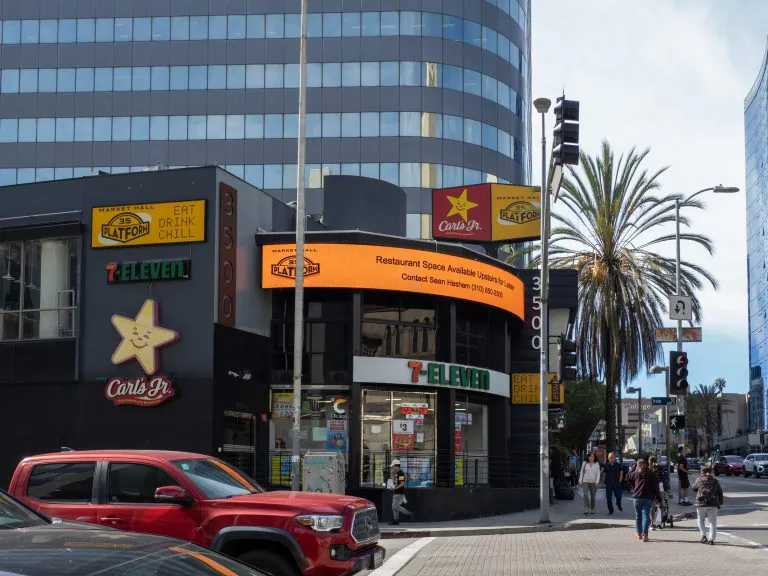
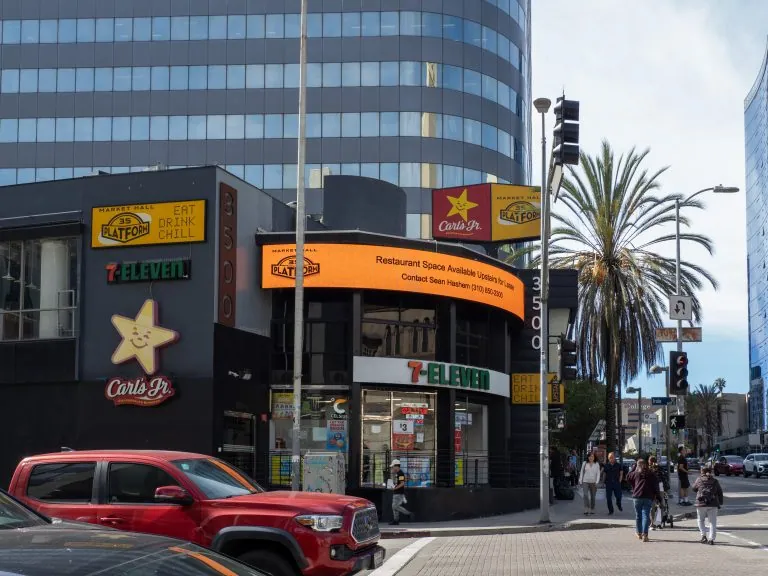
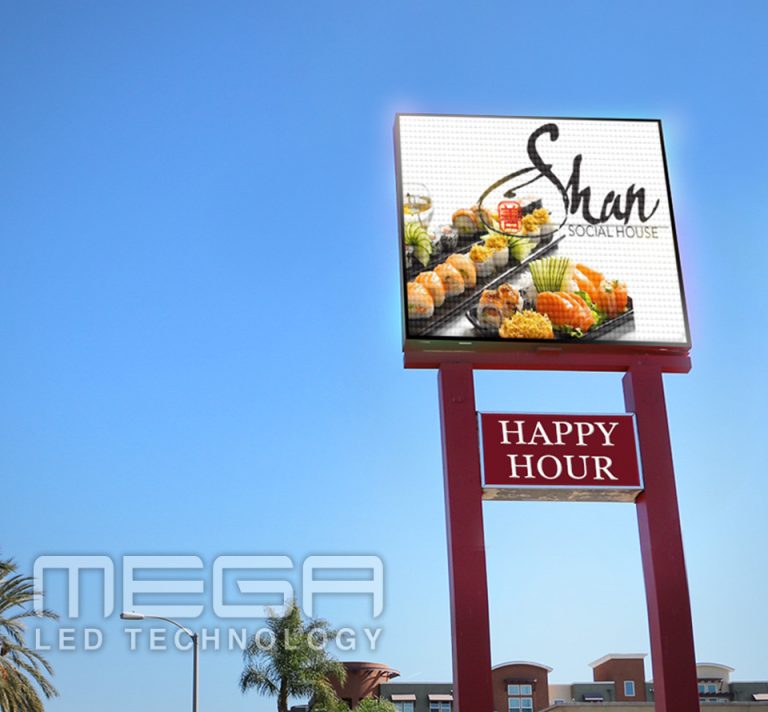
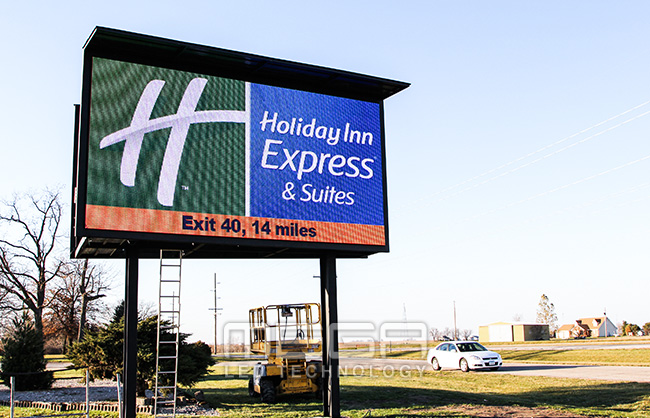
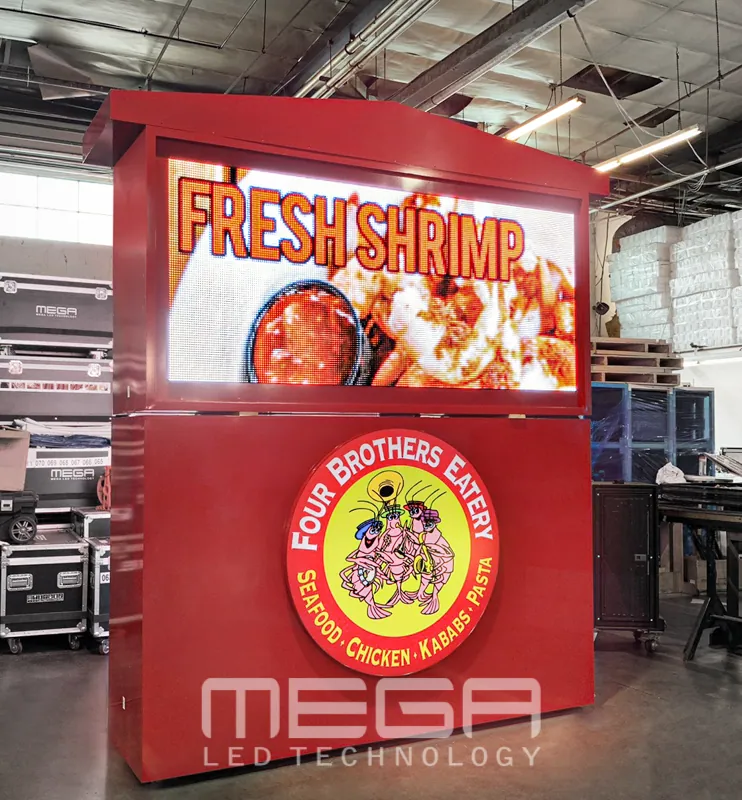
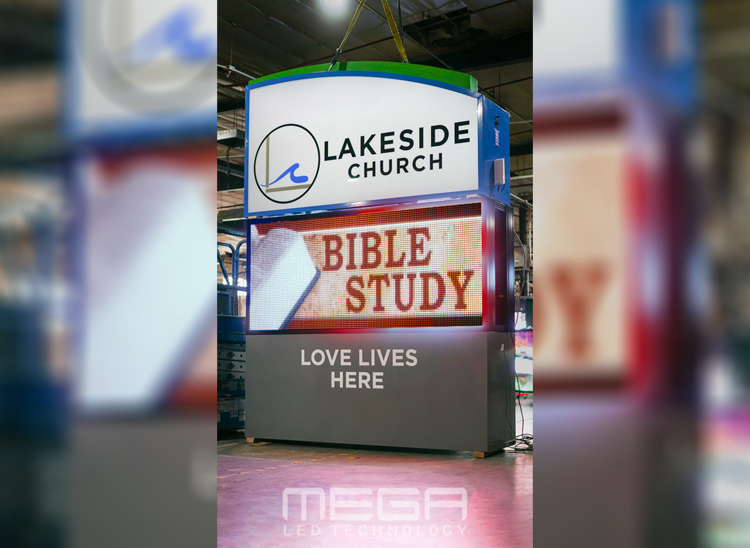
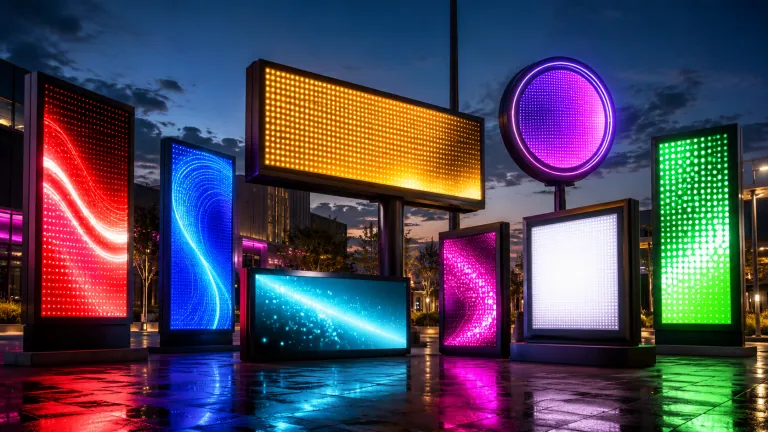
Omega is our newest line of outdoor digital signs. Running the full gambit from cabinet, to LED sign, to logo on top, or any configuration of your choice!

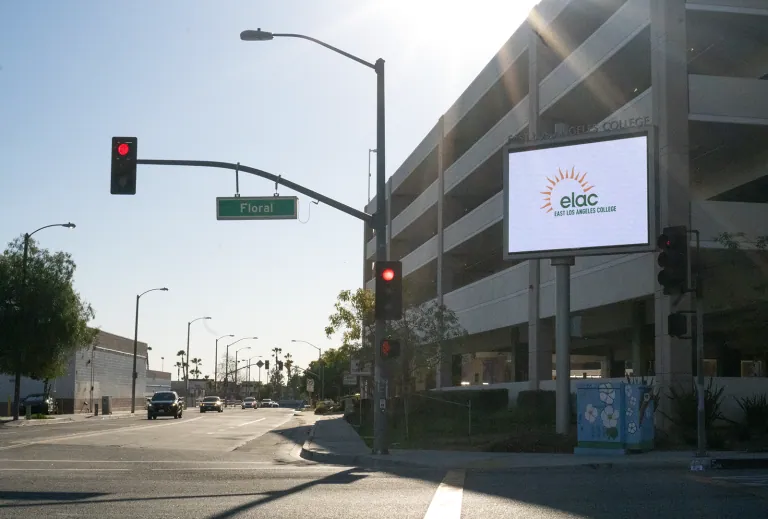
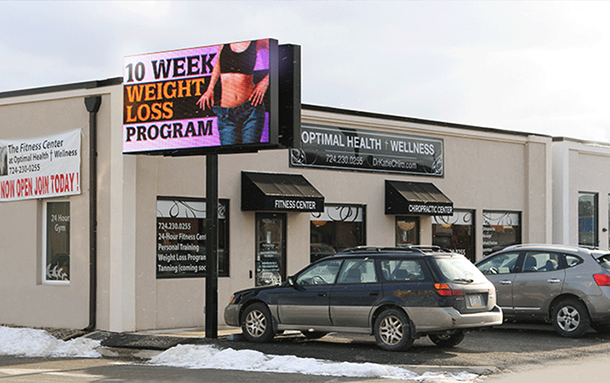
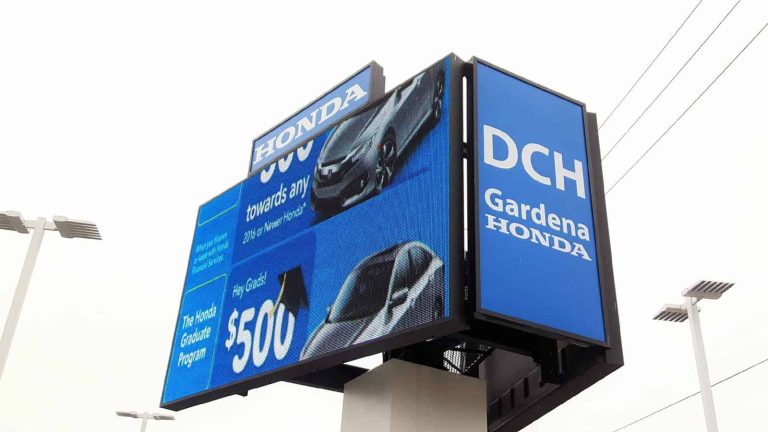
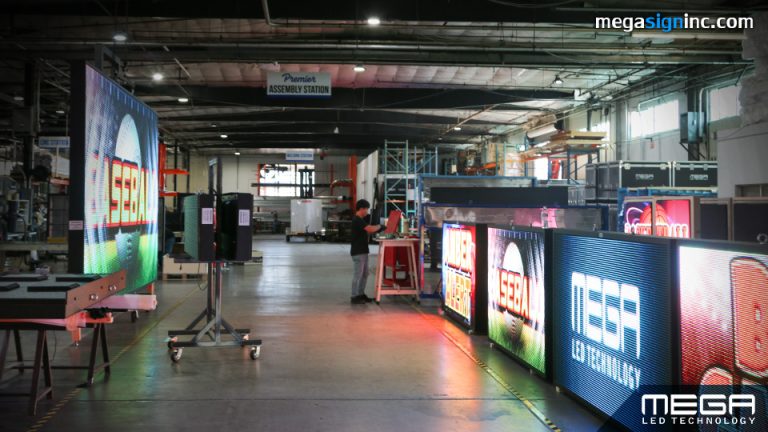
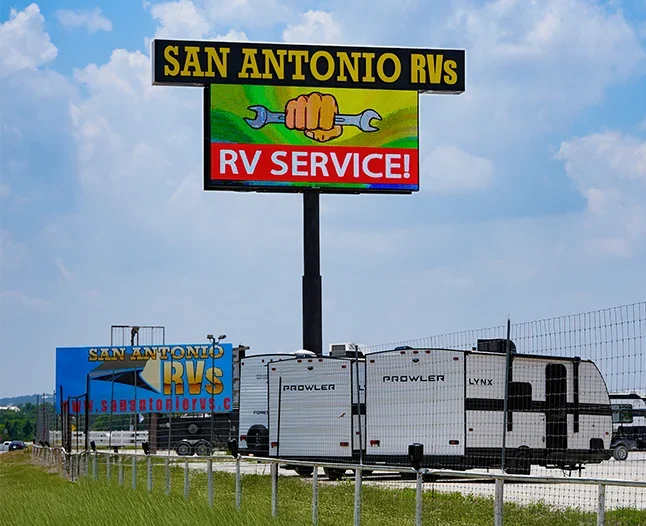
Premier is a customizable Outdoor LED sign, perfect for the Entrepreneur who knows that large custom sized signs cultivated for their specific business is the way to go.

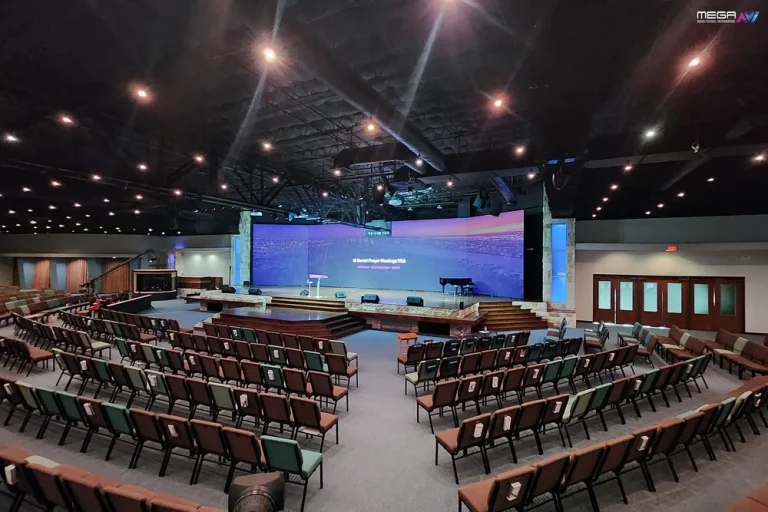
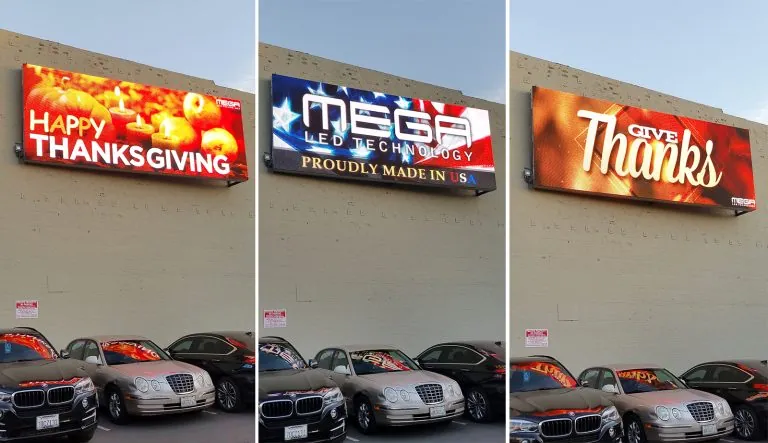
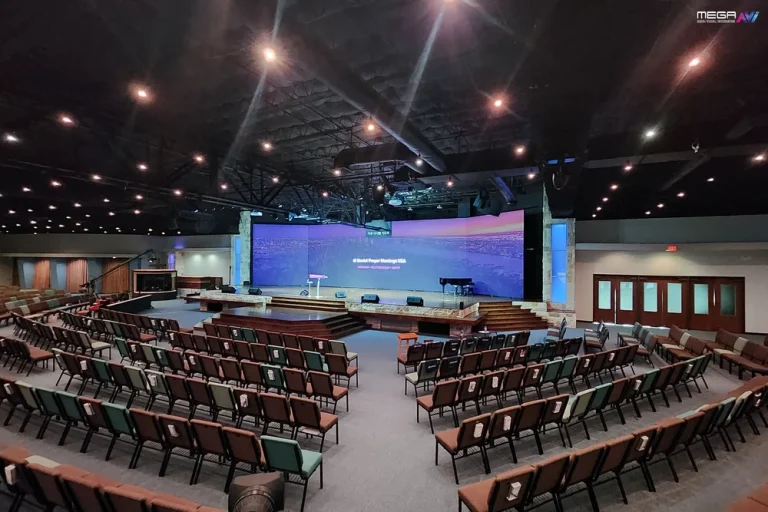
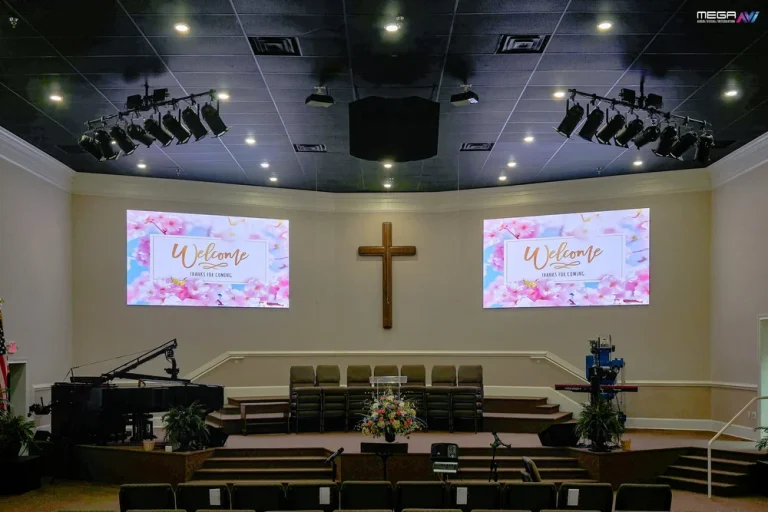
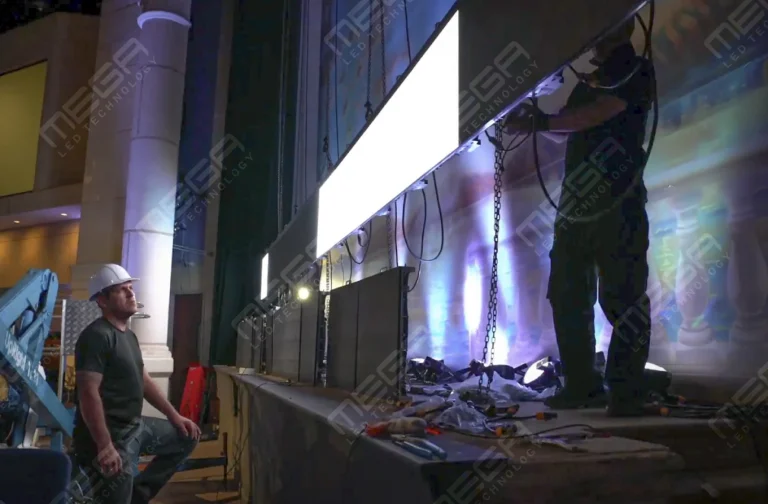
Programmable Stage LED signs, great for indoor assemblies, congregations, and presentations! Blow your competitors out of the water, or keep your congregation and audience glued to your message.

Alpha LED sign boards are great for anything from churches, to schools, to business. They tend to do great in large open spaces, where they are clearly visible.
Omega is our newest line of outdoor digital signs. Running the full gambit from cabinet, to LED sign, to logo on top, or any configuration of your choice!
Premier is a customizable Outdoor LED sign, perfect for the Entrepreneur who knows that large custom sized signs cultivated for their specific business is the way to go.
Programmable Stage LED signs, great for indoor assemblies, congregations, and presentations! Blow your competitors out of the water, or keep your congregation and audience glued to your message.
Alpha LED sign boards are great for anything from churches, to schools, to business. They tend to do great in large open spaces, where they are clearly visible.
Omega is our newest line of outdoor digital signs. Running the full gambit from cabinet, to LED sign, to logo on top, or any configuration of your choice!
Premier is a customizable Outdoor LED sign, perfect for the Entrepreneur who knows that large custom sized signs cultivated for their specific business is the way to go.
Programmable Stage LED signs, great for indoor assemblies, congregations, and presentations! Blow your competitors out of the water, or keep your congregation and audience glued to your message.
One screen is easy. Twenty screens across three locations, each needing the right message at the right hour, is where updates start slipping. A digital signage network puts every display under central control, and this guide covers the type, cost, hardware, and security choices that come first.

A digital signage network is a centrally managed system of screens that displays images, videos, menus, alerts, ads, wayfinding, and real-time information across one location or hundreds. One platform controls all of them.
That central control is the point. Staff update content remotely instead of changing each screen by hand, and the update lands everywhere at once. Retail chains, corporate offices, healthcare facilities, restaurants, education campuses, transportation hubs, and advertising operators all run screens this way.
You’ll also hear networked digital signage, network digital signage, and digital sign network. They describe the same thing: a connected ecosystem of screens answering to one management system.
Different networks are built for different goals, and the goal shapes everything downstream. The common types are informational, advertising, internal communication, wayfinding, menu board, and interactive networks.
Many organizations run a hybrid model. A hospital might mix wayfinding maps, visitor announcements, and cafeteria menus on the same infrastructure.
Type also decides hardware, software, content strategy, and whether the network can earn money. An ad-supported network needs proof-of-play reporting; a menu board network needs daypart scheduling. Naming your type early keeps those requirements from surprising you later.
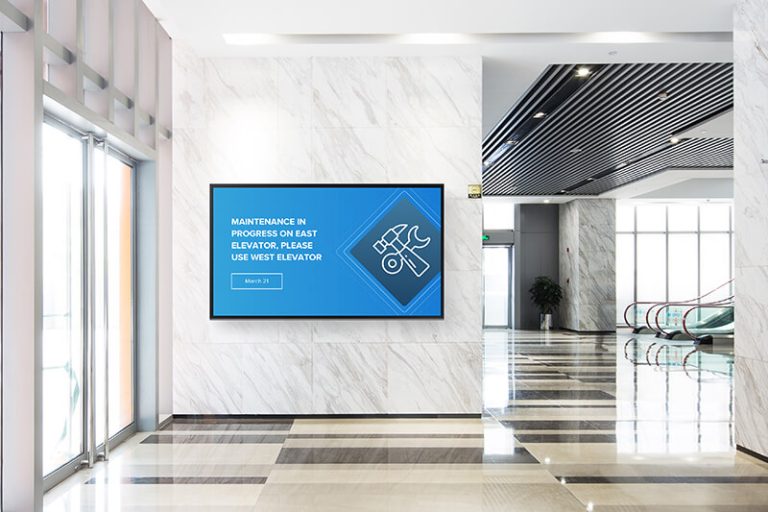
An informational digital sign network shares updates, announcements, maps, directories, schedules, safety alerts, and service information with people already on site. Nothing is for sale on these screens. The screen exists to answer questions before anyone has to ask.
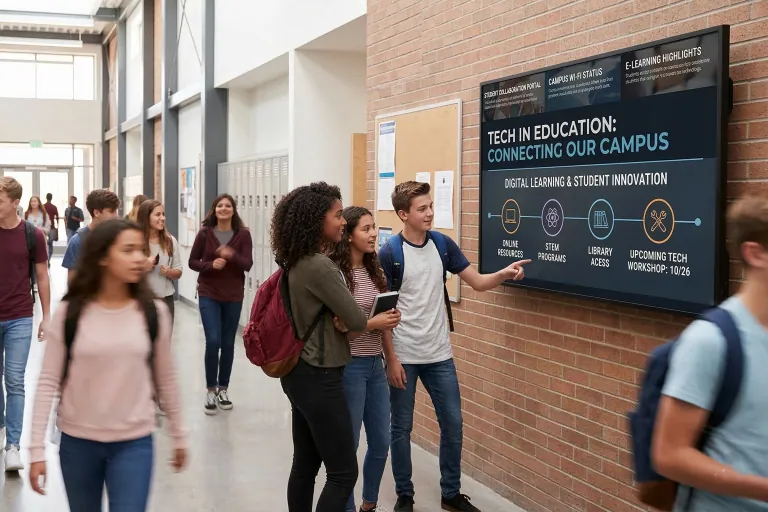
Think of employee communication screens in break rooms, campus wayfinding maps, hotel event boards, and hospital visitor instructions. These networks prioritize clarity, readability, and timely updates over flash.
We’ve seen a stale screen lose its audience within weeks: once viewers catch one outdated schedule, they stop looking up. These networks usually belong to communications, operations, HR, or facilities teams, the people closest to the information.

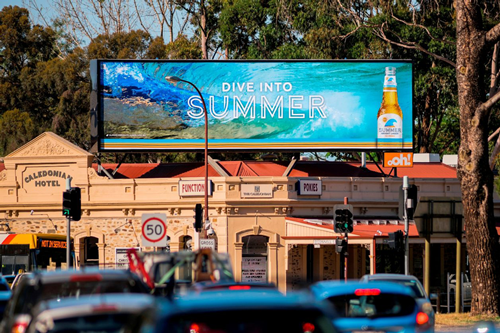
An advertising digital sign network shows paid or promotional content where foot or vehicle traffic is heavy. Operators sell screen time to brands, so the network becomes a revenue source rather than a cost center.
The Out of Home Advertising Association of America’s OOH revenue report put out-of-home advertising at a record $9.46 billion in 2025, with digital formats supplying 36.3% of that total.
Examples include retail media screens, mall displays, elevator screens, transit displays, waiting room ad networks, and roadside digital billboard options. Advertising networks need stronger reporting, targeting, scheduling, and proof-of-play capabilities, because advertisers pay for verified plays, not promises.
The main objective of any digital signage network is delivering the right message to the right screen at the right time. Every other goal is a variation on that.
Common goals include improving communication, increasing sales, cutting printing costs, improving customer experience, supporting wayfinding, and generating advertising revenue. Investment reflects it: Grand View Research’s digital signage market report values the market at USD 31.09 billion in 2025, headed toward USD 58.42 billion by 2033.
Define objectives before choosing hardware or software. A clear goal makes performance measurable, and measurable performance justifies the spend at renewal time.
The advantages come down to speed, reach, and control. Remote updates replace ladder-and-poster changeovers, faster communication reaches every location in minutes, and messages target by time of day, location, campaign, audience, or event.
Printed posters fade from the budget too. A schedule change that once meant reprinting and shipping now means one edit in the CMS, with full-motion visuals and consistent branding on every screen.
Operationally, the wins are centralized control, easier scaling, and real-time messaging. In our experience, the scheduling calendar is the feature teams lean on hardest: holiday menus, shift notices, and weather alerts load weeks ahead and fire on their own.
Tell us how many screens and locations you have in mind, and we’ll map hardware options and budget with you. One conversation now saves weeks of guesswork later.
Plan before you purchase. The businesses we work with tend to get better outcomes when they settle seven questions first: how many displays, which locations, what content types, whose attention, what budget, what internet access, and who manages it day to day.
Which setup fits depends on whether the network serves internal communication, customer engagement, advertising, or mixed use. A break-room screen and a revenue-earning street display don’t share a spec sheet.
Look past launch day. Scalability, security, support, and long-term maintenance decide what the network costs in year three, not just month one.
Networked digital signage shows up in stores, offices, hospitals, schools, hotels, airports, gyms, banks, restaurants, and event venues. Where the screen lives determines what the screen must be.
A sunlit storefront needs far more brightness than a conference hallway. Ceiling height sets mounting and orientation, wall access sets connectivity, and viewing distance sets resolution. Lobbies and atriums often anchor the network with indoor video walls.
High-traffic public areas may be ideal for advertising, while employee-only areas work better for internal communication. Match each placement to the purpose of the message.
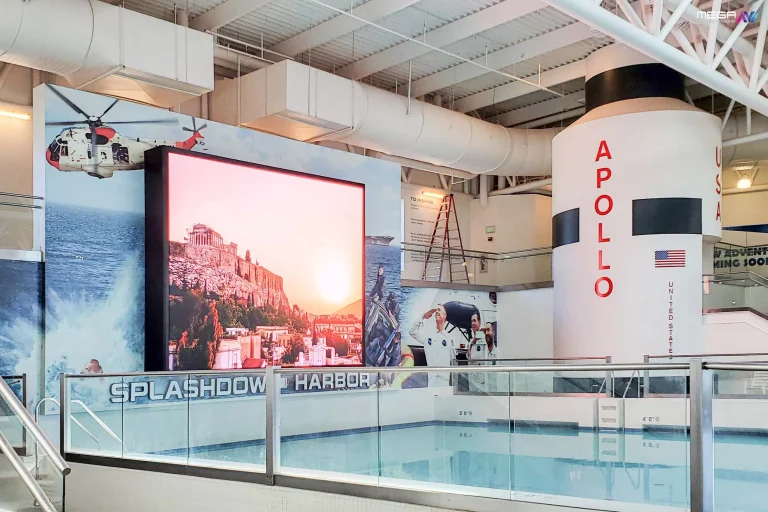
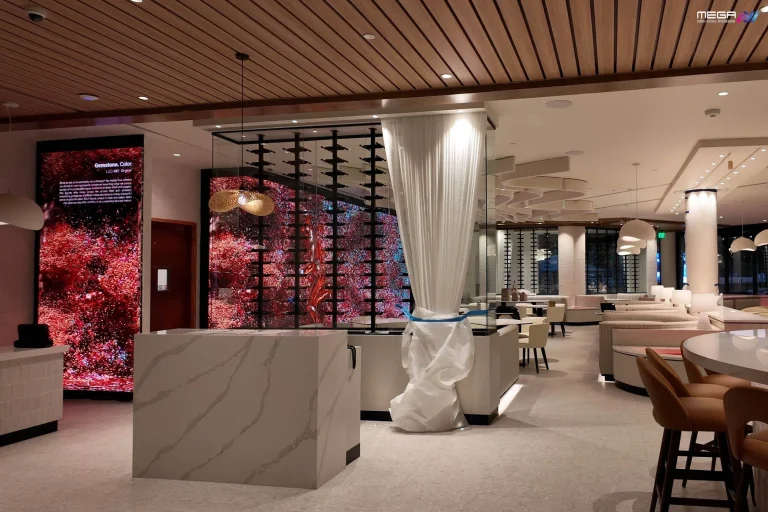
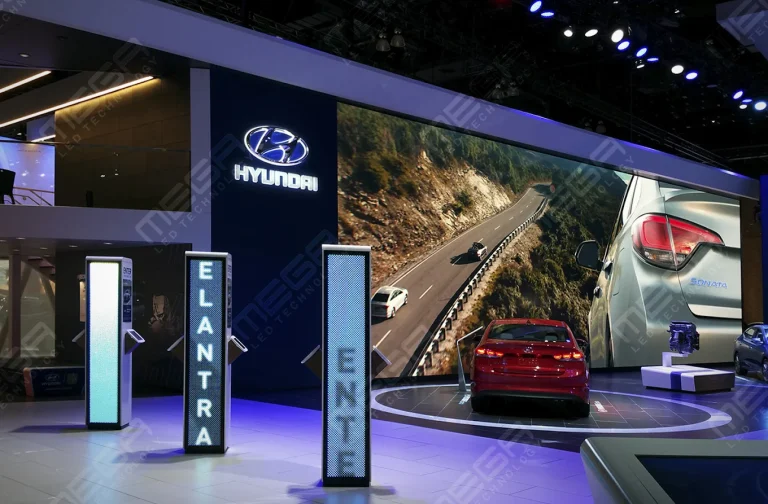
Lobbies, campuses, and retail floors get their centerpiece from a large indoor LED wall. Fine pixel pitches keep the picture sharp at close range.
Setup cost depends on the number of screens, screen quality, media players, software subscriptions, installation, connectivity, content creation, and support. There’s no single sticker price; there’s a stack of line items.
A small setup may need only a few commercial displays and a basic CMS plan. Enterprise and advertising networks add cloud infrastructure, ad-tech platforms, and professional installation across sites. From our own line, Premier outdoor LED displays start around $3,800 and scale past six figures.
Separate one-time setup costs from recurring costs. Hardware, mounts, and installation are paid once. Software licenses, internet service, maintenance, ad-tech platforms, creative production, and technical support bill monthly or annually and compound as the network grows.
Digital sign networks run on screens, mounts, media players, cables, networking equipment, and sometimes sensors or interactive devices. The display choice carries the greatest weight.
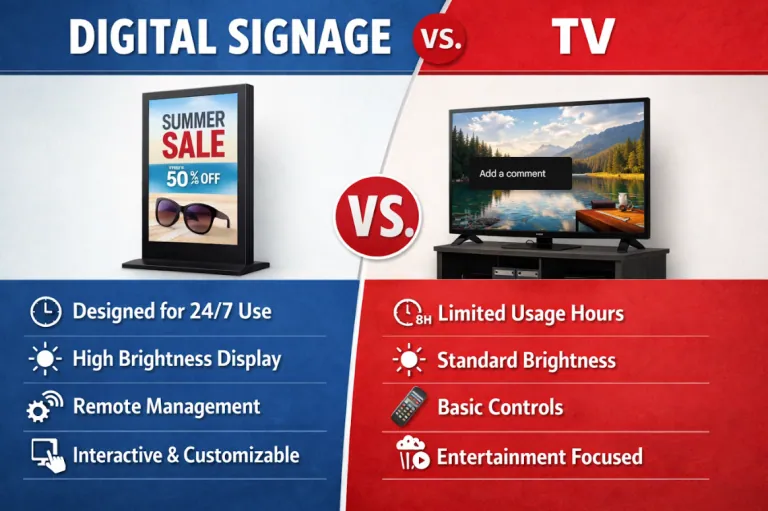
Commercial-grade displays are built for continuous operation; regular consumer TVs are not. We’ve seen bargain TVs wash out in window glare and fail within a year of 12-hour duty. Weigh brightness, screen size, orientation, durability, resolution, operating hours, and environment against the content you’ll show, whether that’s static images, video, live feeds, menus, or ads.
| Hardware factor | What to check | Why it matters |
|---|---|---|
| Duty cycle | Rated hours per day (16/7 vs. 24/7) | Consumer panels wear out fast on signage runtimes |
| Brightness | Output rated for ambient light at the install spot | A screen that loses to sunlight communicates nothing |
| Environment | Indoor, semi-outdoor, or sealed outdoor housing | Moisture and dust end unprotected electronics |
| Viewing distance | Resolution and pixel pitch matched to the farthest reader | Sharp up close can still be unreadable across a road |
| Orientation and mounting | Landscape, portrait, or video wall array | The wrong mount limits placement and airflow |
| Power and data | Outlet access, cable runs, network drops per screen | Retrofitting cabling costs more than planning it |
As a veteran-owned USA manufacturer, we’re the best place to find the best hardware for your network’s requirements at competitive prices, direct from the people who build the displays.
Commercial-grade LED, LCD, and smart displays are engineered for the long operating hours public and business settings demand, often 12 to 24 hours a day. Duty rating is the spec to read first.
Indoor and outdoor screens differ on brightness, weather resistance, and viewing distance. Outdoor units face direct sun, rain, dust, and heat: our Premier outdoor LED modules are sealed to IP67 on the front and IP65 on the rear, with thermostat-activated cooling fans that engage above 104°F. Outdoor duty is a sealing and cooling problem first.
Choose wrong and you get poor visibility, overheating, or a shortened lifespan. The screen is the network’s face.
Media players are the small computers that process content and output it to the screen. Some networks use dedicated players such as BrightSign devices, others run Amazon Fire Stick-style hardware, and some rely on the operating system built into a smart display. Large-format LED displays like ours use a dedicated controller managed through MEGA Cloud.
Playback devices act as automated clients: they check in with the central system, receive instructions, and follow the schedule without a person present.
Reliability is the whole job. A dependable player caches content offline, rides out a network drop, applies updates cleanly, and reports its own health. You learn about a dark screen before your customers do.
Reliable connectivity keeps every device synced with the CMS and makes remote updates possible. The common connection types are Wi-Fi, Ethernet, and 4G/5G cellular.
Bandwidth needs scale with content. The Federal Communications Commission’s broadband speed guide figures streaming HD video at roughly 5 to 8 Mbps per stream, and a screen looping stored files needs far less than one pulling live feeds.
Venue, bandwidth needs, security requirements, and installation constraints decide the right fit. Weak connectivity shows up as delayed updates, failed downloads, and inconsistent playback, which your audience reads as a broken screen.
Premier outdoor LED displays carry your network outside, engineered and built in the USA with sealed modules and thermostat-controlled cooling. Sizes run from storefront to spectacular.
Ethernet is the steadiest choice for fixed installations: no signal fade, no congestion, a physical layer you control. When conduit already reaches the wall, hardwire it.
Wi-Fi is convenient and quick to deploy, but signal strength, congestion, and venue restrictions can undercut it. A screen at the edge of coverage misbehaves on its busiest day.
Cellular 4G/5G works well for temporary, mobile, outdoor, or hard-to-wire locations. Our own signs connect over Wi-Fi, an LTE modem, or hardwired CAT5, and we’ve found the hardwired runs generate the fewest support calls. Choose on reliability, bandwidth, security, and maintenance.
Once a network passes a handful of screens, it needs clear management rules so the right people control the right screens and nobody else does. That’s governance.
Its working parts are individual screen control, editorial hierarchies, user permissions, approval workflows, security policy, management interfaces, and monitoring. A regional manager might schedule promotions for her own stores while corporate locks the brand layer above her.
Poor governance shows up as outdated content, inconsistent branding, unauthorized changes, and security gaps. Match the control structure to the organization’s size and complexity: a five-screen cafe needs one owner and a backup, not a committee
Security protects four things: the CMS, the devices, the user accounts, and the network connections between them. A signage player is a networked computer, and an unattended public screen is a tempting target.
Sound practice means role-based access, strong passwords, device monitoring, secure connectivity, and regular software updates. The Cybersecurity and Infrastructure Security Agency’s cybersecurity best practices guidance calls strong passwords, prompt updates, and multi-factor authentication basic cyber hygiene, and a signage system deserves the same care.
Interfaces matter because people run the platform. Teams need clean dashboards, APIs, and integrations to manage screens without workarounds. Security keeps the network safe; usability keeps it maintained. Long-term reliability needs both.
Anchor the space with a large indoor LED video wall: https://www.megasigninc.com/large-indoor-led-video-wall/
Talk through your screen plan with our team: https://www.megasigninc.com/contact/
Build revenue-ready sites with digital billboards: https://www.megasigninc.com/digital-billboards/
Start with a Premier outdoor LED display: https://www.megasigninc.com/premier-outdoor-led-signs/
A digital signage network is a centrally managed group of screens that displays images, videos, menus, alerts, advertising, wayfinding, and real-time information across one or many locations. Content is scheduled and updated remotely through a management platform instead of screen by screen, so a small team can keep dozens or hundreds of displays current. Retail chains, hospitals, schools, restaurants, and transportation hubs all use the same basic model, whether the network runs two screens or two thousand.
Cost depends on screen count, screen quality, media players, software, installation, connectivity, content creation, and support. A small indoor setup may need only a few commercial displays and a basic CMS subscription, while enterprise and advertising networks add professional installation, ad-tech platforms, and multi-site infrastructure. Large-format outdoor LED hardware starts around $3,800 per display and scales with size and resolution. Budget one-time costs (hardware, mounts, installation) separately from recurring costs (licenses, internet, maintenance, creative production, support) to see the true multi-year picture.
A digital signage network is a centrally managed group of screens that displays images, videos, menus, alerts, advertising, wayfinding, and real-time information across one or many locations. Content is scheduled and updated remotely through a management platform instead of screen by screen, so a small team can keep dozens or hundreds of displays current. Retail chains, hospitals, schools, restaurants, and transportation hubs all use the same basic model, whether the network runs two screens or two thousand.
Cost depends on screen count, screen quality, media players, software, installation, connectivity, content creation, and support. A small indoor setup may need only a few commercial displays and a basic CMS subscription, while enterprise and advertising networks add professional installation, ad-tech platforms, and multi-site infrastructure. Large-format outdoor LED hardware starts around $3,800 per display and scales with size and resolution. Budget one-time costs (hardware, mounts, installation) separately from recurring costs (licenses, internet, maintenance, creative production, support) to see the true multi-year picture.



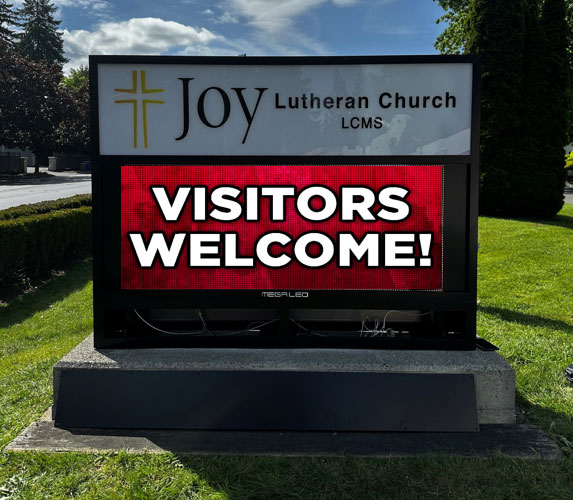























Alpha LED sign boards are great for anything from churches, to schools, to business. They tend to do great in large open spaces, where they are clearly visible.
Omega is our newest line of outdoor digital signs. Running the full gambit from cabinet, to LED sign, to logo on top, or any configuration of your choice!
Premier is a customizable Outdoor LED sign, perfect for the Entrepreneur who knows that large custom sized signs cultivated for their specific business is the way to go.
Programmable Stage LED signs, great for indoor assemblies, congregations, and presentations! Blow your competitors out of the water, or keep your congregation and audience glued to your message.