

What Is Smart Digital Signage? How Intelligent Screens Use Data, Software And Automation

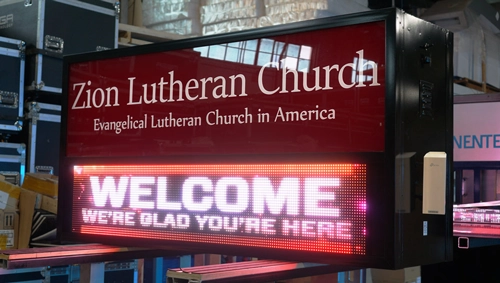
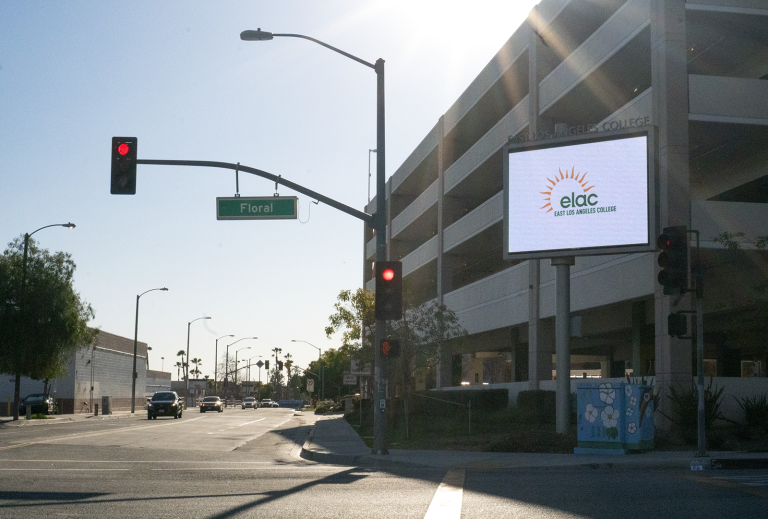
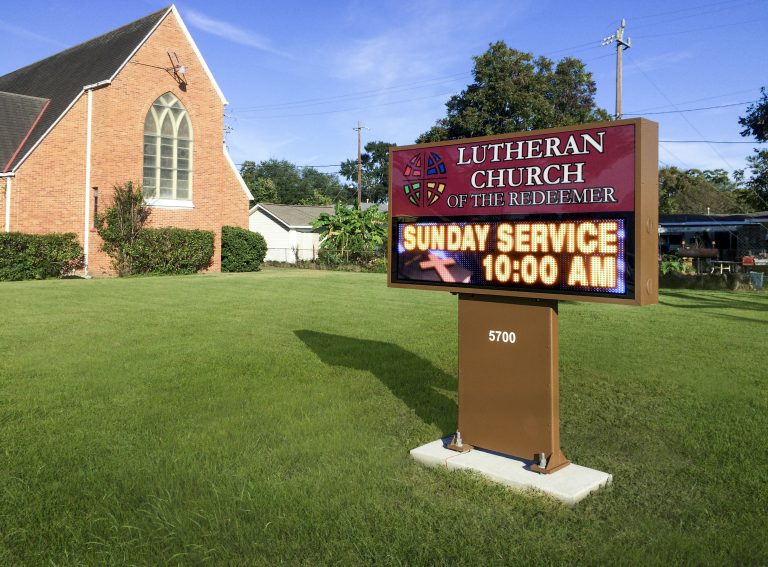
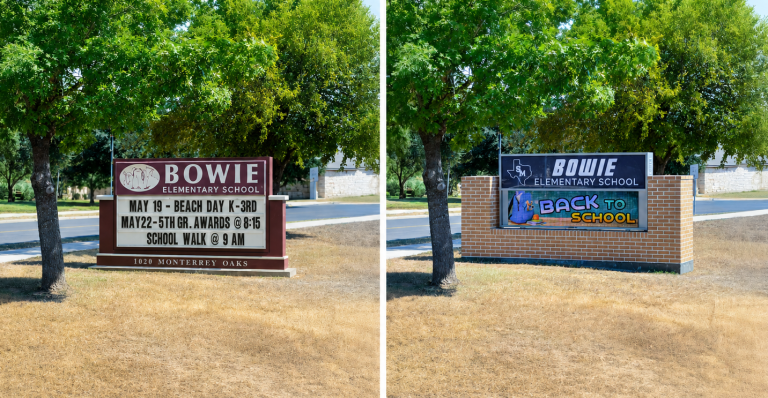
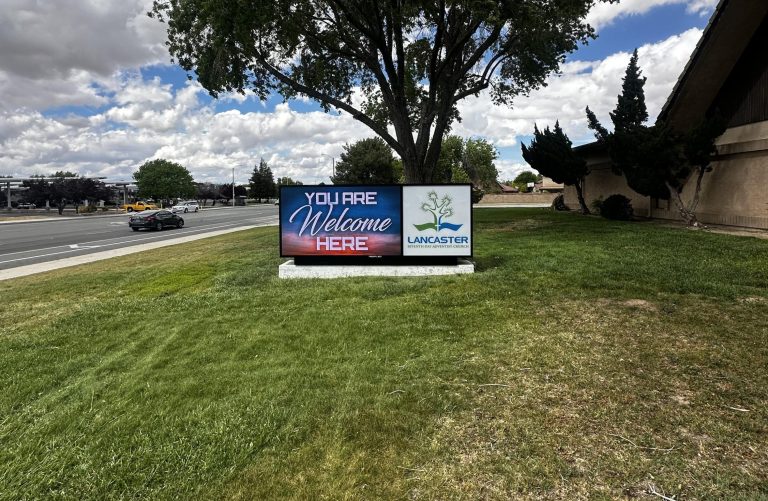
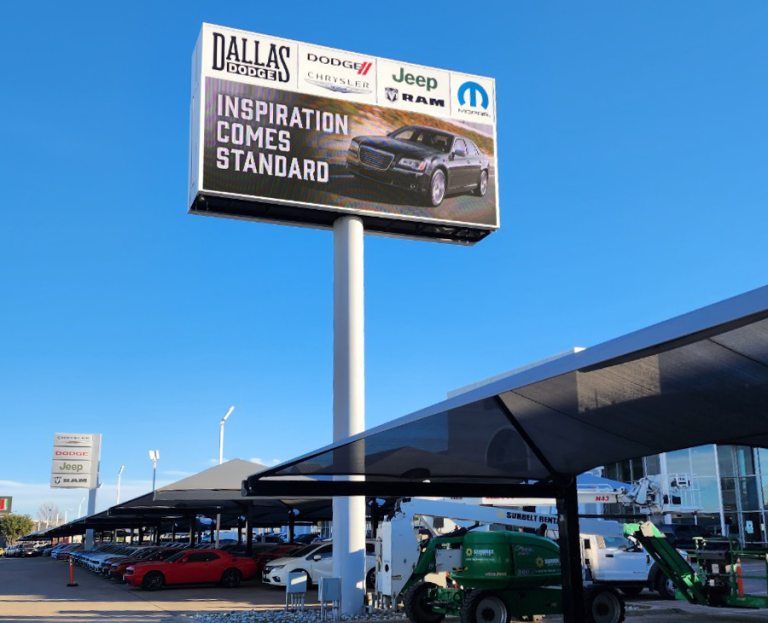
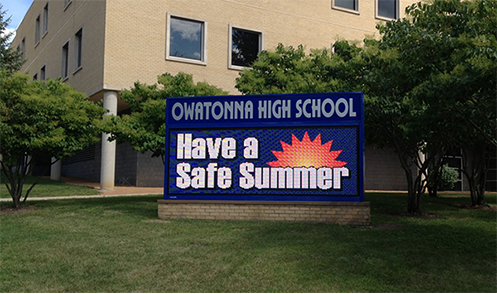
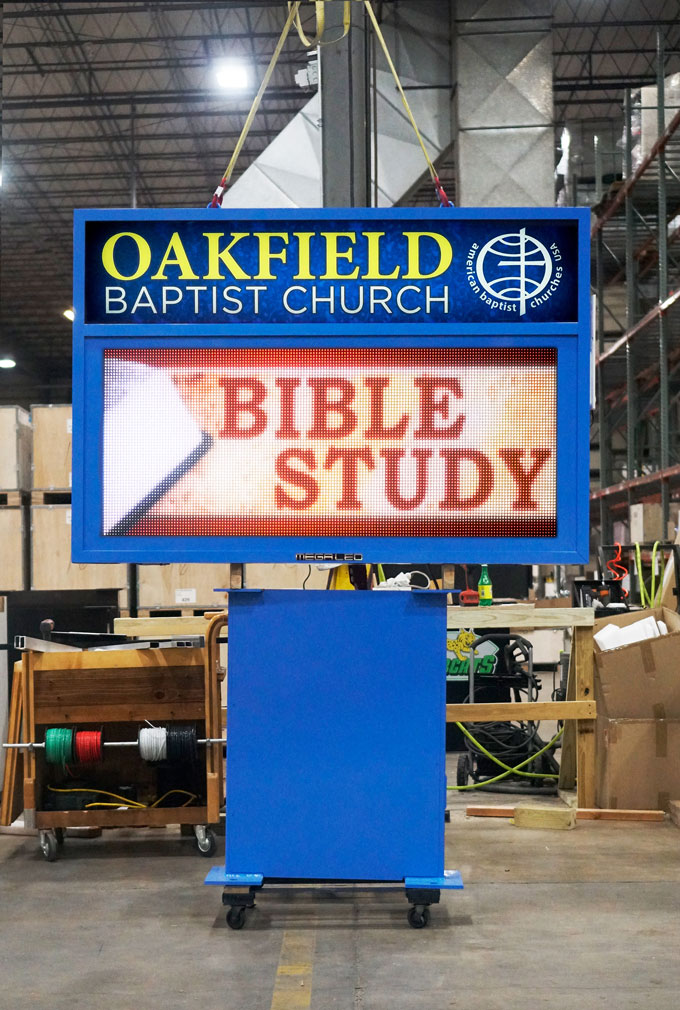
Alpha LED sign boards are great for anything from churches, to schools, to business. They tend to do great in large open spaces, where they are clearly visible.

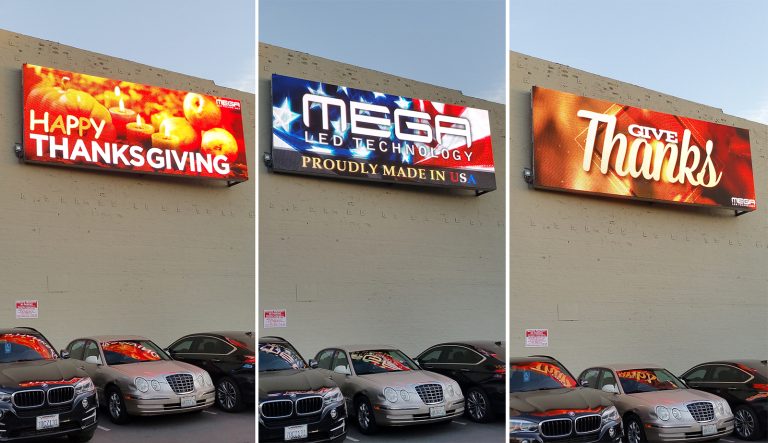
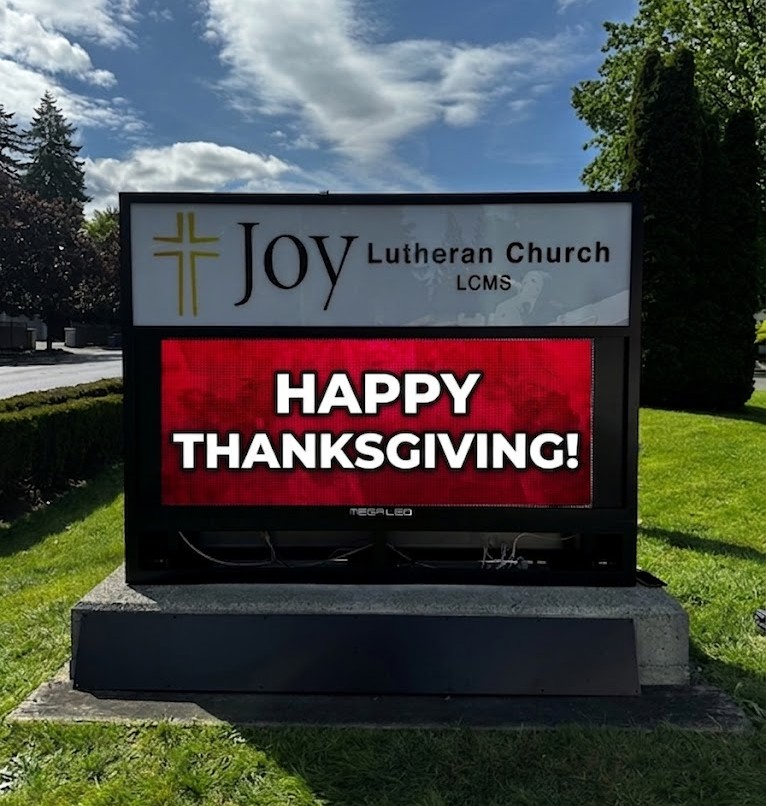
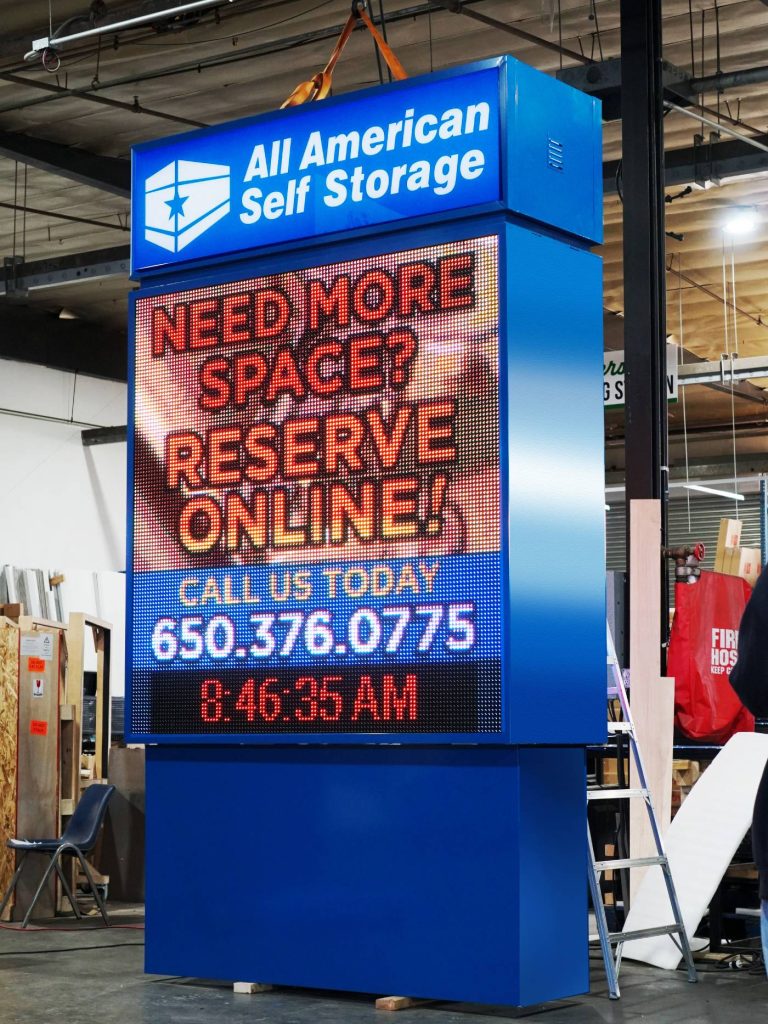
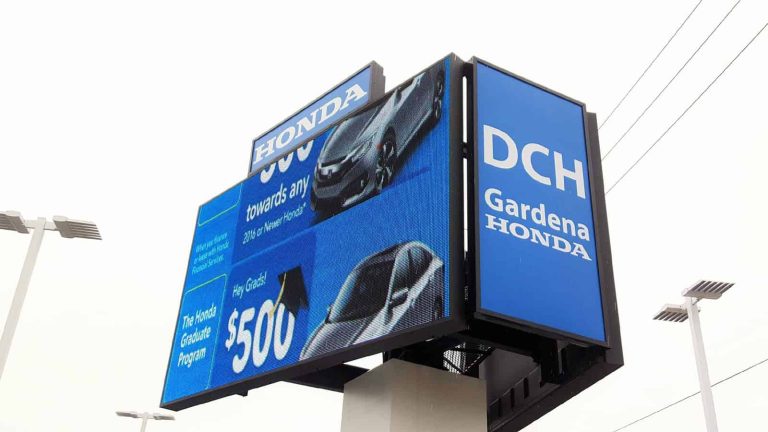
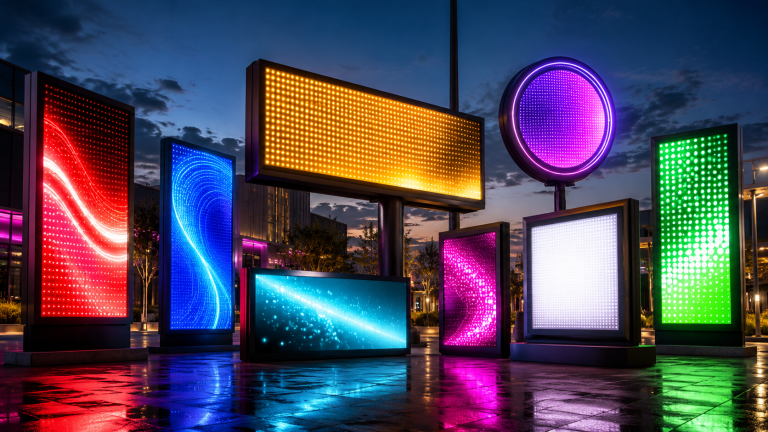
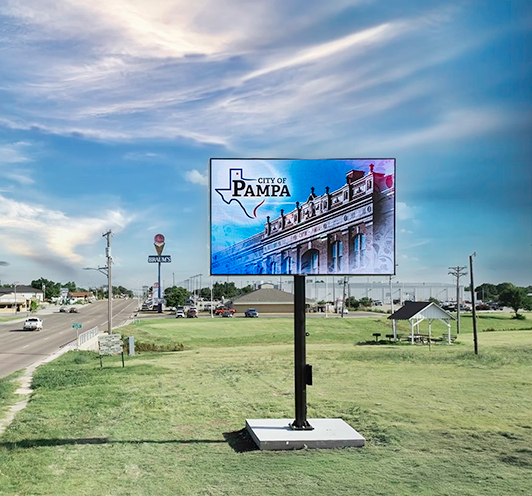
Omega is our newest line of outdoor digital signs. Running the full gambit from cabinet, to LED sign, to logo on top, or any configuration of your choice!

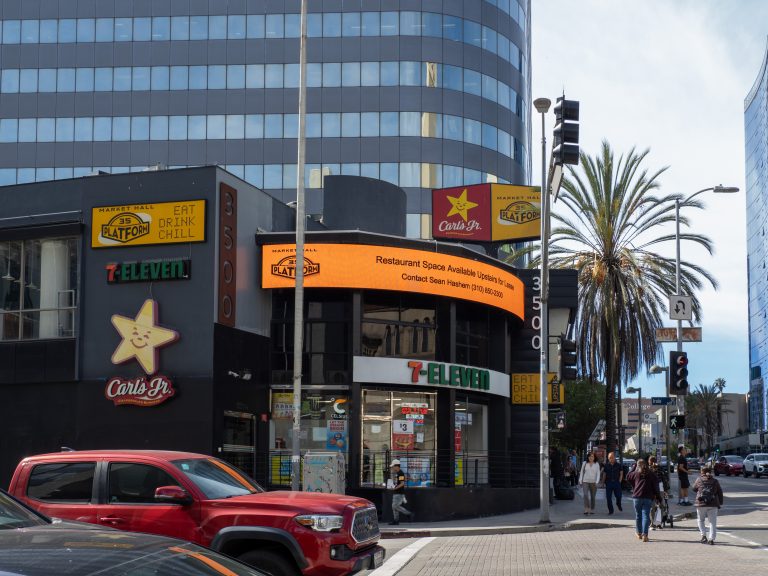
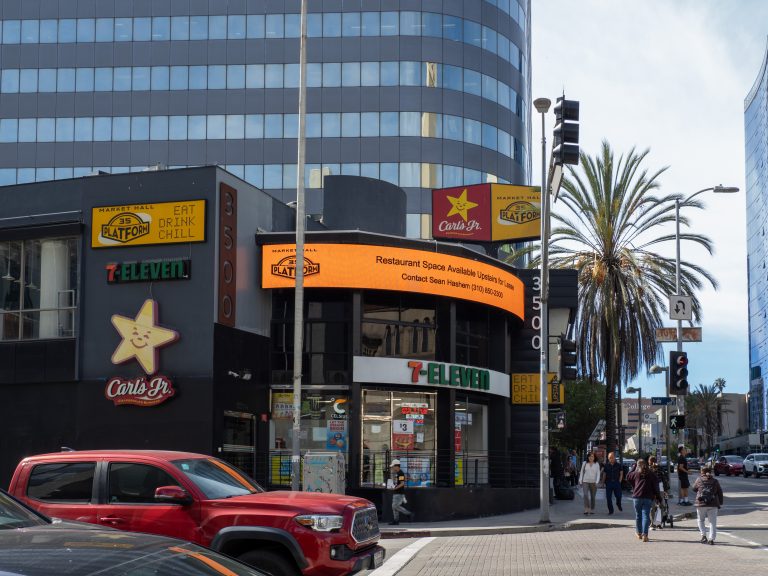
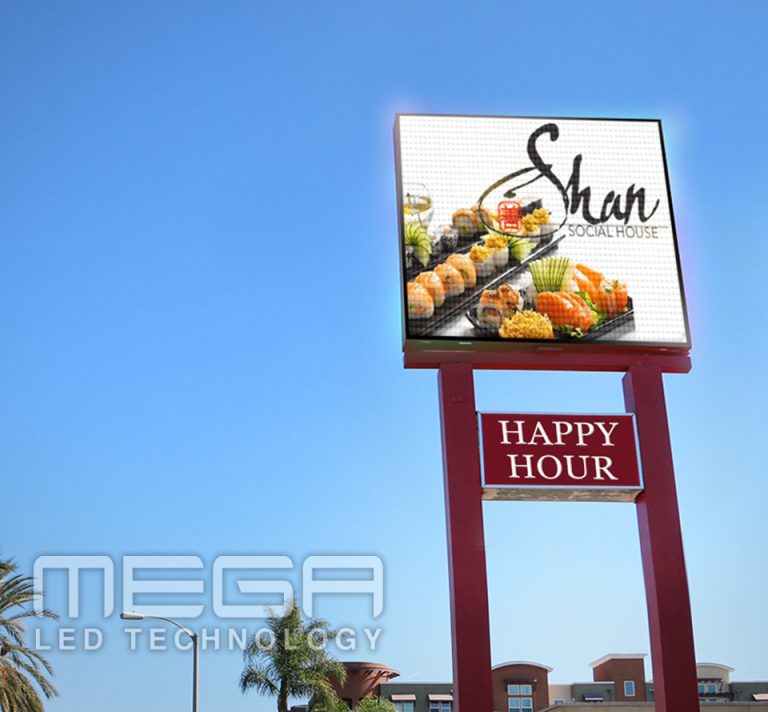
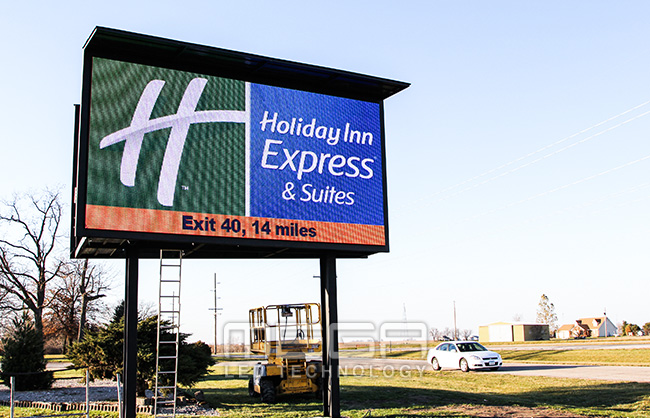
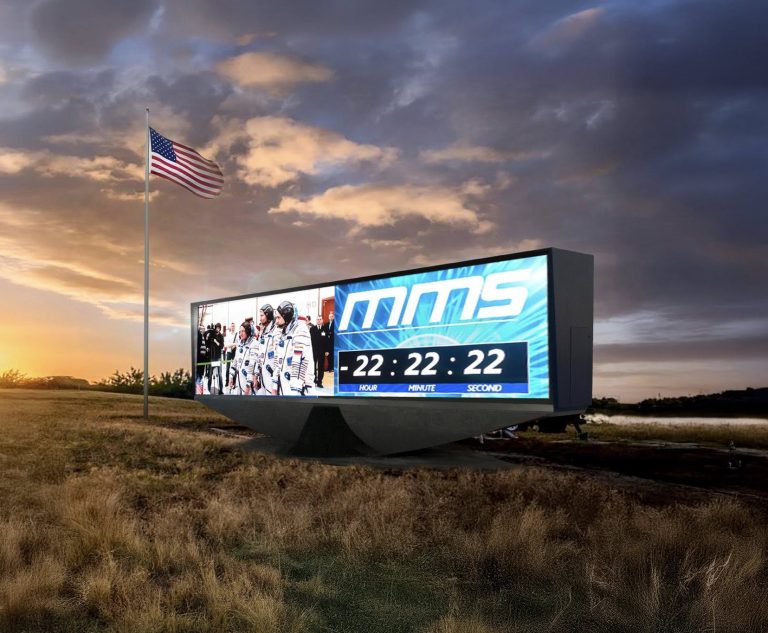
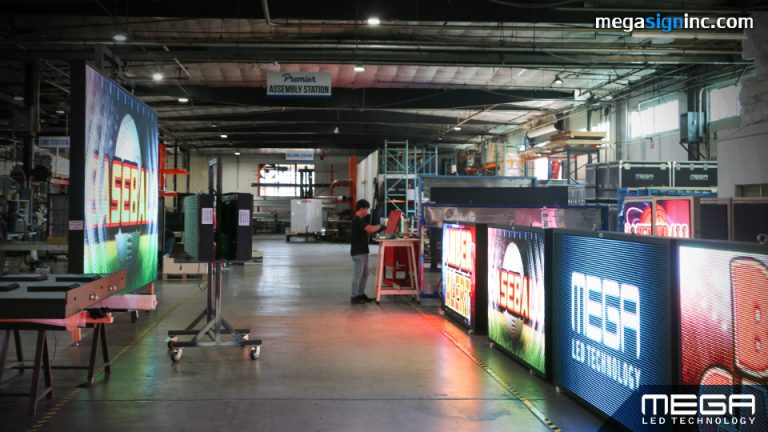
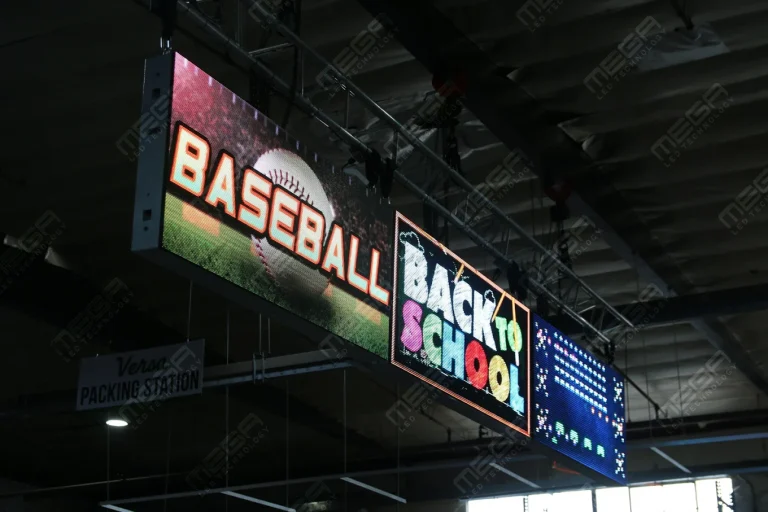
Premier is a customizable Outdoor LED sign, perfect for the Entrepreneur who knows that large custom sized signs cultivated for their specific business is the way to go.

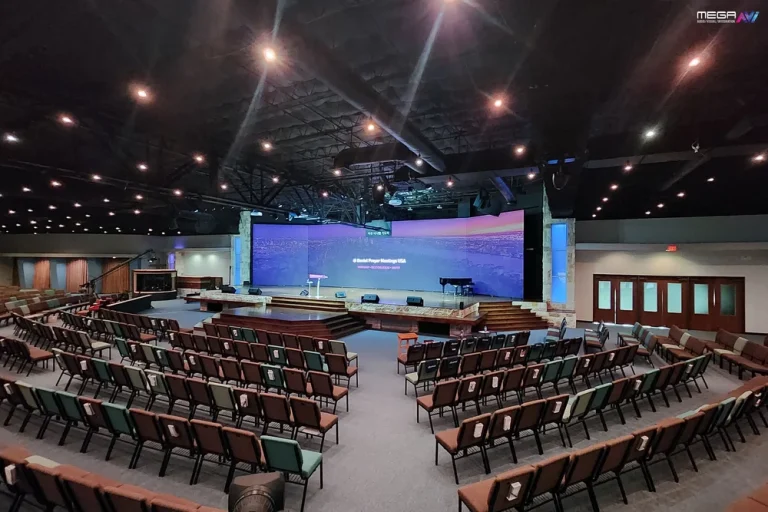
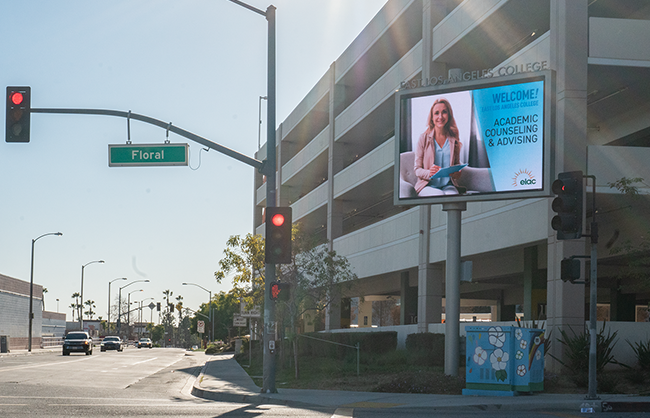
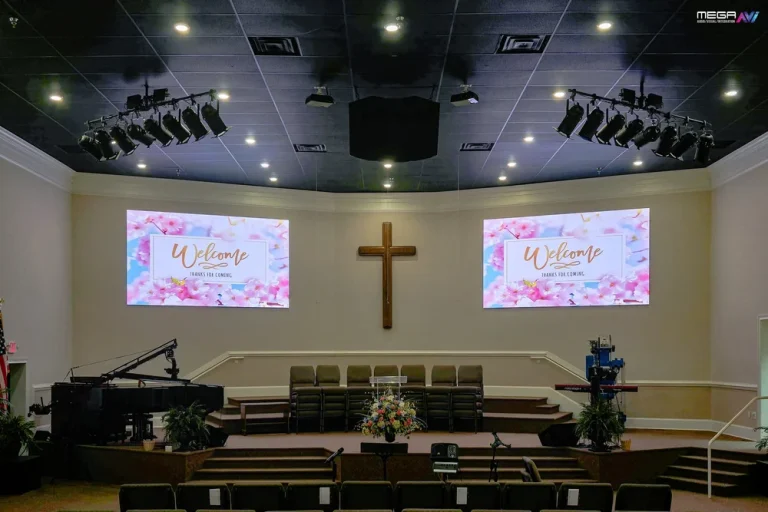
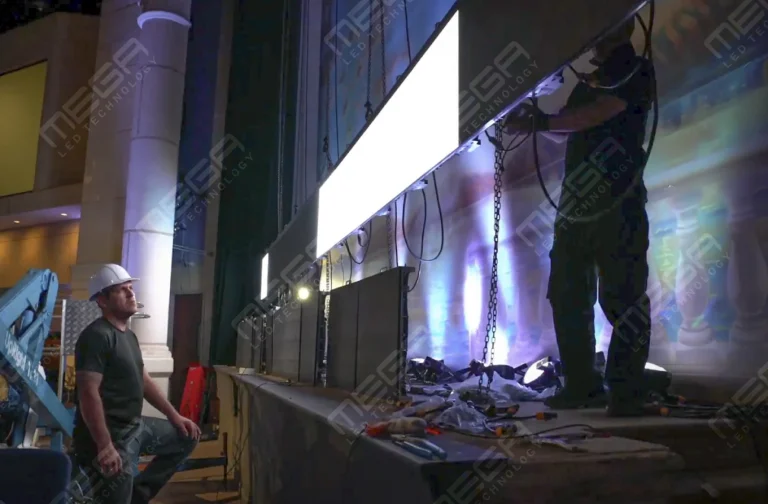
Programmable Stage LED signs, great for indoor assemblies, congregations, and presentations! Blow your competitors out of the water, or keep your congregation and audience glued to your message.

Alpha LED sign boards are great for anything from churches, to schools, to business. They tend to do great in large open spaces, where they are clearly visible.
Omega is our newest line of outdoor digital signs. Running the full gambit from cabinet, to LED sign, to logo on top, or any configuration of your choice!
Premier is a customizable Outdoor LED sign, perfect for the Entrepreneur who knows that large custom sized signs cultivated for their specific business is the way to go.
Programmable Stage LED signs, great for indoor assemblies, congregations, and presentations! Blow your competitors out of the water, or keep your congregation and audience glued to your message.
Alpha LED sign boards are great for anything from churches, to schools, to business. They tend to do great in large open spaces, where they are clearly visible.
Omega is our newest line of outdoor digital signs. Running the full gambit from cabinet, to LED sign, to logo on top, or any configuration of your choice!
Premier is a customizable Outdoor LED sign, perfect for the Entrepreneur who knows that large custom sized signs cultivated for their specific business is the way to go.
Programmable Stage LED signs, great for indoor assemblies, congregations, and presentations! Blow your competitors out of the water, or keep your congregation and audience glued to your message.
Most digital signage challenges don’t show up on install day. They show up in months later: a stale playlist, a screen that had drifted orange, and a password nobody remembers. Here is what actually goes wrong and how to head each one off.
Digital signage fails in predictable places, and almost none of them are the screen itself.
Five families of trouble cover nearly everything we get called about: strategy nobody owns, content nobody has time to make, files and networks that misbehave, hardware degrading quietly, and a display that is really a networked computer.
Poor planning is what turns a signage budget into a dark screen: content nobody local cares about, branding that drifts site to site, and one login three people share.
Content is the line nobody budgets for. The screen is bought once; the content is a weekly job landing on someone who already has one.
Grand View Research’s digital signage market report values the global market at USD 31.1 billion in 2025 and a projected USD 58.4 billion by 2033.
More screens mean more surfaces asking for fresh material.
The skill gap is real, and it isn’t graphic design. It’s knowing that a message read from a moving car needs six words while a lobby screen carries thirty.
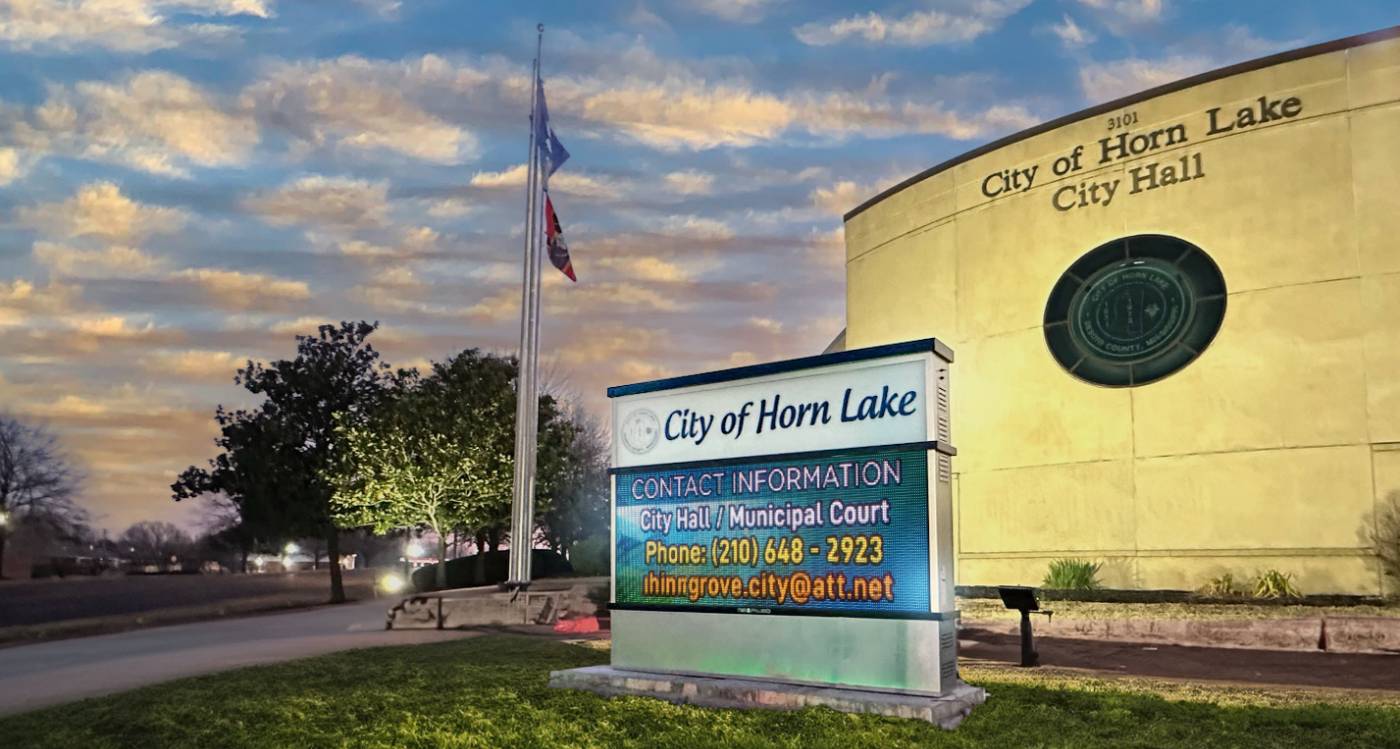
Build a small kit once, then stop starting from scratch.
That kit is four things: three locked templates, a one-page brand sheet with fonts, colors and minimum text size, a quarterly calendar, and one approver who can say yes without a meeting.
Let software carry the repetition. Ours is MEGA Cloud, and what we lead with isn’t the feature list. It runs on a phone, a tablet, or a desktop, and lifetime training comes with it, so whoever inherits the sign needs no tech background.
Set a publishing rhythm you can keep.
Tell us the site, the size, and who needs to read it. We come back with a free quotation and a design preview, no pressure attached.
Content fatigue is the point where a regular viewer stops seeing your screen. The pixels still change. The brain has filed it as furniture.
It hits hardest with your regulars: staff walking past four times a day, members who visit weekly, and commuters on the same route.
Playlist length is the usual culprit. A six-item playlist on an eight-second hold cycles fully in under a minute, so anyone waiting watches the loop twice. Stretch the hold too long and a passing viewer never reaches the message that mattered.
Vary the shape of the content, not only the words.
Match the refresh rate to the location. A screen facing daily foot traffic needs a new item weekly; a roadside sign holds one far longer. We’ve seen the mistake run the other way, with roadside content churning faster than drivers could read.
One playlist pushed to every site is the quickest way to make a screen ignorable.
Opening hours differ. So do the products in stock, the languages spoken nearby, and even which promotion is legal in that state.
Split the ownership. The head office owns the frame; the site owns the fill. Templates, logo placement and campaign windows stay locked centrally; local managers get a few editable slots and nothing else.
Event content needs an end date at upload. A Christmas message still running in February does more damage than none.
Being seen and being read are different outcomes, and plenty of screens manage only the first.
A 2024 study by the Out of Home Advertising Association of America and The Harris Poll, published as digital OOH research, found 73% of consumers view digital out-of-home advertising favorably and 80% say they’re likely to act on content that is entertaining or visually appealing. That qualifier is the finding.
Information overload kills more messages than ugly design does. Four fonts, a QR code, a phone number and a paragraph of body copy read as nothing.
Our Premier outdoor LED signs are built around the parts that fail first. Sealed modules, cooled electronics, and a 5-year limited warranty behind them.
Give the viewer something worth the three seconds you’re asking for.
Usefulness beats promotion nearly every time: wait times, today’s schedule, what is in stock, when the next service starts. Those answer a question the viewer already had.
Test like it matters. Run one message for two weeks, swap the layout, then watch what moves in scans. A QR code earns its place only when what it opens is worth pulling out a phone for.
Contrast and size finish the job.
Nearly every upload failure is a mismatch between the file and what the display expects.
Usual suspects: a codec the player can’t decode, a file above the storage ceiling, an account without publish permission, and a connection that dropped mid-transfer.
Stretching, cropping and pixelation are almost always an aspect-ratio mismatch, not a broken screen. Design a 1920 by 1080 asset for a wide outdoor cabinet and something to give. Color shifts have a second cause: a display running hot renders color differently than it did cold.
Write the specs down once, then make them the only accepted input.
One page per screen type covers it: pixel dimensions, aspect ratio, accepted formats, codec and bitrate ceiling, maximum file size, plus a naming convention encoding location and expiry.
Preview inside the software, then check it on the actual screen. A design approved on a laptop and never seen on the sign is how thin type reaches the street. We’ve seen artwork fail outdoors because the reviewer judged it at arm’s length, not from the road.
Keep a fix log. The same six errors repeat.
Displays rarely die all at once. They tell you first.
Heat is the common thread. As an engineering rule of thumb, every 50 degrees Fahrenheit a component runs above its rated ceiling can cut its working life roughly in half. Heat also shifts color, because red, green and blue LEDs lose output at different rates, which is why a neglected screen drifts warm before it goes dark.
| Warning sign | What it means | Check first | What prevents it |
|---|---|---|---|
| Flicker or dropouts | Failing supply or loose data cable | Voltage, ribbon seating | Quality supplies, sealed connectors |
| Overall dimming | LED decay accelerated by heat | Internal temperature logs | Cooling, efficient supplies |
| Color drift to red | Green and blue fading faster | Module age, fan function | Single-bin LEDs, working fans |
| Freezing or reboots | Controller overheating or power instability | Enclosure temperature | Surge suppression, thermostat fans |
Our Premier outdoor LED line is engineered around that table.

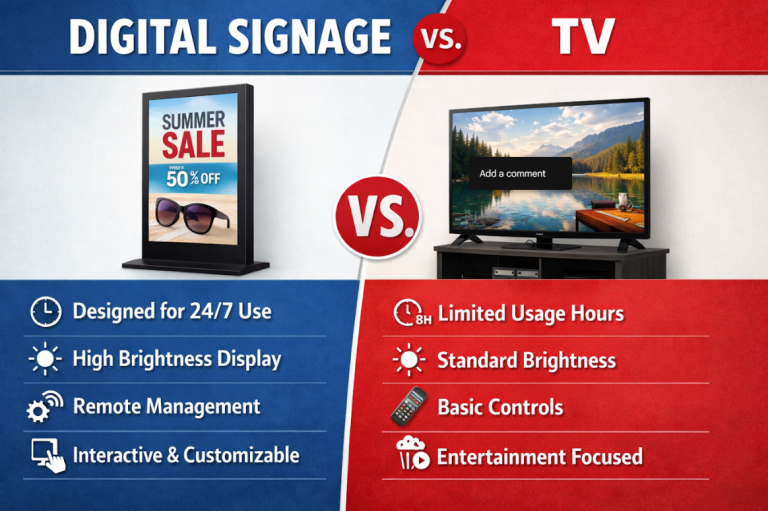
Buy for the environment and the duty cycle first, then maintain on a calendar. A consumer TV rated for a few hours a day won’t survive a lobby running sixteen.
Source from people who build the thing, not people who rebadge it. We’re a veteran-owned USA manufacturer in Grand Prairie, Texas, building directly with our logo on every module. Inside sit 4-layer copper PCBs instead of the 2-layer thin-copper-foil boards used further down the market and gold-wire bonded LEDs instead of copper wire, both of which survive heat cycling that cracks cheaper construction.
Cabinets are aluminum with LINE-X coating and thermostat-controlled fans that engage above 104 degrees Fahrenheit inside the cabinet. Premier modules seal to IP67 front and IP65 back behind DELTA power supplies, under a 5-year limited warranty that counts below 2% dead lamps as normal wear.
Maintenance is dull: vents quarterly, seals after storm season, firmware updates, and a spare module on the shelf. Remote diagnosis and lifetime training are included.
Ask for a free quotation. Building direct is how we hold the best prices in the market without cutting the parts that keep a sign alive.
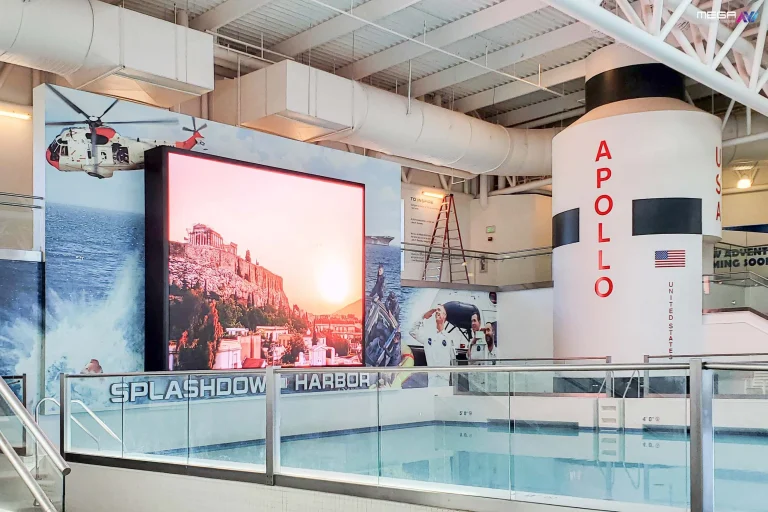
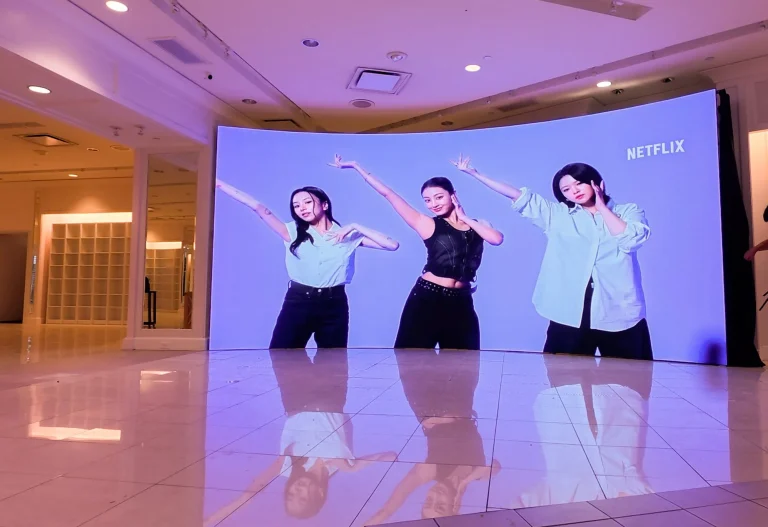
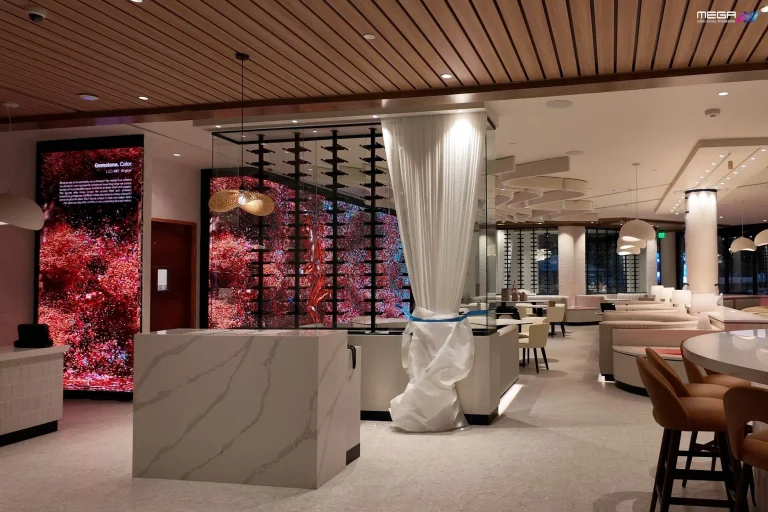
Our large indoor LED video walls put one bright, unbroken image where a grid of small displays used to sit. Built in the USA and sized to your room.
Your display is the last link in a chain, and the chain decides how it behaves.
Behind the glass sit a player, a network path, a cloud platform and the power feed. Stuttering playback is usually bandwidth or a player under-specced for the resolution. Updates that land on some screens but not others point to a sync or permission problem.
Match the connection to the site. We support Wi-Fi, an LTE modem and a hardwired CAT5, and we’ve found the right pick is usually the least glamorous one. An LTE modem earns its keep on a monument sign across the lot.
Scale changes the math. Two screens can be run by hand; twenty need central management and health monitoring.
Placement decides whether your content ever gets a chance.
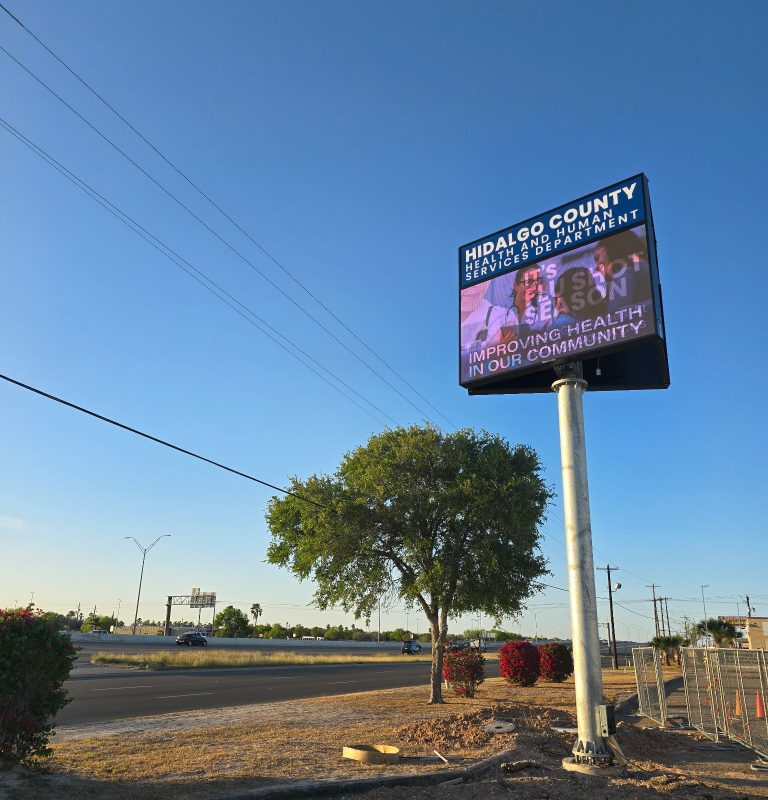
Start with the viewer’s path. A driver at 40 mph gets a few seconds; someone in line gets a minute, which changes word count and type size more than design choices do.
Look at what the sun does. West-facing screens fight glare every afternoon, a contrast and shading question rather than a brightness-slider one.
Outdoors the rules aren’t only yours. The Federal Highway Administration’s outdoor advertising control program, implementing the Highway Beautification Act of 1965, sets standards along Interstate and primary highways. Cities add their own limits on height, brightness and change frequency.
Consistency does the quiet work. Indoors, our indoor video walls hold one identity at a scale scattered displays cannot.
Treat every screen as a computer on your network, because that’s what it is.
Nothing exotic is required: a player running the factory password, an account belonging to someone who left in 2023, or a device sharing a flat network with a point-of-sale.
The National Institute of Standards and Technology’s NIST cybersecurity framework 2.0 organizes the work into six functions and adds Governance: who owns the risk, settled before anything technical. Its IoT device baseline, NIST IR 8259A, names six capabilities to demand of any vendor: device identification, device configuration, data protection, logical access to interfaces, software update, and cybersecurity state awareness.
Put those in the purchase conversation, not the incident review. Unique credentials per user, a separate network segment, and an offboarding step that removes access. This is the one section where we aren’t selling the answer.
Audit what you already have, then fix in order of damage.
Walk every screen with a checklist. Is anything out of date, and can you read it from where people stand? Who owns the playlist, and who still has a login?
Rank by impact, not by ease. An unreadable display at the main entrance costs more daily than a stale interior playlist.
A sign is a system with an owner, not a purchase with an install date. The ones still working in year eight had a named owner, a calendar, and the right hardware for where it sits.
Honest numbers help: our Premier signs run from roughly $3,800 to $500,000 and up depending on size, pixel pitch and structure, and permitting alone can add weeks. Ask us for a free sign quote.
Rebuild the message for distance and speed first, then automate the schedule so it refreshes without anyone remembering to. Our Premier line is built for that read: https://www.megasigninc.com/premier-outdoor-led-signs/
One large canvas gives indoor content a single focal point instead of scattered small screens. Start by sizing the wall to the room: https://www.megasigninc.com/large-indoor-led-video-wall/
Have the internal temperature and power supplies checked before replacing anything, then ask who actually manufactures your next one: https://www.megasigninc.com/contact/
Spec the replacement around sealing, cooling and warranty rather than headline price. Compare a sealed, cooled outdoor build here: https://www.megasigninc.com/alpha-led-sign-boards/
The recurring five are content, attention, technical publishing, hardware reliability and security. Content is the one organizations underestimate, because a screen needs feeding weekly and that job lands on someone without spare time. Attention problems follow from crowded frames and messages that do not help the viewer.
Publishing errors come from file specifications nobody wrote down. Hardware trouble is usually heat and moisture reaching parts never sealed against them. Security gets skipped until a display shows something it should not.
Fix them in the order they cost you money, and give each one an owner. Write a one-page file specification so uploads stop failing. Build three templates and a quarterly calendar so refreshing the playlist takes minutes.
Put cleaning, seal checks and firmware updates on a schedule. Give every user their own login and put signage on its own network segment. Then buy the next display for the environment it will live in, because heat and weather decide how long it lasts.
The recurring five are content, attention, technical publishing, hardware reliability and security. Content is the one organizations underestimate, because a screen needs feeding weekly and that job lands on someone without spare time. Attention problems follow from crowded frames and messages that do not help the viewer.
Publishing errors come from file specifications nobody wrote down. Hardware trouble is usually heat and moisture reaching parts never sealed against them. Security gets skipped until a display shows something it should not.
Fix them in the order they cost you money, and give each one an owner. Write a one-page file specification so uploads stop failing. Build three templates and a quarterly calendar so refreshing the playlist takes minutes.
Put cleaning, seal checks and firmware updates on a schedule. Give every user their own login and put signage on its own network segment. Then buy the next display for the environment it will live in, because heat and weather decide how long it lasts.

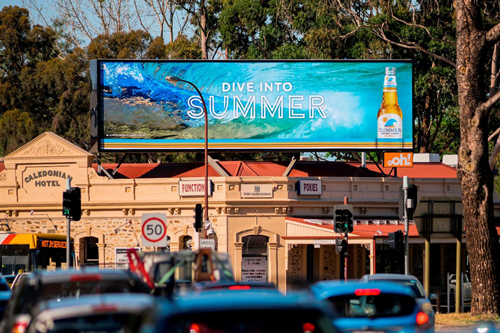



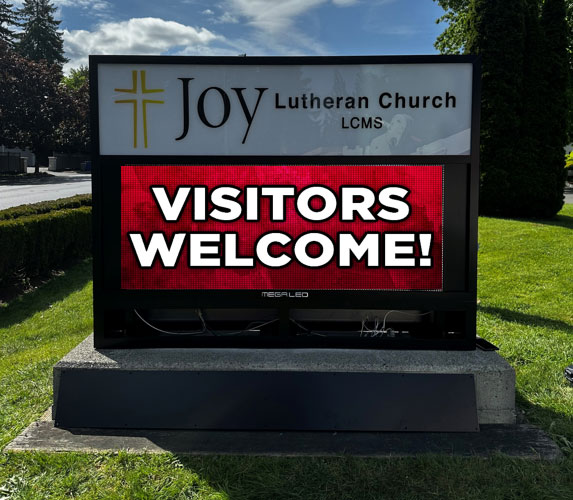




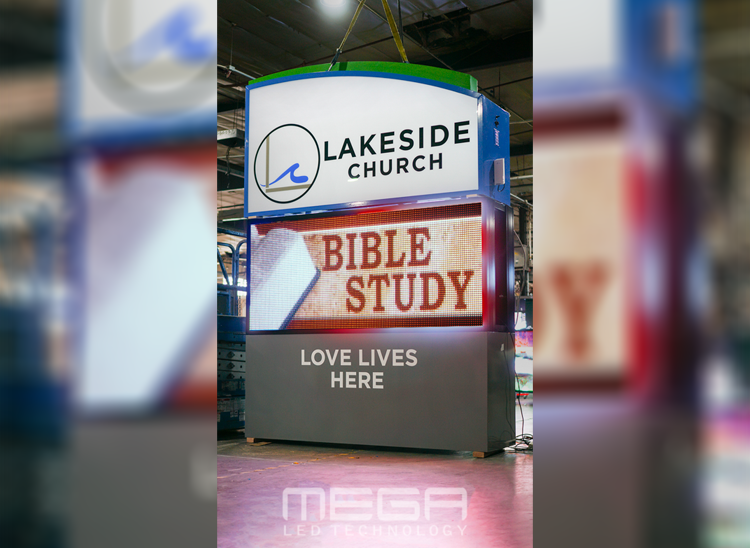








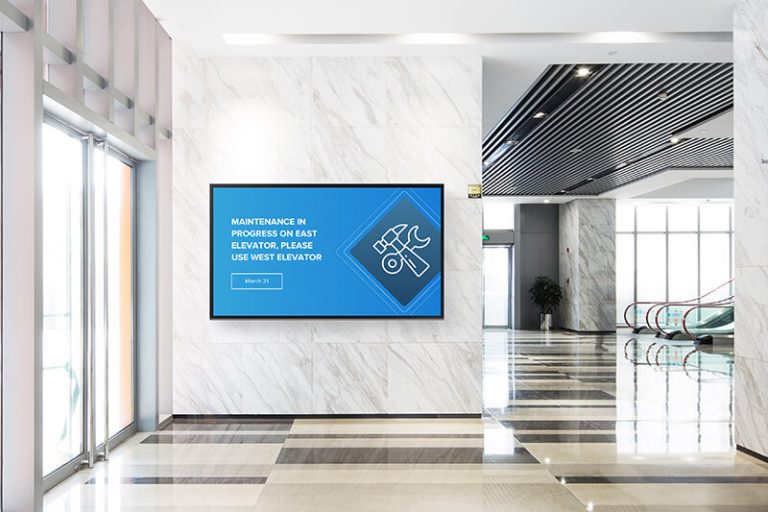

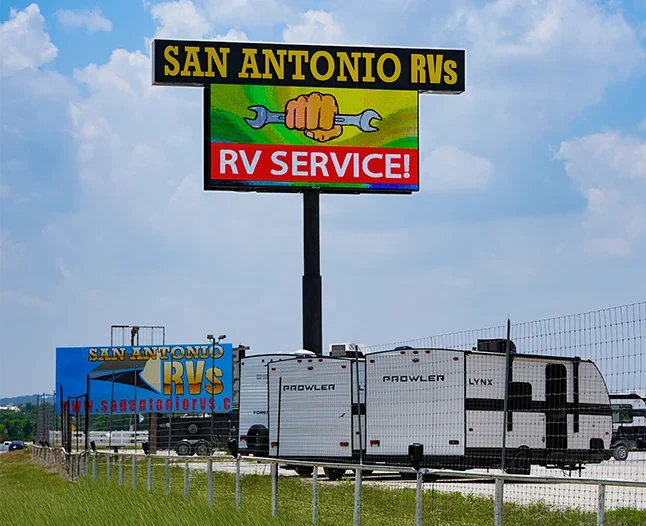
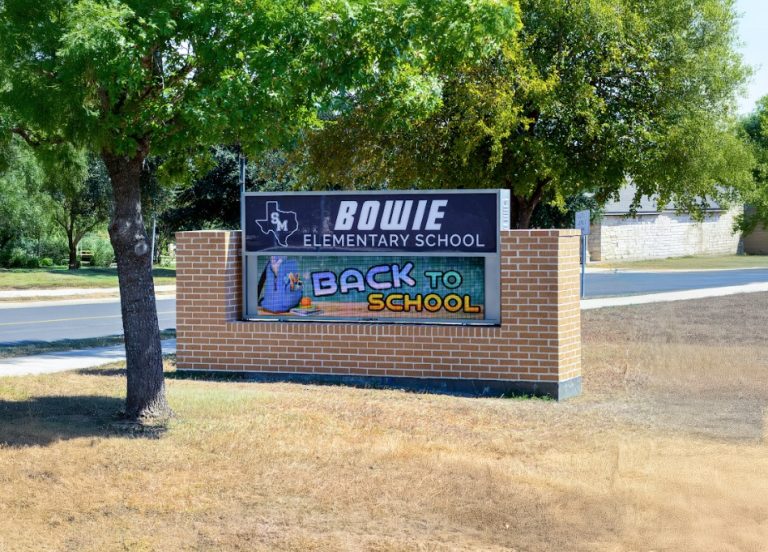

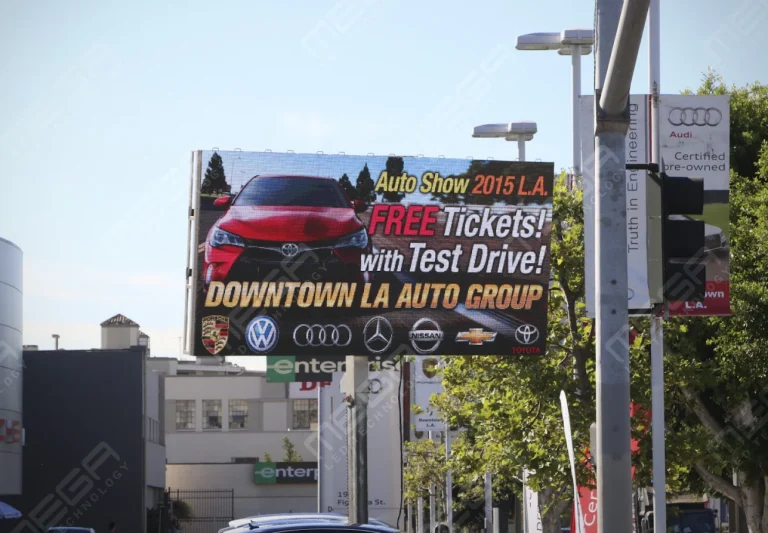


Alpha LED sign boards are great for anything from churches, to schools, to business. They tend to do great in large open spaces, where they are clearly visible.
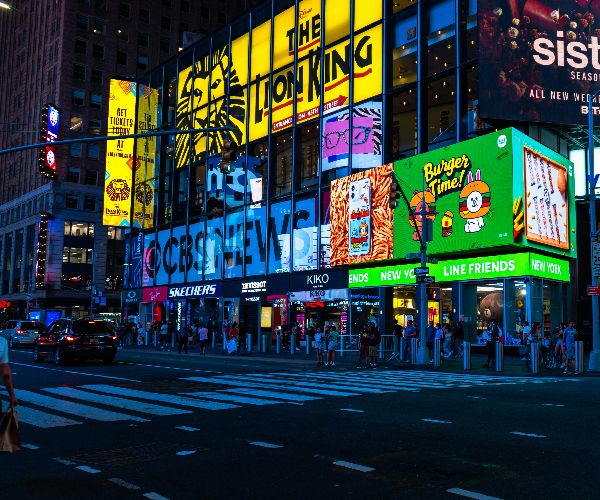
Omega is our newest line of outdoor digital signs. Running the full gambit from cabinet, to LED sign, to logo on top, or any configuration of your choice!
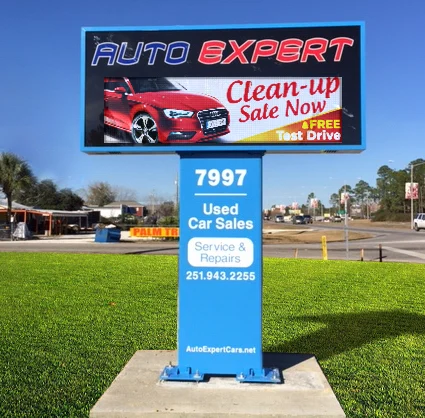
Premier is a customizable Outdoor LED sign, perfect for the Entrepreneur who knows that large custom sized signs cultivated for their specific business is the way to go.
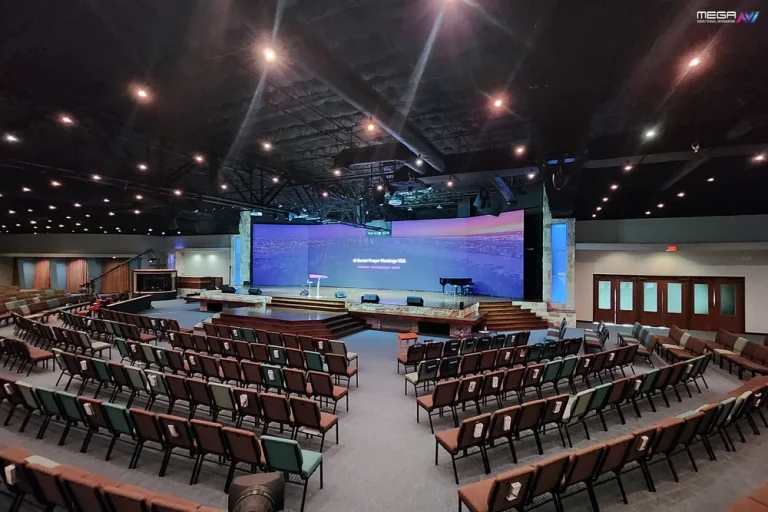
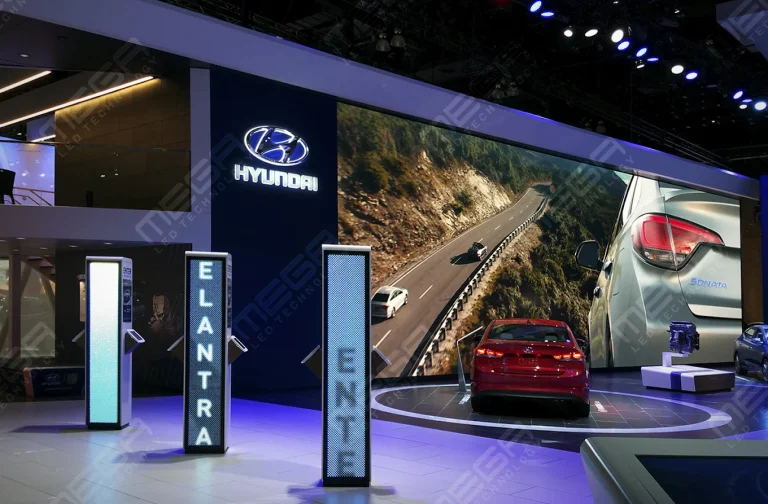
Programmable Stage LED signs, great for indoor assemblies, congregations, and presentations! Blow your competitors out of the water, or keep your congregation and audience glued to your message.