

Which Digital Signage Displays Are Best For Business, Retail And Commercial Spaces?


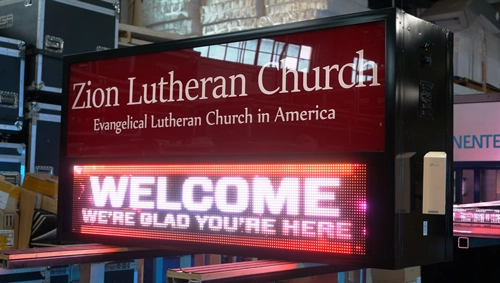
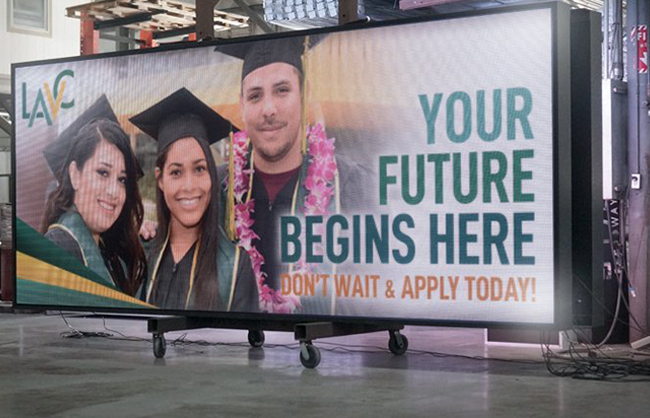
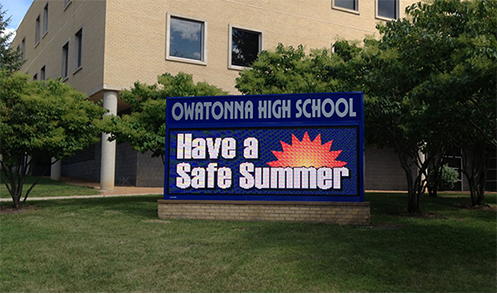
Alpha LED sign boards are great for anything from churches, to schools, to business. They tend to do great in large open spaces, where they are clearly visible.

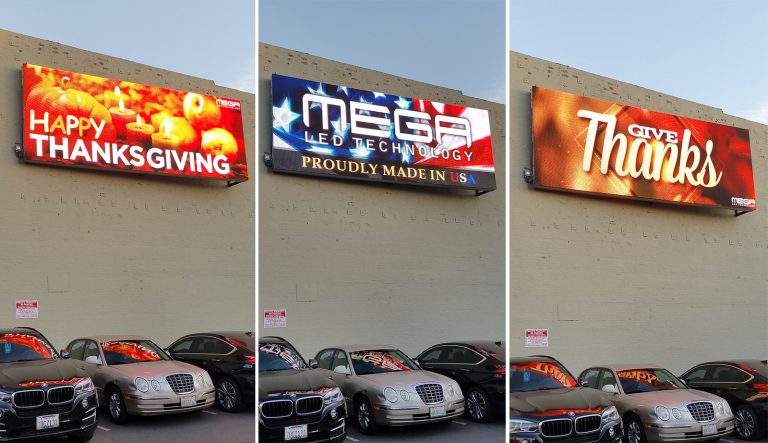
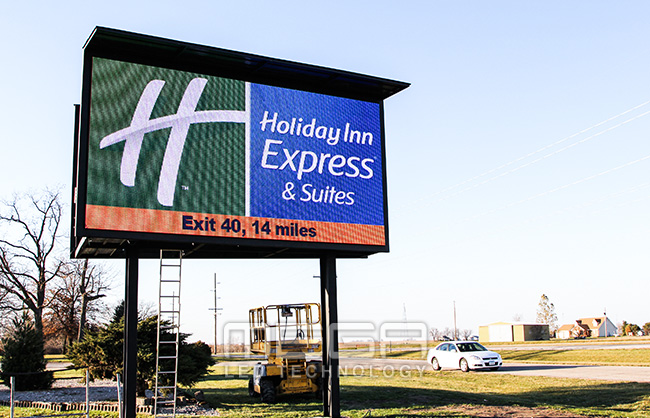
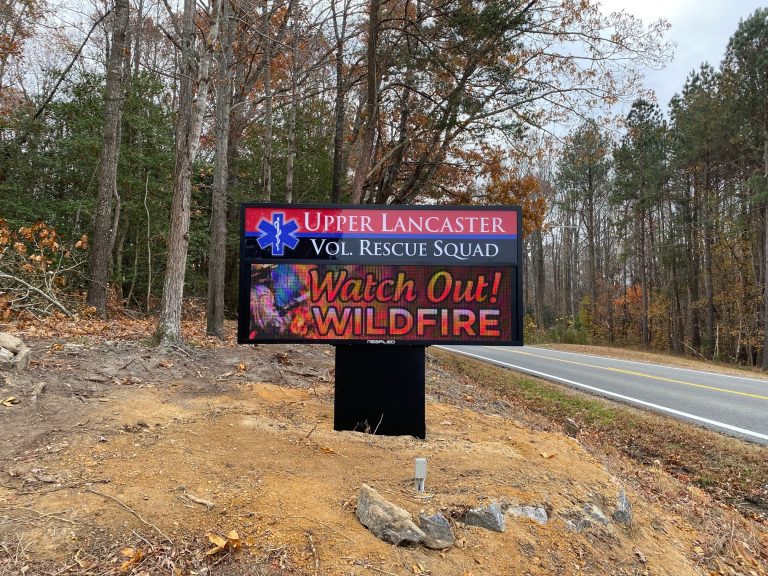
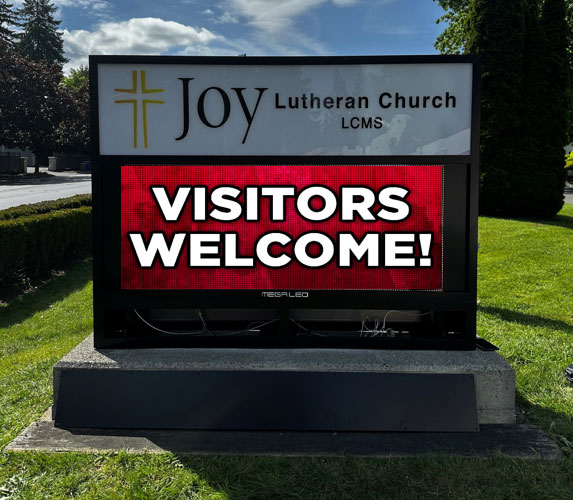
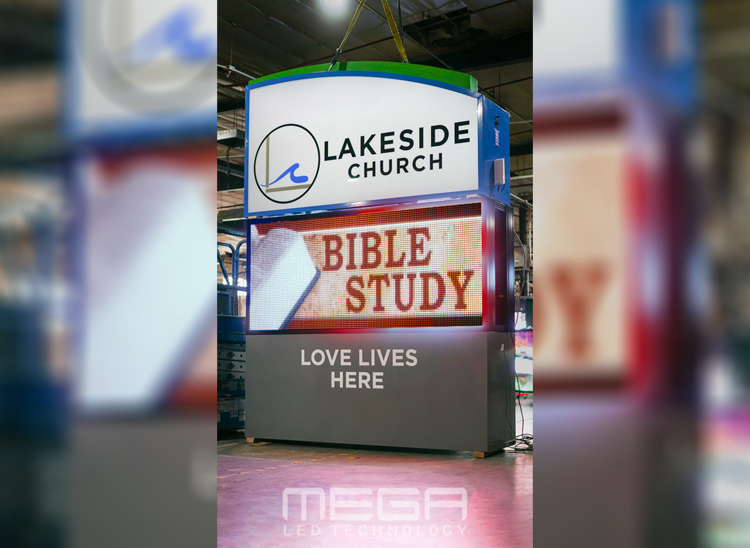
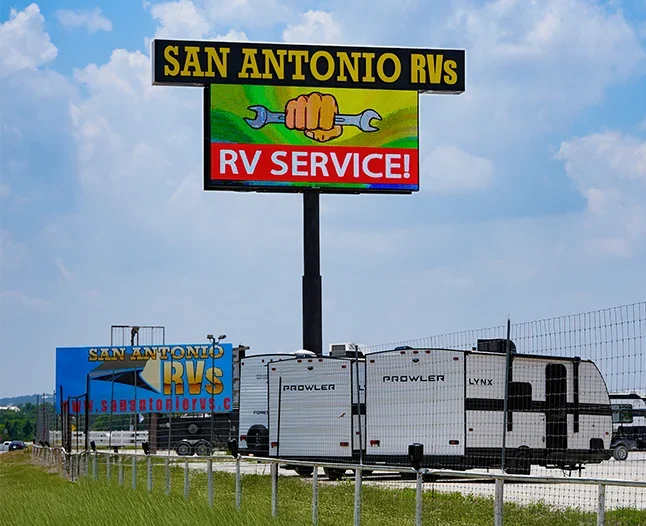
Omega is our newest line of outdoor digital signs. Running the full gambit from cabinet, to LED sign, to logo on top, or any configuration of your choice!

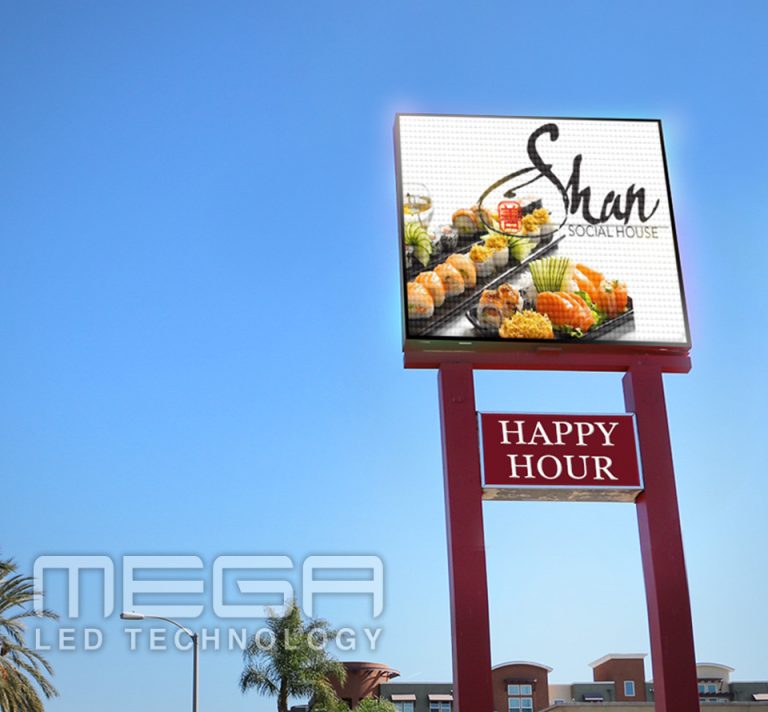
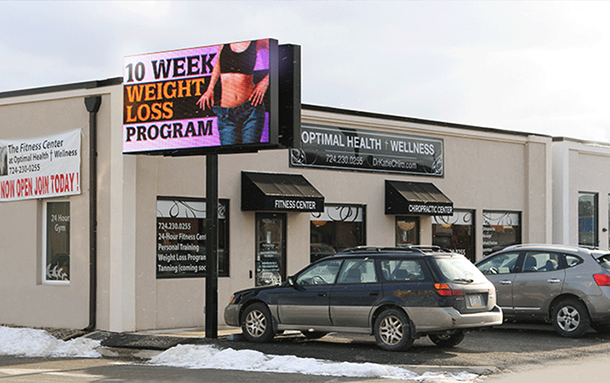
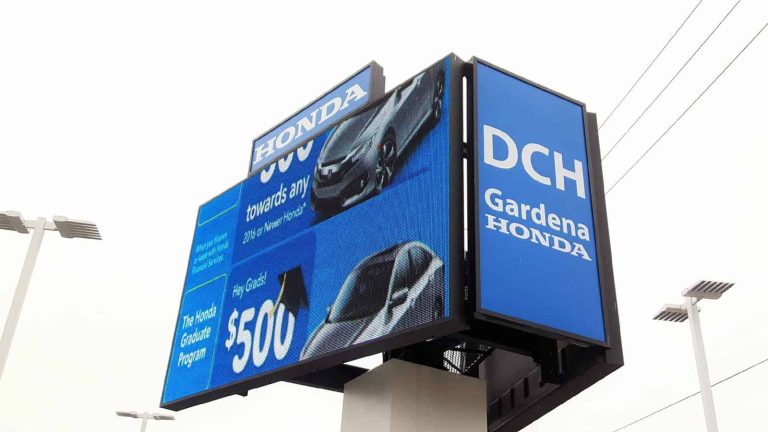
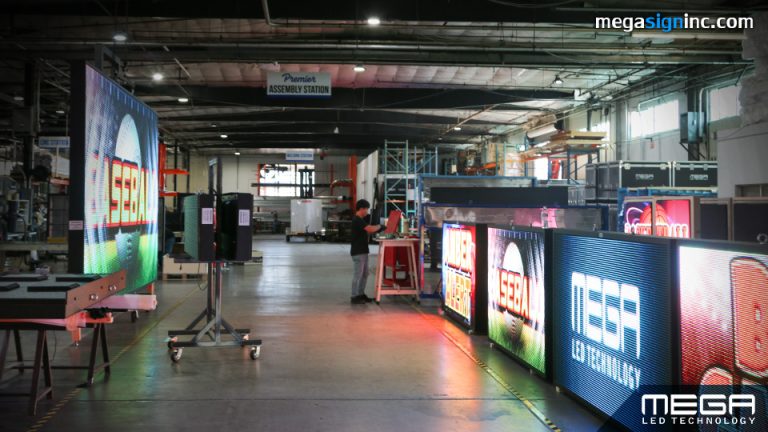
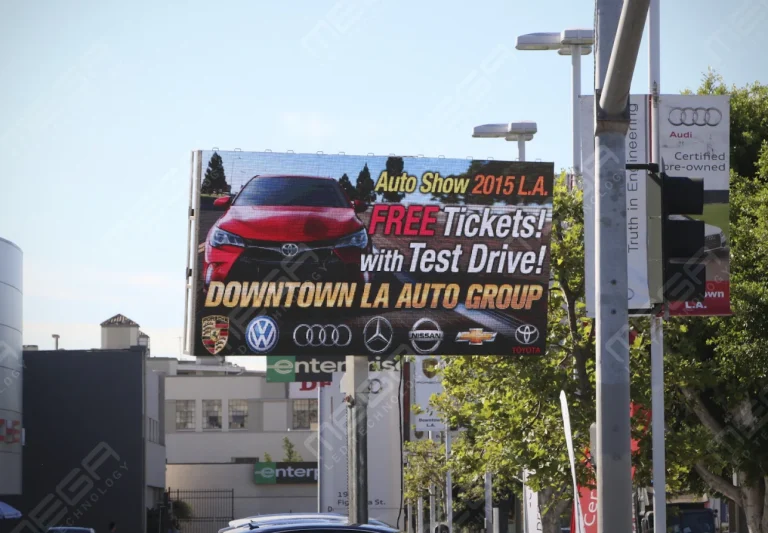
Premier is a customizable Outdoor LED sign, perfect for the Entrepreneur who knows that large custom sized signs cultivated for their specific business is the way to go.

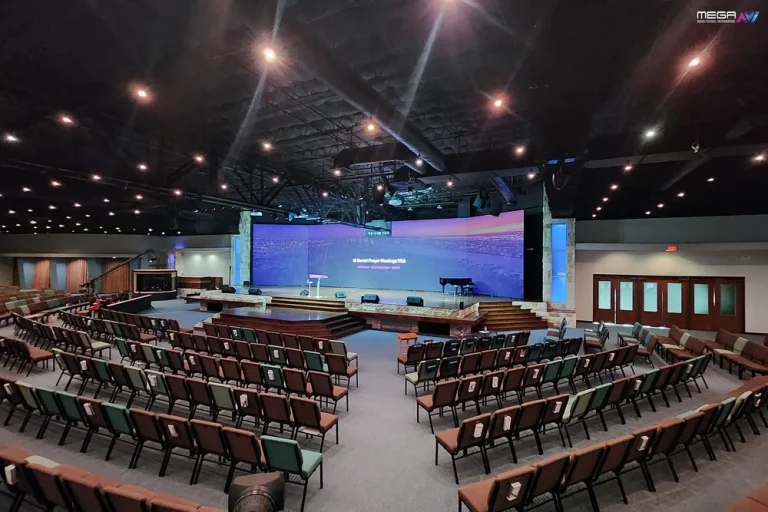
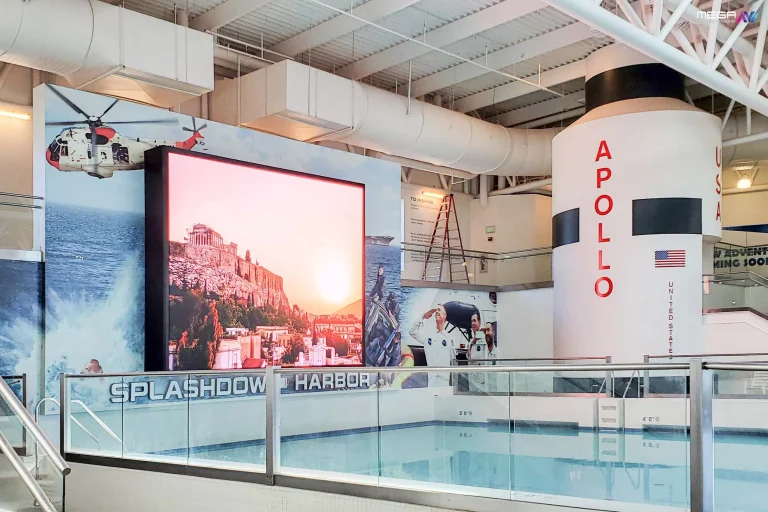
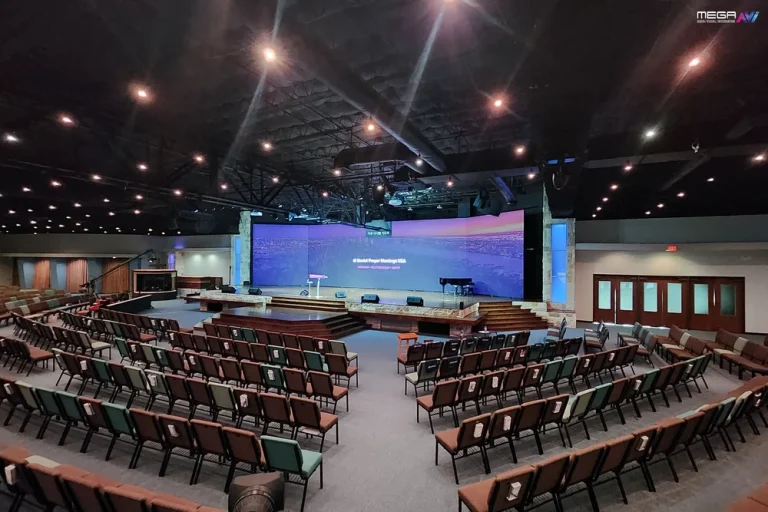
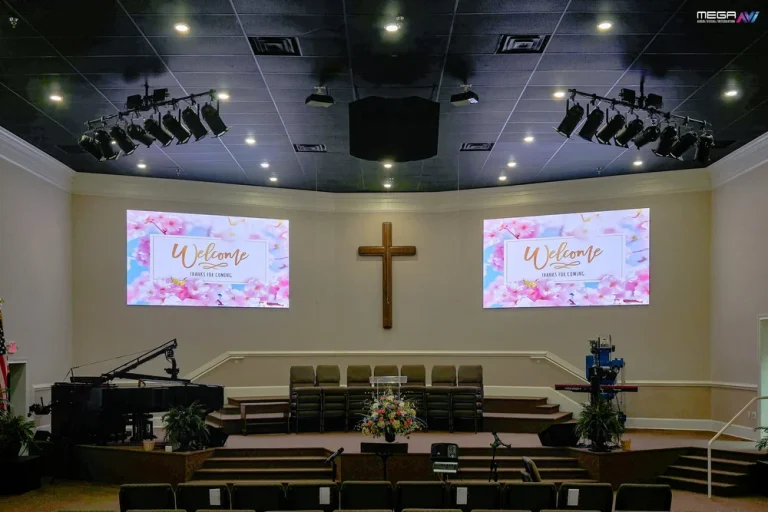
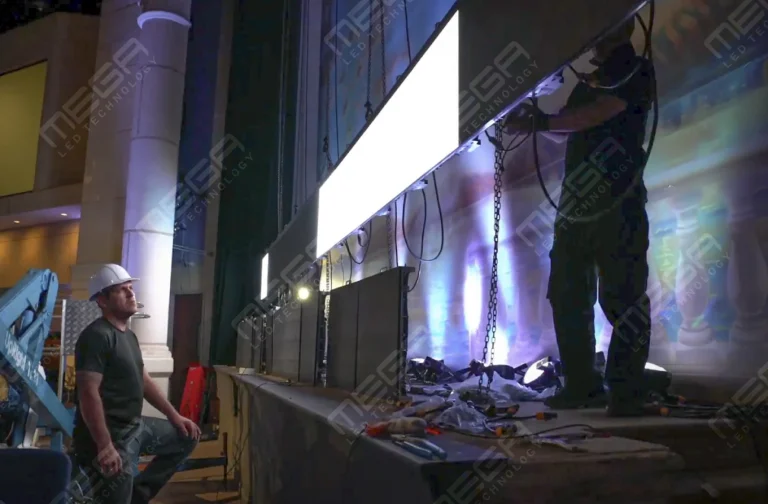
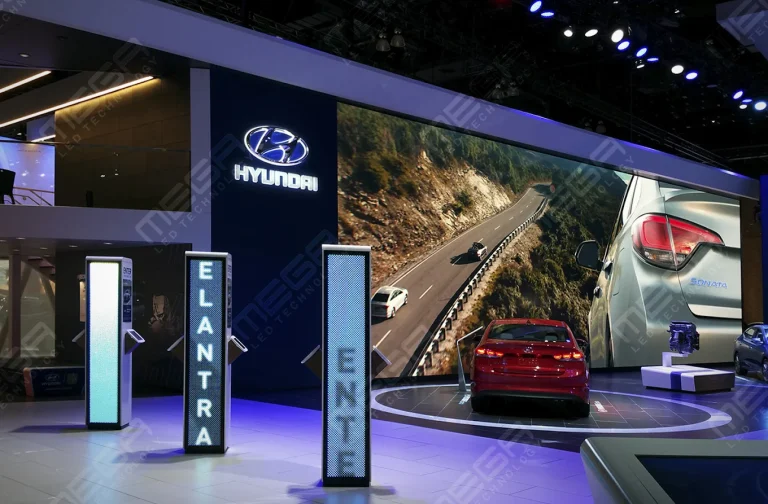
Programmable Stage LED signs, great for indoor assemblies, congregations, and presentations! Blow your competitors out of the water, or keep your congregation and audience glued to your message.

Alpha LED sign boards are great for anything from churches, to schools, to business. They tend to do great in large open spaces, where they are clearly visible.
Omega is our newest line of outdoor digital signs. Running the full gambit from cabinet, to LED sign, to logo on top, or any configuration of your choice!
Premier is a customizable Outdoor LED sign, perfect for the Entrepreneur who knows that large custom sized signs cultivated for their specific business is the way to go.
Programmable Stage LED signs, great for indoor assemblies, congregations, and presentations! Blow your competitors out of the water, or keep your congregation and audience glued to your message.
Alpha LED sign boards are great for anything from churches, to schools, to business. They tend to do great in large open spaces, where they are clearly visible.
Omega is our newest line of outdoor digital signs. Running the full gambit from cabinet, to LED sign, to logo on top, or any configuration of your choice!
Premier is a customizable Outdoor LED sign, perfect for the Entrepreneur who knows that large custom sized signs cultivated for their specific business is the way to go.
Programmable Stage LED signs, great for indoor assemblies, congregations, and presentations! Blow your competitors out of the water, or keep your congregation and audience glued to your message.
Smart digital signage usually arrives as a software pitch: buy the platform, and your screens will run themselves. Then a display quits in a sunlit window and nobody can say whose problem it is. Here is how the whole system fits together, hardware included.

Smart digital signage is a connected display system in which software, live data and rules change what a screen shows automatically, with nobody updating it by hand. A plain screen plays the file you loaded last week. A smart one reacts to the clock, the weather, a spreadsheet row or a sensor.
Automation and connectivity make the difference; panel quality is a separate question. We manufacture the display layer, indoor LED walls and outdoor LED signs with their own controller and MEGA Cloud software. We sell no signage software or media players for screens we did not build, so the software sections below stay vendor-neutral.
Content moves through five stages before anyone sees it.
Cloud connectivity lets one person run two screens or two hundred from one dashboard, while rules handle the rest: a schedule fires on the hour, a temperature reading swaps the artwork, an out-of-stock flag clears the menu board. Here is the checklist we run before quoting a display.
| Checkpoint | What to ask the vendor | Indoor LED wall | Outdoor LED sign |
|---|---|---|---|
| Screen class and duty | Rated for commercial duty, and for how many hours a day? | Commercial panel or LED modules, 16 hours or more | Weather-rated LED cabinet, 24 hours in all seasons |
| Pitch and distance | How close does the nearest viewer stand? | 6.6mm, 2.9mm or 2.6mm | 6mm or 8mm SMD reads close up and along the road, 16mm DIP for highway distance |
| Night brightness | Does output drop on its own after dark? | Scheduled dimming usually covers it | Ambient light sensor (a requested add-on) holds output inside local caps |
| Connection | How does content reach the controller? | Wi-Fi or CAT5 | Wi-Fi, LTE modem or CAT5 |
| Controller security | Unique device identity, changeable password, signed updates, logs? | Answer in writing | Answer in writing |
| Service in year three | Who replaces a failed module, and how fast? | Named warranty term | Warranty term, plus remote diagnosis |
Software is the control layer: it holds content, schedule and permissions, then tells every screen what to show. Administrators upload media, build playlists, arrange layouts into zones and set day parts or repeat rules from a browser.
Permissions matter as much as scheduling once more than one person touches the system. A site manager might publish locally while the head office keeps the template locked, and a dashboard shows which screens are online and what they last played. MEGA Cloud does this for our signs only, with training for the life of the sign.
Smart software still needs a screen that survives where you put it. Tell us where the sign goes and we will size it, permit it and build it.
Data inputs separate a scheduled screen from a reactive one. A platform with an open API can pull from a spreadsheet, a database, a booking system, a weather feed, a social account or an IoT sensor and drop those values into a layout.
Manual updating means a person notices a change and edits a file. Data-driven updating means the change edits the file. We’ve seen that difference decide whether a screen stays current, because the boards somebody has to remember are the ones still showing last month’s event.
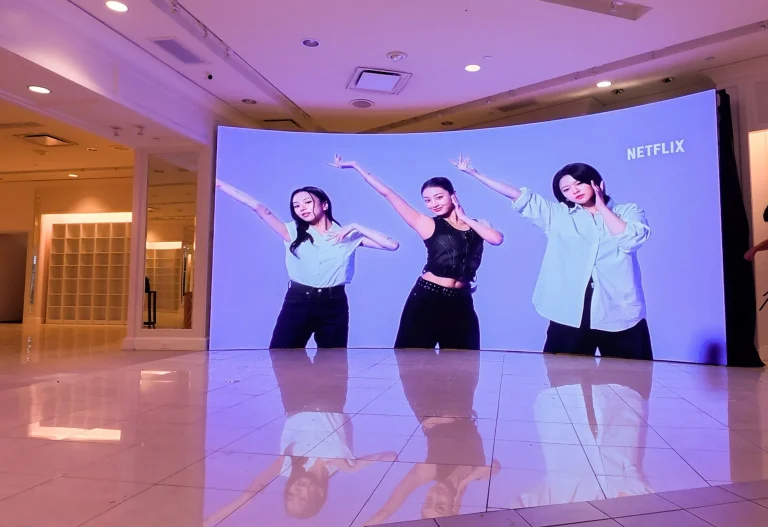
Your audience only ever sees the display, so it sets the ceiling on everything else. Commercial LCD panels suit indoor, close-range, single-screen jobs. LED modules take over when the picture must be large, bright, readable at a distance, or exposed to weather.
Either way, the screen needs a route back to the platform: a signage system built in or an external media player on a supported input.
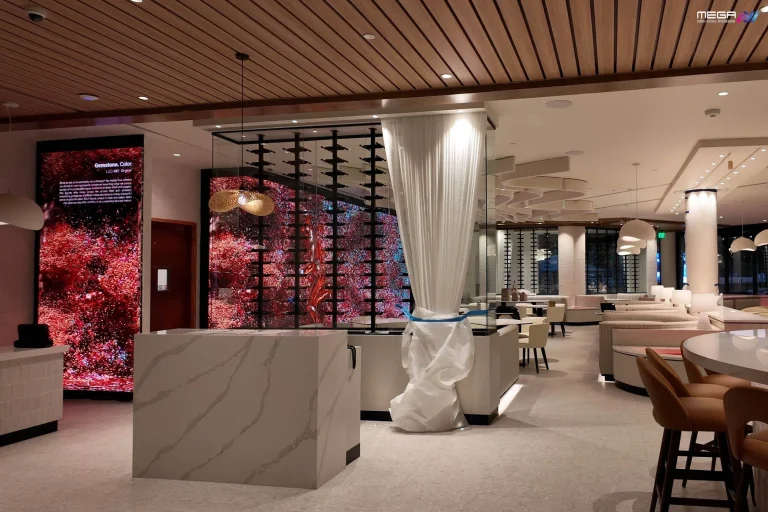
Our indoor video walls run at 6.6mm, 2.9 mm, and 2.6mm pitch for lobbies where people stand a few feet away.

Intelligence sits in the layer around the screen rather than inside the panel. An operational baseline covers remote management, scheduling, automation, user permissions, health monitoring and room to add displays without a rebuild.
Advanced features are where AI, audience analytics, deep integrations and multi-site collaboration live. A single-location business rarely needs more than the baseline. A fifty-site signage network wants templates, roles and health reporting from day one, because at that size a manual process becomes somebody’s full-time job.
AI in signage mostly does chores: drafting copy, resizing artwork, suggesting a schedule from past performance, and flagging a playlist that stopped delivering. Some platforms adjust content to what a camera believes it sees.
That last group deserves a pause. Camera-based personalization raises privacy questions, and the rules vary by state, so ask what is captured, how long it is kept and where it is stored. AI is an enhancement, never a requirement; plenty of good networks use none of it.
A dashboard turns a scattered set of screens into one list you can actually read. It shows which displays are online, what each is playing and which want attention.
Virtual remotes go further and let you reboot a player, switch an input, adjust brightness or push a correction without driving anywhere. The value scales with screen count: at two displays it is convenience, at forty it replaces a weekly service route. Our dashboard reports signs of health and dims our signs remotely, so we spot a fault before anyone climbs a ladder.
Integrations let the systems you already run populate the screen for you. Common connections cover internal communication tools, analytics dashboards, social accounts, shared calendars, menu and point-of-sale systems, and inventory platforms.
Duplicate entry disappears, and that is the real payoff. When the calendar owns the event list, nobody retypes it into a playlist, and nobody forgets to. We’ve found that the screens people trust are the ones nobody has to maintain separately.
IoT connectivity lets a sign take instructions from things instead of people. Occupancy sensors, door counters, queue timers, temperature probes and light meters all feed values a display can respond to within seconds.
Our customers use one of those every night: the ambient light meter. It reads the sky and drops output as daylight fades, which keeps a sign inside the International Sign Association’s EMC brightness recommendations of no more than 0.3 footcandles above ambient light.
On our signs that dimming sensor is a requested add-on, so ask for it at quote time.
Lobbies, sanctuaries and retail floors need a screen built for daily duty. See the pitches and panel sizes we manufacture for indoor rooms.
A screen on your network is a device on your network. The National Institute of Standards and Technology’s NIST IoT baseline sets out what to demand from any connected display: unique device identity, configuration you can change, data protection, access control, software updates and logging you can read.
Ask for those six in writing. The Cybersecurity and Infrastructure Security Agency’s CISA secure design guidance puts that burden on the maker, so a vendor who cannot answer has told you something. We claim no NIST certification, because the baseline is a checklist rather than a credential.
Scaling is the easier half. Role-based permissions and screen groups make the two-hundredth display a checkbox, and our walkthrough on digital signage security covers the physical layer too.
The benefit is time returned and relevance gained. Automation removes the chore of updating screens, live data keeps the message accurate, and scheduling puts the right offer in front of the right hour.
Inside the building it carries safety notices, shift metrics and emergency alerts to staff who never open email. Facing the street it holds attention and lets you measure what ran and when.
None of that arrives with the hardware or the software. Return comes from content and discipline, which is why the networks that work assign one owner and a weekly review.
Any place where the message changes faster than a printed sign can keep up is a candidate. Retail floors, restaurant counters, hospital lobbies, church foyers and municipal offices all run it, and the job shifts with the setting: wayfinding here, queue management there, safety metrics elsewhere.
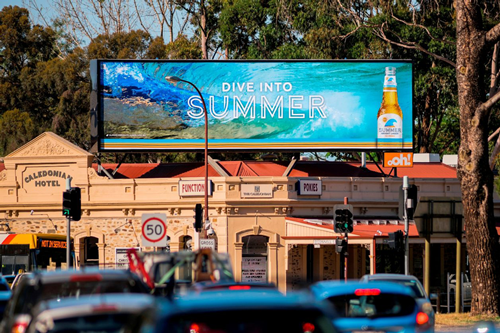
Outdoors the equation changes. The screen faces weather, direct sun and usually a local sign ordinance, so an outdoor rollout starts with permits and night brightness. We handle that half end to end, and in the installs we do, the permit is almost always the long pole.
Outdoor smart signage lives or dies on weather rating and night brightness. Our Premier outdoor line is built and serviced in Texas.
Four things: a screen rated for the duty, a player or built-in controller, a network connection and a software subscription.
Choose the display based on the space and how people will view it. Scheduling and live data can work with any of these setups if the controller and software support them.
| Setup | Best fit | Viewing and light conditions | Installation checks |
|---|---|---|---|
| Commercial LCD + media player | One or a few indoor screens for menus, schedules, or notices | Best for close viewing indoors. Check brightness at the actual installation location. | Confirm the operating-hour rating, player input, mount, power, and network access. |
| Indoor LED wall | A large display for a lobby, sanctuary, or event space | Suited to longer viewing distances. Choose the pixel pitch based on the nearest viewer and the smallest text they need to read. | Plan for wall support, power, ventilation, controller location, and service access. |
| Outdoor LED sign | Messages viewed from a street, parking lot, or building approach | Must remain readable in direct sun, changing weather, and day-to-night conditions. | Check local sign rules, permits, structural requirements, power, sightlines, and brightness controls. |
Buyer check: Start with the viewing requirement, not the display size. If one commercial LCD is readable from every intended indoor viewing position, an LED wall may add size and installation cost without improving the result. For an outdoor sign, confirm the permitted size and location before choosing a cabinet.
Grand View Research’s digital signage market report puts the sector at $31.1 billion in 2025 and $58.4 billion by 2033, with hardware taking about 59% of revenue.
Budget with that split in mind. Small commercial panels start in the hundreds, large LED runs into five and six figures, and as of September 2026 our outdoor lines list from $3,800. Cloud subscriptions add an ongoing cost, billed per screen per month.
We are MEGA LED (MEGA Sign Inc), a veteran-owned USA manufacturer in Grand Prairie, Texas, building, permitting, installing and servicing LED signs since 2006, and we supply the display layer: Premier outdoor LED signs for the street side, indoor walls for inside. On this work the platform gets swapped every few years; the sign has to last ten, which is why Premier signs carry a 5-year limited warranty on parts, LED panels and power supplies.
Sometimes, and what the screen was built to do decides it. A commercial display with a spare input, a resolution the player supports and a duty rating covering your hours can usually join a smart network once a media player is added.
Consumer TVs are the common mistake. They are rated for a few hours of home viewing, not sixteen-hour retail days, and their brightness gives up behind glass. We’ve seen “hardware agnostic” turn into a consumer TV in a sunlit window, and it lasted one summer.
Outdoors, reuse is rarely on the table.
A basic setup takes an afternoon. Pick the platform, confirm the hardware, put the screen on the network, register it with a pairing code, upload content and publish.
Cloud platforms did away with the on-site server older systems needed. Complexity returns with integrations, custom automation, multi-site permissions and anything installed outdoors, where a permit and a footing come before the software.
Ongoing management is the quieter cost, because somebody has to own the content calendar. MEGA Cloud stays plain for that reason, simple enough for a volunteer to run from a phone, with lifetime training included.
A 6mm or 8mm SMD outdoor cabinet with the light sensor added. Start here: https://www.megasigninc.com/premier-outdoor-led-signs/
A standard-size outdoor board is the cheaper route. See https://www.megasigninc.com/alpha-led-sign-boards/
A fine-pitch indoor LED wall at 2.6mm or 2.9mm. See https://www.megasigninc.com/large-indoor-led-video-wall/
Send us the dimensions and we will size it for you. https://www.megasigninc.com/contact/
Smart digital signage is a connected display system that updates itself. Software, live data and rules decide what appears, so content changes with the schedule, the weather, an inventory count or a sensor reading instead of waiting for someone to load a new file.
Some people write it as “smart signages,” and it means the same thing. The screen is one part; the software, the controller and the data behind them make it smart.
It works in five stages: software, data, controller, display and content. An administrator builds a schedule in a cloud platform, live feeds fill in the parts that change, and a media player or a controller inside the sign pulls that schedule down and decides what plays right now.
The display renders the result. What the viewer sees was assembled minutes ago, and one dashboard does the same job for two screens or two hundred.
Smart digital signage is a connected display system that updates itself. Software, live data and rules decide what appears, so content changes with the schedule, the weather, an inventory count or a sensor reading instead of waiting for someone to load a new file.
Some people write it as “smart signages,” and it means the same thing. The screen is one part; the software, the controller and the data behind them make it smart.
It works in five stages: software, data, controller, display and content. An administrator builds a schedule in a cloud platform, live feeds fill in the parts that change, and a media player or a controller inside the sign pulls that schedule down and decides what plays right now.
The display renders the result. What the viewer sees was assembled minutes ago, and one dashboard does the same job for two screens or two hundred.



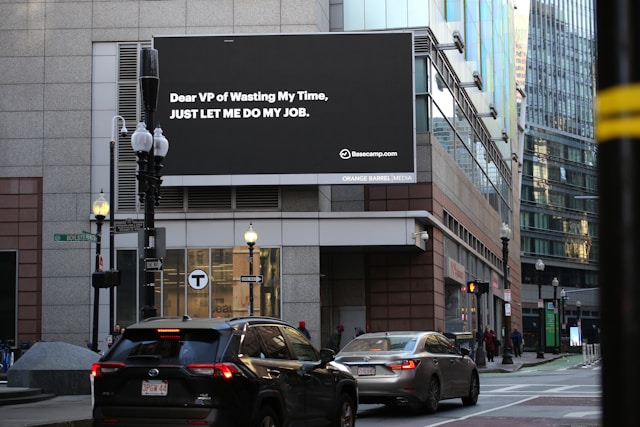
















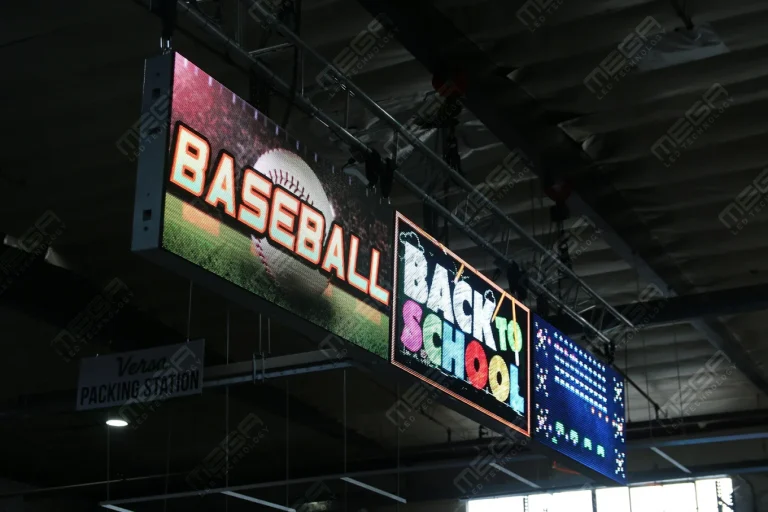




Alpha LED sign boards are great for anything from churches, to schools, to business. They tend to do great in large open spaces, where they are clearly visible.
Omega is our newest line of outdoor digital signs. Running the full gambit from cabinet, to LED sign, to logo on top, or any configuration of your choice!
Premier is a customizable Outdoor LED sign, perfect for the Entrepreneur who knows that large custom sized signs cultivated for their specific business is the way to go.
Programmable Stage LED signs, great for indoor assemblies, congregations, and presentations! Blow your competitors out of the water, or keep your congregation and audience glued to your message.